


You stare at the blank page. It’s 11 PM on a Tuesday, and you need to build a semester-long curriculum for your new online course. You have the knowledge, but structuring it into weeks, lessons, and assessments feels like hitting a wall. Sound familiar? This is where AI features in course platforms come into play. These tools aren't just buzzwords; they are practical assistants that handle the heavy lifting of instructional design, letting you focus on teaching rather than formatting.
The landscape of online education has shifted dramatically by September 2026. What used to take days of manual entry now takes minutes. But with so many options, how do you know which AI features actually help and which ones just create more work? Let's break down the three big areas where AI is changing the game: syllabus creation, quiz generation, and content drafting.
Automating the Syllabus Structure
Building a syllabus from scratch is tedious. You need to balance pacing, ensure logical flow, and align objectives with outcomes. Most modern Learning Management Systems (LMS) now include AI-driven syllabus generators that analyze your course title and target audience to propose a structured outline. For example, if you input "Intro to Python for Marketers," the AI won't just list topics; it will sequence them logically-starting with variables, moving to data structures, and ending with basic automation scripts.
Here is why this matters for your workflow:
- Pacing Accuracy: AI models trained on thousands of successful courses understand realistic timeframes. They know that beginners need two weeks for loops, not two days.
- Objective Alignment: The system suggests learning objectives for each module based on Bloom's Taxonomy levels, ensuring you move from remembering to creating.
- Resource Mapping: Many platforms link suggested readings or videos directly to the syllabus items, saving you hours of searching.
However, don't blindly accept the first draft. AI lacks context about your specific student demographic. If your class is all senior executives, the AI might suggest too much foundational theory. Always review the generated syllabus and tweak the depth to match your learners' prior knowledge.
Smart Quiz and Assessment Generation
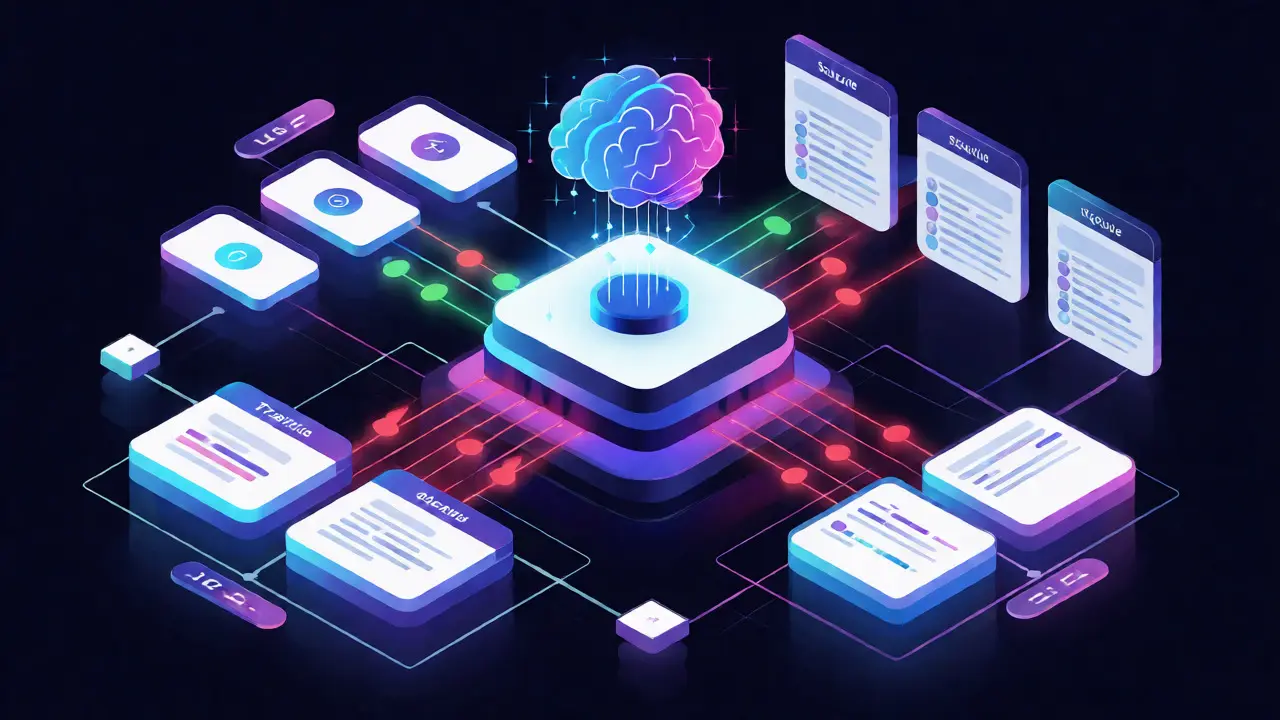
Creating diverse, fair, and engaging quizzes is arguably the hardest part of course creation. Writing multiple-choice questions requires skill to avoid ambiguous distractors. AI quiz generators use natural language processing to scan your lesson text and automatically generate questions, correct answers, and plausible wrong answers.
Let's look at how different platforms approach this. Some simply extract sentences and turn them into true/false questions. Others use large language models to create scenario-based questions that test application, not just recall.
| Feature Type | Basic AI Tools | Advanced AI LMS |
|---|---|---|
| Question Types | Multiple Choice, True/False | Scenario-based, Short Answer, Code Execution |
| Distractor Quality | Random or similar words | Contextually relevant misconceptions |
| Feedback Mechanism | Correct/Incorrect only | Explanatory feedback based on error type |
| Difficulty Adjustment | Static | Adaptive (adjusts based on user performance) |
The real win here is adaptive testing. Advanced platforms can adjust the difficulty of subsequent questions based on previous answers. If a student nails three easy questions, the AI serves up a harder one. This keeps high performers engaged and prevents struggling students from feeling overwhelmed. Just remember: AI-generated questions sometimes miss nuance. Always proofread for cultural bias or ambiguous phrasing before publishing.
Content Generation and Drafting Assistance
Writing lecture notes, video scripts, and reading materials consumes most of an instructor's time. Generative AI in course platforms acts as a co-writer, helping you expand bullet points into full paragraphs or simplify complex jargon for beginners. Unlike generic chatbots, these integrated tools often have access to your existing course library, ensuring consistency in tone and terminology.
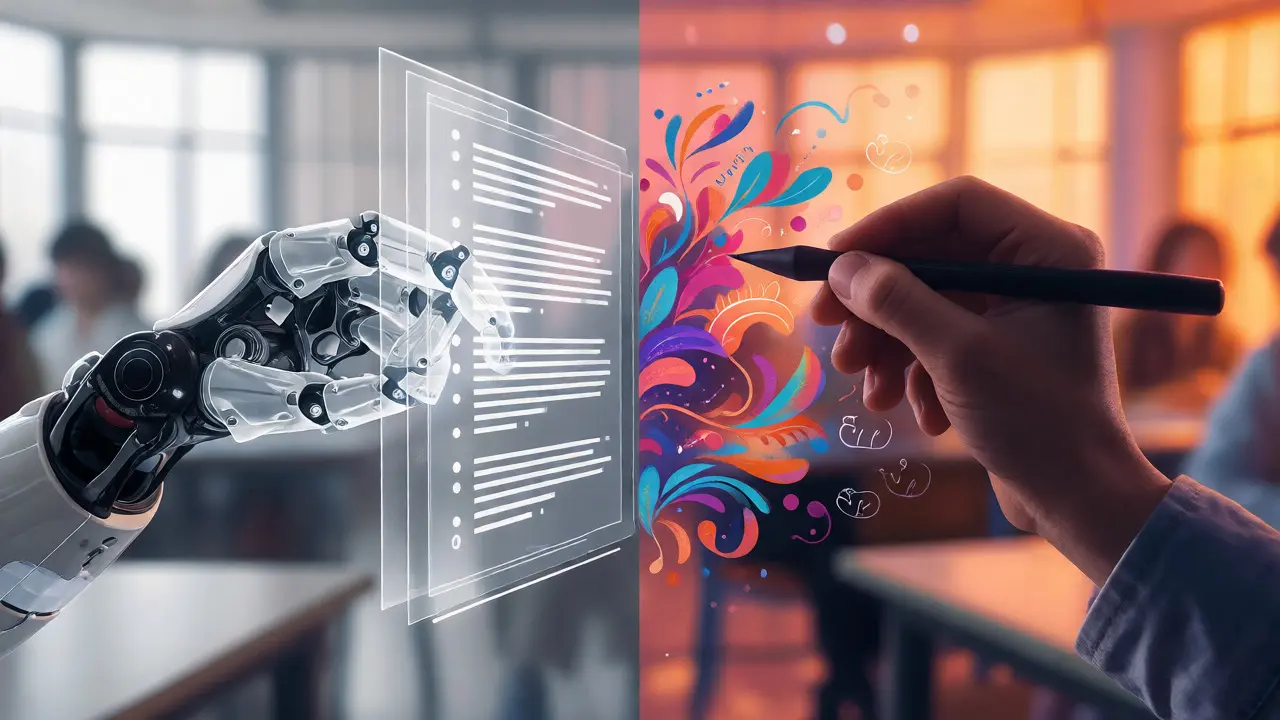
Imagine you have a rough outline for a lesson on "Supply Chain Disruptions." You paste it into the platform's editor and ask it to "expand into a 500-word case study format." In seconds, you get a draft. You then edit it to add personal anecdotes or recent news examples. This hybrid approach-AI for structure, human for voice-is the most efficient way to produce high-quality content.
But beware of hallucinations. AI might invent statistics or cite non-existent studies. If the tool generates a fact, verify it. A good rule of thumb: use AI for explanation and structure, but rely on your own sources for data and citations.
Choosing the Right Platform Features
Not all AI features are created equal. When evaluating platforms, ask yourself what problem you are trying to solve right now.
- If you are short on time: Look for robust content generation tools that integrate with your document editor.
- If engagement is low: Prioritize platforms with adaptive quizzes and personalized learning paths.
- If you teach technical skills: Ensure the AI supports code validation and syntax checking, not just text.
Also, consider the cost. Some platforms charge per feature or per student. Calculate whether the time saved translates to revenue. If an AI tool saves you five hours a week, and your hourly rate is $50, that's $250 in value. If the subscription costs $50, it's a clear win.
Best Practices for Human-AI Collaboration
To get the most out of these tools, treat AI as a junior assistant, not a replacement. Here is a simple workflow:
- Draft with AI: Generate the initial syllabus, quiz questions, or content blocks.
- Review for Accuracy: Check facts, logic, and relevance to your specific niche.
- Add Human Touch: Inject stories, humor, and personal insights that AI cannot replicate.
- Test and Iterate: Run a pilot with a small group of students and gather feedback on clarity.
This process ensures you maintain quality while speeding up production. Remember, students pay for expertise and connection, not just information. AI provides the information; you provide the connection.
Is AI-generated content plagiarism?
Generally, no, because AI generates original text based on patterns. However, if the AI reproduces a unique phrase or idea verbatim from a source without attribution, it could be an issue. Always run AI drafts through a plagiarism checker if you are concerned, especially for academic submissions.
Can AI replace instructors entirely?
No. AI excels at content delivery and assessment automation, but it lacks empathy, mentorship, and the ability to inspire. Students still need human guidance for motivation, complex ethical discussions, and personalized career advice.
How accurate are AI-generated quizzes?
Accuracy varies by platform. Basic tools may have a 10-15% error rate in question logic or answer keys. Advanced platforms with human-in-the-loop verification reduce this to under 5%. Always manually review generated questions before releasing them to students.
Do I need coding skills to use these AI features?
No. Modern course platforms are designed for non-technical users. The interfaces are intuitive, using drag-and-drop elements and plain English prompts to guide the AI. You just need to be clear about what you want the AI to do.
What is the biggest risk of using AI in course creation?
Over-reliance leading to generic content. If every instructor uses the same default AI settings, courses start to sound identical. The risk is losing your unique voice. Mitigate this by heavily editing AI output and adding personal examples.
Comments
Savara Gunn
Really appreciate the emphasis on keeping your unique voice in there. It is so easy to let the AI flatten everything out into that same beige tone.
Anthony Miller
This article is painfully naive and utterly fails to grasp the fundamental reality of modern instructional design.
You treat AI as some benevolent assistant when in truth it is a chaotic engine of mediocrity that actively degrades the intellectual rigor of our institutions. The author suggests that we should simply 'review' the output which implies a level of competence among average users that does not exist in the current educational landscape. Most instructors are too lazy or too incompetent to catch the subtle hallucinations and logical fallacies embedded in these generated texts. They will blindly publish garbage and call it innovation while students suffer from diluted content that lacks depth and precision. This isn't efficiency it is an abdication of responsibility by educators who have forgotten what teaching actually entails. We are watching the systematic dismantling of critical thinking skills under the guise of convenience and technological progress. The fact that you suggest this hybrid approach works assumes that humans still possess the discernment to separate signal from noise which is increasingly doubtful in our attention-deficit society. You are promoting a tool that rewards the lowest common denominator of knowledge production and punishes those who actually care about pedagogical integrity. Until we see rigorous empirical data proving that AI-assisted courses produce better learning outcomes than traditional methods this entire premise remains unproven speculation at best and dangerous misinformation at worst. Do not confuse speed with quality because they are often inversely correlated in creative and intellectual endeavors. The market is saturated with hype and very little substance and this post falls squarely into that trap of celebrating technology for its own sake without questioning its actual impact on human cognition. We need stricter standards not more automation and certainly not more blind trust in algorithms that do not understand the nuance of human understanding.
michelle veluz
Wait wait wait... stop right there!!!
Are we really just going to hand over our brains to the machines?? Because I am starting to think that Big Tech wants us all to become passive consumers of pre-chewed information!! Think about it!! If the AI writes the syllabus, who controls the narrative?? Who decides what is important?? Is it the instructor?? Or is it the algorithm that has been trained on data we cannot even see?? This feels like a slippery slope straight into total cognitive control!!! And don't get me started on the privacy implications of uploading student performance data to these cloud-based LMS platforms!!! Where does that data go?? Who owns it?? Are we building a surveillance state disguised as education?? It makes my skin crawl just thinking about it!!! We need to be vigilant people!!! Very, very vigilant!!! Otherwise, we wake up one day and realize we have outsourced our critical thinking skills to a black box that doesn't care about us!!!
Chandan Singh
Technically speaking, the distinction between basic AI tools and advanced LMS features outlined here is somewhat oversimplified but generally accurate regarding current market offerings. However, the claim about adaptive testing reducing overwhelm needs nuance; poorly calibrated adaptivity can actually increase anxiety if the difficulty spike is too abrupt. From a pedagogical standpoint, Bloom's Taxonomy integration is standard now, so calling it a feature of AI specifically is misleading since rule-based systems did this before generative models arrived. The real value add is in the semantic generation of distractors, which requires NLP capabilities that older systems lacked. Also, the cost analysis provided is overly optimistic because it ignores the time cost of prompt engineering and iterative refinement, which can negate the initial time savings for complex subjects.
Brannen Hall
Eh. Whatever. Just another tech trend that will fade away in six months when everyone realizes the output is generic trash. But sure, go ahead and automate your soul out.
tiffany King
I love this perspective! It is so empowering to know we can use these tools to handle the boring stuff so we can focus on connecting with our students. That hybrid workflow sounds perfect for keeping creativity alive while staying efficient!
Brenna Gonedrman
OMG YES!!! Finally someone gets it!!! The idea that AI is just a junior assistant is SO TRUE!!! Like seriously, if you let it run wild, it spits out nonsense that is just plain WRONG!!! But when you guide it?? Magic happens!!! It helps you structure your thoughts without stealing your thunder!!! I was terrified of using these tools because I thought I would lose my style but this proves that YOU are still the boss!!! It is just a tool, like a hammer, and you decide what to build!!! Don't let anyone tell you otherwise!!! This is the future and it is beautiful!!!
Courtney Wagstaff
Hey folks, just wanted to drop a chill note here. I've been messing around with some of these generators lately and yeah, the pacing suggestions are pretty spot on for intro classes. It definitely saves me from staring at a blank screen until midnight. Just remember to sprinkle in your own weirdness though, otherwise it tastes like cardboard.
Elisabeth Ballet
This is exactly the mindset shift we need! Stop trying to do it all yourself and start leveraging these tools to amplify your impact. You are capable of creating incredible learning experiences and this tech is here to support that vision, not replace it. Go forth and create!
Joanna Mucha
One must consider the ontological implications of outsourcing the architecture of knowledge itself. When the machine dictates the sequence of learning, are we not merely training ourselves to think within the confines of computational logic rather than organic inquiry? The 'human touch' mentioned is a quaint consolation prize for the inevitable homogenization of intellect. We are trading the sublime chaos of individual pedagogy for the sterile predictability of algorithmic consensus. It is a Faustian bargain dressed in the garb of productivity.
Kim Edwards
Dude, I literally cried reading this. It felt like the article reached into my chest and pulled out every fear I had about being replaced by a robot. Then it gave me a hug and said 'hey, you're still special.' I'm actually shaking right now. This is life-changing content.