

Most developers spend more time fixing broken integrations than building new features. Why? Because the API they built last month is poorly documented, or worse, the endpoints don't behave the way the frontend team expected. You don't need a computer science degree to fix this. You just need a structured approach to API development and the discipline to document it as you go.
This guide acts as your roadmap through a comprehensive API course. We aren't just talking about writing code; we are talking about designing systems that other humans (and machines) can actually use without sending angry emails at 2 AM. Whether you are a backend engineer looking to level up or a full-stack dev tired of guessing how data flows, this tutorial covers the modern standards for 2026.
The Foundation: Designing Before Coding
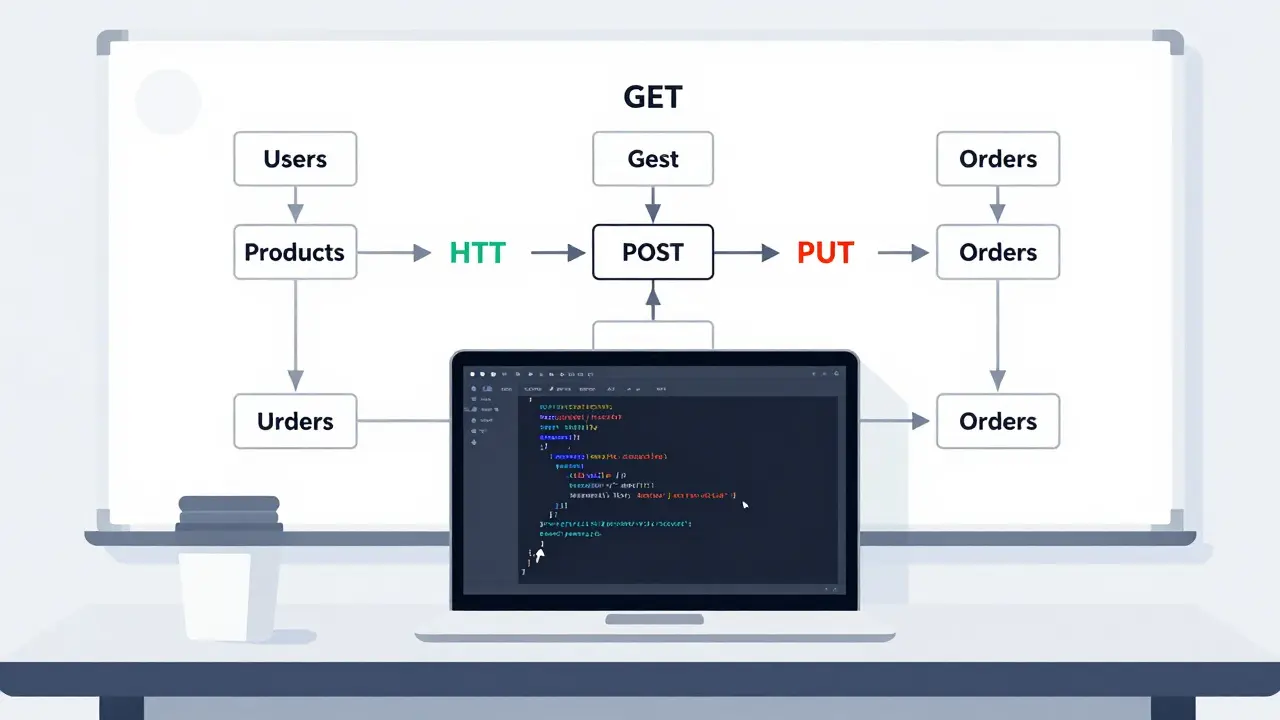
The biggest mistake beginners make in any API development course is opening their IDE immediately. They start typing routes before they know what those routes should return. Professional API design starts on paper-or at least in a diagramming tool.
You need to define your resources first. What are the nouns in your system? Users? Products? Orders? Once you have your nouns, you apply verbs. In RESTful architecture, these verbs are HTTP methods: GET, POST, PUT, PATCH, and DELETE.
- GET: Retrieve data. It must be idempotent (calling it twice does the same thing as calling it once).
- POST: Create new resources. This changes the server state.
- PUT: Replace an existing resource entirely.
- PATCH: Update only specific fields of a resource.
- DELETE: Remove a resource.
If you mix these up, your API becomes confusing. For example, using POST to retrieve data breaks standard conventions. When you follow these rules, you reduce the cognitive load for anyone consuming your API. They already know how HTTP works; your job is to leverage that existing knowledge.
Choosing Your Stack: Frameworks and Languages
In 2026, the choice of language matters less than the choice of framework. The framework dictates how easily you can validate input, handle errors, and generate documentation. Here is how the major players stack up for a beginner-friendly yet robust API course.
| Framework | Language | Best For | Documentation Support |
|---|---|---|---|
| FastAPI | Python | Data-heavy apps, ML integration | Automatic OpenAPI/Swagger UI |
| Express.js | JavaScript/Node.js | Microservices, real-time apps | Manual setup required (e.g., Swagger-jsdoc) |
| Django REST Framework | Python | Rapid enterprise development | Built-in browsable API, Schema generation |
| Spring Boot | Java/Kotlin | Large-scale corporate systems | OpenAPI annotations via SpringDoc |
For this tutorial, we will focus on concepts that apply across all these stacks. However, if you are starting from zero, Python with FastAPI or Node.js with Express are the most accessible entry points. They offer gentle learning curves while still being powerful enough for production environments.
Implementing Core Endpoints
Let’s get into the code structure. Every API needs a health check endpoint. It sounds trivial, but it’s critical for monitoring. If `GET /health` returns a 200 OK status, your server is alive. If it fails, your alerting system knows something is wrong.
Next, build your primary resource endpoint. Let’s say you are building a task manager. Your base URL might be `api.example.com/tasks`. Here is how you structure the logic:
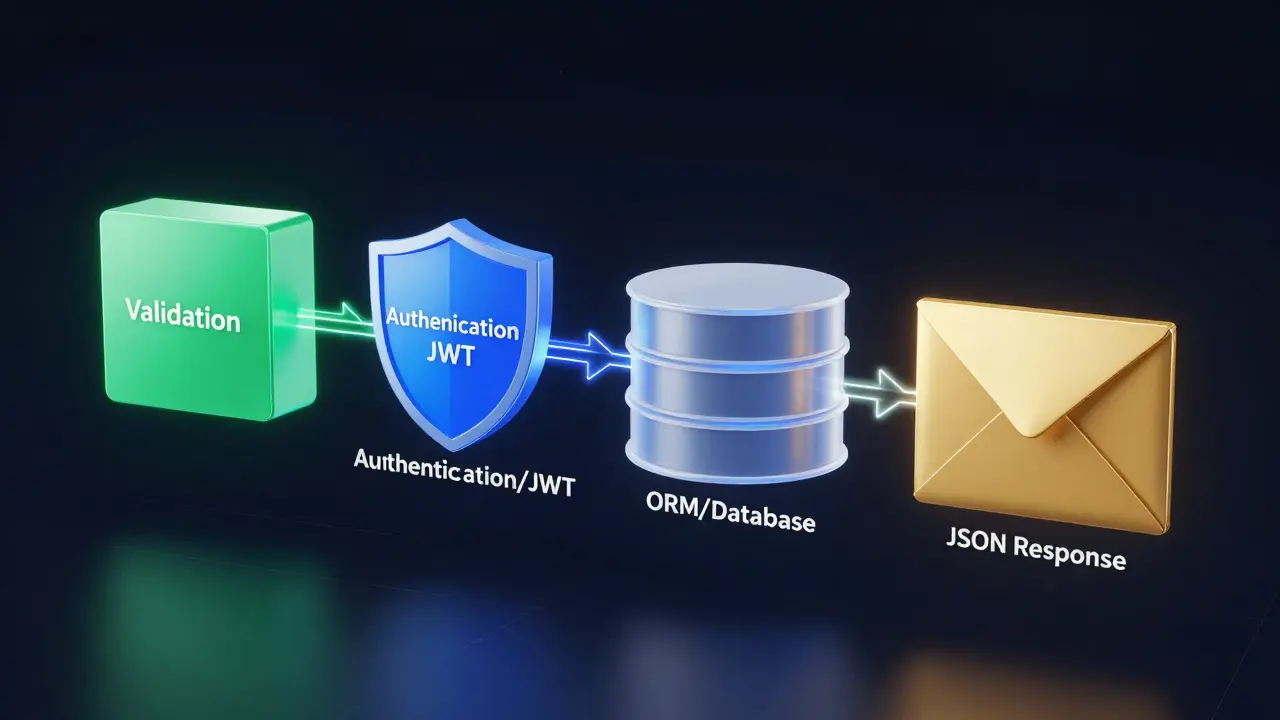
- Validation: Never trust user input. Use a library like Pydantic (Python) or Joi (Node.js) to ensure the JSON body matches your schema. If a user sends a string where you expect an integer, reject it early with a 400 Bad Request error.
- Authentication: Most APIs today use JWT (JSON Web Tokens). The client sends the token in the Authorization header. Your middleware verifies the signature before the request hits your controller.
- Database Interaction: Use an ORM (Object-Relational Mapper) like SQLAlchemy or Prisma. Direct SQL queries in business logic lead to security vulnerabilities like SQL injection. ORMs abstract this safely.
- Response Formatting: Always return consistent JSON structures. Even errors should look like data.
A good response format looks like this:
{
  "status": "success",
  "data": { ... },
  "message": "Task created successfully"
}
When an error occurs:
{
  "status": "error",
  "code": 404,
  "message": "Task not found",
  "details": "ID 123 does not exist"
}
Mastering API Documentation
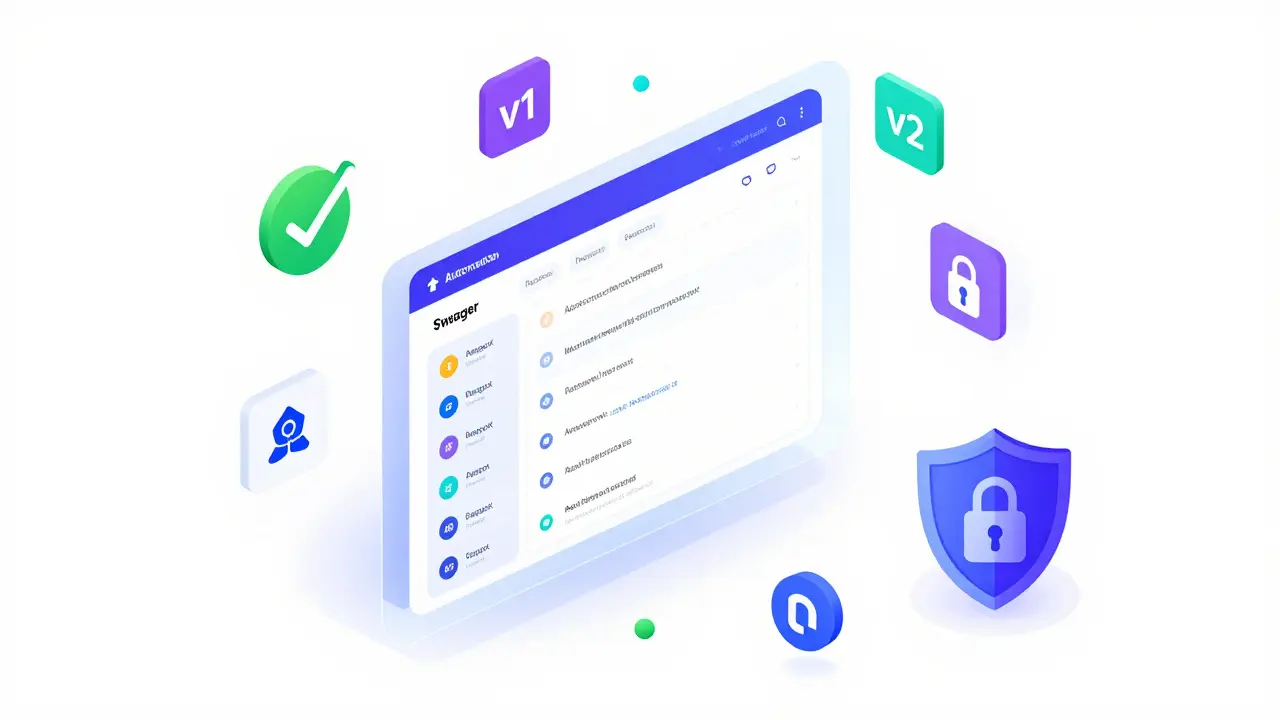
This is where most tutorials fail. They tell you to write docs, but not *how*. In 2026, manual Markdown files are dead weight. They get outdated the moment you change a field name. You need OpenAPI Specification (OAS), formerly known as Swagger.
OpenAPI is a YAML or JSON file that describes your API. It defines every endpoint, every parameter, every possible response code, and every data model. The magic happens when you use tools to render this spec into an interactive UI.
Here is why this matters for your career:
- Self-Serving Clients: Frontend developers can test your API directly in the browser using the generated Swagger UI. They don’t need to ask you for curl commands.
- Code Generation: Tools like OpenAPI Generator can create client SDKs in Swift, Kotlin, TypeScript, and C# automatically. This saves weeks of work for mobile teams.
- Contract Testing: You can run automated tests that verify your code matches your documentation. If you change the code but forget to update the spec, the build fails.
To implement this, you add decorators or annotations to your route handlers. For example, in FastAPI, you simply define a Pydantic model, and the framework automatically adds it to the OpenAPI schema. In Express, you might use JSDoc comments that a parser reads during startup.
Error Handling and Status Codes
HTTP status codes are a language. Speaking them fluently makes your API professional. Don’t just return 200 OK for everything and put an error message in the body. That’s lazy and breaks client-side logic.
Use these codes correctly:
- 200 OK: The request succeeded.
- 201 Created: A new resource was successfully created (usually after a POST).
- 204 No Content: The request succeeded, but there is no body to return (common for DELETE).
- 400 Bad Request: The client sent invalid data (validation failed).
- 401 Unauthorized: The user is not authenticated (missing or invalid JWT).
- 403 Forbidden: The user is authenticated but doesn’t have permission to access this resource.
- 404 Not Found: The resource doesn’t exist.
- 500 Internal Server Error: Something broke on your end. Log this internally, but give the user a generic message.
Consistency is key. If a missing ID returns a 404 in one endpoint, it must return a 404 in all endpoints. Inconsistent error handling forces clients to write fragile parsing logic.
Testing Your API
You cannot ship an API without testing. Manual testing via Postman is fine for quick checks, but it doesn’t scale. You need automated integration tests.
Start with unit tests for your business logic. Does your function calculate tax correctly? Then move to integration tests. Spin up a test database, hit your endpoints with a test client, and assert the responses.
Tools like Postman or Insomnia allow you to save collections of requests. You can run these collections in CI/CD pipelines. If a new commit breaks an endpoint, the pipeline catches it before deployment. This is non-negotiable for professional-grade APIs.
Security Best Practices
Security isn’t an afterthought; it’s part of the design. Here are three pillars you must address in your API course curriculum:
- HTTPS Only: Never serve an API over plain HTTP. TLS encryption protects data in transit. Most hosting providers offer free SSL certificates via Let's Encrypt.
- Rate Limiting: Protect your server from abuse. If a single IP makes 1,000 requests per minute, block them temporarily. This prevents DDoS attacks and accidental infinite loops from buggy clients.
- Input Sanitization: Beyond validation, sanitize inputs to prevent Cross-Site Scripting (XSS) if your API serves HTML fragments, or Command Injection if you execute system commands.
Also, consider CORS (Cross-Origin Resource Sharing). Browsers block web pages from making requests to different domains unless explicitly allowed. Configure your server to accept requests only from trusted frontend domains. Don’t set `Access-Control-Allow-Origin: *` in production; it opens your API to misuse.
Versioning Your API
At some point, you will need to change your API. Maybe you rename a field or remove an endpoint. If you do this abruptly, you break every app using your API. The solution is versioning.
The most common method is URI versioning: `/v1/tasks`, `/v2/tasks`. When you release v2, you keep v1 running for a deprecation period. You announce the sunset date in your documentation. This gives clients time to migrate. Another method is header versioning, where the client sends `Accept-Version: v2`. Both work, but URI versioning is easier to debug and cache.
What is the best language for API development in 2026?
There is no single "best" language, but Python and JavaScript dominate the market. Python is preferred for data-intensive APIs and machine learning integrations due to libraries like Pandas and TensorFlow. JavaScript (Node.js) is ideal for I/O heavy applications and real-time features like chat or live updates. Go and Rust are gaining traction for high-performance microservices where latency is critical.
How do I start documenting my API?
Start by adopting the OpenAPI Specification (OAS). Instead of writing static documents, use code-first approaches where your framework generates the OAS file automatically from your code annotations. Tools like Swagger UI then render this into an interactive playground. This ensures your documentation never drifts from your actual code.
What is the difference between REST and GraphQL?
REST uses multiple endpoints for different resources (e.g., /users, /posts), requiring clients to fetch data from several URLs. GraphQL provides a single endpoint where clients specify exactly what data they need. REST is simpler to cache and understand for beginners. GraphQL reduces over-fetching and under-fetching but introduces complexity in caching and query performance optimization.
Is authentication necessary for public APIs?
Even public APIs often require authentication for rate limiting and usage tracking. While the data might be public, you need to identify who is accessing it to prevent abuse. API keys are the simplest form of authentication for read-only public endpoints. For actions that modify data, always use stronger methods like OAuth2 or JWT.
How long should an API version be supported?
A common industry standard is to support the current version and the previous major version simultaneously. Provide at least 6 to 12 months of notice before deprecating an old version. Communicate deprecation dates clearly in your documentation and include deprecation headers in your API responses to warn clients proactively.