


Have you ever spent hours grading an assignment only to realize you’ve been inconsistent with your standards? Or worse, have you received a complaint from a student claiming they were graded unfairly because the expectations weren’t clear? If you are creating or managing online courses, digital learning environments where students engage with content remotely via internet platforms, ambiguity is your biggest enemy. In a physical classroom, you can clarify doubts on the spot. Online, everything must be explicit.
This is where assignment rubrics, structured scoring guides that outline specific criteria and performance levels for evaluating student work come into play. They are not just administrative tools; they are teaching instruments. A well-designed rubric aligns your assessment with your learning objectives, reduces grading time, and provides students with a transparent roadmap to success. Let’s break down how to build effective rubrics that actually work in a digital environment.
The Core Components of a Strong Rubric
Before you start typing, you need to understand what makes a rubric functional. Many instructors make the mistake of creating a vague checklist. A true rubric requires three distinct components working together: criteria, performance levels, and descriptors.
Criteria are the specific aspects of the assignment you are evaluating. For an essay, this might include thesis statement, evidence usage, organization, and grammar. For a coding project, it could be functionality, code efficiency, documentation, and user interface design. Avoid generic terms like "good job" or "effort." Instead, focus on measurable outcomes related to your learning objectives, clear statements defining what students should know or be able to do after completing a lesson or course module.
Performance levels define the quality of work. Common scales include four-point systems (e.g., Exemplary, Proficient, Developing, Beginning) or numerical scores. The key here is consistency. If "Proficient" means something different in one row than it does in another, the rubric fails.
Descriptors are the detailed explanations for each cell in the rubric matrix. This is where the magic happens. You must describe exactly what a "Proficient" thesis looks like versus a "Developing" one. Be concrete. Use phrases like "includes at least three peer-reviewed sources" rather than "uses good sources."
Choosing Between Analytic and Holistic Rubrics
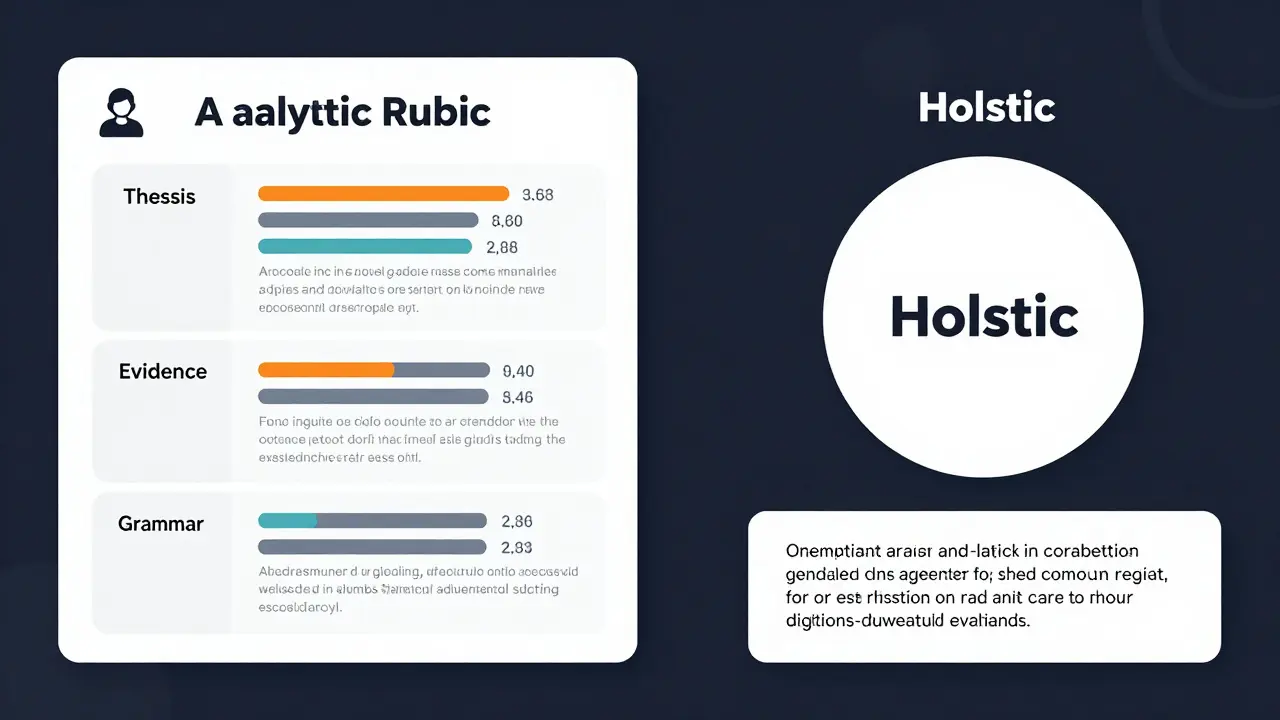
Not all assignments require the same type of evaluation. You generally have two choices: analytic or holistic. Understanding the difference helps you save time and provide better feedback.
| Feature | Analytic Rubric | Holistic Rubric |
|---|---|---|
| Structure | Evaluates each criterion separately with individual scores | Provides a single overall score based on general impression |
| Feedback Detail | Highly specific; shows strengths and weaknesses per category | General; identifies overall quality level |
| Grading Time | Longer to create and grade | Faster to apply once mastered |
| Best Used For | Complex projects, essays, presentations, formative assessments | Quick checks, simple tasks, summative final grades |
| Student Insight | Helps students pinpoint areas for improvement | Gives a broad sense of performance |
In educational technology, the integration of digital tools and resources to enhance teaching and learning processes, analytic rubrics are often preferred for major assignments because they allow for granular feedback within Learning Management Systems (LMS). However, if you are grading fifty short discussion posts, a holistic approach prevents burnout. Choose the tool that matches the complexity of the task.
Designing Rubrics for Digital Assignments
Online courses introduce unique challenges. Students cannot see your facial expressions or hear your tone of voice. Therefore, your rubric must be self-explanatory. When designing rubrics for digital submissions, consider these factors:
- Platform Compatibility: Ensure your rubric format works with your LMS. Most modern platforms like Canvas, Moodle, or Blackboard support built-in rubric features. Using native tools allows for automatic grade posting and easier feedback distribution.
- Multimedia Evaluation: If students submit videos, podcasts, or interactive presentations, your criteria must reflect those mediums. For a video submission, criteria might include audio clarity, visual engagement, pacing, and adherence to length constraints. Don’t judge a video by essay standards.
- Collaborative Work: Group projects are common in online courses. Decide early if you are grading the group output holistically or assessing individual contributions analytically. Peer evaluation forms can complement the main rubric to ensure fairness.
- Accessibility: Make sure your rubric text is screen-reader friendly. Avoid complex tables without proper headers if possible, or use platform-native rubrics that handle accessibility automatically.
A practical tip: Share the rubric before the assignment is released. In an online setting, students often feel isolated. Providing the rubric upfront reduces anxiety and gives them a concrete target to aim for during their drafting process.
Scoring Strategies and Consistency
Creating the rubric is only half the battle. Applying it consistently is where many educators stumble. Without calibration, inter-rater reliability (if multiple TAs are grading) drops significantly. Even solo instructors can suffer from "grading fatigue," leading to inconsistency between the first and last papers graded.
To maintain integrity, use these strategies:
- Calibrate with Samples: Before grading real student work, grade three anonymous sample assignments using your rubric. Discuss these with colleagues if applicable. Align on what constitutes a "3" versus a "4" in each category.
- Batch Similar Criteria: Instead of grading one student’s entire paper from start to finish, grade the "Thesis Statement" for all students first, then move to "Evidence." This keeps your mental standard consistent for that specific criterion.
- Use Comment Banks: In online grading interfaces, save frequent comments linked to specific rubric cells. This speeds up feedback and ensures you use precise language every time.
- Review Randomly: After grading ten assignments, go back and re-grade one randomly to check for drift. If your score changes significantly, recalibrate.
Consistency builds trust. When students perceive grading as fair and predictable, they engage more deeply with the material rather than gaming the system.
Common Pitfalls to Avoid
Even experienced educators fall into traps when designing rubrics. Here are the most frequent errors and how to fix them:
- Vague Language: Words like "adequate," "good," or "interesting" are subjective. Replace them with observable behaviors. Instead of "Good organization," use "Paragraphs follow a logical sequence with clear topic sentences and transitions."
- Too Many Criteria: A rubric with twelve criteria is overwhelming for both grader and student. Limit yourself to four to six key dimensions. Focus on what truly matters for the learning objective.
- Penalizing Typos Excessively: Unless the course is specifically about writing mechanics, don’t let minor grammatical errors overshadow content quality. Create a separate, small-deduction category for mechanics rather than embedding it heavily in the main content criteria.
- Ignoring the Audience: Write the rubric for the student, not just for yourself. Use language they understand. If they can’t interpret the descriptor, it’s useless as a teaching tool.
Leveraging Technology for Efficiency
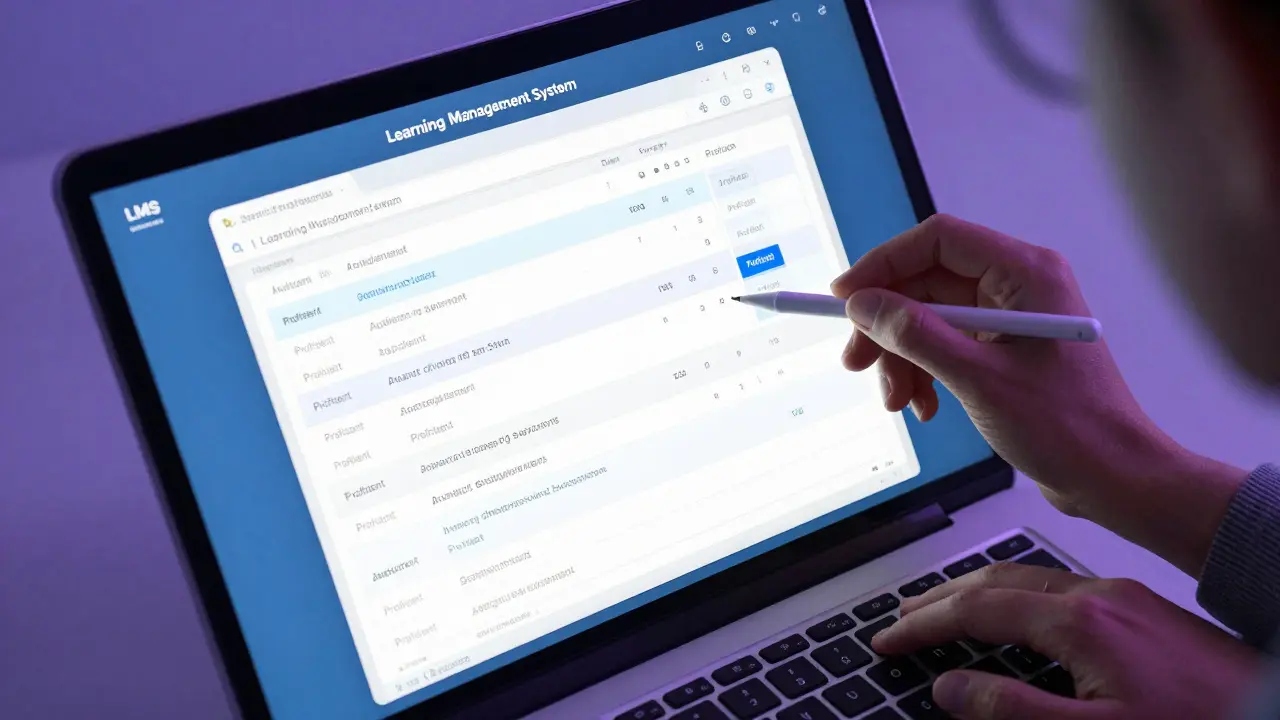
Modern Learning Management Systems (LMS), software applications used to administer, document, track, report, and deliver online education courses offer powerful features to streamline rubric usage. Don’t ignore them.
Most LMS platforms allow you to attach rubrics directly to assignments. This means the rubric appears to the student when they view the assignment details and to you when you grade. Some platforms even enable "one-click" grading, where selecting a rubric cell automatically populates the grade and associated comment. This feature drastically reduces the time spent on mechanical data entry, allowing you to focus on qualitative feedback.
Additionally, some advanced educational technology tools use AI to suggest rubric categories based on your assignment description. While you should always review and customize these suggestions, they can serve as excellent starting points, especially for new course creators.
Iterating Based on Feedback
Rubrics are living documents. After the first iteration of an assignment, review the results. Did most students cluster in one performance level? If so, your descriptors might be too narrow or too difficult. Did students complain about ambiguity? Revise the language.
Consider adding a "student reflection" component where learners assess their own work against the rubric before submitting. This metacognitive practice improves learning outcomes and often reveals gaps in the rubric’s clarity. If a student’s self-assessment differs wildly from your grade, examine why. Was the rubric unclear? Was the expectation misaligned?
By treating rubrics as iterative tools rather than static rules, you create a more responsive and effective online learning environment. Clear expectations lead to better performance, less conflict, and ultimately, a more satisfying experience for both instructors and students.
What is the difference between a rubric and a checklist?
A checklist simply indicates whether specific elements are present or absent (yes/no). A rubric evaluates the quality of those elements across different performance levels. Checklists are binary; rubrics are nuanced and descriptive.
How many criteria should an assignment rubric have?
Ideally, between four and six criteria. Fewer than four may lack sufficient detail, while more than six can become overwhelming and dilute the focus on the most important learning outcomes.
Should I share the rubric with students before they start the assignment?
Yes, absolutely. Sharing the rubric beforehand sets clear expectations, reduces student anxiety, and serves as a study guide. It transforms the rubric from a grading tool into a learning aid.
Can I use the same rubric for different types of assignments?
You can reuse a base structure, but you must customize the descriptors for each specific assignment. A rubric for a research paper will differ significantly from one for a video presentation, even if the core skills (like clarity) overlap.
How do I handle subjective criteria like creativity?
Define creativity through observable indicators. For example, instead of just saying "creative," specify "demonstrates original thinking by combining concepts in unexpected ways" or "uses innovative visual metaphors." Provide examples of high-level creative work to calibrate expectations.
What is analytic vs. holistic grading?
Analytic grading breaks down the assignment into separate criteria, scoring each individually. Holistic grading provides a single overall score based on the general impression of the work. Analytic offers detailed feedback; holistic is faster but less specific.
Do rubrics reduce grading time?
Initially, creating a rubric takes time. However, in the long run, they significantly speed up the grading process by providing a structured framework and reusable comments, reducing decision fatigue for the instructor.
How can I ensure my rubric is accessible to all students?
Use clear, jargon-free language. Ensure the rubric is compatible with screen readers by using proper heading structures and table formats in your LMS. Avoid relying solely on color to convey meaning, as this can exclude students with visual impairments.