

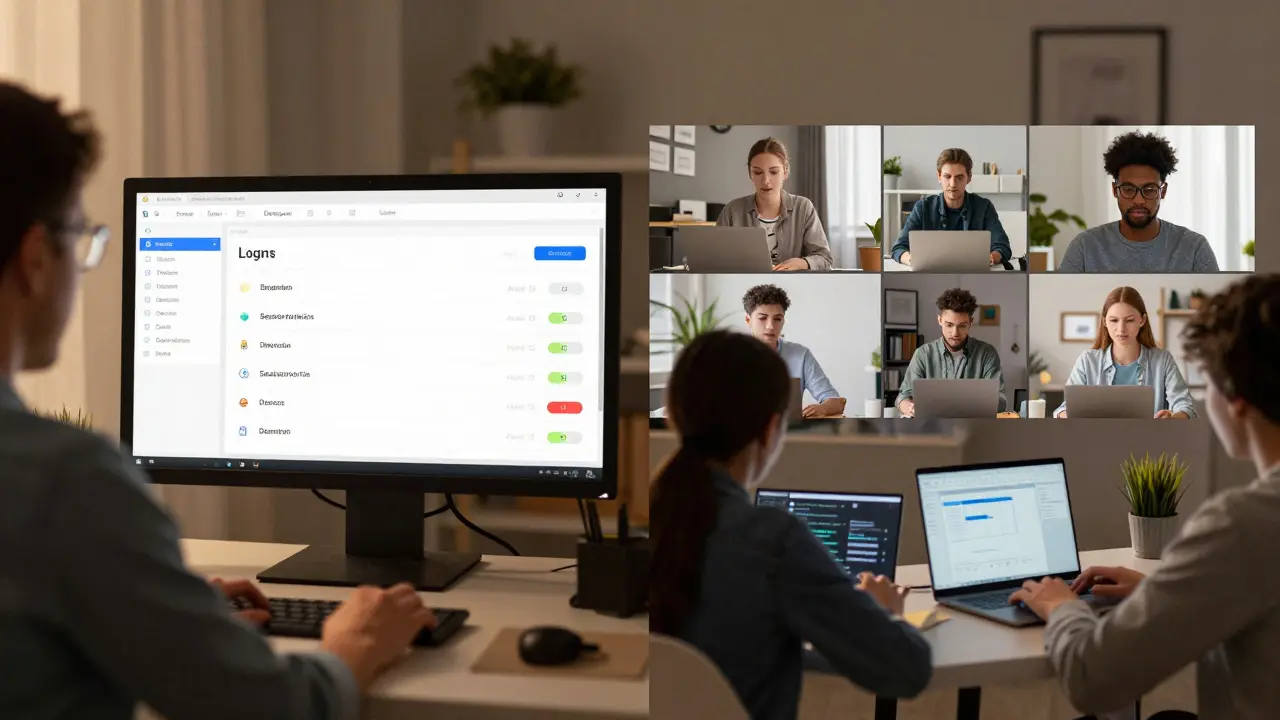
When you teach online, you can’t just walk around the room to see who’s there. Students log in from different time zones, mute their mics, turn off their cameras, and sometimes disappear entirely. Without physical presence, how do you even know if they’re learning? That’s where attendance tracking in virtual classrooms becomes more than a formality-it’s a lifeline for engagement, accountability, and fair assessment.
Why Attendance Matters More Online
In a physical classroom, you see a student’s face, notice if they’re slumped over, or catch them doodling instead of taking notes. Online, those cues vanish. A student might be present in the system but mentally checked out. Attendance tracking isn’t about policing-it’s about spotting early warning signs. A pattern of missed sessions often precedes a drop in grades, participation, or even dropout. Schools that track attendance digitally report a 22% reduction in student disengagement within the first six weeks of term, according to a 2025 study by the Global Online Learning Consortium.
It’s not just about compliance. Attendance data helps teachers adjust pacing, identify who needs extra support, and validate effort for grading. For students with disabilities or unstable home situations, consistent attendance can be the only indicator that they’re still connected to their learning community.
Manual Methods: Still Used, But Falling Behind
Some instructors still rely on roll calls-asking students to type their names in chat or raise their hands. Others use Google Forms or shared spreadsheets where students manually mark attendance after class.
These methods sound simple, but they have big flaws. They’re time-consuming. A 50-student class can take 15 minutes just to log attendance. They’re error-prone. Students forget, type wrong names, or submit multiple times. And worst of all, they’re easily faked. A student can log in from one device, then leave the room while a friend submits their name.
Manual tracking also doesn’t capture engagement. Did the student join at 9:05 a.m. and leave at 9:07? Or did they stay for the whole hour? Without deeper data, you’re guessing.
Automated Tracking Through Learning Management Systems
Most schools now use a Learning Management System (LMS) like Canvas, Moodle, or Google Classroom. These platforms automatically log when a student accesses course materials, submits assignments, or joins a live session.
Here’s how it works: when a student logs into their course page, the system records the timestamp. If they join a Zoom or Microsoft Teams session linked to the LMS, that connection is also logged. Some systems even track how long they stayed, whether they interacted with polls, or if they downloaded lecture slides.
For example, Canvas tracks:
- First and last login per day
- Time spent on assignments and quizzes
- Participation in discussion boards
- Join/leave times for live sessions
Teachers get dashboards showing who’s active, who’s falling behind, and who hasn’t logged in for three days. No manual input needed.
But LMS tracking has limits. It doesn’t confirm the student was *engaged*-just that they clicked something. A student might open a video and walk away. The system still counts it as "viewed." That’s why smart teachers combine LMS data with other tools.
Third-Party Tools for Deeper Insights
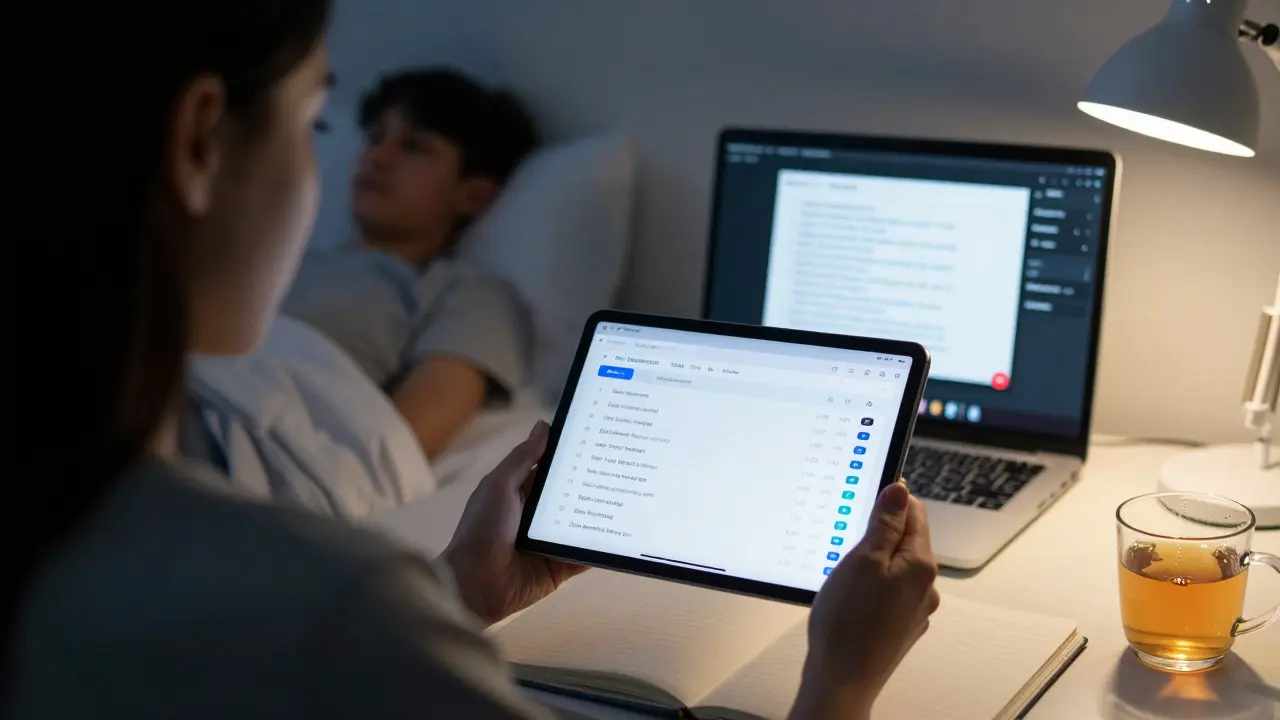
For more accurate tracking, educators turn to specialized tools designed for virtual classrooms.
Zoom Attendance Reports go beyond simple join/leave times. They show:
- Exact join and leave timestamps
- Total minutes attended
- Whether the student was muted, had video off, or was inactive (no mouse or keyboard input for over 30 seconds)
Teachers can export these reports as CSV files and match them with LMS logs. If a student has a 45-minute Zoom session but never opened the course page, something’s off.
Classcraft gamifies attendance. Students earn points for logging in on time, participating, or submitting work. Missing class costs points. It’s not just tracking-it’s motivation. Schools using Classcraft saw a 31% increase in on-time attendance in a 2025 pilot study.
Edpuzzle embeds questions into video lectures. If a student skips the video, they can’t answer the questions. If they answer incorrectly, the system flags it. This tells you not just if they watched, but if they understood.
Gradescope links attendance to assignment submission patterns. If a student consistently submits work 12 hours after the deadline, the system can auto-flag them as "irregularly engaged."
How to Choose the Right Tool
Not every tool works for every class. Here’s what to ask yourself:
- Class size? For 10 students, manual logs are fine. For 50+, automate.
- Subject type? In math or coding, engagement is tied to submissions. In literature, participation in discussion matters more.
- Student age? High schoolers need reminders and gamification. College students respond better to data transparency.
- Privacy concerns? Some parents and students worry about constant monitoring. Tools like Zoom and LMS platforms comply with FERPA and GDPR. Avoid tools that track keystrokes or screen activity.
Start simple. Use your LMS’s built-in tracking. Then add one third-party tool-like Zoom reports or Edpuzzle-for deeper insight. Don’t overload yourself. The goal isn’t perfect data. It’s enough data to spot patterns and intervene early.
Setting Clear Expectations
Tracking works best when students know how it works. Don’t spring it on them. Include a section in your syllabus that says:
- "Attendance is tracked automatically through our LMS and Zoom. You’ll receive a weekly summary of your engagement."
- "Missing three sessions without notice may affect your participation grade."
- "If you have connectivity issues, email me before class. I’ll manually adjust your record."
Transparency builds trust. When students see their own data-like "You joined 7 of 10 sessions this month"-they start to care. It turns passive attendance into personal responsibility.
What Not to Do
Don’t punish students for technical issues. A slow internet connection isn’t laziness. Don’t use attendance as a gate to grading unless it’s clearly defined in the syllabus. And never rely on cameras being on. Some students can’t afford to show their room. Others have caregiving duties. Attendance should reflect access and effort-not appearance.
Also, avoid surveillance-style tools. There are platforms that claim to monitor eye movement or detect if you’re looking away from the screen. These create anxiety, not engagement. They’re invasive, inaccurate, and often banned by school districts.
The Future: AI That Understands Context
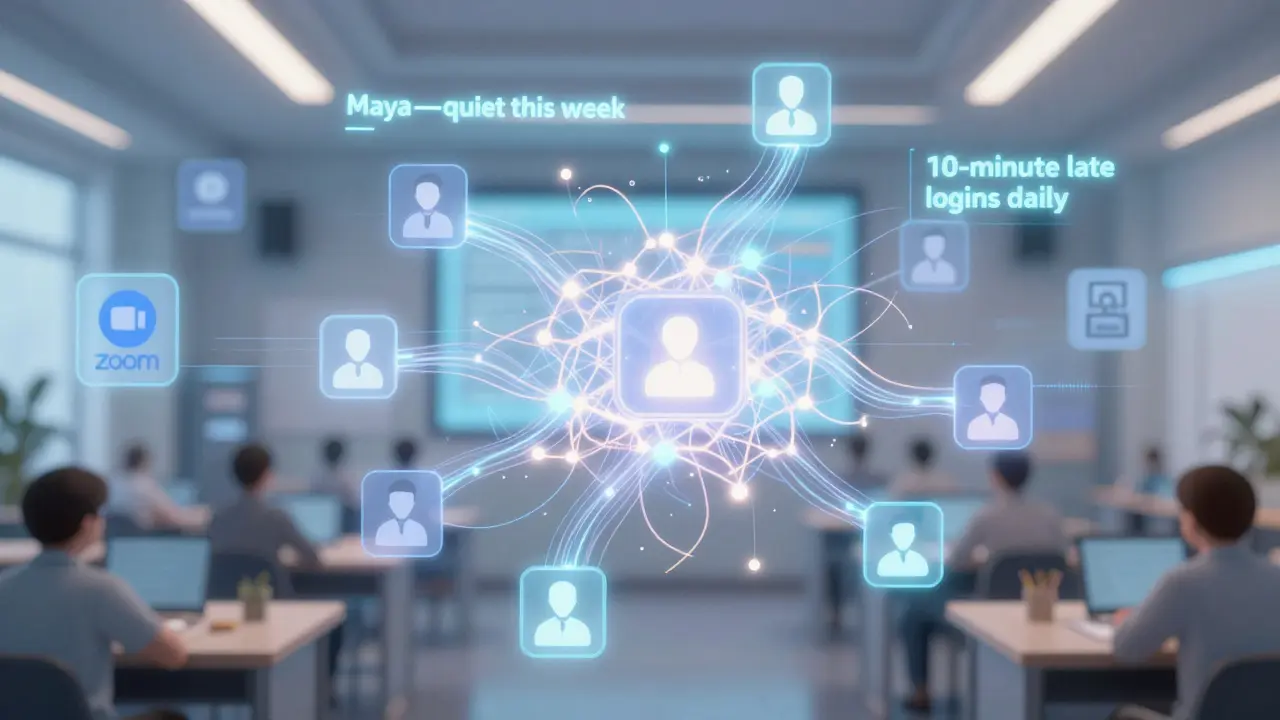
Next-generation tools are starting to use AI to interpret behavior-not just log it. Imagine a system that notices:
- A student joins every session but never speaks. Maybe they’re shy.
- Another student logs in 10 minutes late every day. Maybe they’re working a shift.
- A student who usually participates suddenly goes silent. Could be burnout.
These aren’t just attendance flags. They’re early alerts. In 2026, pilot programs in New Zealand and Canada are testing AI tools that suggest personalized outreach: "You might want to check in with Maya-she’s been consistent but quiet this week. Would you like a template email?"
It’s not about surveillance. It’s about support.
Final Takeaway
Attendance tracking in virtual classrooms isn’t about counting bodies. It’s about understanding behavior. The best systems don’t just tell you who’s there-they help you figure out why someone might be missing, and how to bring them back. Start with what you already have: your LMS. Add one smart tool. Communicate clearly. And always remember: data is a tool for care, not control.
Comments
Lissa Veldhuis
I swear if one more teacher tries to track my Zoom attendance like I'm some kind of prison inmate I'm gonna drop out and become a hermit in the woods. They think just because I turned my camera off I'm not learning? Bro I'm watching the lecture while folding laundry and feeding my cat. That's multitasking, not disengagement.
David Smith
Wow. Just... wow. This whole post reads like a corporate edtech sales pitch disguised as pedagogy. You're turning education into a surveillance state and calling it 'engagement.' Next they'll be forcing students to wear biometric headbands that measure 'focus levels.' At this point, I'm not even sure if we're teaching kids or training AI training data.
allison berroteran
I appreciate the nuanced approach here, but I think we're missing the deeper human element. Attendance metrics can be useful, but they're only meaningful when paired with empathy. A student who logs in late every day might be working nights to support their family. One who never speaks in class might be processing trauma or navigating neurodivergence. Data without context is just noise. What we need isn't better tracking tools - it's better listening skills. The goal isn't to log presence, but to recognize when someone is quietly holding on.
Gabby Love
Minor correction: Edpuzzle doesn't just flag incorrect answers - it tracks where students pause, rewind, or rewatch. That’s gold. If someone watches the first 30 seconds of a 5-minute video three times, they’re struggling. That’s way more useful than just knowing they 'viewed' it. Also, LMS logs don’t capture mobile vs desktop usage - which tells you if they’re studying on a phone in a food line or at a quiet desk.
Jen Kay
I love how this post frames attendance as 'care, not control.' That’s the only way it works. I’ve had students who showed up to class but never spoke - until I sent a private note saying, 'I noticed you’ve been quiet. Is everything okay?' One replied, 'I’m scared my accent will make people laugh.' That’s the moment data became humanity. Tools are great. But the real tracking tool is a teacher who cares enough to ask.
Michael Thomas
If you're too lazy to take roll, don't teach. My high school did roll call. Every. Single. Class. We didn't need fancy dashboards. We had accountability. Now kids think they can vanish and nobody notices. This 'AI understands context' nonsense is just tech bros trying to sell software to schools with too much money.
Abert Canada
As someone from Canada, I’ve seen both sides. In Ontario, we use LMS tracking but with strict privacy limits - no screen monitoring, no facial recognition. What works isn’t the tool, it’s the culture. We train teachers to use data as a starting point for conversation, not a verdict. Also, we don’t penalize attendance unless it’s part of a clearly communicated rubric. Simple. Human. Effective.
Xavier Lévesque
Classcraft? Really? You’re gamifying attendance like it’s a Fortnite skin? Next they’ll be giving XP for turning in homework and deducting health points for being late. I get the intent, but this turns learning into a reward system instead of a meaningful experience. Some kids don’t need points - they need to feel like their presence matters, not that they’re leveling up.
Thabo mangena
In South Africa, we have students who join classes from public libraries, shared phones, or even bicycle stands with intermittent connectivity. Our schools do not have the luxury of perfect LMS logs. We use SMS-based attendance confirmations - simple, low-tech, and accessible. The goal is not perfect data, but ensuring no child is left behind because their home has no Wi-Fi. Technology must serve equity, not the other way around.
Karl Fisher
Honestly, I think the whole idea of 'attendance tracking' is just a symptom of our obsession with quantifying everything. Did you know that in the 1980s, teachers didn’t track attendance at all? They just... knew. They had relationships. They noticed if you were absent. Now we need algorithms to tell us someone didn’t click a button? We’ve lost touch with what teaching even means.
Bill Castanier
The most effective tool I’ve seen is a simple weekly email: 'Here’s your engagement summary - 4/5 sessions attended, 2 discussion posts, 1 quiz submitted.' No judgment. Just facts. Students who care adjust. Those who don’t? They’re already checked out. No algorithm fixes that.
Ronnie Kaye
I work in a high school where we use Zoom reports + LMS + one mandatory weekly check-in form. We don’t punish. We say: 'We noticed you’ve been quiet. We miss your voice. Want to chat before class tomorrow?' 80% of the kids reply. Not because they’re scared of a grade - because someone noticed they were gone. That’s the magic. Not the tech. The human.
Priyank Panchal
In India, we have over 100 students per virtual class. Automated tracking is not optional - it’s survival. But we pair it with peer mentors: each group of 10 has one student who checks in privately with anyone who misses two sessions. It’s community-driven, not surveillance. And yes, we’ve seen dropout rates drop by 35%. Tech without community is just noise.