

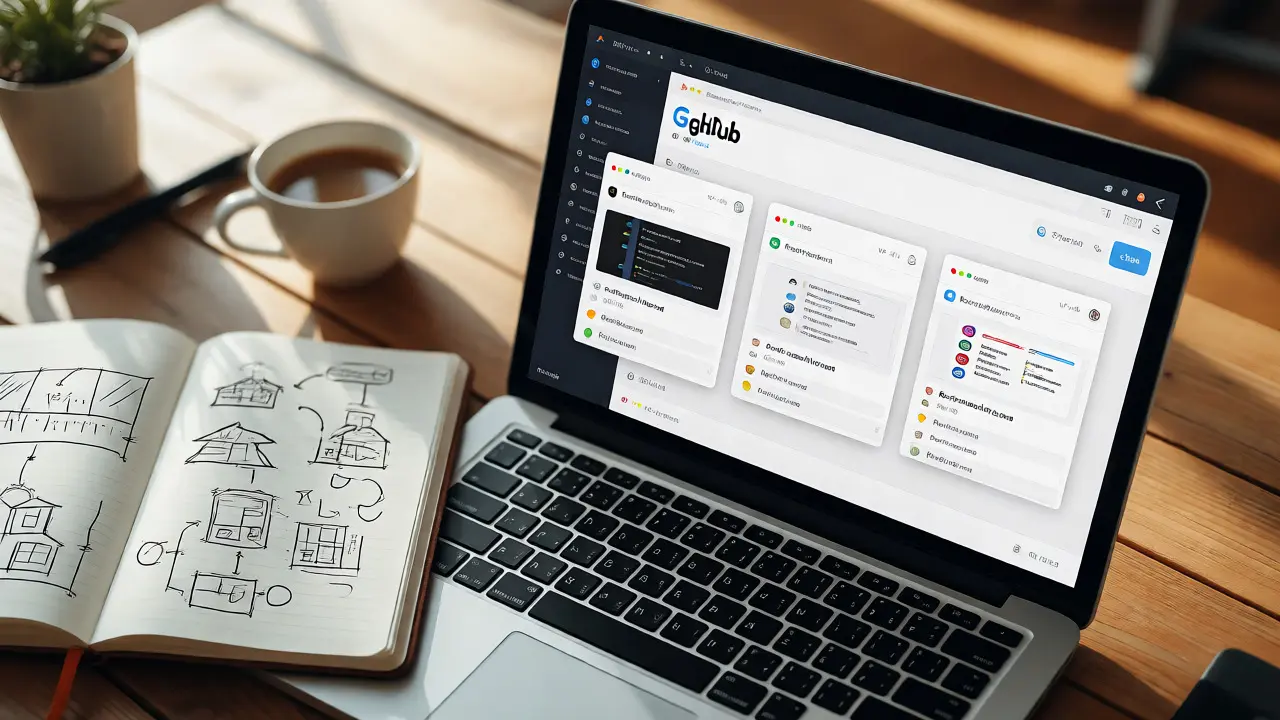
You spent six months building a React app. It works. The code is clean. You push it to GitHub and wait for recruiters to notice. But silence follows. Why? Because your repository looks like a black box. Hiring managers don't have time to clone your repo, install dependencies, and run tests just to see if you know what you're doing. They need proof, fast. A strong Developer Portfolio isn't just a list of links; it's a sales funnel that converts curiosity into interviews.
The problem isn't usually the code quality-it's the presentation. Most junior developers treat their profile as an archive rather than a showcase. They upload raw files without context. In 2026, with AI tools generating boilerplate code in seconds, your value lies in decision-making, architecture, and communication. Your portfolio must demonstrate these soft skills alongside technical proficiency. This guide breaks down how to structure your GitHub presence, write READMEs that actually get read, and create demos that prove competence without requiring a download.
The Anatomy of a High-Conversion GitHub Profile
Your GitHub profile is the first thing any technical recruiter or hiring manager sees. It’s not just a storage locker; it’s your digital storefront. If your top repositories are empty forks or half-finished tutorials, you signal passivity. To fix this, curate your pinned repositories carefully. Aim for three to five projects that show range: one full-stack application, one library or tool you built from scratch, and one contribution to open source.
Consider the "Pinned Repositories" section on your profile page. These are the first things visitors see. Do not pin a project because you worked on it recently; pin it because it solves a problem elegantly. For instance, instead of pinning a generic "To-Do List," pin a "Task Manager with Real-Time Sync via WebSockets." The latter implies knowledge of asynchronous programming and state management. Use the profile README feature (the special repository named after your username) to add a personal touch. Include a brief bio, your current tech stack, and a link to your live portfolio site. Keep it human. Mentioning that you enjoy hiking in Auckland or learning Rust adds personality without cluttering the data.
Consistency matters more than volume. A commit graph that shows activity every day for a year looks better than ten commits in one week followed by three months of silence. Recruiters interpret gaps as burnout or lack of interest. If you’re studying, make sure your study notes or small scripts are visible. Publicly documenting your learning process-perhaps through Gists or small repos-shows you are actively engaged with the ecosystem.
Writing READMEs That Sell Your Code
If your code is the product, the README.md file is the marketing brochure. Most developers skip this step, leaving a default template that says nothing about why the project exists. A great README answers three questions immediately: What does this do? How do I use it? Why did I build it this way?
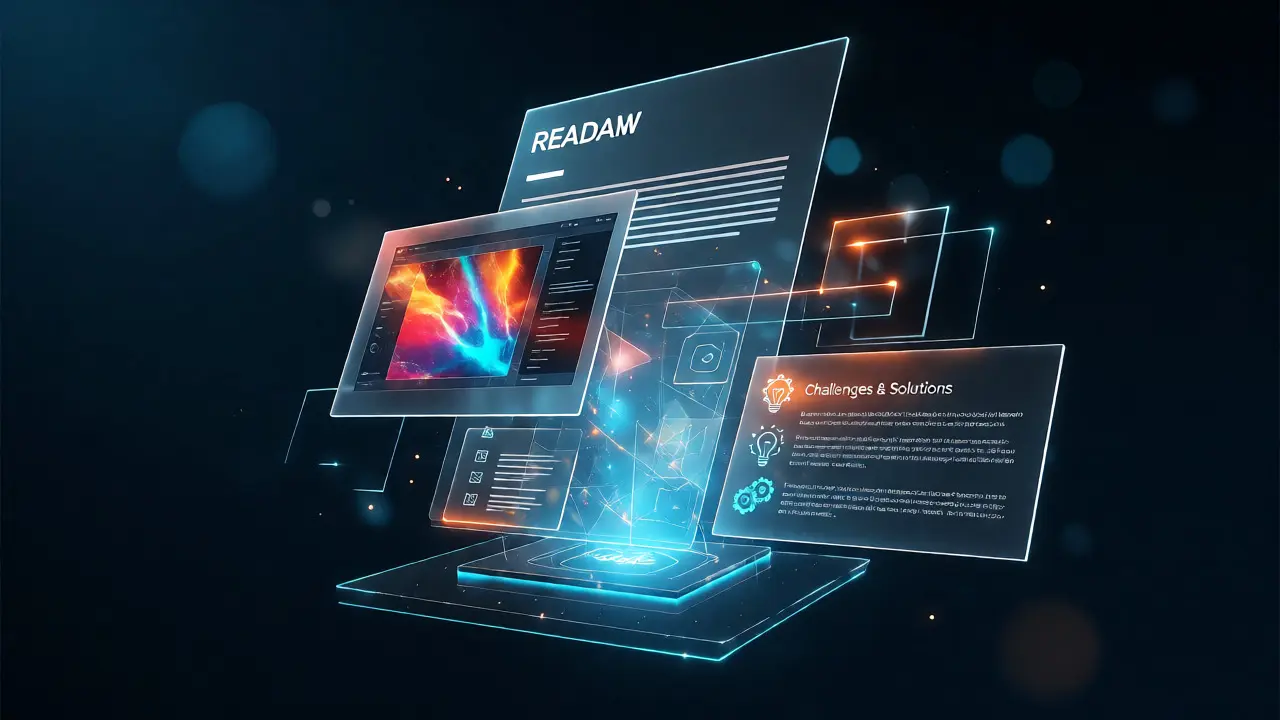
Start with a clear title and a one-sentence description. Avoid jargon where possible. Instead of saying "A microservice for handling JWT authentication," say "A secure login system that manages user sessions using JSON Web Tokens." Next, include a screenshot or a GIF. Visuals stop the scroll. A thirty-second GIF showing the app in action tells the reviewer more than a thousand lines of code. If your app has a UI, capture the main dashboard. If it’s a backend API, show a Postman collection or a terminal output of successful requests.
Structure your documentation logically. Use headings to break up text. Here is a proven structure for high-impact READMEs:
- Project Overview: The problem you solved and the solution you implemented.
- Tech Stack: A list of languages, frameworks, and tools used (e.g., Python, Django, PostgreSQL).
- Installation: Step-by-step commands to get the project running locally. Be precise. Don't assume the reader knows your environment variables.
- Usage: Examples of how to interact with the application. Include code snippets for common tasks.
- Challenges & Solutions: This is the secret weapon. Describe one hard bug you fixed or an architectural trade-off you made. Did you choose SQL over NoSQL? Explain why. This shows critical thinking.
- Future Improvements: Show that you think long-term. What would you add next? CI/CD pipelines? Unit tests? Dockerization?
Keep the tone professional but accessible. You are writing for a busy engineer who might skim your doc while waiting for coffee. Use bullet points and bold text for key terms. If you use external libraries, credit them. It shows humility and awareness of the community.
Demos: Making Your Work Interactive
Code review is subjective. Seeing is believing. A working demo removes doubt. However, hosting costs money and maintenance takes time. The goal is to provide an instant experience without friction. If your project is a web app, deploy it to a free tier service like Vercel, Netlify, or Heroku. Ensure the URL is stable. Broken links are instant deal-breakers.
For backend or mobile projects, demos are trickier. You can’t click a button to test a database migration script. In these cases, create a video walkthrough. Record your screen while you run the application, explaining each step as you go. Keep it under two minutes. Talk through your thought process. "Here I am setting up the environment... now I’m triggering the webhook... see how the data updates in real-time?" This audio commentary demonstrates communication skills, which are crucial for team environments.
Another powerful tactic is embedding interactive elements directly in the README. Tools like Replit or CodeSandbox allow users to edit and run code in the browser. If you’ve built a utility function or a small algorithm, embed a sandbox. Let the recruiter tweak the input and see the output change instantly. This interactivity transforms a passive viewer into an active participant, increasing engagement significantly.
| Demo Type | Best For | Effort Level | Impact |
|---|---|---|---|
| Live Deployment | Web Apps, APIs | Medium (Setup + Maintenance) | High (Instant verification) |
| Video Walkthrough | Mobile, Backend, Complex Logic | Low (Recording + Editing) | Medium-High (Shows communication) |
| Interactive Sandbox | Libraries, Algorithms, Utilities | Low (Embedding) | High (Hands-on experience) |
| Static Screenshots | UI-heavy Projects | Very Low | Low (Lacks functionality proof) |
Showcasing Open Source Contributions
Many developers hesitate to contribute to open source because they fear rejection or complex workflows. But even small contributions count. Fixing a typo in documentation, adding a test case, or resolving a minor bug shows you can navigate existing codebases-a skill often more valuable than building from scratch. Employers love candidates who can read other people’s code.
When listing open source work, don’t just paste a link to a pull request. Contextualize it. Write a short summary: "Contributed to React Router by fixing a race condition in route transitions." Explain the issue, your approach, and the outcome. If your PR was merged, highlight that. If it’s still open, explain why. This transparency builds trust.
Focus on projects you actually use. Contributing to a library you rely on daily makes your story authentic. You’ll understand the pain points and can speak confidently about the contribution during an interview. Avoid spamming random repositories with trivial changes just to boost your green square count. Quality over quantity always wins.
Curating Your Tech Stack Narrative
Your portfolio should tell a coherent story about who you are as a developer. Are you a frontend specialist obsessed with performance? A backend engineer focused on scalability? A generalist comfortable with DevOps? Your choice of projects should reflect this identity. If you claim to be a JavaScript expert, ensure your pinned repos are heavy on JS/TS. If you want a role in cloud infrastructure, include projects involving AWS or Terraform.
Don’t chase every new framework. Depth beats breadth. It’s better to master one stack deeply than to have shallow knowledge of ten. In your READMEs, explicitly state why you chose specific technologies. "I used Next.js for server-side rendering to improve SEO scores" sounds much stronger than "I used Next.js because it’s popular." This reasoning demonstrates intentionality.
Regularly prune your portfolio. Archive old, messy projects that no longer represent your current skill level. An outdated project with deprecated dependencies can hurt more than help. Update your dependencies, refactor ugly code, and refresh the documentation. Treat your portfolio as a living document, not a static graveyard.
Common Pitfalls to Avoid
Even experienced developers make mistakes. One common error is hiding too much complexity. While simplicity is good, oversimplifying your architecture can make you look inexperienced. If you used a complex state management solution, explain why it was necessary. Another pitfall is ignoring mobile responsiveness. If your demo looks broken on a phone, you lose points. Test everything on multiple devices.
Also, avoid private repositories unless absolutely necessary. If you can’t share the code due to NDAs, create a separate, simplified version of the project that mimics the core logic. Or, record a detailed video demo and host it on YouTube as unlisted. Never leave a recruiter guessing about what you actually built.
Finally, check your spelling and grammar. Typos in a README suggest carelessness. Since attention to detail is critical in coding, sloppy documentation raises red flags. Use tools like Grammarly or simple spell-checkers before publishing.
How many projects should I have in my portfolio?
Quality trumps quantity. Three to five well-documented, polished projects are far more effective than twenty unfinished ones. Focus on projects that demonstrate different skills, such as frontend UI, backend logic, and database integration.
Do I need to pay for domain names and hosting?
Not necessarily. Free tiers on platforms like Vercel, Netlify, and GitHub Pages are sufficient for most portfolios. A custom domain looks professional but isn't mandatory. Invest in content quality first.
What if my code is private due to NDA?
Create a public "showcase" version that strips out proprietary logic but keeps the structure and UI. Alternatively, provide a detailed video walkthrough and screenshots. Always clearly label it as "Private Project - Video Demo Available" so recruiters aren't confused by missing code.
Should I include school assignments?
Only if they are exceptional. Basic homework assignments rarely impress employers. Refactor them to remove academic constraints, add features, and document them thoroughly. If you can't improve them significantly, leave them off.
How often should I update my GitHub?
Consistency is key. Aim for regular activity, even if it's small. Updating documentation, fixing bugs, or refactoring code counts as activity. A dormant profile suggests you've stopped coding. Keep the momentum going.