


You know that sinking feeling. It’s week six of the semester. You’ve graded three assignments, posted ten discussion prompts, and sent five announcements. On paper, everything looks fine. But then you look at your analytics dashboard, and a red flag pops up: twelve students haven’t logged in for two weeks. Or worse, they’re logging in but not submitting anything. By the time midterms hit, those twelve students are already gone or failing. The problem isn’t usually that students don’t want to learn; it’s that we find out they’re struggling too late. Student engagement is often treated as a lagging indicator-we measure it after the damage is done. But what if you could catch disengagement before it becomes dropout? That’s where check-ins and pulse surveys come in.
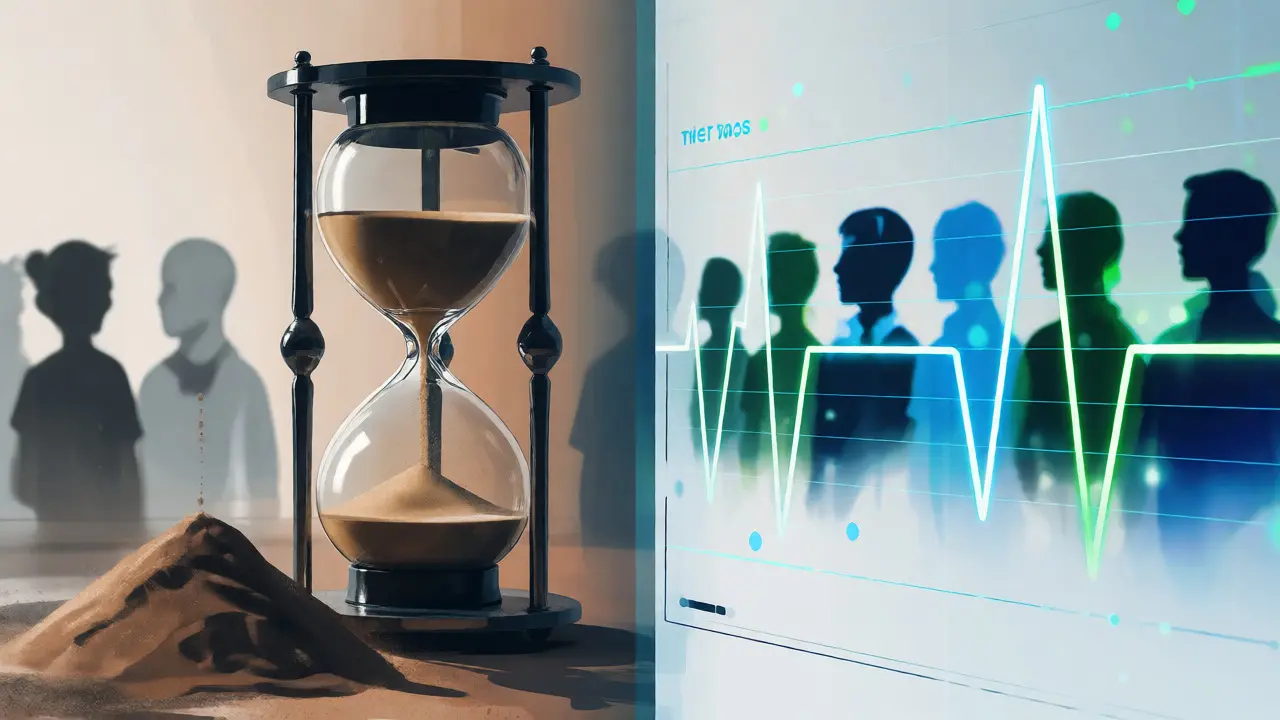
These aren’t just fluffy "how are you feeling" questions. When used correctly, they are high-frequency data points that give you real-time insight into student sentiment and behavior. Think of them as the vital signs monitor for your course. If you wait for the final exam (the autopsy) to tell you why a student failed, you’ve missed the window to save them. Let’s break down how to build a system that spots trouble before it boils over.
Why Traditional Feedback Fails
Most educators rely on end-of-term evaluations. These are useful for improving next year’s course, but they are useless for the current cohort. By the time a student fills out an evaluation form saying, "I didn’t understand module three," they have already received their grade. There is no recovery path. Even mid-semester feedback forms, while better, suffer from low response rates and bias. Usually, only the most vocal students-those who love the class or hate it-respond. The silent majority, the ones quietly slipping behind, remain invisible. This creates a false sense of security. You think the class is going well because the few people talking to you are happy. Meanwhile, half the room is drowning.
The core issue with traditional feedback is its latency. In education, timing is everything. A confused student needs help today, not in three weeks. Pulse surveys are designed to solve this by asking short, specific questions frequently, rather than long, broad questions rarely.
Distinguishing Check-Ins from Pulse Surveys
People often use these terms interchangeably, but they serve different functions. Understanding the difference helps you deploy the right tool for the job.
| Feature | Check-Ins | Pulse Surveys |
|---|---|---|
| Frequency | Weekly or bi-weekly | Monthly or milestone-based |
| Length | 1-3 questions (under 60 seconds) | 5-10 questions (2-3 minutes) |
| Focus | Immediate barriers, workload, confusion | Cohort sentiment, course pacing, resource gaps |
| Actionability | Individual intervention | Course adjustment |
A check-in is a micro-survey triggered by a specific event or schedule. For example, sending a single-question poll 48 hours before a major assignment deadline: "On a scale of 1-5, how confident do you feel about starting this assignment?" If 40% of the class answers '1' or '2', you know you need to post a clarification video immediately.
A pulse survey is broader. It might ask about overall workload balance, clarity of instructions across multiple modules, or technical issues with the Learning Management System (LMS). This data helps you adjust the curriculum design for the remaining weeks.
Designing Questions That Actually Get Answers
If you ask open-ended questions like "How are you doing?", you will get silence or one-word answers like "Fine." Students are busy, and cognitive load is real. To get actionable data, keep it simple and specific.
- Use Scales: Likert scales (1-5) are easy to answer and easy to graph. "How clear were the instructions for Module 4?"
- Limit Options: Multiple-choice questions reduce friction. "What is your biggest barrier to completing the reading? A) Time, B) Difficulty, C) Access, D) Motivation."
- One Free Text Max: Allow one optional text box for comments, but don’t require it.
Here is a pro tip: Never make the survey about *you*. Don’t ask "Did I teach well?" Ask "Was the concept clear?" This shifts the burden away from student politeness and toward honest feedback about the material.
The Tech Stack: Automating the Signal
You cannot manually email 100 students every week. You need automation. Most modern LMS platforms like Canvas, Blackboard, or Moodle have built-in polling features. If yours doesn’t, third-party integrations like Microsoft Forms, Google Forms, or specialized EdTech tools like Padlet or Mentimeter can plug in via API.
The key is integration. The survey should appear where the student already is. If they have to log into a separate portal to fill out a survey, response rates drop by 50%. Embed the check-in directly in the weekly overview page or send it via the LMS notification system.
For larger institutions, consider using predictive analytics tools. Some systems can correlate survey responses with login frequency and grade trends. For instance, if a student reports high stress (via pulse survey) and has zero logins in the past seven days, the system flags them for advisor outreach. This moves you from reactive to proactive support.

Acting on the Data: From Insight to Intervention
Data without action is just noise. Here is a simple workflow for handling the results:
- Set Thresholds: Define what "struggling" looks like. For example, any student rating confidence below 3/5 gets an automated nudge.
- Automate Nudges: Use your LMS to send personalized messages. "Hey Sarah, I noticed you rated your confidence low on the essay draft. Here is a link to the writing center’s appointment slot. No pressure, just here to help."
- Human Touch for High Risk: If a student flags themselves as overwhelmed multiple times, pick up the phone or send a personal email. Automated emails are good; human connection is better.
- Close the Loop: Tell students what you did with their feedback. "Many of you said the readings were too dense, so I broke them into smaller chunks for next week." This builds trust and increases future participation.
In my experience working with online cohorts in Auckland, the biggest shift happens when students realize their voice changes the course structure. They stop seeing the instructor as an adversary and start seeing them as a partner in learning.
Common Pitfalls to Avoid
Don’t over-survey. Asking too many questions leads to survey fatigue. Stick to the rule of thumb: one question per week is enough for check-ins. Save the deeper dives for month-end pulses.
Another mistake is ignoring negative feedback. If 30% of students say the videos are too fast, and you do nothing, they stop responding. They assume you aren’t listening. Even if you can’t change the speed immediately, acknowledge the feedback: "We hear you. We are looking into adding captions and transcripts." Finally, don’t use these tools for surveillance. If students feel spied on, they will game the system. Keep the tone supportive, not punitive.
How often should I run pulse surveys?
For standard 15-week semesters, aim for monthly pulse surveys aligned with major milestones (e.g., after Week 4, Week 8, and Week 12). Weekly check-ins should be much shorter, consisting of only one or two quick questions to gauge immediate readiness or confusion levels.
What if students ignore the surveys?
Response rates typically improve if surveys are embedded directly in the LMS rather than sent via external links. Additionally, offering small incentives, such as extra credit points or entry into a prize draw, can boost participation. Ensure the survey takes less than two minutes to complete.
Can check-ins replace academic advising?
No, they complement it. Check-ins identify potential issues early, allowing advisors to intervene with context. Instead of calling a student who hasn't shown up in months, an advisor can call a student who reported feeling overwhelmed last week, making the conversation more relevant and effective.
Are anonymous surveys better?
It depends on the goal. Anonymous surveys yield more honest feedback about course design and instructor performance. However, non-anonymous check-ins allow for targeted interventions. A hybrid approach works best: use anonymous pulses for course feedback and named check-ins for individual support tracking.
What tools work best for automated check-ins?
Canvas New Analytics, Blackboard Ultra, and integrated tools like Microsoft Forms within Teams are popular choices. For standalone solutions, Typeform and SurveyMonkey offer API integrations that can trigger automated emails based on response patterns.