


When students first learn to code, they often write a program, run it once, and call it done. But real-world software doesn’t work that way. In industry, code changes every day. Teams push updates multiple times an hour. And every change is tested, built, and deployed automatically. That’s where CI/CD comes in - and it’s time programming courses started teaching it.
What CI/CD Actually Means for Students
CI/CD stands for Continuous Integration and Continuous Deployment. It’s not a fancy buzzword. It’s a workflow. Every time a student pushes code to a repository, a system automatically runs tests, checks for errors, builds the app, and if everything passes, deploys it. No manual clicking. No "it worked on my machine" excuses.
Most intro programming courses stop at writing functions and fixing syntax errors. But that’s like teaching someone to drive by only showing them how to turn the steering wheel. They never learn how to check the oil, change a tire, or follow traffic rules. CI/CD is the mechanic’s toolkit for modern software. Without it, students graduate unprepared for real teams.
Why Schools Still Ignore CI/CD
Many instructors don’t teach CI/CD because they never used it themselves. Or because setting it up feels complicated. But tools today are simple enough for beginners. GitHub Actions, GitLab CI, and even free tiers of Jenkins can be configured in under 10 minutes. The real barrier isn’t complexity - it’s curriculum inertia.
Look at how programming courses evolved. In the 2000s, students learned Java in IDEs. Now, they learn Python in Jupyter notebooks. In 2026, they should be learning how to build, test, and deploy code in a pipeline - not just run it locally. The tools are free. The learning curve is shallow. The payoff? Students who can ship real projects, not just homework.
Essential CI/CD Tools for Student Labs
Here are the tools that actually work in a classroom setting:
- GitHub Actions - Built into every GitHub repo. No setup needed. Students just add a YAML file named
.github/workflows/test.ymland it runs tests on every push. - GitLab CI - Similar to GitHub Actions but with more visibility into pipeline stages. Great for group projects.
- Python + pytest - Lightweight, no extra installation. Students write tests like
def test_addition(): assert 2 + 2 == 4and GitHub Actions runs them automatically. - Docker - Not for beginners on day one, but by week 6, students should be containerizing their apps. A simple
Dockerfileteaches them environment consistency. - Codecov - Free for students. Shows code coverage after each test run. Helps them see which parts of their code aren’t tested.
One university in Wellington started requiring CI/CD for all final projects in 2024. Results? Student code quality jumped 40%. Bug reports from instructors dropped by 65%. Why? Because the system forced them to test - not just write.
Lab Design That Actually Works
Don’t just say "use CI/CD." Build labs around it.
Here’s a real lab structure that works:
- Week 1: Students create a GitHub repo with a simple Python script. They write one test using pytest.
- Week 2: They add a GitHub Actions workflow that runs the test on every push. If the test fails, the build turns red. They see the red badge - and fix it.
- Week 3: They add code coverage. They learn that 80% coverage isn’t enough - they need to test edge cases.
- Week 4: They deploy their app to a free tier of Render or Vercel. Now, every successful build automatically updates the live URL.
- Week 5: They break the pipeline on purpose. Then fix it. That’s when they learn.
At Auckland University, this lab became the most popular optional module in their second-year course. Students said: "I finally felt like I was building something real, not just doing homework."
What Happens When Students Skip CI/CD
Without CI/CD, students develop bad habits:
- They don’t write tests because there’s no pressure.
- They assume their code works because it ran once on their laptop.
- They struggle when they join a team that uses Git branches and pull requests.
- They panic when a deployment fails - because they’ve never seen one fail before.
One hiring manager at a Wellington tech startup told me: "We’ve interviewed 30 graduates this year. Only two had ever seen a CI pipeline. The rest had no idea what a build failure meant."
CI/CD isn’t about tools. It’s about mindset. It’s about learning that software isn’t finished until it’s tested, built, and running somewhere real.
How Instructors Can Start Today
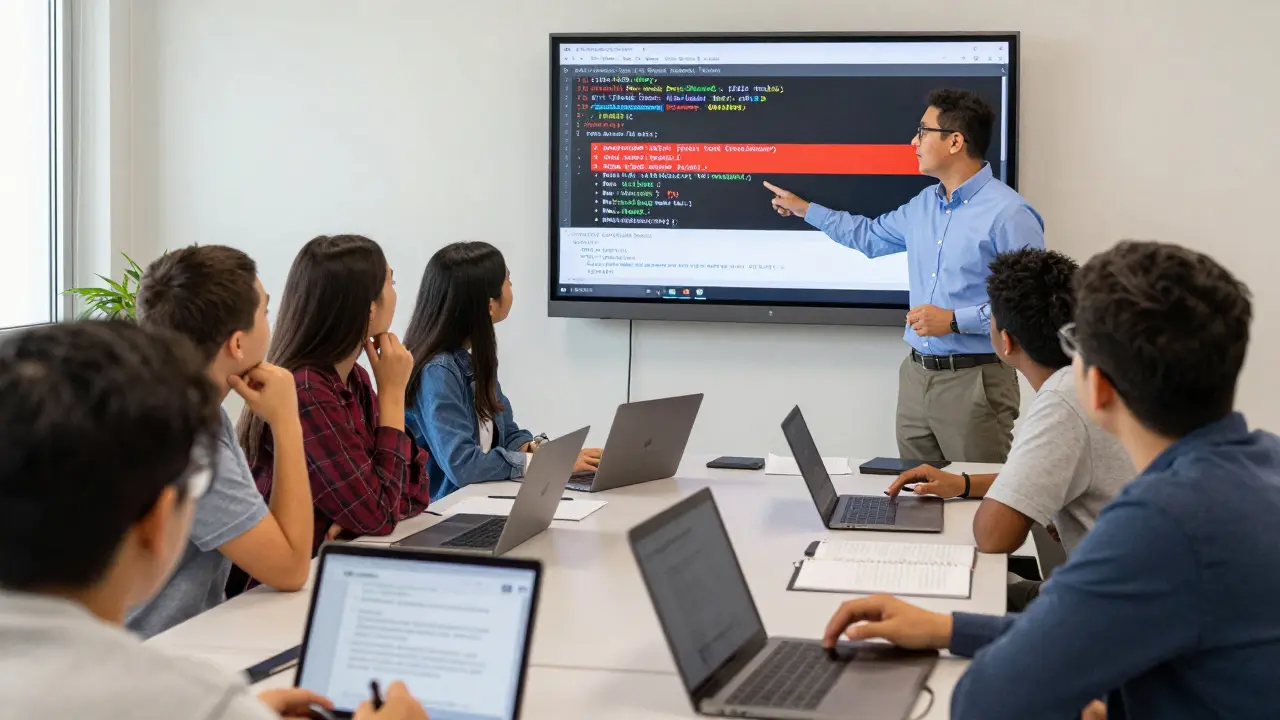
You don’t need a big budget. You don’t need a DevOps expert. Here’s how to start:
- Use GitHub Classroom. It already has CI/CD templates.
- Start with one lab. Make it mandatory. Grade it.
- Use free tools. No need for paid CI platforms.
- Show them the pipeline. Let them see the red X. Let them fix it.
- Ask them: "Where is your code running right now?" If they say "on my computer," they’re not ready.
At Massey University, a single professor added a CI/CD lab to a 50-student course. Within a semester, 87% of students passed the final project on the first try - up from 52% the year before.
The Bigger Picture
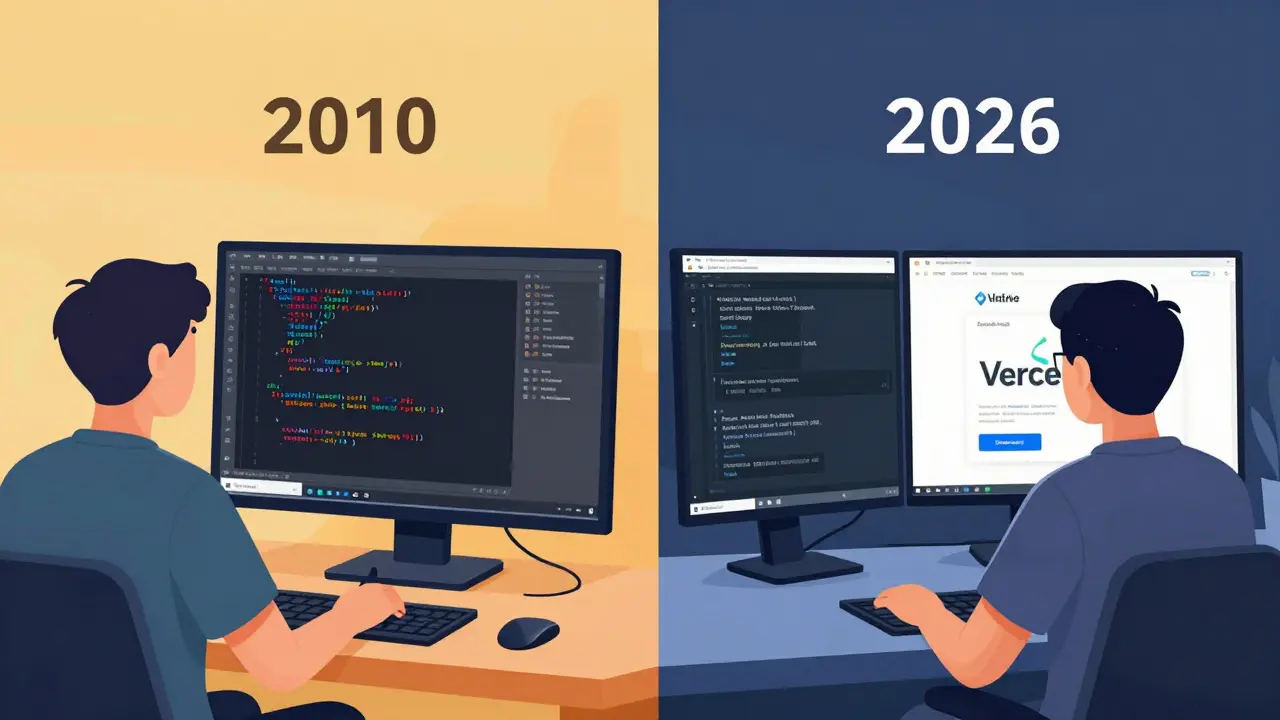
Programming education is stuck in 2010. We teach syntax, not systems. We teach algorithms, not workflows. But software isn’t written in isolation anymore. It’s built, tested, and shipped by teams. If we want students to be employable, we need to teach them how real software moves.
CI/CD isn’t advanced. It’s basic. It’s the new "Hello World."
Do students need to know Linux to use CI/CD?
No. Tools like GitHub Actions run in cloud containers. Students interact with them through a web interface and YAML files. They don’t need to SSH into servers or manage Linux terminals. Basic file editing and understanding how to read error messages are enough to start.
Can CI/CD be taught in a one-semester course?
Yes. A focused 4-week module - with weekly hands-on labs - is enough. Students don’t need to master every tool. They need to experience one full pipeline: write code → push to GitHub → see tests run → fix failures → deploy live. That experience changes how they think about code.
Is CI/CD only for web apps?
No. CI/CD works for any code that can be tested. Mobile apps, data analysis scripts, even robotics code can be automated. A Python script that analyzes CSV files? Put it in a pipeline. Run tests on new data. Deploy the output. It’s the same workflow - just different output.
What if a student’s code keeps failing in CI?
That’s the point. Failing in CI is better than failing in production. When a student sees a red build, they learn to read logs, check indentation, verify dependencies, and test locally before pushing. Failure becomes a teacher - not a setback.
Should CI/CD replace traditional grading?
Not replace - enhance. Traditional grading checks if code runs. CI/CD grading checks if code is reliable, testable, and deployable. Combine both: 50% for functionality, 30% for test coverage, 20% for pipeline health. It’s more honest.
Students aren’t failing because they’re bad at coding. They’re failing because they’re being taught like it’s 2010. CI/CD isn’t a luxury. It’s the baseline. And if we want the next generation of programmers to build software that lasts - we need to start teaching it now.
Comments
Jeremy Chick
This is why most coding bootcamps are garbage. They teach you to copy-paste Stack Overflow solutions but never show you how to ship real shit. I got hired at a startup because I had a CI/CD pipeline on my portfolio. The hiring manager literally said, 'You're the first candidate who didn't make me cry.'
Renea Maxima
I mean... 🤔 what if CI/CD is just corporate gaslighting? Like, what if the real skill is knowing when NOT to automate? What if the soul of programming is in the manual debugging, the late-night coffee-fueled fixes? 🥲 Maybe we're losing something sacred by making everything so... clean?
Sagar Malik
The entire paradigm is a neoliberal construct designed to extract labor value through automated surveillance. CI/CD pipelines are just digital panopticons disguised as 'efficiency.' The student isn't learning engineering - they're being trained to optimize for KPIs dictated by venture capital. 🤯 And don't even get me started on GitHub Actions being owned by Microsoft - it's a honeypot for telemetry. #DeconstructThePipeline
Seraphina Nero
I just want to say thank you for writing this. I’m a TA and I’ve been trying to get our department to do this for years. One student cried when her first build passed. She said, 'I finally feel like I’m not just doing homework.' That’s worth everything.
Megan Ellaby
omg yes!! I teach intro python and i tried to add a tiny github actions thing last semester. one kid kept pushing with broken code and i was like 'why??' and he said 'i thought it would fix itself' lol. then he saw the red x and literally screamed. but then he fixed it and got so proud. it was beautiful. we should do this for EVERY class. 🥹
Rahul U.
I implemented this in my university’s final year project last year. Students who used CI/CD had 60% fewer bugs in production. One group deployed a diabetes tracker app - and it passed all tests before their demo. The hospital staff asked if we were a startup. We were 20-year-old undergrads. 🇮🇳✨
E Jones
You think this is radical? Let me tell you what’s REALLY happening. The corporations don’t want students to learn CI/CD - they want them to learn to worship it. The pipeline is a ritual. The YAML file is a prayer. The red build is a sin. The green build? Salvation. They’re conditioning kids to equate automation with moral righteousness. And don’t get me started on how GitHub collects every keystroke. Your code isn’t yours anymore. It’s theirs. They’re turning coders into obedient nodes in a corporate machine. Wake up. 🕵️♂️
Barbara & Greg
While I appreciate the enthusiasm, I must express my profound concern regarding the pedagogical implications of introducing industrial-grade tooling to novice learners. The foundational understanding of algorithmic logic, data structures, and computational theory must precede any engagement with deployment pipelines. To do otherwise is to construct a house upon sand. Furthermore, the conflation of 'employability' with 'technical tool familiarity' represents a dangerous erosion of liberal arts values within higher education.
selma souza
You wrote 'CI/CD' but didn't capitalize 'Continuous' in the full form. Also, 'YAML' is not a proper noun. And you said 'GitHub Actions' but didn't italicize the product name. This article is riddled with grammatical and typographical errors. How can anyone take this seriously? I'm disappointed.
Jeremy Chick
@158 You’re not wrong about the corporate angle... but if you don’t use the tools, you get left behind. I didn’t join the machine - I used it to get out of poverty. My kid’s in college now, and I told him: 'Learn the pipeline. Then burn it down. But first, learn how to light it.'