

The secret is that students aren't lazy; they're terrified of looking stupid or being the only person talking. They are waiting for a social cue. To move from a dead forum to a thriving hub, you have to stop being a 'teacher' and start acting like a 'community architect.' You aren't just delivering content; you're designing the social friction that forces people to connect.
Quick Wins to Break the Ice
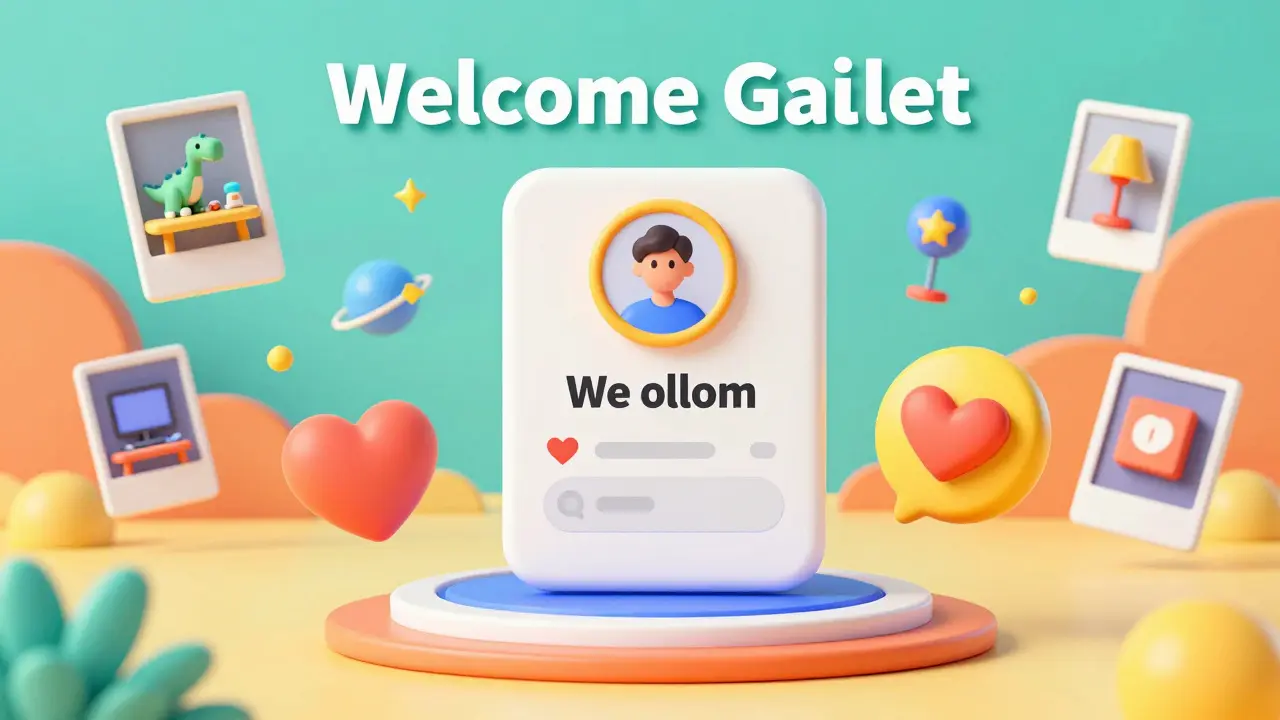
You can't just ask students to "introduce themselves." That prompt is the death of engagement because it's boring and feels like a homework assignment. Instead, use a high-reward, low-friction prompt. Ask for something specific, weird, or highly visual. For example, instead of "Tell us about your job," try "Post a photo of your workspace and tell us the one thing on your desk that makes no sense to anyone else."
When you lower the barrier to entry, you remove the fear of judgment. A photo of a weird desk toy is a safe bet; a professional bio is a performance. Once a student posts a photo, others will jump in to comment on the toy. Now, the social ice is broken. You've shifted the focus from 'proving my worth' to 'sharing a quirk,' which is the foundation of any real community.
Another effective move is the "Welcome Gauntlet." Instead of a generic email, send a series of three micro-tasks over the first 48 hours. Task one: Change your profile picture. Task two: React to one person's post with an emoji. Task three: Answer a one-sentence poll. By the time they hit the actual course material, they've already performed three social actions. They are now 'active members' in their own minds.
The Psychology of the First Post
In any online group, there is a perceived social hierarchy. Students are subconsciously scanning the room to see who the "cool kids" or the "experts" are. If the only activity is the instructor posting long, formal announcements, the students will treat the forum like a lecture hall-they'll listen, but they won't speak. To fix this, you need to humanize the authority figure.
Psychological Safety is the belief that one will not be punished or humiliated for speaking up with ideas, questions, concerns, or mistakes. In a digital classroom, this is created when the instructor shares a failure first. If you post a story about a time you failed miserably at the very skill you're now teaching, you signal to the students that it's okay to be imperfect here.
Once you've established this safety, introduce "Seeders." Seeders are a small group of highly motivated students-or even a few assistants-who are briefed beforehand to start discussions. If a new student enters a forum and sees three people debating a topic, they are 10x more likely to join in than if they see a blank screen. It's the digital equivalent of a restaurant looking more attractive when there are already a few tables filled.
Structuring the Interaction Loop
Engagement isn't something that happens by accident; it's a loop. If a student posts a question and it takes three days for the instructor to answer, the loop is broken. The student feels ignored and stops trying. To keep the momentum, you need a tighter feedback loop. This doesn't mean you need to be online 24/7, but you do need a system that ensures early wins.
| Phase | Goal | Action | Desired Outcome |
|---|---|---|---|
| Days 1-3 | Low Friction | Visual prompts & polls | First social interaction |
| Days 4-7 | Value Exchange | Peer-to-peer feedback | Sense of belonging |
| Week 2+ | Deep Connection | Collaborative projects | High retention/loyalty |
Move from "Instructor-to-Student" interactions to "Student-to-Student" interactions as quickly as possible. A powerful way to do this is through Peer Review, which is a process where students evaluate each other's work based on a set of criteria. By making peer feedback a requirement for grading or progress, you force the social interaction. But don't just make it a critique; make it a "treasure hunt." Tell students to find one specific thing the other person did *better* than they did. This turns a potentially scary critique into a positive social exchange.
Designing for Cohort Dynamics
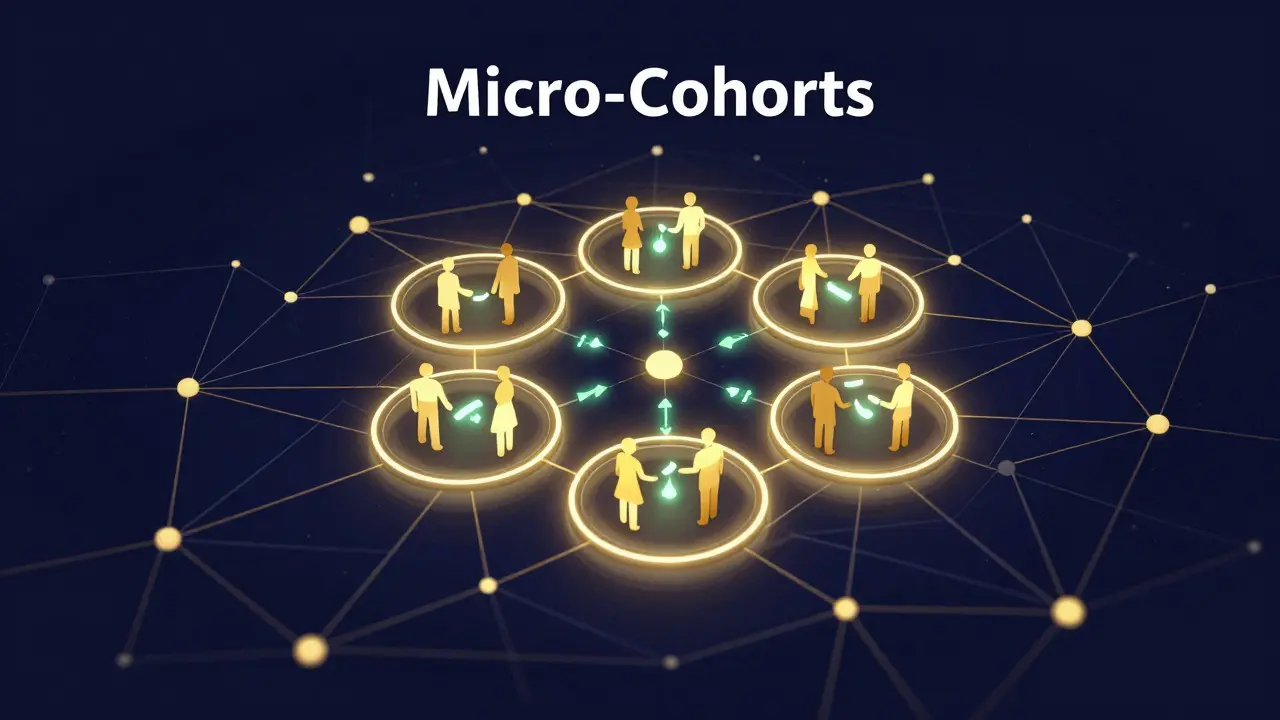
If you're running a Cohort-Based Course, you have a massive advantage over evergreen courses. You have a group of people starting and ending at the same time. This creates a shared temporal identity. To leverage this, you need to create "Micro-Cohorts."
A group of 100 people is a crowd; a group of 5 people is a team. Break your larger community into smaller, random pods of 4-6 people. Give these pods a name and a shared goal-like a mini-challenge or a group brainstorm. When students feel accountable to four other specific humans, they stop lurking. The fear of letting down a teammate is stronger than the fear of posting in a public forum.
Use these micro-cohorts to facilitate Social Learning, a theory that suggests people learn best from one another through social interaction. When a student explains a concept to a peer in a small pod, they are reinforcing their own knowledge while providing a more relatable explanation than a textbook ever could. This transforms the course from a content delivery system into a living network.
Avoiding the "Engagement Trap"
Be careful not to confuse "activity" with "learning." A forum filled with "Great post!" and "I agree!" is not a healthy community; it's an echo chamber. This is what I call the engagement trap. To avoid this, you must shift the prompts from affirmative to provocative. Instead of asking "What did you think of this video?", ask "What part of this video do you fundamentally disagree with?"
Constructive conflict is the gasoline of community activity. When students debate, they engage more deeply with the material and with each other. The key is to provide a framework for this debate so it doesn't devolve into arguments. Use a "Yes, and..." or "I see your point, but have you considered..." format. This keeps the environment professional while fueling the fire of intellectual curiosity.
Lastly, stop being the center of attention. If every thread ends with the instructor giving the "correct" answer, students will stop talking to each other and just wait for you. Start using the "Socratic Method" in your forums. When a student asks a question, don't answer it immediately. Instead, tag another student and ask, "Sarah, you had a similar issue last week, how did you solve it?" This elevates the student to the role of expert and proves that the community is the primary source of value, not just the teacher.
What if my students still aren't posting after the first week?
If the silence persists, the friction is still too high. Switch to a more direct method: reach out via DM or email to 3-5 students. Ask them a specific question about their progress and tell them, "I'd love for the group to hear your perspective on this; would you mind posting your answer in the forum?" Once a few people post via direct invitation, the "social proof" returns, and others will follow.
How do I handle students who dominate the conversation?
Over-active students are a blessing, but they can intimidate quieter members. The fix is to pivot the conversation. When a "super-user" posts, thank them and then immediately redirect the query to someone else. Use phrases like, "That's a great deep dive, Mark. Now I want to hear from someone who is totally new to this-does that make sense to you, or is it too complex?" This validates the expert while creating space for the novice.
Should I use a separate platform like Discord or Slack for the community?
It depends on the "vibe" of your course. Platforms like Discord and Slack are built for synchronous, fast-paced chat, which is great for high-energy cohorts but can feel overwhelming for some. Traditional forums are better for deep, asynchronous reflection. If you want a "hangout" feel, go with a chat app. If you want a "knowledge base" feel, stick to a structured community forum integrated into your LMS.
How often should the instructor post?
In the beginning, you need to be highly visible to provide a roadmap for behavior. However, as the course progresses, you should gradually decrease your volume and increase your "curation." Instead of starting every thread, spend your time highlighting great student contributions. Use "Featured Posts" or a "Weekly Highlight Reel" to show students that their activity is being noticed and valued.
Can I automate community engagement?
You can automate the prompts (e.g., scheduled welcome posts), but you cannot automate the *relationship*. Automation is great for the "Welcome Gauntlet" tasks, but the moment a student shares a personal struggle or a breakthrough, a human must respond. If a student catches an automated "Great job!" response to a deeply personal post, they will immediately disengage.
Comments
mark nine
the seeder thing is actually huge. i've run a few bootcamps and if you don't have a couple of people ready to stir the pot early on it just feels like a graveyard in there no matter how cool your prompt is
Buddy Faith
bet the seeders are just paid bots anyway lol who actually wants to be a shill for a course
Karl Fisher
Oh, Buddy, such a quaintly cynical take! While I'm sure some people just follow the money, the real intellectuals enjoy the prestige of being a founding member of a high-caliber community. It's simply a matter of taste and social standing, really.
Scott Perlman
love the idea of the weird desk toy thing
Xavier Lévesque
Yeah, because nothing says "I'm a professional" like showing a picture of a rubber ducky on your desk. Truly revolutionary stuff here.
Eva Monhaut
The concept of the Welcome Gauntlet is such a brilliant way to weave social threads before the academic pressure kicks in. It transforms a sterile digital environment into a vibrant tapestry of human connection almost instantly. I've noticed that when we gamify the onset of a relationship, the fear of vulnerability vanishes and is replaced by a spirited curiosity about one's peers.
Sandi Johnson
Oh sure, let's just force people to be friends by making it a grade requirement. That'll definitely make the community feel organic and not like a corporate team-building retreat from hell.
Henry Kelley
i think sandi is just being a bit harsh lol the peer review thing is actually pretty cool if you do it right and it helps you learn way faster when you see how others solve things
Christina Morgan
The distinction between synchronous chat and asynchronous forums is an essential consideration for any course creator. In my experience, a hybrid approach often yields the best results, as it allows for the spontaneous energy of a Discord server while maintaining the archival value of a structured forum. Creating a safe harbor for novices through the Socratic method ensures that no one feels left behind, while the super-users remain engaged by stepping into a mentorship role. It is all about balancing the social ecosystem to ensure that the flow of information is multidirectional rather than top-down. When students realize they are the primary value drivers, the instructor's burden decreases and the learning outcomes soar. I particularly appreciate the emphasis on psychological safety; without it, no amount of "gamification" will prevent the lurking phenomenon. The vulnerability of the instructor acts as a catalyst for authentic student engagement. By admitting failure, you dissolve the pedestal and build a bridge. This bridge is where the real learning happens, in the messy middle between knowing nothing and mastering a craft. It transforms the educational experience from a transaction into a journey. I cannot recommend these strategies enough for anyone struggling with a quiet cohort.
Nicholas Carpenter
This is a very thoughtful approach to community building. I appreciate the focus on creating a space where everyone feels welcome without being forced into uncomfortable positions.
Thabo mangena
It is truly heartening to see such a comprehensive strategy for fostering camaraderie among learners. I believe that these methods will greatly enhance the spirit of collaboration across diverse cultural backgrounds.