

Quick Wins for Content Repurposing
- Audit your archives: Find the webinars with the highest replay rates.
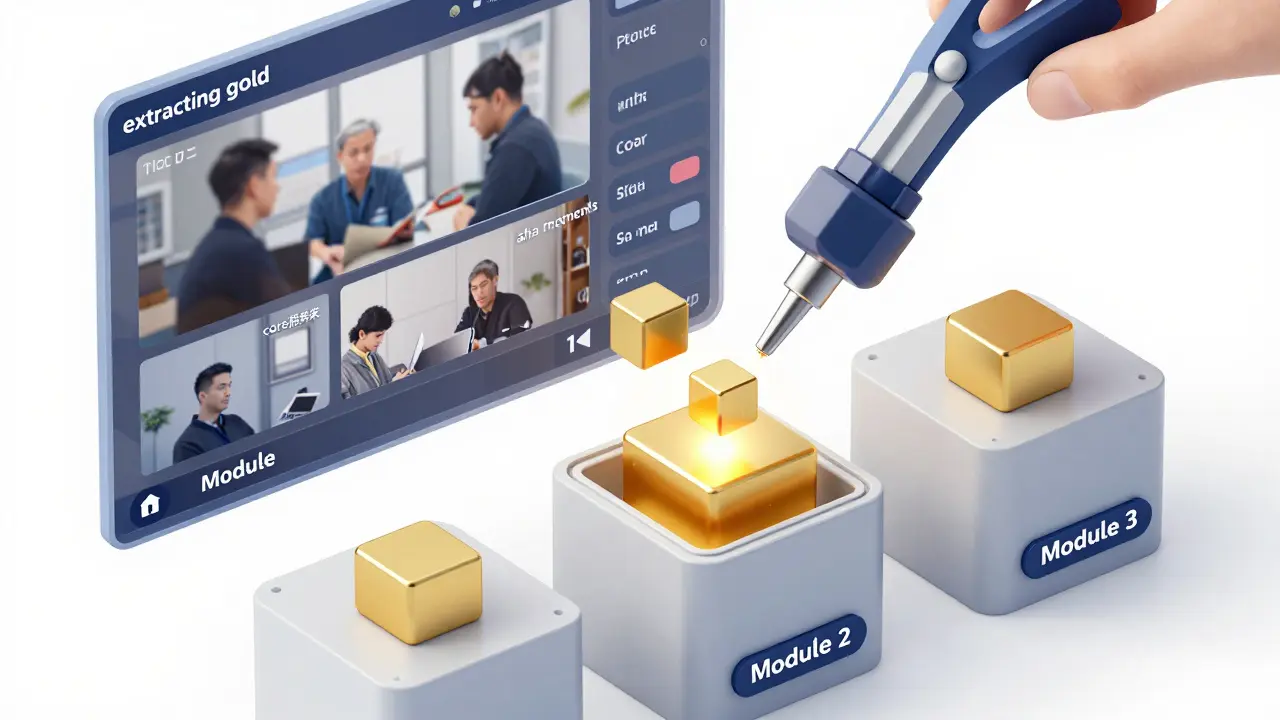
- Extract the gold: Identify the specific "aha" moments and core frameworks.
- Shift the format: Move from a linear presentation to a modular learning path.
- Add interactivity: Turn lecture points into actionable worksheets.
When we talk about Content Repurposing, we aren't talking about just uploading a Zoom recording to a member area. That's not a course; that's an archive. A real course is designed for transformation, meaning it guides a student from Point A to Point B. Webinars are usually designed for awareness or lead generation. To bridge that gap, you have to strip away the "live event" fluff-the housekeeping, the Q&A tangents, and the introductions-and rebuild the core concepts into structured modules.
The Anatomy of a Webinar vs. a Course Module
A webinar is a performance; a course is a process. In a live workshop, you might spend ten minutes managing the chat or waiting for people to join. In a course module, every second must provide value. To make this transition, you need to map your live content to a learning objective. If your webinar was "How to Scale Your Freelance Business," that's too broad for one module. Instead, break it down. The section on pricing becomes Module 1, the section on client acquisition becomes Module 2, and the workflow tips become Module 3.
| Webinar Element | Course Module Equivalent | Purpose of Change |
|---|---|---|
| Live Q&A Session | FAQ Video or Knowledge Base | Remove distractions; provide direct answers. |
| Slide Presentation | Screencast with Voiceover | Increase clarity and control the pace. |
| Chat Engagement | Interactive Quizzes/Worksheets | Replace social validation with active learning. |
| The "Pitch" Section | Call to Action / Next Step | Shift from selling to guiding the student. |
Step-by-Step: Converting Live Video to Educational Assets
The first step is Content Auditing. Don't just grab the video file. Transcribe the recording using an AI tool. This allows you to see the structure of your talk in text form. You'll likely notice that you spent 15 minutes on a story that doesn't actually help the student reach the goal. Cut it. Your goal is to increase the "signal-to-noise ratio." If a piece of information doesn't directly support the learning objective, it's noise.
Once you have your transcript, follow this workflow:
- Identify the Core Pillars: Look for the 3-5 main points you made. These are your modules.
- Segment the Video: Instead of one 60-minute video, create five 6-to-12 minute "micro-lessons." Modern learners have shorter attention spans, and smaller files are easier to navigate.
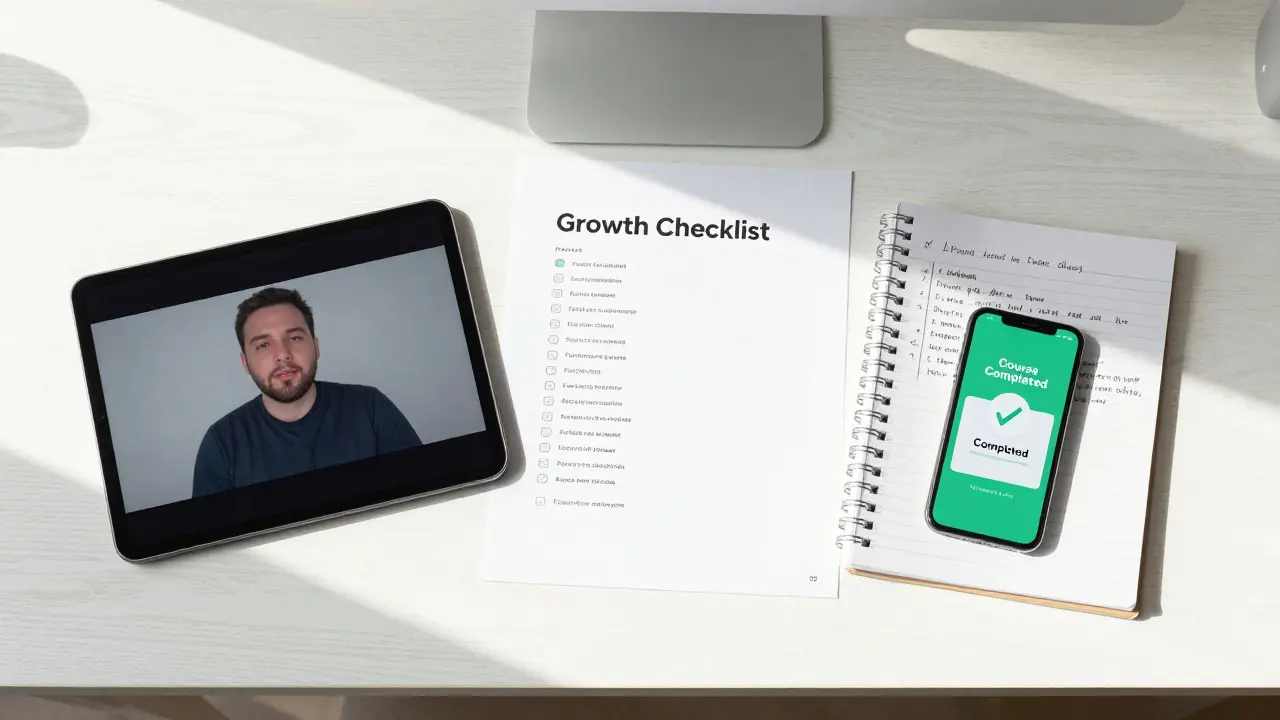
- Develop Supplemental Materials: A video is a passive experience. To make it a course, you need active components. If you mentioned a "Growth Checklist" during your workshop, actually build that checklist as a downloadable PDF.
- Record "Bridge" Videos: The transition between a webinar's sections is often clunky. Record short 2-minute introductions for each module that tell the student exactly what they will learn and why it matters.
Designing for the Student Experience
To turn a workshop into a high-ticket product, you need to implement Instructional Design principles. This is the science of how people actually learn. Instead of just giving information, create a "challenge" for each module. For example, if your workshop taught people how to write a sales page, the course module shouldn't just explain the theory; it should require the student to submit a draft of their first headline before they can move to the next lesson.
Think about the Learning Management System (LMS) you'll use. Whether it's a platform like Kajabi or Teachable, the way you organize the content matters. Don't just list videos. Group them into "phases." Phase 1: Foundation; Phase 2: Implementation; Phase 3: Optimization. This gives the student a sense of progression that a single webinar lacks.
Common Pitfalls in Content Reuse
The biggest mistake is the "Dump and Run." This happens when a creator simply uploads a recording of a workshop and calls it a course. Students can tell the difference, and it leads to high refund rates. Another trap is ignoring the updates. If your webinar was recorded in 2024 and you're selling the course in 2026, some of your data or tool mentions will be obsolete. You don't need to re-record the whole thing, but you should add a "2026 Update" video at the start of the module to maintain credibility.
Avoid the "Over-Editing" trap too. You don't need a Hollywood production team to make a course. In fact, students often prefer a raw, authentic teaching style over a highly polished corporate video. Focus on audio quality-people will forgive a grainy video, but they won't tolerate static-filled audio. Use a decent external microphone and a simple noise-reduction tool.
Scaling Your Model: The Content Loop
Once you've mastered turning workshops into courses, you can create a self-sustaining loop. Use your course to identify common student struggles. When you see 20 students struggling with the same concept in Module 2, that's your cue to host a new live workshop specifically on that narrow topic. Record that workshop, refine it, and plug it back into the course as a "Deep Dive" bonus module.
This strategy transforms your business from a service-based model (selling your time for a live event) to a product-based model (selling a scalable asset). You are no longer trading hours for dollars; you are trading a proven system for revenue. This is how you move from being a "speaker" to being an "educator."
Do I need to re-record everything to make it a professional course?
No, you don't. You can keep the core teaching segments from your webinar. However, you should record new introductions and conclusions for each module to remove the "live" feel and provide a structured learning path. The key is to edit out the fluff and the house-keeping parts of the live event.
How long should each course module be?
Aim for "micro-learning." Ideally, each video should be between 5 and 12 minutes. If a section of your workshop is 30 minutes long, break it into three distinct parts. This prevents cognitive overload and allows students to find specific information quickly without scrubbing through a long video.
What if my workshop was too conversational and lacks structure?
This is where transcription is your best friend. Turn the video into text, highlight the key points, and use those points to create a new outline. You can then use the original video as a "rough draft" and record a concise, scripted version of the lesson that follows the new, tighter outline.
Can I sell a course that is based on a free webinar?
Absolutely, but you must add significant value. A free webinar usually gives the "what" and the "why." A paid course must give the "how." Add detailed worksheets, templates, checklists, and a structured step-by-step implementation guide that wasn't available in the free session.
Which tools are best for converting video to course modules?
Use AI transcription tools for the audit phase. For editing, simple tools like Descript are excellent because they allow you to edit video by deleting text in the transcript. For hosting, a dedicated LMS like Kajabi or Teachable is better than a generic folder, as they allow you to track student progress.