


You built a great course. It’s engaging, it teaches kids how to code or draw or learn Spanish, and parents are signing up their 10-year-olds in droves. But here is the uncomfortable truth that keeps many EdTech founders awake at night: if you didn’t get parental consent correctly before that kid clicked "Start," you might be sitting on a ticking time bomb.
COPPA, or the Children’s Online Privacy Protection Act, isn’t just some bureaucratic hurdle for tech giants like Facebook or TikTok. It applies directly to anyone collecting data from children under 13. For course creators, this means your signup form, your video player, and even your analytics tools need to pass a strict legal sniff test. Ignoring it can lead to fines that reach $51,744 per violation-a number that can wipe out a small business faster than you can say "refund."
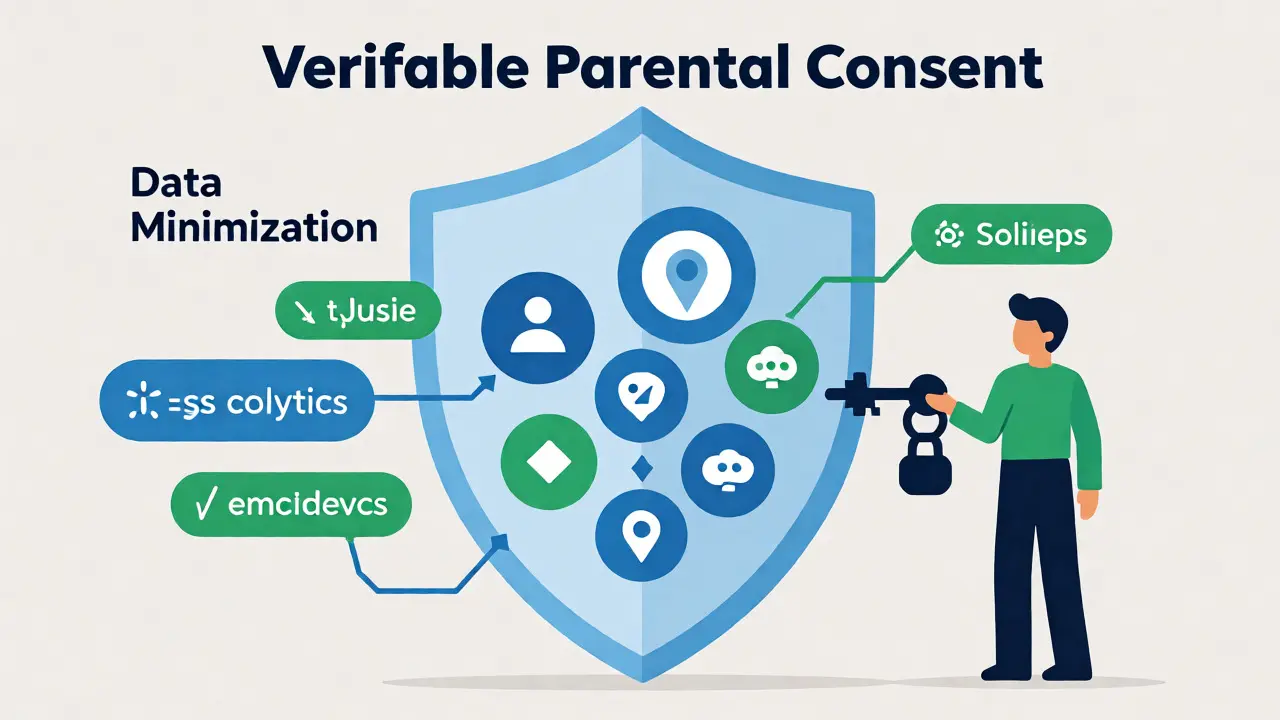
| Requirement | What It Means for Your Course | Risk Level |
|---|---|---|
| Verifiable Parental Consent | You must prove the person signing up is actually the parent/guardian. | High |
| Data Minimization | Collect only what you strictly need (e.g., no unnecessary location data). | Medium |
| Third-Party Plugins | YouTube embeds, Google Analytics, and chat widgets often track cookies. | High |
| Privacy Policy | Must be clear, conspicuous, and specifically address child data handling. | Low |
The Age Gate Is Not Enough
A lot of course platforms think adding a checkbox that says "I am over 13" solves the problem. It doesn’t. If a 9-year-old checks that box, you have collected personal information without consent. The Federal Trade Commission (FTC) has made it clear that self-declaration is insufficient when the site is directed toward children.
So, what do you do? You need an age gate that actually works. This usually involves asking for the user's birth date during signup. If the user indicates they are under 13, the platform must immediately trigger a parental consent flow. This isn't just an email confirmation; it requires steps like credit card verification, government ID upload, or a signed digital form returned by mail or scan.
Defining "Personal Information" in Your LMS
You might think personal information just means a name and email address. In the eyes of COPPA, it’s much broader. If your Learning Management System (LMS) collects any of the following from a child, you are subject to the law:
- Contact Info: First and last name, physical address, phone number, email.
- Usernames: Any unique identifier that allows contact.
- Photos and Videos: Any file containing a recognizable image of the child.
- Audio Files: Voice recordings from language learning exercises.
- Geolocation: Even coarse location data derived from IP addresses counts.
- Persistent Identifiers: Cookies, device IDs, or IP addresses used to track users across sessions.
Think about your typical course setup. Do you use a discussion board? If a student posts a photo of their art project, you’ve collected visual data. Do you use Zoom for live classes? If the recording is stored and linked to a student profile, that’s audio and video data. Every single feature needs an audit.
The Third-Party Trap
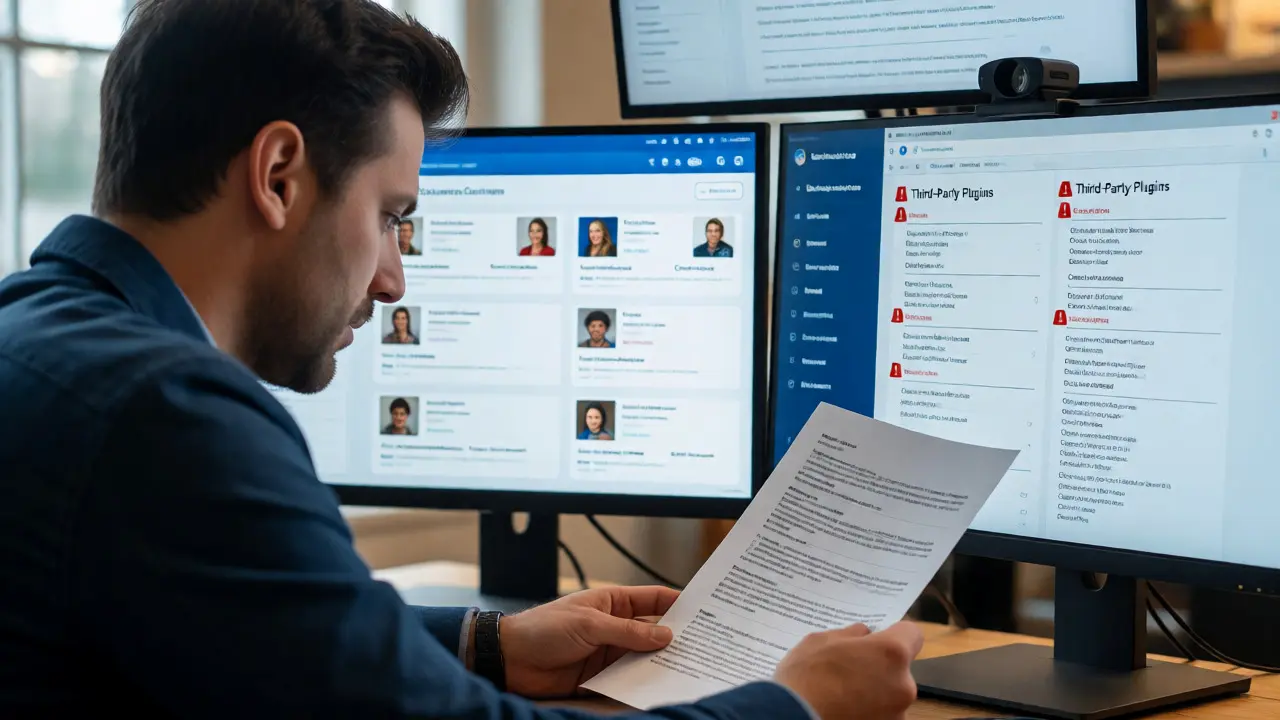
This is where most independent course creators fail. You might handle your own database perfectly, but what about the tools you plug into your site? When you embed a YouTube video using the standard iframe, YouTube drops cookies on the user’s browser. These cookies track behavior. If the user is a child, those third-party trackers are collecting personal info without your direct control-and often without proper consent mechanisms.
To stay compliant, you need to scrub your stack. Switch to YouTube NoCookie mode (or better yet, host videos on a platform that offers explicit COPPA-safe settings like Vimeo with specific privacy toggles). Check your analytics. Standard Google Analytics tracks IPs. You need to configure it to anonymize IP addresses or use a privacy-focused alternative like Plausible or Matomo that doesn’t rely on invasive tracking cookies.
Don’t forget about payment processors. While Stripe or PayPal handles the transaction, ensure you aren’t passing excessive student data to them unnecessarily. Only send what is required to process the payment.
Building a COPPA-Compliant Workflow
How do you actually implement this without scaring away parents? The key is transparency and ease. Parents are already wary of handing over credit card details for online services. Make the process smooth.
- Detect Age Early: Ask for birth year immediately upon account creation. Don’t wait until checkout.
- Trigger Consent: If under 13, pause the enrollment. Present a clear explanation: "We need your permission to let your child join. Here is why we collect data and how we protect it."
- Verify Identity: Use a service like K-ID or Jumio for document verification, or stick to the classic method: ask for a credit card charge of $1-$2 (which verifies identity) or a signed PDF.
- Store Proof: Keep records of the consent. If the FTC comes knocking, you need to show you tried.
- Allow Deletion: Parents have the right to review and delete their child’s data. Make sure your support team knows how to pull a student’s record and wipe it completely from backups within a reasonable timeframe.
International Considerations
If you’re based in New Zealand or selling globally, remember that COPPA is US-centric. However, the European Union has GDPR-K (the children’s clause of GDPR), which sets the age threshold at 16 (though member states can lower it to 13). Canada has PIPEDA.
If your course attracts international students, you need a hybrid approach. Assume the strictest standard. If you comply with COPPA and GDPR-K, you’re likely safe in most other jurisdictions. This means getting consent for under-13s (US) and potentially under-16s (EU), depending on your target market. Don’t guess-check where your traffic comes from. If 20% of your users are from Germany, you need GDPR-compliant consent banners.
Common Pitfalls to Avoid
Even well-meaning educators slip up. Here are the mistakes I see most often in EdTech audits:
- Hidden Chat Features: Allowing kids to chat with each other in real-time creates a social network effect. This requires stricter moderation and consent because you’re facilitating communication between minors.
- Assuming "Education Exception": There is no blanket exemption for educational content. Just because it’s a math lesson doesn’t mean you can ignore privacy laws.
- Forgetting Retention Policies: How long do you keep student data after they finish the course? COPPA requires you to retain data only as long as necessary. Delete old records securely.
- Generic Privacy Policies: Copy-pasting a template from a general SaaS company won’t work. Your policy must explicitly state how you handle children’s data.
Tools That Help
You don’t have to build everything from scratch. Several platforms offer COPPA-ready features out of the box:
| Platform | COPPA Feature | Best For |
|---|---|---|
| Teachable | Built-in age gates and consent forms. | Solo creators |
| Kajabi | Customizable signup flows with conditional logic. | Marketing-heavy courses |
| Moodle | Open-source flexibility; requires manual plugin configuration. | Institutions |
| Thinkific | Similar to Teachable; good API for custom consent. | Scalable businesses |
Remember, the tool doesn’t make you compliant; your usage does. Even on Teachable, if you embed a non-compliant YouTube video, you’re still at risk.
Frequently Asked Questions
Does COPPA apply if my course is free?
Yes. COPPA applies to any website or online service directed to children, or that knowingly collects personal information from children, regardless of whether the service is free or paid. If you collect emails or names for a free webinar series aimed at kids, you need consent.
Can I just ask the child for their email instead of the parent?
No. For children under 13, you cannot collect personal information directly from the child without first obtaining verifiable parental consent. Asking the child first violates the "notice" requirement because you haven't informed the parent yet.
What happens if I accidentally violate COPPA?
The FTC can impose civil penalties. As of recent adjustments, these can exceed $50,000 per violation. Additionally, you may face reputational damage and loss of trust from parents, which is often more costly for small education businesses than the fine itself.
Do I need to hire a lawyer to check my compliance?
While not legally required, it is highly recommended for businesses with significant revenue or complex data flows. Many legal firms specialize in EdTech compliance and can provide a quick audit to identify high-risk areas like third-party plugins and data retention policies.
How do I handle data deletion requests?
Parents can request to view, correct, or delete their child’s personal information. You must respond promptly. Ensure your backup systems also purge the data eventually, or note that backups may take longer to update. Have a clear internal process for flagging accounts for deletion.