


When companies invest in training their teams, they’re not just paying for a workshop or a webinar. They’re buying access to knowledge, systems, and sometimes even proprietary content. But how does that actually work behind the scenes? It all comes down to two things: corporate training contracts and licensing agreements. These aren’t just legal documents-they’re the backbone of how businesses scale learning without reinventing the wheel.
What’s in a Corporate Training Contract?
A corporate training contract is a deal between a company and a training provider. It’s not a one-size-fits-all form. The terms change depending on what’s being offered. Maybe it’s a leadership program from a consulting firm. Or a cybersecurity simulation built by a tech startup. Or even a custom-built onboarding system developed in-house.
At its core, the contract answers three questions:
- What exactly is being delivered?
- Who gets to use it?
- For how long, and under what conditions?
For example, if a logistics company signs a contract with a safety training vendor, they might get access to 50 online modules, quarterly live refreshers, and a dashboard to track employee progress. The contract will list the number of users, the duration (usually one to three years), and whether updates are included. Some contracts even include penalties if the vendor doesn’t meet uptime or completion rate targets.
Most contracts also cover data privacy. If the training system collects employee performance data, the contract must say who owns that data and how it’s stored. In places like New Zealand, Australia, and the EU, this isn’t optional-it’s required under data protection laws.
Licensing: Who Owns the Content?
Licensing is where things get trickier. Many training programs aren’t sold outright-they’re licensed. That means the company isn’t buying the content. They’re buying the right to use it.
Think of it like streaming music. You don’t own the song. You just pay to listen to it. Same with training modules. A company might license a leadership curriculum from a university or a compliance course from a regulatory body. The original creator keeps full ownership. The company gets permission to deliver it to their staff.
Licenses come in different flavors:
- Single-site license: Only one office or location can use the material.
- Multi-site license: Allows use across multiple branches, often with a cap on total users.
- Enterprise license: Unlimited use across the entire organization, sometimes including subsidiaries.
Some licenses restrict how the content can be modified. You can’t rebrand someone else’s course as your own unless the license allows it. Others ban resale-meaning you can’t turn the training into a product and sell it to another company. That’s a common trap. Companies think, “We paid for this, so we can reuse it however we want.” Not true.
There’s also the issue of updates. If the licensing agreement doesn’t include ongoing content revisions, your training could become outdated. A compliance course from 2022 might not reflect 2026 regulations. That’s why many enterprise deals now include automatic updates as part of the license fee.
Why Do Companies Choose Licensing Over Buying?
It’s cheaper. It’s faster. And it’s scalable.
Building your own training from scratch costs hundreds of thousands of dollars. You need instructional designers, subject matter experts, video crews, LMS integration, testing, and rollout. Most companies don’t have the team-or the budget-for that.
Licensing lets them tap into existing, high-quality content. A healthcare provider might license a patient safety course from Johns Hopkins. A retail chain might use a customer service program developed by a major consulting firm. These are proven, tested, and often certified by industry bodies.
Licensing also reduces risk. If the training fails, the vendor shares the blame. If it’s updated, the vendor handles it. If it breaks, they fix it. That’s a big deal when you’re training thousands of employees.
What Happens When a License Expires?
This is where many companies get caught off guard.
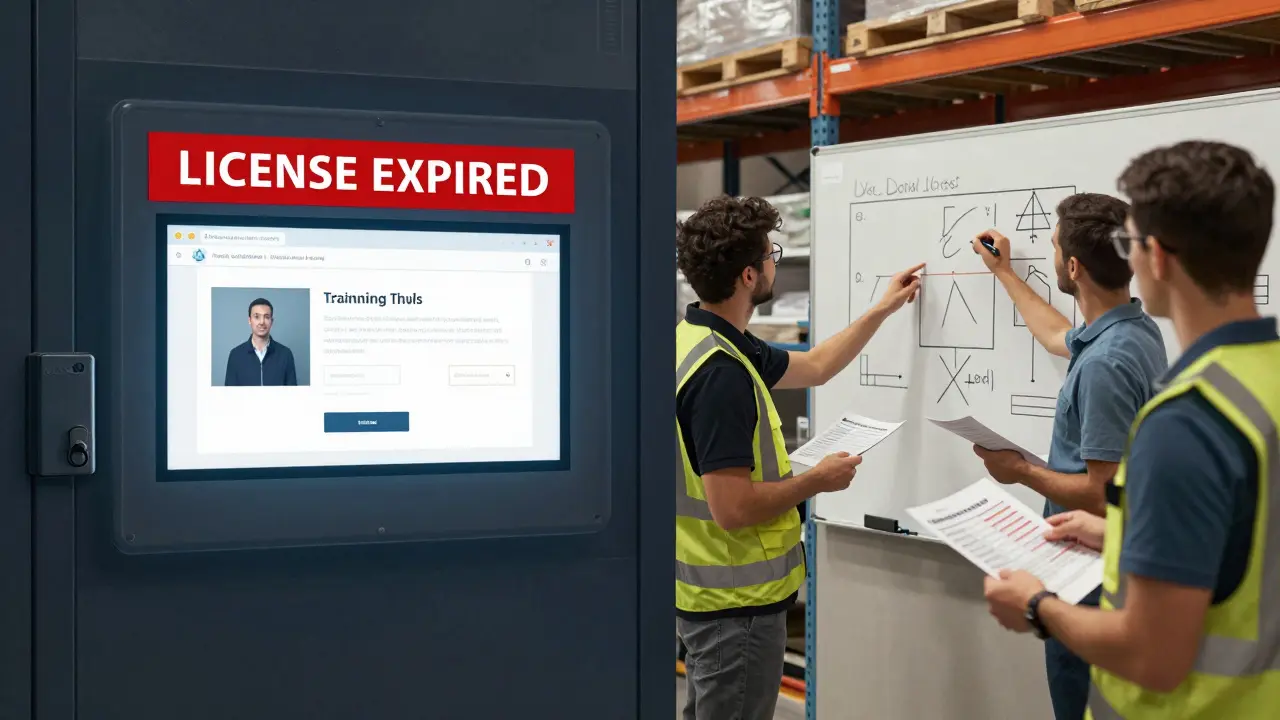
If you don’t renew a license, access disappears. All your training portals might go dark. Employees can’t log in. Progress reports vanish. Even if you’ve downloaded the materials, the license usually prohibits offline use without permission.
One manufacturing company in Wellington learned this the hard way. They licensed a machine safety course for three years. When the license expired, they didn’t renew it because they thought they’d “own” the content after paying. Turns out, they couldn’t even show the videos to new hires. They had to scramble to rebuild the entire module from scratch.
That’s why renewal reminders are critical. Smart companies set up calendar alerts six months before expiration. They also negotiate auto-renewal clauses with opt-out windows. That way, they don’t lose access overnight.
Custom vs. Off-the-Shelf Training
Not all training is the same. There are two main paths:
- Off-the-shelf: Pre-built programs sold to multiple companies. Think LinkedIn Learning, Coursera for Business, or Skillsoft. These are affordable and easy to deploy, but generic.
- Custom-built: Tailored to your company’s processes, jargon, culture, and systems. These are expensive but far more effective.
Most large organizations use a mix. They license off-the-shelf content for compliance and soft skills. For technical training-like how to use your proprietary software-they build custom modules.
Custom training usually comes with a different kind of contract. Instead of licensing, the company often owns the final product. But they still pay for development. The contract will specify who owns the source files, who can update it, and whether the vendor can reuse parts of it for other clients.
For example, if a bank hires a firm to build a fraud detection training module, the contract might say: “The bank owns all content. The vendor may not use any part of this material in other client projects.” That protects proprietary processes.
Hidden Costs Nobody Talks About
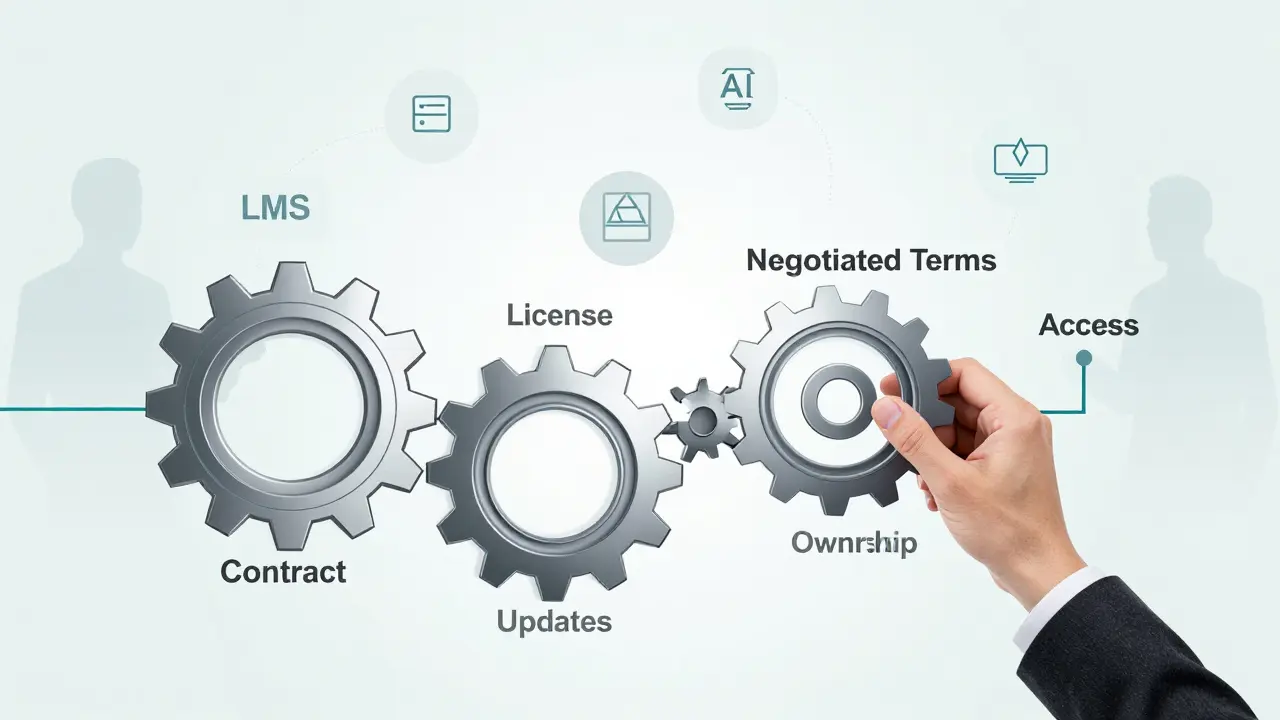
Licensing and contracts seem simple on paper. But the real costs are often hidden.
- Integration fees: Getting the training to work with your HR system or LMS isn’t free. Vendors charge extra for API access or data syncs.
- Training the trainers: If your managers are supposed to lead sessions, you’ll need to train them first. That takes time and money.
- Content localization: If you have teams in different countries, translating modules adds cost. Even small changes-like using local currency or laws-require updates.
- Support tiers: Basic support might only cover email. Urgent issues? You’ll need premium support, which costs 2-3x more.
One tech startup in Auckland signed a license for a project management course. They didn’t realize the vendor charged $1,200 per year just to connect it to their existing HR platform. That’s $1,200 they didn’t budget for.
How to Negotiate Better Terms
You don’t have to take the first offer. Here’s what works:
- Ask for pilot access. Test the training with 50 employees before signing a long-term deal.
- Negotiate user caps. Instead of paying for 1,000 users upfront, ask for a pay-as-you-go model.
- Require content updates. Make sure updates are included every 12 months, not just “as available.”
- Get ownership of custom work. If you paid for custom content, make sure you own the files.
- Include exit clauses. What happens if you want to switch vendors? Can you export your data? Can you keep using the content you’ve already downloaded?
Companies that negotiate these terms save 30-50% over time. And they avoid nasty surprises.
What’s Next for Corporate Training?
The future is hybrid. More companies are combining licensed content with AI-powered personalization. Imagine a compliance module that adapts based on your role, past mistakes, and learning pace. That’s possible now-but only if your licensing agreement allows AI integration.
Also, blockchain-based licenses are starting to appear. These let companies prove they’ve paid for training without relying on a vendor’s portal. It’s still rare, but it’s coming.
The key takeaway? Don’t treat training like a one-time purchase. Treat it like a subscription. Review contracts yearly. Track usage. Ask employees what’s working. And never sign anything without reading the fine print on ownership, updates, and access.
Can a company resell licensed training content to other businesses?
Generally, no. Most licensing agreements explicitly forbid resale. Training content is licensed for internal use only. If a company tries to sell or distribute the material to external clients, they risk legal action. Some vendors offer white-label licenses, but those are rare and expensive. Always check the license terms before assuming you can reuse content outside your organization.
What’s the difference between a training contract and a software license?
A training contract covers the delivery of learning services-like courses, workshops, or coaching. A software license covers access to a tool or platform, like an LMS or simulation software. Sometimes, the two overlap: a training program might be delivered through a licensed platform. But the contract governs the content, while the software license governs the technology. Both need to be reviewed separately.
Do I need a lawyer to review a corporate training contract?
For anything beyond a small, one-year deal with a well-known provider, yes. Contracts often contain hidden clauses about data ownership, liability, renewal terms, and intellectual property. A lawyer can spot red flags like auto-renewal traps, non-compete clauses that block you from hiring the trainer later, or restrictions on using training materials after the contract ends. For high-stakes training-like safety, compliance, or leadership programs-it’s not optional.
Can employees keep access to training after they leave the company?
Almost always, no. Training access is tied to active employment. When someone leaves, their account is deactivated. Even if they downloaded materials, most licenses prohibit personal use after employment ends. Some companies offer alumni access as a perk, but that’s rare and must be explicitly written into the contract. Don’t assume former employees can still log in.
What happens if the training vendor goes out of business?
It depends on the contract. If you don’t have a backup clause, your training could vanish overnight. Smart contracts include a “source code escrow” or content archive clause. This means the vendor must store a copy of all materials with a third party, and release it to you if they shut down. Without that, you may lose access to everything-even if you paid for it. Always ask for this protection in writing.
Comments
Amanda Ablan
Love how this breaks down licensing vs. ownership. I work in L&D at a mid-sized tech firm, and we got burned last year when our compliance vendor didn’t include updates. We were stuck with a 2021 module while regulations changed twice. Now we insist on auto-update clauses-no exceptions. Also, always ask for source files if you’re paying for custom content. You’d be shocked how many vendors try to lock you in.
Pro tip: Use a template. I built one based on our legal team’s red flags. Saved us 40 hours and $15K in avoidable fees.
Yashwanth Gouravajjula
Very clear. Licensing is not buying. Many in India think paying means owning. Big mistake.
Kevin Hagerty
Oh great another corporate blog post pretending training is rocket science. You paid for a course. You didn't buy the moon. Stop acting like you're negotiating a peace treaty. Also 'source code escrow'? Who writes this stuff? It's a damn video module not a nuclear launch code.
Ashton Strong
Thank you for this thorough and thoughtful breakdown. As someone who oversees enterprise learning initiatives, I can’t emphasize enough how critical it is to treat training as a strategic asset-not a line item. The hidden costs you mentioned-integration fees, trainer training, localization-are often the difference between success and failure. Many organizations overlook these until it’s too late. My advice: Build a training lifecycle budget from day one, including contingencies for vendor instability. A small upfront investment in legal review pays for itself tenfold when you avoid a 6-month training blackout.
Steven Hanton
This is an excellent overview, and I’d like to add one nuance: the difference between a license and a contract isn’t always clear to non-legal teams. A contract governs the relationship; the license governs usage rights. In practice, they’re often bundled, which creates confusion. For example, if a vendor delivers training via a proprietary platform, you’re bound by both the training contract and the software license. One might allow offline access; the other prohibits it. Always request both documents separately. And don’t rely on sales reps to explain the fine print-they’re incentivized to close deals, not protect your IP.
Pamela Tanner
Excellent point about data ownership. I recently reviewed a contract where the vendor claimed rights to anonymized learner data-even after the contract ended. We pushed back hard. Under GDPR and CCPA, that’s a non-starter. If your training system collects any personal info-even completion rates or quiz scores-you need explicit language about data ownership, retention, and deletion. Otherwise, you’re exposing your company to regulatory risk. Always have legal flag this. It’s not optional.
Kristina Kalolo
One thing missing here is the impact on learner experience. When licenses expire or platforms go dark, it’s not just an admin headache-it’s a morale killer. Employees trust that the tools they’re given will be available. When they suddenly can’t access a course they spent hours on, it feels like betrayal. We started tracking ‘training continuity score’-how many modules users can access without disruption. It’s become a key KPI for vendor selection.
ravi kumar
From India, we often use off-the-shelf because custom is too expensive. But I agree with the point about updates. A compliance course from 2022 is useless now. Maybe vendors should offer tiered licensing-basic, standard, premium-with updates included in higher tiers. That way, small teams aren’t forced to pay enterprise prices just to stay current.
Megan Blakeman
This was so helpful!! I had no idea about source code escrow-that’s a game-changer. I’m going to add that to our vendor checklist right away. Also, the part about alumni access? I’ve had so many former employees ask if they can still use the modules… I always said no, but now I know why-and how to explain it. Thank you for writing this so clearly!!
Akhil Bellam
Wow. Just… wow. You’ve managed to turn something as mundane as training contracts into a five-thousand-word epic saga. Let me guess-you work in procurement? Or maybe you’re the one who gets stuck cleaning up after the marketing team licenses a ‘revolutionary’ leadership course that’s just recycled TED Talks? Honestly, if your company is spending six figures on training, you’re either overcomplicating it… or you’re paying for vanity. Most employees just need clear, concise, practical content-not a 12-month SLA with auto-renewal clauses and escrow agreements. Simplify. Train. Move on.
Amber Swartz
Okay but like… WHAT IF THE VENDOR JUST… VANISHES?? Like, I’m not even kidding. My last company licensed a safety module from this startup that got acquired and then dissolved. POOF. Gone. All our training records. All our progress dashboards. All our certificates. And guess who got blamed? ME. I had to rebuild everything from screenshots and Zoom recordings. I cried. I’m not okay. Someone please tell me this isn’t normal.