


You just uploaded a new course module to your Learning Management System, and it feels great. But have you stopped to think about what happens to the thousands of student records sitting in that database? It’s not just about grades anymore. We’re talking about behavioral patterns, login times, device types, and sometimes even health accommodations. If you’re running an LMS today, data privacy isn’t a nice-to-have feature; it’s the backbone of trust.
Here is the reality check: students are more aware than ever. They know their data has value. And regulators are watching. Whether you are dealing with the strict rules of GDPR in Europe or FERPA in the US, one slip-up can cost you big time. So, how do you keep your platform secure without turning every login into a bureaucratic nightmare? Let’s break down the practical steps that actually work.
The New Landscape of Student Data Risks
Think back five years ago. Most people thought data breaches meant credit card numbers. Today, educational institutions are prime targets because they hold rich, long-term datasets. A single breach doesn’t just leak names; it leaks potential. Hackers love this stuff because student data is clean, verified, and often tied to future financial profiles.
Why does this matter to you specifically? Because the attack surface has expanded. It’s no longer just about who logs in. It’s about third-party integrations. Did you connect your LMS to a Zoom API? Or maybe a plagiarism checker like Turnitin? Each connection is a door. If those doors aren’t locked properly, you’re exposed. In 2024 alone, several major ed-tech providers faced fines for failing to disclose how they used student analytics. The lesson is clear: visibility is key.
You need to map out exactly where data flows. Start simple. Ask yourself: Who sees this data? When? Why? If you can’t answer those three questions for every piece of information, you have a gap. This mapping process is the first line of defense against both accidental leaks and malicious attacks.
Compliance Is Not Just a Checkbox
Let’s talk regulations. You’ve heard of them, but do you actually live by them? FERPA (Family Educational Rights and Privacy Act) protects the privacy of student education records in the United States. It gives parents and eligible students the right to inspect and review their records. On the other side of the Atlantic, GDPR (General Data Protection Regulation) takes a broader approach, focusing on consent and the right to be forgotten.
Many admins make the mistake of thinking compliance ends at the initial setup. Wrong. Compliance is dynamic. If you change your data retention policy, you need to update your privacy notices. If you add a new AI-driven assessment tool, you might need a fresh impact assessment. Here is a quick rule of thumb: if a regulator asked you today to explain why you kept a specific piece of data for two years, could you give a solid, documented reason? If not, you’re vulnerable.
Don’t treat legal teams as an afterthought. Involve them early when selecting new plugins or features. It saves headaches later. Remember, ignorance of the law is no excuse, especially when digital footprints are permanent.
Practical Security Measures That Actually Work
Okay, enough theory. What do you actually do? First, enforce strong authentication. Weak passwords are the enemy. Implement Multi-Factor Authentication (MFA) for all admin accounts immediately. For students, consider adaptive authentication-where the system asks for extra verification only if the login looks suspicious, like coming from a new country.
Next, look at encryption. Your data should be encrypted both at rest (when stored in the database) and in transit (when moving between the server and the user’s browser). Standard SSL/TLS certificates are basic now; don’t settle for less. Also, check your backup protocols. Are your backups encrypted too? Many organizations get hacked twice: once when the live site goes down, and again when hackers ransom the unencrypted backups.
Access control is another critical layer. Use the principle of least privilege. Does the teaching assistant really need access to student contact details? Probably not. Limit roles strictly. An instructor needs to see grades and submissions, not necessarily billing history or demographic data unless it’s relevant to the course.
Managing Third-Party Integrations
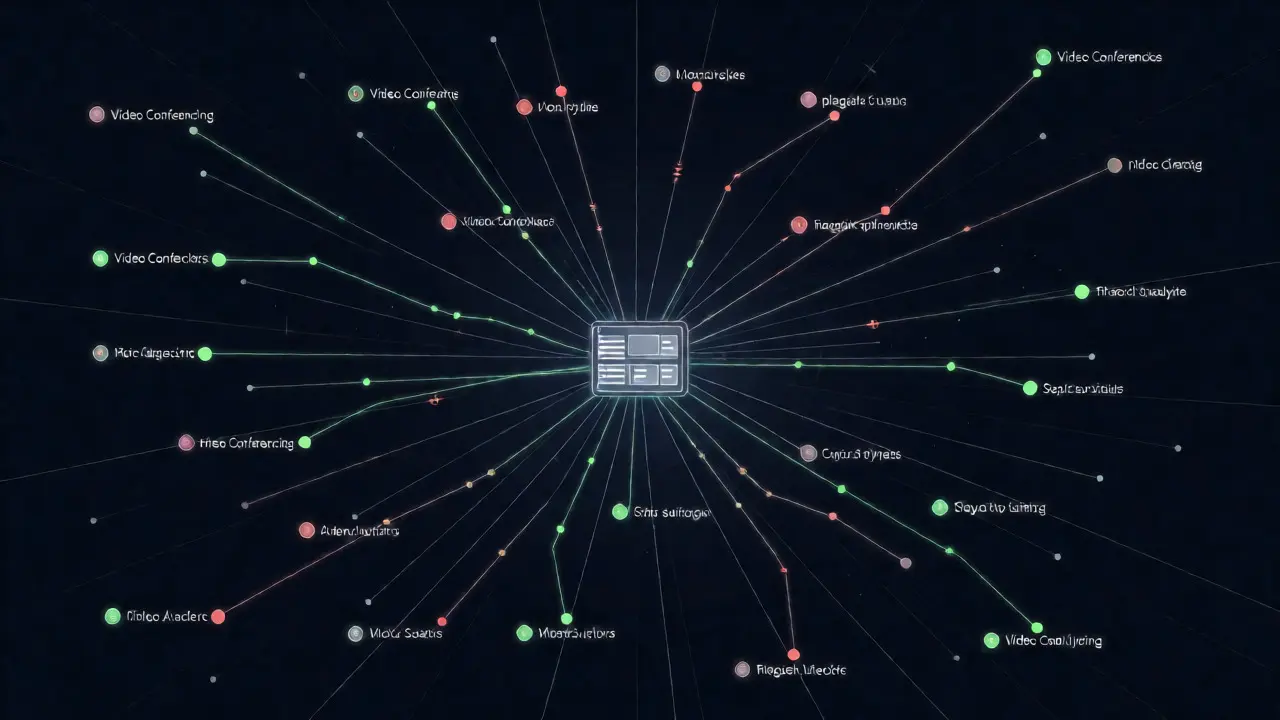
This is where things get tricky. Modern LMS platforms thrive on integrations. You want video conferencing, automated grading, and content libraries. But each vendor has its own privacy stance. You are responsible for what happens to your students’ data, even if it’s sitting on someone else’s server.
| Integration Type | Primary Risk | Best Practice Mitigation |
|---|---|---|
| Video Conferencing (e.g., Zoom, Teams) | Recording storage location and duration | Set auto-delete policies for recordings after 30 days |
| Plagiarism Checkers | Data retention in external databases | Ensure contracts prohibit using student papers for training AI models without consent |
| Analytics Tools | Behavioral tracking beyond academic performance | Anonymize data before processing; avoid linking clicks to personal IDs |
| Payment Gateways | Financial data exposure | Use tokenization so the LMS never stores raw credit card numbers |
Before adding any new app, read the fine print. Look for clauses about data ownership. Some vendors claim the right to use aggregated data for marketing. Is that okay for your institution? Decide beforehand. Create a vetted list of approved apps. If a teacher wants to use a random quiz tool they found online, require them to submit it for a quick security review. It keeps the ecosystem safe.
Building a Culture of Privacy Awareness
Technology alone won’t save you. People are often the weakest link. Phishing emails targeting staff are common. A fake "IT Support" email asking for credentials can compromise an entire account. Regular training helps, but make it engaging. Don’t just send a PDF manual. Run short, scenario-based quizzes. Show them real examples of recent phishing attempts in education.
Also, communicate with students. Transparency builds trust. If you collect data for learning analytics, tell them. Explain how it helps them learn better. When students understand the "why," they are less likely to feel surveilled. Provide easy ways for them to download their data or request deletion. Make these processes self-service where possible. It reduces the burden on your support team and empowers users.
Consider appointing a Data Privacy Officer, even if it’s a part-time role. Having someone dedicated to monitoring changes in laws and auditing internal practices ensures nothing falls through the cracks. This person becomes your go-to resource for teachers who are confused about what they can share in public forums versus private chats.
Auditing and Continuous Improvement
Privacy isn’t a one-time project. It’s a cycle. Schedule regular audits. Twice a year is a good starting point. Review access logs. Who accessed sensitive files outside business hours? Were there unusual spikes in data exports? These anomalies can signal issues before they become disasters.
Test your incident response plan. Do you know who to call if a breach happens? Is your communication template ready? Panic leads to mistakes. Preparedness leads to containment. Walk through a hypothetical breach scenario with your team. Time it. See how fast you can identify the source, stop the leak, and notify affected parties. Speed matters legally and reputationally.
Finally, stay updated. The tech landscape shifts fast. New AI tools emerge monthly, each with unique data implications. Subscribe to reputable security newsletters focused on ed-tech. Attend webinars hosted by standards bodies. Staying informed allows you to adapt proactively rather than reacting frantically to news headlines.
Frequently Asked Questions
What is the most common data privacy mistake in LMS administration?
The most frequent error is over-permissioning. Administrators often grant broad access rights to instructors or TAs to simplify management, inadvertently exposing sensitive student demographics or financial info that isn't needed for daily teaching tasks. Adhering to the principle of least privilege significantly reduces risk.
Do I need to comply with GDPR if my school is in the US?
Yes, if you have EU students enrolled or track the behavior of individuals located in the European Union. GDPR applies extraterritorially based on where the subject is located, not just where the company is headquartered. Ignoring this can lead to significant fines regardless of your physical location.
How long should we retain student data in our LMS?
There is no universal standard; it depends on local laws and institutional policies. Generally, academic records are kept for 5-7 years post-graduation for accreditation purposes. However, transient data like chat logs or temporary assignment drafts should be purged sooner, typically within 1-2 semesters, to minimize storage risks and privacy footprints.
Can AI tools in the LMS violate student privacy?
They can, if not configured correctly. Many AI writing assistants or plagiarism detectors store submitted text in cloud databases. Ensure your contract explicitly states that student data is not used to train global AI models without explicit consent, and verify that data is deleted after processing if required.
What should I do if I suspect a data breach?
Immediately isolate the affected systems to prevent further spread. Notify your IT security team and legal counsel. Document everything, including timestamps and actions taken. Follow your pre-established incident response plan. Depending on severity and jurisdiction, you may have a legal obligation to notify affected students within 72 hours.