


Imagine logging into a course platform where the timer ticks loudly in the corner, the text is dense and unbroken, and navigation requires precise mouse movements. For many learners, this isn't just annoying-it's a barrier to entry. This is the reality for neurodivergent students who make up a significant portion of the global population yet often find standard online learning environments designed with a narrow view of "normal" cognition.
Neurodiversity refers to the natural variation in human brain function. It includes conditions like autism, ADHD, dyslexia, and dyspraxia. When we talk about designing for neurodiversity, we aren't talking about creating separate, special-edition platforms. We are talking about building flexible, accessible systems that work better for everyone. In 2026, with remote and hybrid learning becoming permanent fixtures, getting this right is no longer optional-it's essential for educational equity.
Why Standard Design Fails Neurodivergent Learners
Most learning management systems (LMS) are built on assumptions that don't hold up for diverse brains. They assume linear processing, consistent attention spans, and high tolerance for sensory input. When you ignore these variations, you create friction.
Consider the student with ADHD. They might struggle with executive function-planning, organizing, and sustaining focus. A cluttered dashboard with too many tabs, notifications, and visual distractions can cause cognitive overload. The result? Procrastination or avoidance, not lack of ability.
Now consider a student with autism spectrum disorder (ASD). They may thrive on routine and predictability but struggle with ambiguous instructions or sudden changes in interface layout. If your platform updates its navigation without clear signaling, they lose their anchor. Add in auditory sensitivities from auto-playing videos, and the environment becomes hostile.
Dyslexic learners face different hurdles. Dense blocks of text, poor contrast, and decorative fonts that mimic letter shapes (like italicized 'f' looking like 't') slow down reading comprehension. These aren't minor inconveniences; they directly impact grade outcomes and retention rates.
| Barrier Type | Impact on Neurodivergent Learner | Example Scenario |
|---|---|---|
| Sensory Overload | Anxiety, distraction, shutdown | Auto-playing video lectures with background music and pop-up chat notifications |
| Cognitive Load | Difficulty prioritizing tasks, memory strain | Dashboard showing 15 pending items with no clear hierarchy or deadlines |
| Rigid Navigation | Frustration, disorientation | Menu structure changes weekly without announcement or tutorial |
| Text Density | Reading fatigue, misinterpretation | Instructions written in long paragraphs with complex sentence structures |
Core Principles of Inclusive Digital Design
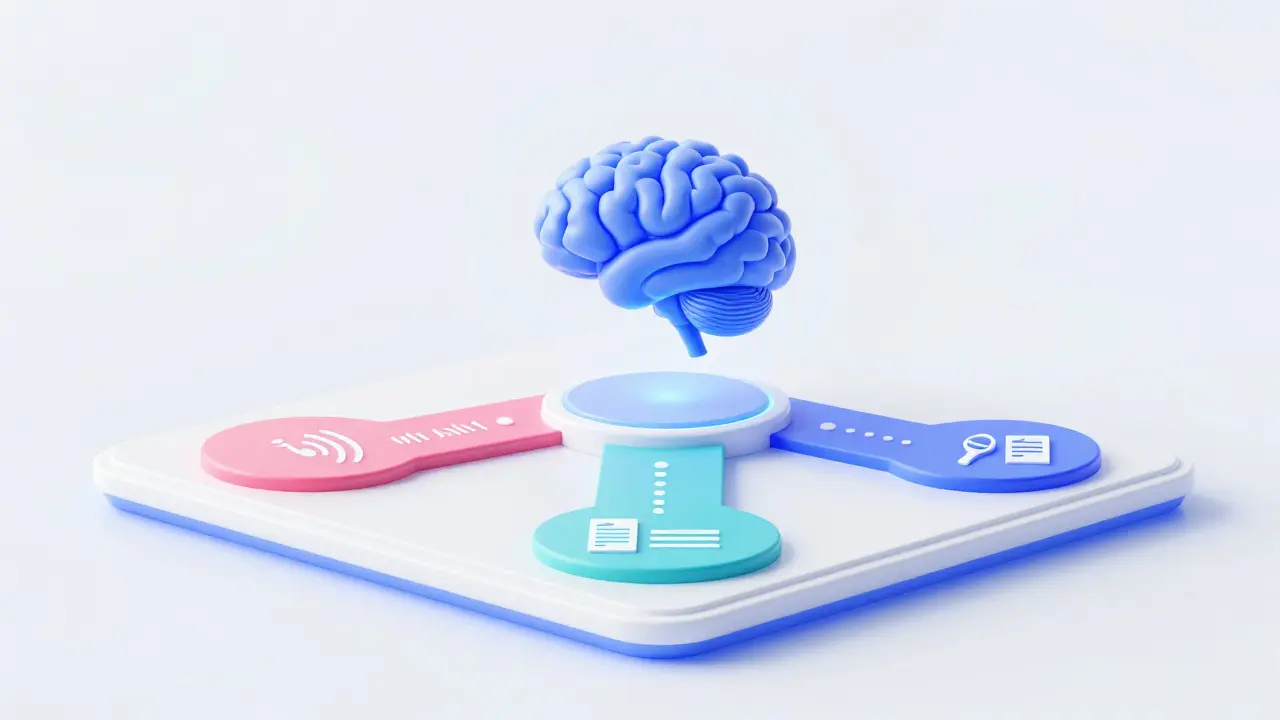
To fix these issues, we need to shift from a "one-size-fits-all" model to a universal design approach. Universal Design for Learning (UDL) provides the framework. It rests on three pillars: multiple means of engagement, representation, and action/expression. Let’s break down what this looks like in practice.
Multiple Means of Engagement: How do you hook interest and sustain effort? Offer choices. Allow students to select how they receive feedback-written comments, audio notes, or live chat. Provide gamified elements for those who thrive on competition, but keep them optional so they don’t distract others. Predictability matters too. Keep core navigation stable. If you must change something, announce it clearly and provide a transition period.
Multiple Means of Representation: Information should be presented in various formats. Don’t just post a PDF lecture. Offer a transcript, an audio version, and a summarized bullet-point list. Use icons alongside text labels. Ensure color is never the only way to convey information-for example, don’t use red/green alone to indicate pass/fail status; add symbols or text cues. High contrast modes and adjustable font sizes are non-negotiable features.
Multiple Means of Action & Expression: Give students flexibility in how they demonstrate knowledge. Instead of requiring a timed essay, allow project submissions, podcasts, or code repositories. Break large assignments into smaller, manageable chunks with intermediate check-ins. This supports executive function planning and reduces anxiety around big deadlines.
Practical Steps for Educators and Developers
You don’t need a massive budget to start making your platform more inclusive. Small changes yield big results. Here’s a checklist based on current best practices and WCAG 2.2 guidelines.
- Audit Your Content for Clarity: Rewrite instructions using plain language. Aim for a sixth-grade reading level. Use active voice. Replace jargon with simple terms. If you must use technical terms, define them immediately.
- Enable Customization: Allow users to adjust themes (dark/light mode), font size, and spacing. Some platforms let users hide distracting elements like sidebars or animations. This empowers learners to control their sensory environment.
- Structure Information Visually: Use headings, subheadings, and bullet points consistently. Avoid walls of text. White space is your friend-it gives the eye room to rest and helps parse information hierarchically.
- Provide Alternative Formats: Every video must have captions. Every audio file needs a transcript. Images require alt text that describes the content, not just the filename. Screen readers rely on this data.
- Reduce Time Pressure: Where possible, remove strict time limits on quizzes. If timing is essential for assessment validity, offer extended time accommodations easily accessible through settings. Anxiety spikes under pressure, which disproportionately affects neurodivergent test-takers.
- Test with Real Users: Involve neurodivergent individuals in usability testing. Their insights will reveal blind spots you didn’t know existed. Ask specific questions: "Where did you feel stuck?" "What caused you stress?" "Did any feature confuse you?"
The Role of Technology and AI
In 2026, artificial intelligence offers powerful tools for personalization. Adaptive learning platforms can now analyze user behavior in real-time and adjust content delivery. For instance, if a system detects a student repeatedly re-reading a paragraph, it might automatically switch to a simplified summary or offer an audio explanation.
AI-powered captioning has improved dramatically, providing near-instantaneous accuracy for live streams. Natural Language Processing (NLP) can simplify complex texts on demand, allowing students to toggle between academic and plain-language versions. However, technology is only as good as its implementation. AI biases exist. Always review automated outputs for tone and accuracy. Human oversight remains critical.
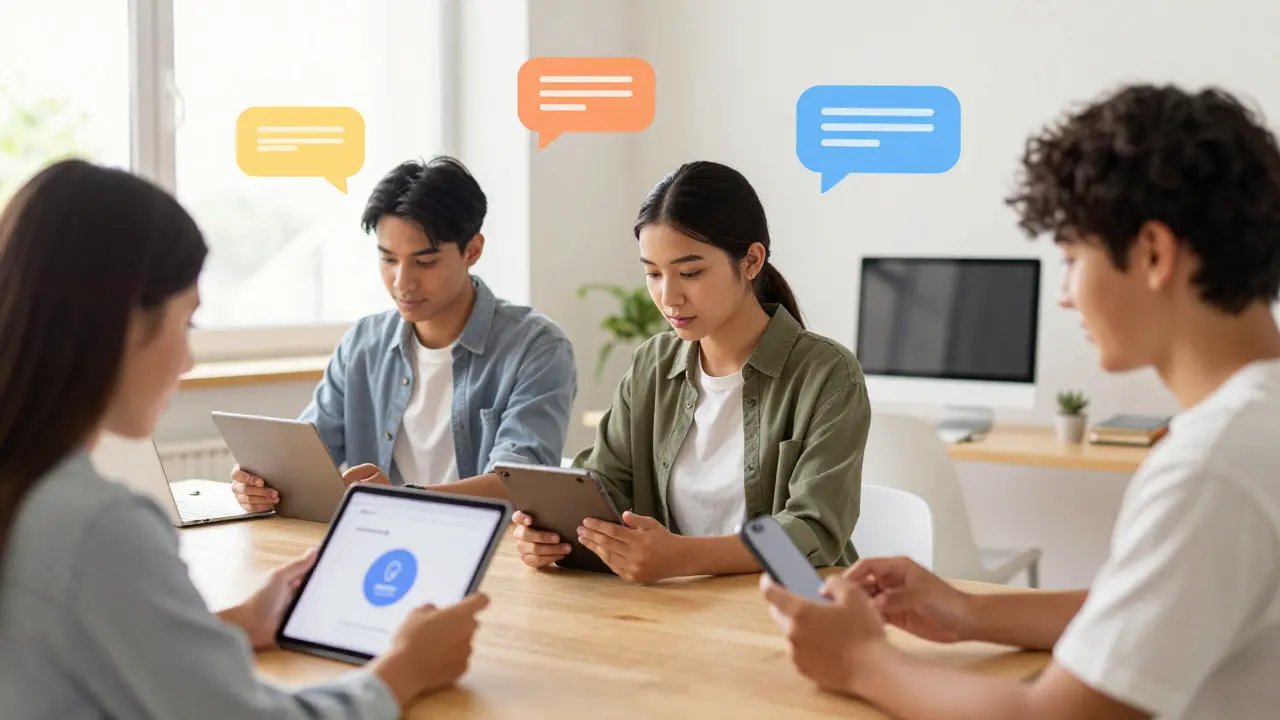
Moreover, mobile accessibility is paramount. Many neurodivergent students prefer interacting via tablets or phones due to tactile feedback or portability. Ensure your responsive design works seamlessly across devices. Touch targets should be large enough to avoid accidental clicks. Gestures should be intuitive and customizable.
Building a Culture of Acceptance
Design is only half the battle. The social environment within online courses matters immensely. Neurodivergent students often face stigma or misunderstanding from peers and instructors alike. Foster a culture where differences are viewed as strengths, not deficits.
Encourage asynchronous participation. Not everyone thrives in live video discussions. Some prefer thoughtful written responses in forums. Validate both modes equally. Train facilitators to recognize signs of distress or confusion and respond with empathy rather than judgment.
Create safe spaces for disclosure. Make accommodation requests easy and confidential. Normalize the use of assistive technologies. When one student uses speech-to-text software, it shouldn’t raise eyebrows-it should be seen as a standard tool, like a calculator.
Measuring Success and Iterating
How do you know if your efforts are working? Track metrics beyond completion rates. Look at engagement patterns. Are students spending less time navigating and more time learning? Survey participants anonymously about their experience. Ask specifically about accessibility barriers.
Iterate continuously. Accessibility isn’t a checkbox; it’s a process. Regularly update your guidelines as new research emerges. Stay informed about evolving standards like EN 301 549 in Europe or Section 508 in the US. Share successes and failures openly with your team. Collective learning drives systemic change.
Remember, designing for neurodiversity improves the experience for all users. Clearer benefits everyone. Flexibility reduces stress for parents balancing work and study. Better navigation helps older adults adapting to new tech. By embracing diversity in design, we build stronger, more resilient educational ecosystems.
What is neurodiversity in the context of online learning?
Neurodiversity recognizes that brains function differently. In online learning, it means acknowledging that students with autism, ADHD, dyslexia, etc., have unique cognitive styles and needs. Designing for neurodiversity involves creating flexible, adaptable digital environments that accommodate these differences rather than forcing conformity to a single mode of interaction.
How can I make my LMS more accessible to neurodivergent students?
Start by enabling customization options like dark mode and font scaling. Provide transcripts for all media. Structure content with clear headings and bullet points. Reduce unnecessary animations and sounds. Offer multiple ways to submit assignments and participate in discussions. Finally, conduct usability tests with neurodivergent users to identify hidden barriers.
Does designing for neurodiversity benefit neurotypical students too?
Yes, absolutely. This is known as the "curb-cut effect." Features added for accessibility, such as captions, clear navigation, and flexible deadlines, improve the experience for everyone. Busy professionals appreciate concise summaries. Non-native speakers benefit from plain language. Everyone prefers a clean, organized interface over a cluttered one.
What are the key principles of Universal Design for Learning (UDL)?
UDL focuses on three main areas: Multiple Means of Engagement (motivating learners), Multiple Means of Representation (presenting information in various formats), and Multiple Means of Action & Expression (allowing diverse ways to demonstrate knowledge). Implementing UDL ensures that learning opportunities are accessible to all students regardless of their individual needs.
How important is mobile accessibility for neurodivergent learners?
Very important. Many neurodivergent individuals find mobile devices easier to use due to tactile feedback, portability, and familiarity. Ensuring your platform is fully responsive, with large touch targets and simplified gestures, removes significant barriers. Mobile-first design often leads to cleaner, more focused interfaces that benefit all users.
Can AI help personalize learning for neurodivergent students?
Yes, AI can adapt content delivery based on user behavior. For example, it can simplify text, generate captions instantly, or suggest breaks when attention wanes. However, AI should supplement, not replace, human-designed inclusive practices. Always verify AI outputs for bias and ensure transparency in how algorithms affect student experiences.
What should educators avoid when teaching neurodivergent students online?
Avoid rigid timelines, ambiguous instructions, and sensory-heavy environments. Don’t assume that silence means understanding. Refrain from penalizing late submissions without inquiry. Avoid relying solely on verbal communication. Instead, prioritize clarity, flexibility, and multiple channels for interaction and feedback.
How do I measure the success of inclusive design initiatives?
Use a mix of quantitative and qualitative data. Track engagement metrics, completion rates, and support ticket volumes related to accessibility. Conduct anonymous surveys asking specifically about barriers faced. Observe usage patterns to see if certain features are underutilized or causing drop-offs. Iterate based on this feedback loop.
Are there legal requirements for neurodiversity-friendly online education?
While laws vary by region, most countries have accessibility mandates. In the US, Section 504 and ADA require reasonable accommodations. In the EU, EN 301 549 sets standards for public sector e-procurement. Compliance often aligns with WCAG 2.2 AA standards. Beyond legality, ethical design promotes equity and broader market reach.
What resources are available for learning more about inclusive design?
Explore the W3C Web Accessibility Initiative (WAI) guidelines. Read books like "Inclusive Learning Design" by Steve Wheeler. Join communities like the Neurodiversity in Education network. Attend webinars from organizations like CAST (Center for Applied Special Technology). Engage directly with neurodivergent advocates and designers for firsthand perspectives.