

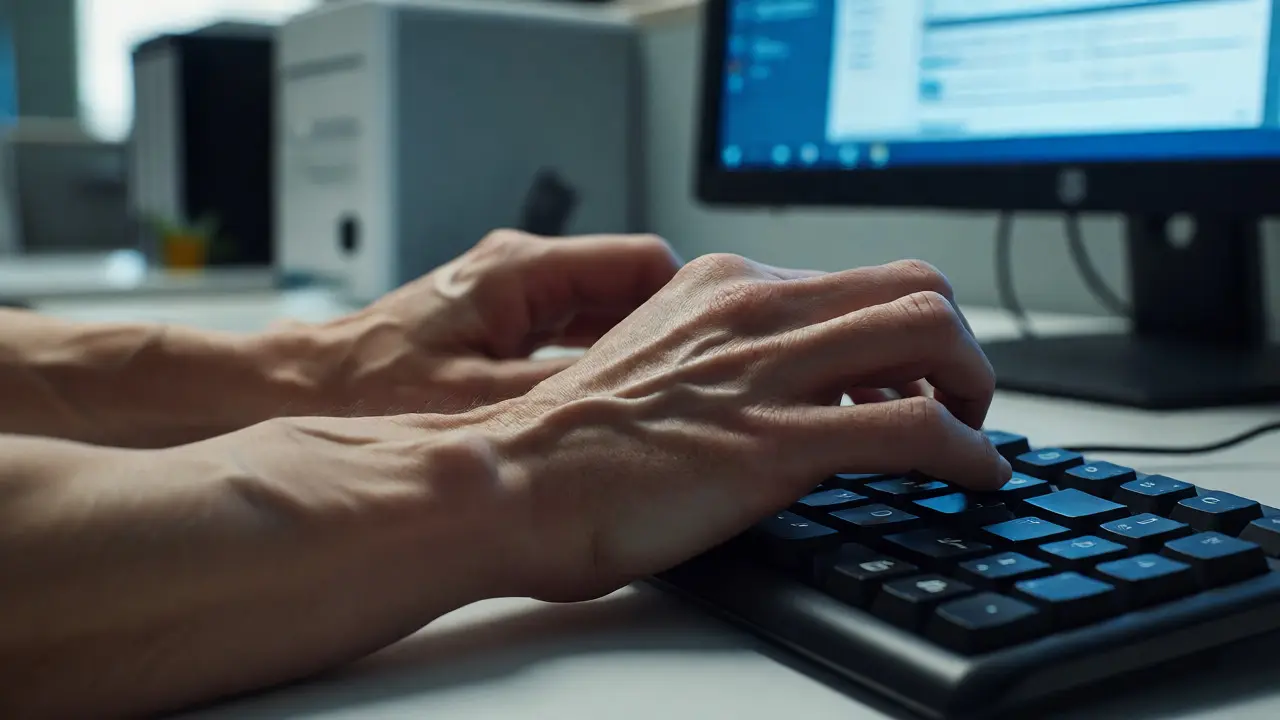
You’ve probably felt it. That dull ache in your lower back after three hours of sitting, or the tingling in your wrist that won’t quit by Friday afternoon. It’s not just "part of the job." It’s a signal that your workspace is fighting against your body’s natural design. Ergonomics is the science of fitting the job to the person, not the other way around. When we ignore this, we don’t just get sore muscles; we see rising rates of Musculoskeletal Disorders (MSDs), decreased productivity, and higher healthcare costs.
If you’re an HR manager, a team lead, or someone trying to fix their own home office chaos, you need more than just a poster on the wall. You need a structured approach. This course plan breaks down exactly how to build an Ergonomics and Workplace Health Training program that actually sticks. We’re moving beyond theory into practical habits that save your spine and your sanity.
Why Standard Ergonomic Advice Fails
Most people think ergonomics is about buying an expensive chair. They drop $1,500 on a high-end ergonomic seat, sit in it with poor posture for eight hours, and still end up with neck pain. Why? Because ergonomics isn’t a product; it’s a process. It involves interaction between your body, your tools, and your environment.
Traditional training often fails because it’s too generic. It tells everyone to "keep feet flat" but ignores that a person who is 5’2” might need a footrest, while someone who is 6’4” needs their monitor raised significantly higher. Effective training must address individual variability. It needs to teach employees how to self-assess and adjust their specific setups, whether they are in a corporate cubicle, a warehouse, or a kitchen table converted into a desk.
The Core Pillars of the Curriculum
A robust course plan shouldn't be a one-hour lecture where everyone falls asleep. It should be modular, actionable, and continuous. Here are the four pillars that make up a successful workplace health curriculum:
- Postural Hygiene: Understanding neutral body positions and why static postures cause fatigue.
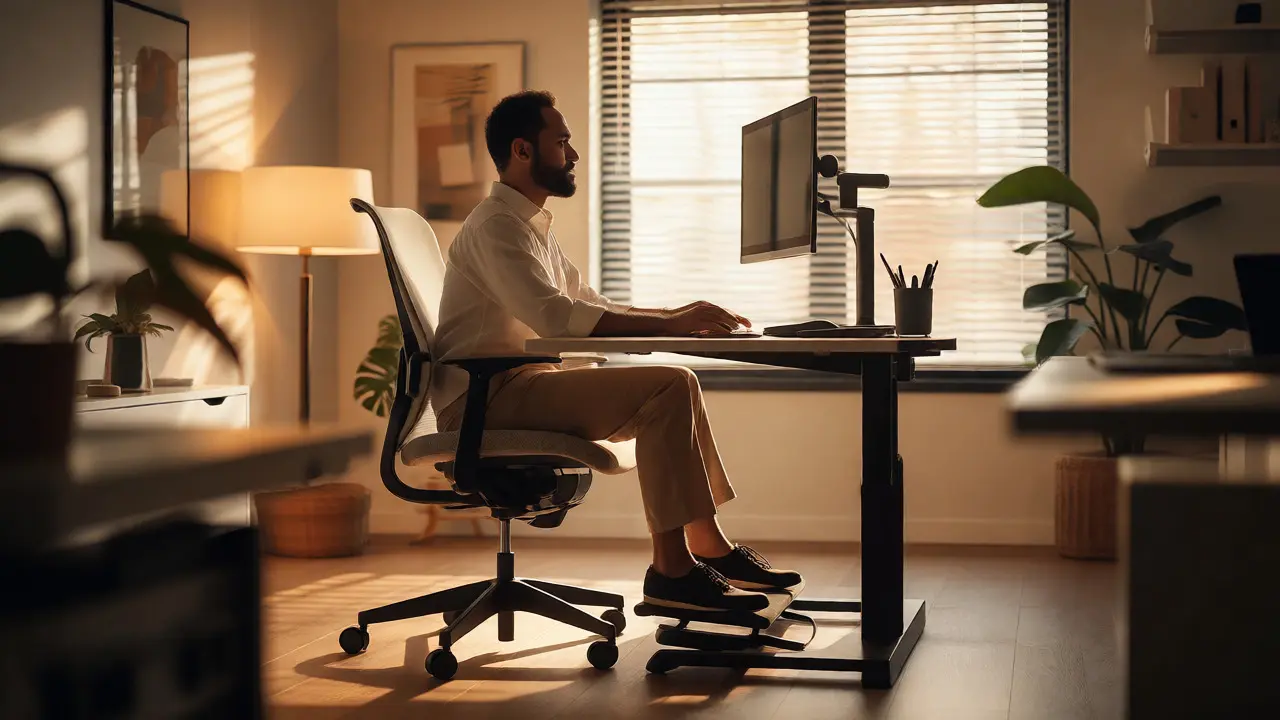
- Workstation Configuration: Hands-on adjustments for monitors, keyboards, mice, and chairs.
- Movement Integration: Techniques to break up sedentary behavior without disrupting workflow.
- Risk Awareness: Identifying early warning signs of strain before they become injuries.
Module 1: The Anatomy of Discomfort
Before fixing anything, participants need to understand what they’re fixing. This module demystifies the physical stressors of modern work. We aren’t teaching medical degrees here; we’re teaching body literacy.
Start with the concept of cumulative trauma. Most workplace injuries aren’t sudden accidents like slipping on a wet floor. They are repetitive strain injuries (RSIs) developed over months or years. Explain how micro-tears in muscle tissue accumulate when there isn’t enough recovery time. Use simple analogies. Compare your tendons to rubber bands. If you stretch a rubber band and hold it there for eight hours, it loses its elasticity. Your tendons do the same thing when you type with your wrists bent upward.
Introduce the term Carpal Tunnel Syndrome. Define it simply: compression of the median nerve as it travels through the wrist. It’s common among data entry clerks and programmers. But also mention Tendinitis in the elbows (tennis elbow) from mouse use, and cervical strain from "text neck" caused by looking down at laptops.
Module 2: Setting Up Your Station (The Physical Audit)
This is the hands-on part. If you’re delivering this training remotely, ask participants to send photos of their current setup beforehand. If in-person, have them bring their laptops or use company stations. Walk through the checklist together.
| Body Part | Ideal Position | Common Mistake | Quick Fix |
|---|---|---|---|
| Eyes | Top of screen at or slightly below eye level | Looking up or down excessively | Use books/laptop stand to raise monitor |
| Neck | Straight, aligned with spine | Head jutting forward (turtle neck) | Move keyboard closer; engage core |
| Shoulders | Relaxed, not hunched | Raised shoulders due to low desk | Lower desk height or raise chair |
| Wrists | Straight, floating above surface | Resting hard on edge or bent up | Use gel pad; float hands while typing |
| Hips/Knees | 90-degree angles, thighs parallel to floor | Knees higher than hips (slouching) | Adjust chair height; use footrest |
| Feet | Firmly planted on floor or footrest | Dangling or crossed tightly | Get a footrest if legs are short |
Emphasize that there is no single "perfect" position. The best position is the next one. Movement is key. However, starting from a neutral baseline reduces the energy cost of holding a posture.
Module 3: The Art of Micro-Breaks
Here is where most programs fail. People know they should take breaks, but they feel guilty stopping work. Or they take a 15-minute lunch break but sit for four hours straight otherwise. Introduce the concept of Micro-breaks. These are 30-60 second pauses every 30 minutes. They don’t require leaving your desk.
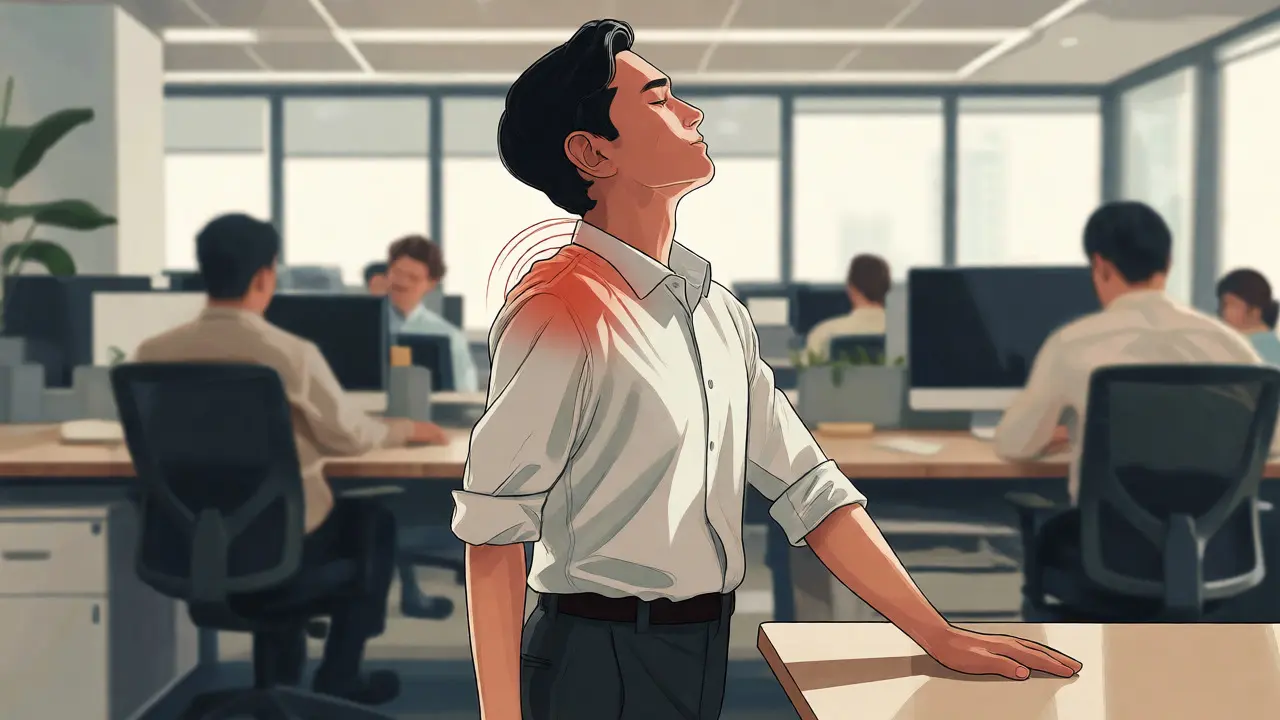
Teach specific stretches that can be done in an open-plan office without looking silly. For example, the "chin tuck" for neck relief. Sit tall, pull your chin straight back as if making a double chin, hold for five seconds, release. Repeat ten times. Another good one is the shoulder blade squeeze. Pull your shoulder blades back and down, hold for five seconds. This counteracts the rounding effect of typing.
Encourage the use of technology. Apps like Stretchly or built-in reminders on smartwatches can nudge users. But warn against notification fatigue. The goal is awareness, not annoyance. Suggest linking breaks to natural workflow triggers. For instance, stand up and stretch every time you finish a major email thread or complete a code commit.
Module 4: Beyond the Screen - Environmental Factors
Ergonomics isn’t just about bones and joints. It’s about sensory comfort. Poor lighting causes eye strain, which leads to headaches and slouching as people lean in to see better. Noise distractions increase cognitive load, causing tension in the jaw and shoulders.
Address lighting first. The light source should be behind or to the side of the user, never directly in front (causing glare) or directly behind (casting shadows). Natural light is best, but blinds are necessary to control intensity. If artificial light is used, aim for cooler temperatures during the day to maintain alertness and warmer tones in the evening.
Then, talk about noise. Constant background chatter prevents deep focus, leading to shorter attention spans and more frequent shifts in posture as people try to "tune out." Provide guidelines for using headphones wisely. Over-ear headphones are better than earbuds for long-term comfort, but remind users to keep volume levels safe to prevent hearing damage.
Implementation Strategy: From Training to Culture
Delivering the content is half the battle. Keeping it alive is the other half. One-off workshops decay quickly. To create lasting change, integrate these principles into daily operations.
Consider appointing "Ergo Champions" within teams. These aren’t necessarily managers, but enthusiastic individuals who help peers with quick tweaks. They can be the go-to person for questions like, "My monitor arm feels loose," or "How do I set my keyboard tray?"
Conduct quarterly check-ins. Not formal inspections, but casual conversations. Ask, "How’s your back feeling? Did you manage to take those micro-breaks last week?" This signals that the company cares about well-being, not just output. According to OSHA guidelines, regular assessment helps identify trends. If multiple employees in the accounting department report wrist pain, maybe the shared keyboard trays are incompatible with their new software shortcuts.
Special Considerations for Remote and Hybrid Workers
The shift to remote work has created a wild west of ergonomic setups. Some people work from beds, others from dining tables, and some from couches. Without proper equipment, the risk of MSDs skyrockets.
For hybrid workers, consistency is hard. Their home setup rarely matches the office setup perfectly. Teach them to prioritize portability. A laptop stand and a wireless mouse are small investments that can transform a hotel room or coffee shop into a viable workspace. Emphasize that working from bed is generally a bad idea for prolonged periods. The lack of lumbar support forces the spine into unnatural curves.
Also, address the psychological aspect. In an office, social cues prompt movement (walking to a colleague’s desk). At home, isolation encourages staying glued to the chair. Encourage virtual walking meetings. Audio-only calls allow you to pace around the room, engaging leg muscles and improving circulation.
Measuring Success: Metrics That Matter
How do you know if your training worked? Don’t just rely on attendance sheets. Look for tangible outcomes.
- Reduction in Sick Days: Track absences related to back pain, migraines, or carpal tunnel issues.
- Employee Feedback Surveys: Ask specific questions. "Do you feel comfortable adjusting your workstation?" "Have you noticed less pain at the end of the day?"
- Productivity Proxies: While harder to measure directly, fewer interruptions due to discomfort often correlate with higher sustained focus.
- Workers' Compensation Claims: For larger organizations, a downward trend in ergonomic-related claims is the ultimate ROI indicator.
Remember, the goal isn’t zero pain forever. Humans get tired. The goal is manageable, transient discomfort rather than chronic, debilitating pain. If employees report feeling refreshed after breaks instead of stiff, you’re winning.
Troubleshooting Common Pitfalls
Even with great training, things go wrong. Here are common traps and how to avoid them.
Pitfall 1: The Expensive Chair Myth. Companies buy premium chairs but forget adjustable desks. An adjustable chair cannot compensate for a fixed-height desk that is too high. Always assess the whole system.
Pitfall 2: Ignoring Non-Desk Roles. Warehouse staff, nurses, and retail workers face different risks. Nurses lift patients; warehouse workers bend and twist. Tailor modules for non-desk roles. Focus on lifting techniques and footwear for these groups.
Pitfall 3: Lack of Maintenance. Chairs break. Gas lifts fail. Casters roll poorly. Establish a maintenance schedule. If a chair wobbles, replace it immediately. A broken tool discourages proper posture.
Pitfall 4: One-Size-Fits-All Approach. What works for a left-handed graphic designer might not work for a right-handed accountant. Allow flexibility. Let employees choose between trackball mice, vertical mice, or standard ones based on comfort.
How often should ergonomic assessments be conducted?
Ideally, conduct a full assessment when an employee joins the company or changes roles. After that, annual check-ins are recommended. However, if an employee reports persistent discomfort, perform an immediate spot-check. Regular, informal observations by managers can also catch issues early without formal paperwork.
Are standing desks a cure-all for office health?
No. Standing all day can cause varicose veins, joint pain, and fatigue just as much as sitting all day. The key is alternation. Aim to switch between sitting and standing every 30 to 60 minutes. Standing desks are tools to facilitate movement, not replacements for dynamic work habits.
What is the most effective ergonomic exercise for lower back pain?
While individual needs vary, pelvic tilts and cat-cow stretches are highly effective for releasing lower back tension. For seated relief, try the seated spinal twist: sit tall, place your right hand on the outside of your left knee, and gently twist your torso to the left. Hold for 15-30 seconds. Repeat on the other side. Consistency matters more than intensity.
How do I train employees who refuse to change their habits?
Resistance often stems from discomfort with change or lack of perceived benefit. Involve them in the solution. Let them test different setups. Show them data or testimonials from colleagues who found relief. Sometimes, peer influence is stronger than top-down mandates. Create a culture where adjusting your workspace is seen as professional maintenance, not laziness.
Does lighting really affect ergonomics?
Yes. Poor lighting causes visual fatigue, which leads to compensatory postures. People lean forward to see screens, straining their necks and backs. Glare on screens causes squinting and head tilting. Proper illumination reduces these secondary physical stresses, making it easier to maintain neutral postures.
Comments
Chandan Singh
Actually, the premise that ergonomics is merely about 'fitting the job to the person' is a gross oversimplification of biomechanical engineering principles. While individual variability is important, standardizing workstation configurations based on anthropometric data from ISO 11228-3 yields significantly better compliance rates than self-assessment modules alone. Furthermore, the emphasis on micro-breaks ignores the cognitive cost of context switching; research indicates that frequent interruptions degrade deep work performance more than they alleviate physical strain. A more rigorous approach would involve continuous monitoring via wearable sensors rather than relying on subjective employee feedback which is notoriously unreliable due to confirmation bias.
tiffany King
This is such a helpful breakdown! I love how you emphasized that it's not just about buying expensive gear but actually changing habits. The section on micro-breaks really resonated with me because I always feel guilty stopping, but those little stretches make such a huge difference in my energy levels by 3 PM. Thanks for sharing this practical guide!
Brenna Gonedrman
I have literally been screaming at people in my office about this exact thing for YEARS. People think they are fine until their wrists completely give out and then they act shocked. It is absolutely insane that companies spend thousands on chairs but zero on teaching people how to sit in them. This post is basically the gospel truth and everyone needs to read it twice.
Courtney Wagstaff
hey, nice write up. the bit about lighting being an ergonomic factor is often overlooked though. glare causes so much subtle tension in the neck without people realizing why they're tired. also, footrests are underrated gems for shorter folks.
Elisabeth Ballet
We need to stop treating workplace health as a luxury perk and start viewing it as essential infrastructure. If your employees are in pain, your productivity metrics are lying to you. Implementing these pillars isn't just nice-to-have; it's a strategic imperative for any organization that wants to retain talent in this hybrid era. Let's get serious about this.
Brandon Olvera
American workers used to be tough. We didn't complain about a little back ache. Now everything has to be coddled with special chairs and breaks every 30 minutes. In other countries, people work harder and don't whine about posture. Maybe if we focused less on comfort and more on output, we wouldn't need these endless training seminars.
Elizabeth Brooks
Great points here! One thing I'd add is that many people struggle with the transition to standing desks because they don't know how to alternate properly. Its easy to stand for 4 hours straight and get varicose veins instead. Also, proper footwear is crucial when using sit-stand desks, regular sneakers just dont cut it after a few months. Would be good to include info on anti-fatigue mats too.
Deb Kortyna, MBA
The assertion that traditional training fails due to generic advice is fundamentally flawed and ignores the systemic issues within corporate budget allocations. It is not that employees lack knowledge; it is that management lacks the will to enforce structural changes. To suggest that individual self-assessment is sufficient is to absolve corporations of their legal liability under OSHA standards. This article presents a utopian view of workplace dynamics that simply does not exist in the current economic climate.
alex kobri
we forget that the body is dynamic not static
the chair is just a prop
movement is the real medicine
Zach Loescher
I'm curious about the implementation strategy for remote teams specifically. How do you ensure consistency when everyone's home environment varies so wildly? It seems like the 'Ergo Champions' model might struggle without direct observation capabilities.
Quintin Franzese
Sure, let's all pretend that taking a break every 30 minutes doesn't destroy your flow state. But hey, at least our spines will be happy while our deadlines suffer. Great plan if you work in a bubble.
Susan Cole
Appreciate the focus on non-desk roles. Nurses and warehouse staff are often left out of these conversations despite having higher injury rates. The lifting techniques mentioned are vital for us.
Tamara Miller
It is high time, finally, that employers stopped pretending that a $50 yoga mat solves the problem of 8-hour sitting marathons. This article correctly identifies the root cause: negligence disguised as ignorance. Companies save money now, only to pay double later in healthcare costs and lost productivity. It is simple economics, really, but apparently too complex for HR departments to grasp without a color-coded chart.
michelle veluz
Wait a minute!!! Is this another way for corporations to track our movements??? They say its for our health but what if they use the data from the smartwatches against us?? What if they penalize us for not moving enough during meetings?? We need to be careful about who sees this ergonomic data!! Don't trust the system blindly!!!
john randall
Agreed on the maintenance part. My chair gas lift died two years ago and nobody fixed it. Just kept sinking. Made no sense to train us on posture when the tool itself was broken.