


Teaching online isn’t just about recording videos and posting assignments. It’s a completely different kind of teaching-one that demands new habits, new tools, and new ways of connecting with students who never step into a physical room. If you’re an instructor trying to make the switch from face-to-face to online, you’re probably realizing that what worked in a classroom doesn’t always work on Zoom or in a learning management system. The good news? There’s a clear set of skills that separate good online instructors from great ones. And most of them aren’t technical. They’re human.
Build Trust Before You Teach
Students in online courses don’t have the luxury of walking up to you after class to ask a quick question. They don’t see your body language, hear your tone in passing, or pick up on casual cues. Without those, trust doesn’t form naturally. You have to build it on purpose.
Start with a short welcome video-no more than three minutes. Say your name, where you’re from, and why you care about this course. Mention a real struggle you had when you first learned this material. Students remember that. They feel less alone.
Respond to every first message from a student within 24 hours. Even if it’s just, “Thanks for reaching out. I’ll get back to you with details by tomorrow.” Consistency builds reliability. Reliability builds trust. And trust is the foundation of every successful online course.
Design for Attention, Not Just Content
People scroll. They multitask. They close tabs. Online learners have more distractions than students in a classroom. So your content needs to fight for attention-not with flashy graphics, but with structure.
Break every lesson into chunks of 5 to 10 minutes. Use short videos, clear headings, and bullet points. If you’re using a lecture-style recording, pause every 3 minutes and ask a question. Don’t just say, “Think about this.” Say, “Pause the video and write down one thing you’ve noticed about your own learning style so far.”
Use real examples from your students’ lives. If you’re teaching business communication, don’t just explain email etiquette. Show a real email you received last week that was poorly written-and how you fixed it. Students connect with stories, not theories.
Communicate Clearly-And Often
Unclear instructions are the number one reason students give up in online courses. “Do this by Friday” isn’t enough. What does “this” mean? Where do they submit it? What format should it be in? What happens if they’re late?
Use the same template for every assignment:
- What you’re asking them to do
- Why it matters
- How to do it (step-by-step)
- Where to submit it
- When it’s due
- What good looks like (include a sample or rubric)
Post weekly announcements. Not just reminders. Say something like, “I noticed a lot of you struggled with the last quiz. Here’s a quick 4-minute video walking through the top three mistakes-and how to avoid them next time.”
Use Feedback That Actually Helps
Grading papers online is exhausting. But giving feedback like “Good job” or “Needs work” doesn’t help anyone. Students need to know exactly what to change.
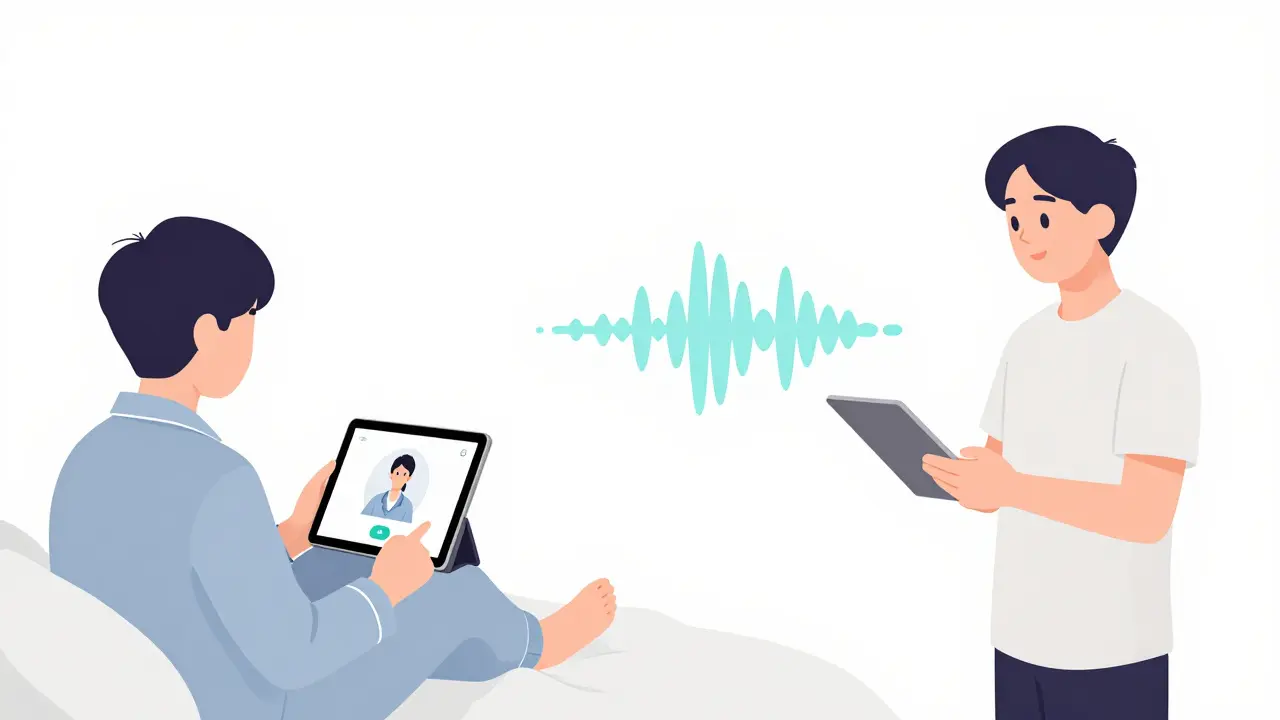
Use voice feedback. Recording a 60-second audio note on their assignment takes less time than typing a paragraph-and it feels more personal. Students say they remember voice feedback better. They feel like you’re talking to them, not grading them.
Also, create a “Common Mistakes” folder. Every week, collect the top 3 errors you see across assignments. Record a quick video explaining them. Share it with the whole class. That way, you’re not repeating the same feedback 30 times. You’re teaching the whole group at once.
Be Present, Not Just Available
Being “available” means you answer emails. Being “present” means you show up in the spaces where students are already spending time.
Join your course’s discussion board every day-even if it’s just to reply to one post. Say something like, “That’s a great point about time management. I used to struggle with that too-here’s what finally worked for me.”
Don’t wait for students to ask for help. If you see someone hasn’t logged in for 4 days, send a quick, kind message: “Hey, just checking in. Let me know if you’re stuck or need an extension.” No pressure. Just care.
Students don’t remember your lectures. They remember how you made them feel.
Know Your Tools-But Don’t Let Them Control You
You don’t need to master every app under the sun. Pick one platform for assignments, one for video, and one for communication. Stick with them. Students get overwhelmed when you switch tools every week.
Use tools that do one thing well:
- Canvas, Moodle, or Google Classroom for organizing content and grading
- Loom or Screencast-O-Matic for quick video feedback
- Padlet or Flip for student discussions
- Notion or Google Docs for shared resources
Don’t use fancy features just because they’re there. If your students aren’t using the interactive whiteboard, turn it off. Focus on what moves the needle: clarity, connection, and consistency.
Measure What Matters
Don’t just track completion rates. Look at engagement patterns. Who’s posting in discussions? Who’s watching the videos? Who’s submitting early? Who’s missing deadlines?
Use your LMS analytics to spot trends. If 60% of students are dropping off after Week 2, that’s not a problem with the students. It’s a problem with your design.
Ask for feedback every 3 weeks. One simple question: “What’s one thing I could change to make this course easier for you?” You’ll be surprised how honest they are-and how much you can improve.

Take Care of Yourself
Teaching online is emotionally draining. You’re answering emails at midnight. You’re grading on weekends. You’re replaying conversations in your head wondering if you were clear enough.
Set boundaries. Block out time for grading. Turn off notifications after 7 p.m. Say no to extra projects if your course is already full. You can’t pour from an empty cup.
Connect with other online instructors. Join a Facebook group. Attend a webinar. Talk to someone who gets it. You’re not alone in this.
The best online instructors aren’t the ones with the fanciest tech. They’re the ones who show up, stay consistent, and treat their students like people-not numbers.
Quick Checklist: Are You Doing These 7 Things?
- ✅ Recorded a personal welcome video for your students
- ✅ Used the same template for every assignment
- ✅ Posted weekly announcements with insights, not just reminders
- ✅ Used voice feedback at least once per week
- ✅ Joined discussions daily-even just to reply to one student
- ✅ Used only 3 core tools and stuck with them
- ✅ Asked students for feedback every 3 weeks
If you’re doing 5 or more of these, you’re already ahead of most online instructors. Keep going.
Do I need to be tech-savvy to teach online?
No. You don’t need to be a tech expert. You just need to know how to use one or two tools well-like uploading files, recording a short video, or posting in a discussion board. Most platforms are designed to be simple. The real skill isn’t technical-it’s communication. Students care more about how clear and caring you are than whether you can edit a video with special effects.
How do I keep students engaged when they’re not turning on their cameras?
Don’t force cameras on. Many students feel uncomfortable or have poor internet. Instead, focus on participation in other ways: discussion boards, polls, short written reflections, or anonymous Q&A forms. Ask questions that require more than a yes or no answer. For example: “What’s one thing you learned this week that surprised you?” Students will respond if they feel safe and valued-not watched.
What’s the biggest mistake new online instructors make?
Transferring their in-person teaching style directly online. Lectures that last 60 minutes, assignments with vague instructions, and no personal check-ins don’t work remotely. Online learning requires more structure, more clarity, and more human connection-not less. The goal isn’t to replicate the classroom. It’s to build something better suited to how people actually learn when they’re not in the same room.
How much time should I spend grading each assignment?
Aim for 5 to 10 minutes per student per assignment. That’s enough to give meaningful feedback without burning out. Use rubrics to speed things up. Use voice notes instead of typing. And don’t grade everything. Sometimes, a quick peer review or self-assessment is more valuable than your detailed comments. Focus on quality over quantity.
What if students fall behind and never catch up?
It happens. The key is to respond early. If a student hasn’t logged in for 5 days, send a kind, non-judgmental message: “I noticed you haven’t been active lately. Is everything okay? Let me know if you need an extension or help catching up.” Most students will respond if they feel supported, not scolded. Offer a clear path back in-like a 3-day grace period or a simplified version of the next assignment. Don’t wait until the end of the term.
How do I handle difficult conversations online?
Always start with empathy. If a student is upset, respond with: “I hear that this has been frustrating for you.” Don’t argue in writing. If the issue is serious, offer a short video call or phone conversation. Text can’t convey tone. And never respond in anger. Wait 24 hours if you need to. Your calmness models the behavior you want to see.
Next Steps: Start Small, Stay Consistent
You don’t need to fix everything at once. Pick one thing from this checklist and try it this week. Maybe it’s recording your first voice feedback. Or sending a weekly announcement. Or joining one discussion thread every day.
Small changes compound. One clear assignment. One personal message. One moment where a student feels seen. That’s what turns a good online course into a great one.