

When you launch an online course, you don’t just want people to sign up-you want them to finish it. But how do you know if learners are actually engaging? That’s where event tracking in your Learning Management System (LMS) comes in. It’s not about fancy dashboards or big data. It’s about the simple, measurable actions that tell you what’s working and what’s falling flat: clicks, views, and completions.
What Event Tracking Really Means in an LMS
Event tracking in an LMS records every interaction a learner has with course content. Think of it like a digital diary of behavior. Every time someone opens a video, clicks a quiz, scrolls past a PDF, or hits "Complete," the system logs it. These aren’t just numbers-they’re clues.
Most modern LMS platforms like Moodle, Canvas, or Blackboard track these events automatically. You don’t need to install plugins or write code. But if you don’t know how to read the data, it’s just noise. The real power comes from understanding what each event tells you about learner behavior.
Clicks: The First Sign of Interest
A click is the smallest but most telling action. If someone clicks on a lesson, it means they saw it and decided to engage. But here’s the catch: a click doesn’t mean they watched it. Or understood it. Or cared.
Take a course on financial literacy. If 80% of learners click on Module 3-about budgeting-but only 30% return to Module 4, something’s off. Maybe Module 3 was too dense. Or the video was 20 minutes long with no breaks. Or the examples didn’t match their real-life situation.
High click-through rates on early modules are good. Low ones? That’s a red flag. If learners aren’t clicking at all, the title or thumbnail might be confusing. If they click but never return, the content might not deliver on the promise.
Views: Are They Watching-or Just Opening?
Views are different from clicks. A view means the learner opened the content and stayed long enough for the system to register it. Most LMS platforms track view duration. That’s where things get interesting.
Let’s say a video is 8 minutes long. If 70% of learners watch less than 2 minutes, that’s a problem. They didn’t drop off because they were distracted-they dropped off because the content didn’t hook them. But if 60% watch past the 6-minute mark, you’ve got something working.
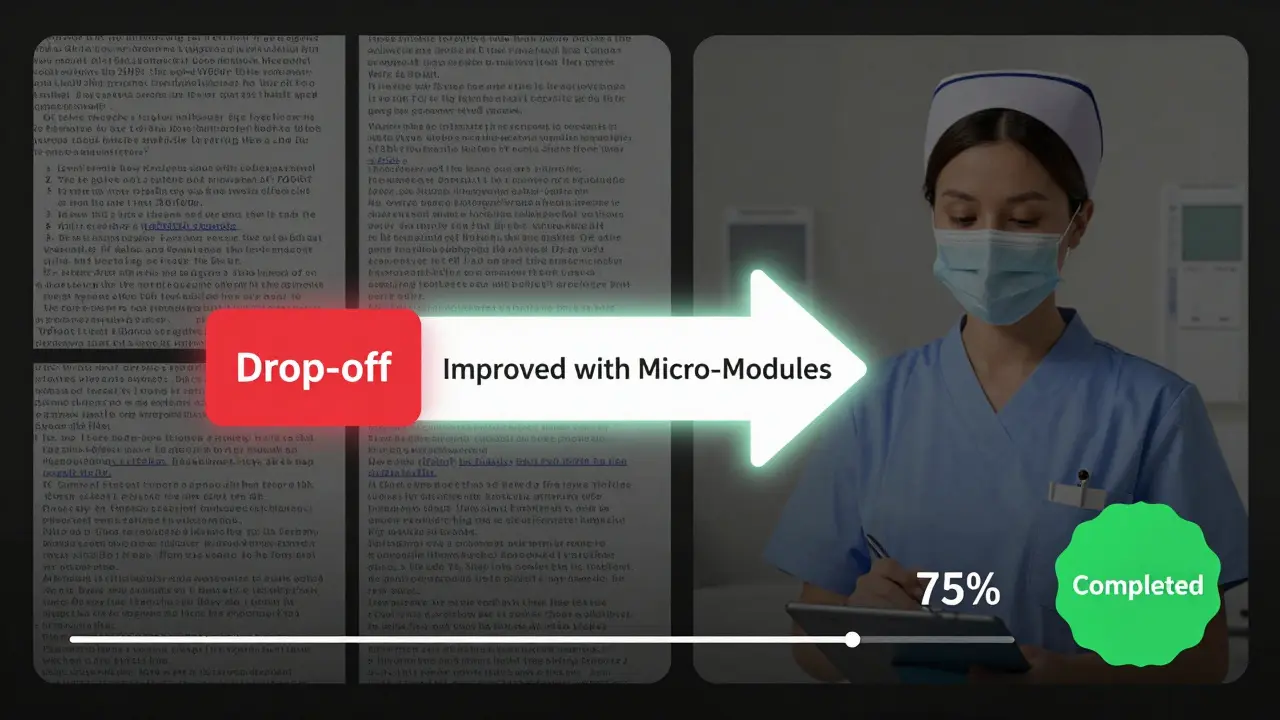
One university in Wellington noticed their compliance training videos had a 90% drop-off at the 3-minute mark. They rewrote the script to start with a real story: "This is what happened to Sarah, a nurse who skipped the training." The next version saw 75% completion. The lesson? Start with a human moment, not a policy.
Completions: The Real Metric That Matters
Clicks and views tell you what people do. Completions tell you what they care about enough to finish. This is the metric that impacts course redesign, certification, and even funding.
Completion rates vary wildly by course type. A 40% completion rate on a 12-hour certification course is actually strong. On a 30-minute onboarding module? That’s a disaster.
Here’s a rule of thumb: if your completion rate is below 50% on a course under 1 hour, you need to restructure it. Why? Because learners have short attention spans, especially when they’re juggling work, family, or other obligations. If they can’t finish in one sitting, they won’t come back.
One corporate LMS in Auckland tracked completion rates for a leadership course. Only 38% finished. They split the course into five 10-minute micro-modules and added a progress bar. Completion jumped to 71%. No new content. Just better pacing.
Putting It All Together: The Engagement Funnel
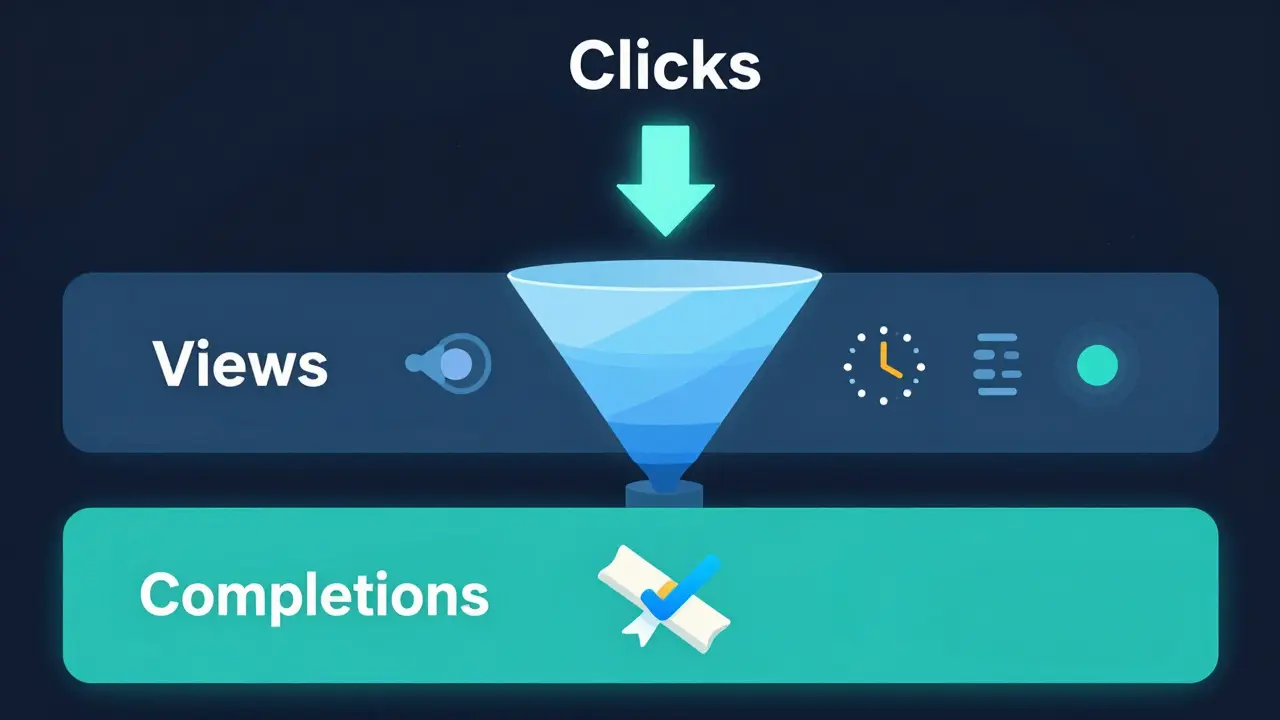
Think of learner behavior like a funnel:
- Clicks = Top of funnel. Are people noticing your content?
- Views = Middle of funnel. Are they sticking around?
- Completions = Bottom of funnel. Did they get value?
Each stage filters out the disengaged. If you’re losing learners at the click stage, fix your titles and thumbnails. If you’re losing them at views, shorten videos, break up text, or add interactive elements. If they’re dropping off before completion, add checkpoints, summaries, or a final quiz that feels meaningful-not just a checkbox.
Don’t just look at overall numbers. Slice the data. Compare completion rates by department, by time of day, by device. You might find that night-shift workers complete 2x more on mobile than desktop. Or that managers finish courses 3 days faster than frontline staff. Those insights lead to real changes.
Common Mistakes in Event Tracking
Most people make three mistakes when they start tracking events:
- Tracking everything-You don’t need to log every scroll. Focus on the three: clicks, views, completions. Everything else is noise.
- Ignoring context-A 40% completion rate on a mandatory course isn’t bad. On an elective? That’s a crisis.
- Not acting-Data without action is just a report. If Module 2 has a 60% drop-off, don’t just note it. Change it. Rewrite it. Test it.
One training team in Christchurch kept seeing low view times on their safety videos. They assumed learners were rushing. Turns out, the videos were auto-playing with no sound. People were opening them, muting them, and closing them. They added captions and a 30-second preview. Views jumped 40%.
How to Start Improving Your LMS Tracking
You don’t need a data scientist to make this work. Here’s how to begin:
- Identify your top 3 courses. These are your priority.
- Check the click, view, and completion rates for each module.
- Find the module with the biggest drop-off between clicks and views.
- Revise that module. Shorten it. Add a question. Change the opening.
- Track again in two weeks. Compare.
Repeat. Every quarter. You don’t need perfection. You need iteration.
Why This Matters More Than You Think
Event tracking isn’t about proving you’re "doing analytics." It’s about proving your courses actually work. In education, we often assume that if content exists, it’s being used. But that’s not true. And in corporate or nonprofit training, incomplete courses mean real risks-safety gaps, compliance failures, wasted budgets.
When you track clicks, views, and completions, you stop guessing. You start knowing. And that’s how you build courses people actually finish-and remember.
What’s the difference between a click and a view in an LMS?
A click happens when a learner selects a lesson or video-like clicking a link. A view means the system recorded that they opened it and stayed long enough to register activity. You can click without viewing, but you can’t view without clicking first. Views are a better indicator of engagement than clicks alone.
Is a 50% completion rate good for an online course?
It depends. For a mandatory course under 1 hour, 50% is average. For a voluntary, self-paced course, it’s strong. In corporate training, anything above 40% is usually acceptable. But if learners are required to complete it for certification, you should aim for 70%+. The key is comparing your rate to similar courses and looking for trends over time.
Can I track event data without a premium LMS?
Yes. Most free or open-source LMS platforms like Moodle and Canvas track clicks, views, and completions by default. You don’t need to pay extra. The challenge isn’t the tool-it’s knowing what to look for. Start with the built-in reports. You don’t need fancy dashboards to spot a problem: if half your learners quit after the first video, something’s wrong.
How often should I review event tracking data?
Review it after every major update to a course. At minimum, check it quarterly. If you’re running new courses or piloting content, check weekly for the first month. Data doesn’t need to be perfect-it needs to be timely. Waiting six months to notice a drop-off means you’ve already lost learners.
Do learners know they’re being tracked?
They usually don’t. Most LMS platforms don’t notify learners they’re being tracked. But transparency builds trust. Consider adding a short note: "We track your progress to improve this course for you." It doesn’t invade privacy-it improves engagement. People are more likely to finish if they feel the system is helping them, not just watching them.
Next Steps: Start Small, Think Big
You don’t need to overhaul your whole LMS. Pick one course. Look at its completion rate. Find the module where learners drop off. Change one thing-a video, a quiz, a heading. Track it again. If it improves, do it again. That’s how great courses are built: not with big budgets, but with small, smart adjustments based on real behavior.
Comments
Jason Townsend
clicks are fake engagement
they're just clicking to get it over with
you think people care about budgeting? nah
they're clicking because the button says "free certificate"
the system's lying to you
track nothing. just ask them. in person. if they're still breathing after the course, you did something right
Antwan Holder
this whole thing is a performance art piece
we're not teaching people
we're training them to click
to scroll
to complete
to pretend they learned
the real metric? how many people forget the course within 48 hours
that's the only truth left
the rest? digital theater
and we're all just actors in a system that doesn't care if we live or die
Angelina Jefary
you say "views" but you mean "playback duration"
you say "completions" but you mean "checkbox checked"
there's a difference
and if you're not capitalizing "LMS" consistently, you don't deserve to have data
also "drop-off" is not a verb
stop it
Jennifer Kaiser
I've seen too many courses where people complete just to check a box
but the real win? when someone comes back a month later and says "I used that budgeting trick and paid off $3k"
that's not in the data
that's the quiet victory
track the clicks, sure
but listen to the stories too
the numbers don't tell you who changed their life
TIARA SUKMA UTAMA
just make it short
Jasmine Oey
OMG I LOVE THIS SO MUCH
like seriously
you just described my soul
every time i click "complete" on a corporate course i feel like i'm betraying myself
but i do it anyway
because the system is rigged
and i'm just trying to survive
thank you for seeing me
we need more of this
Marissa Martin
i agree with the part about completions mattering
but i also think we should be kinder to learners
not everyone has the time or energy to finish
maybe they're working three jobs
or caring for a sick parent
the data doesn't see that
and that's okay
we don't have to fix everything
just try to be gentle
James Winter
you americans think tracking clicks is innovation
we in canada have been teaching without this nonsense for decades
if you can't hold attention without a progress bar
your content sucks
stop blaming the learners
fix your boring as hell modules
Aimee Quenneville
lol so you're telling me that if i watch 2 minutes of a 8-minute video... i'm "disengaged"?
what if i was just scrolling while eating my taco?
or my cat jumped on my lap?
or i was waiting for my kid to stop screaming?
you're not measuring engagement
you're measuring distraction
and you're judging people for being human
Cynthia Lamont
this is why we're failing
you're obsessed with metrics
but you're not asking why people drop off
you're not asking if the content is relevant
you're not asking if the examples are from their world
you're just counting clicks like a robot
and then you wonder why no one learns anything
it's not the platform
it's your arrogance
you think data is wisdom
it's not
it's just noise with a spreadsheet
Kirk Doherty
i read the whole thing
didn't change anything
just nodded
and went back to work
Dmitriy Fedoseff
in my culture, learning is not measured by completion
it's measured by reflection
by sharing
by asking questions long after the course ends
you're treating education like a factory line
but knowledge doesn't fit in a box
or a progress bar
or a completion rate
it grows in silence
in the spaces between clicks
and that's where the real teaching happens
Meghan O'Connor
you say "slice the data by department" but you don't mention GDPR
or data privacy
or consent
you're tracking people without telling them
and calling it "engagement"
that's not analytics
that's surveillance
and if you're not getting audited for this
you're lucky
or naive