

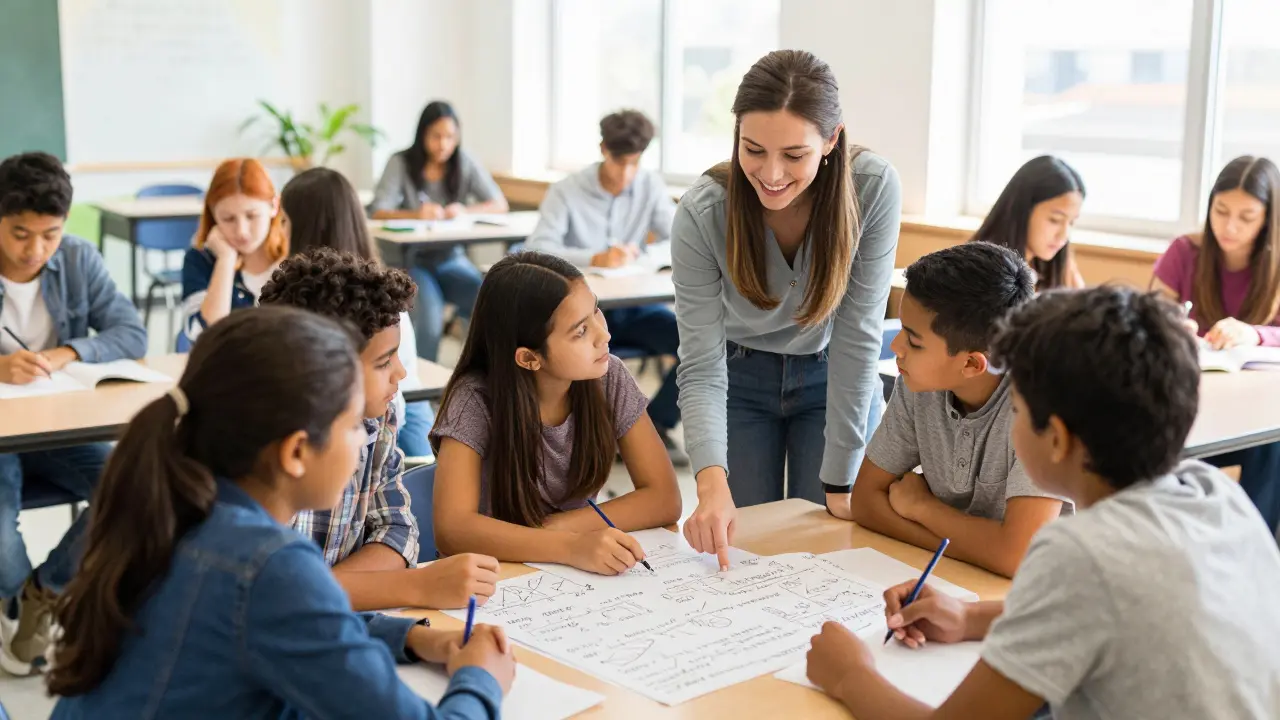
The flipped classroom model is a pedagogical approach where direct instruction moves from the group learning space to the individual learning space. In plain English: students learn the basic concepts at home via videos or readings and spend their precious class time doing the 'homework'-the application, analysis, and problem-solving-with their peers and teacher.
Quick Wins for Your Classroom
- More One-on-One Time: You stop lecturing to the middle and start helping the students who are actually stuck.
- Self-Paced Learning: Students can pause, rewind, and re-watch a complex explanation as many times as they need.
- Higher Engagement: Class time becomes an active workshop rather than a passive listening session.
- Better Data: You know exactly who watched the video and where they struggled before they even walk through the door.
Why the Traditional Model is Broken
For decades, we've followed a pattern: teacher lectures, students take notes, and then students go home to struggle with the hardest part of the lesson-the application-completely alone. This creates a massive gap. A student who doesn't understand the first ten minutes of a lecture is essentially lost for the rest of the hour. By the time they get home and realize they're stuck on the homework, the teacher is unavailable.
When we move to Blended Learning, we solve this. By utilizing Asynchronous Learning (learning that happens on the student's own schedule), we free up the Synchronous Learning (real-time interaction) for high-value activities. It's a shift from being the "sage on the stage" to the "guide on the side."
The Real-World Benefits of Flipping
It's not just about swapping videos for lectures; it's about changing the power dynamic in the room. When students take ownership of the initial content delivery, they arrive in class with a baseline of knowledge. This transforms the atmosphere. Instead of a quiet room of note-takers, you get a noisy room of thinkers.
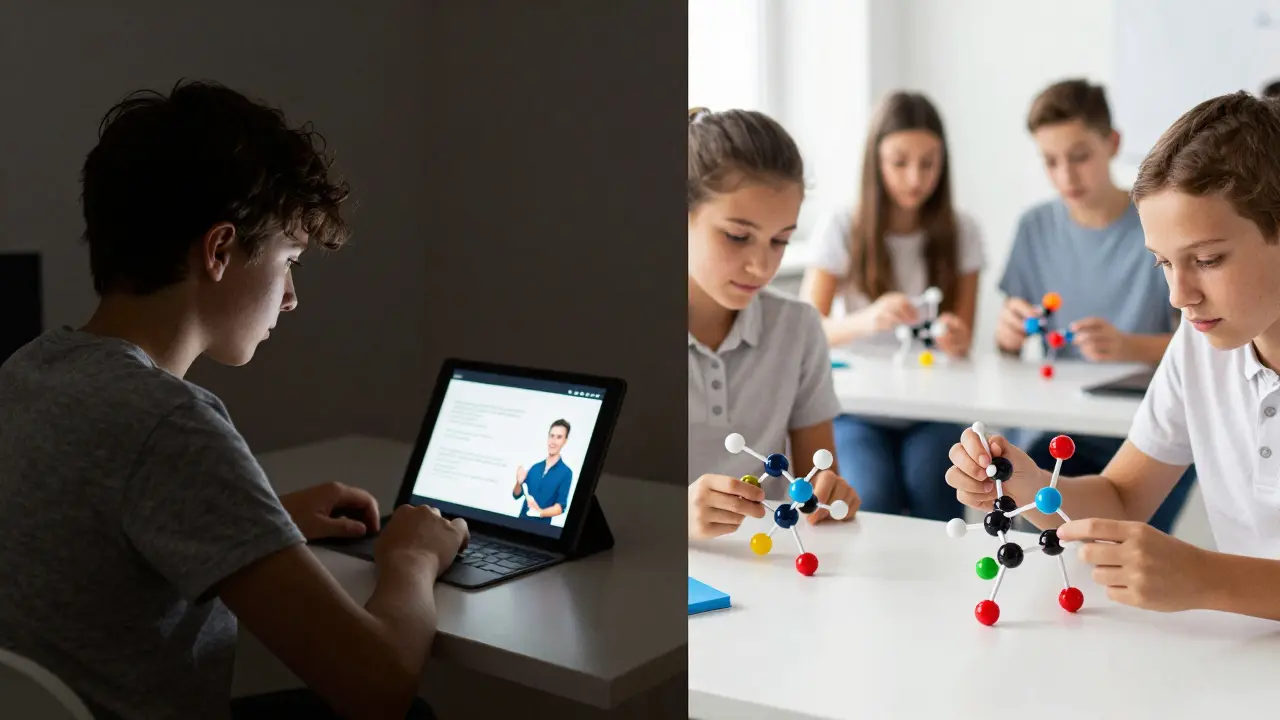
Consider a high school chemistry class. In a traditional setup, the teacher spends 30 minutes explaining covalent bonds. Half the class is bored because they get it; the other half is lost because they missed a key step. In a flipped model, they watch a 10-minute targeted video at home. Class time is spent building 3D molecular models. The teacher can now spend 15 minutes with the struggling group while the advanced students experiment with more complex compounds.
Research into Active Learning shows that students retain information significantly longer when they apply it immediately. A study from the University of Minnesota indicated that flipping the classroom increased student performance by nearly 12% in STEM courses because it forced students to engage with the material more deeply during the window when professional support was available.
Step-by-Step Implementation Guide
You can't just record a 60-minute lecture and call it a flipped classroom. That's just a long video. To make this work, you need a strategic plan.
- Audit Your Content: Not every lesson needs to be flipped. Identify the "what" (the basic facts and definitions) and the "how" (the application). Only flip the "what."
- Create or Curate Content: You don't have to be a filmmaker. Use tools like Khan Academy or YouTube for the basics. If you create your own, keep videos under 10 minutes. Anything longer and student attention drops off a cliff.
- Build an Accountability Loop: This is where most teachers fail. If students don't watch the material, the class falls apart. Use a quick Learning Management System (LMS) like Google Classroom or Canvas to embed a 3-question quiz at the end of the video.
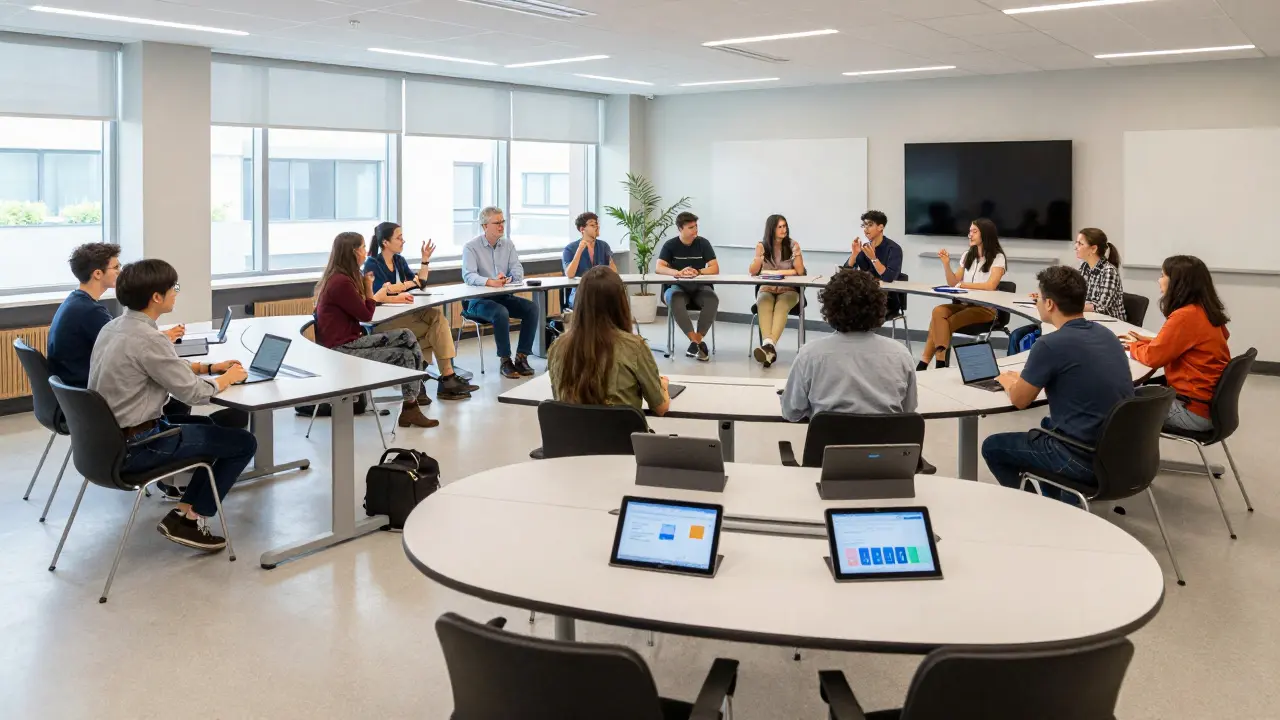
- Redesign Your Class Space: If your desks are in rows facing the front, you're signaling that you're still the center of attention. Move them into pods or clusters to encourage peer-to-peer collaboration.
- Plan the Active Phase: Prepare specific tasks. Will they do a Socratic seminar? A lab experiment? A peer-review session? The activity must be something they could not do without the pre-work.
Comparing Traditional vs. Flipped Models
| Feature | Traditional Classroom | Flipped Classroom |
|---|---|---|
| Primary Focus | Content Delivery | Content Application |
| Student Role | Passive Listener | Active Participant |
| Teacher Role | Lecturer/Expert | Facilitator/Coach |
| Pacing | Set by Teacher | Set by Student |
| Homework | Isolated Practice | Collaborative Discovery |
Common Pitfalls and How to Avoid Them
The biggest hurdle is the "digital divide." Not every student has high-speed internet at home. If you require a 20-minute HD video, you're accidentally punishing students with poor connectivity. To fix this, provide offline options: a printed transcript of the video or a dedicated "tech station" in the school library where they can watch it before class.
Another trap is the "video dump." This happens when a teacher assigns five different videos per week without any context. Students feel overwhelmed and stop watching. Instead, curate a tight "Learning Path." Tell them: "Watch this 5-minute clip, answer these two questions, and bring your answer to class for the challenge." Give them a map, not a mountain of content.
Finally, be prepared for pushback. Some students-and parents-hate the flipped model because it requires more discipline. They are used to coasting through a lecture. When you suddenly ask them to be responsible for their own initial learning, they might resist. Be transparent about the why. Explain that they are getting more personalized help and better preparing for the real world, where autonomy is key.
Scaling the Model for Different Levels
Flipping looks different depending on the age of your students. For elementary students, "flipping" might just mean a 2-minute video for parents to watch with their kids to prep for a new math concept. For university students, it can involve complex Case-Based Learning where the lecture is replaced by a detailed white paper read over the weekend, and the class is a high-stakes simulation.
The goal across all levels is the same: maximizing the human element of education. Technology handles the delivery of facts, and humans handle the nuance, the struggle, and the breakthrough.
Does the flipped classroom work for all subjects?
While it's highly effective in STEM and language arts, it can be adapted for any subject. In a history class, for example, students might watch a documentary clip at home and spend class time debating the ethics of a historical decision. The key is that the "fact-finding" happens independently, and the "meaning-making" happens together.
What if students don't watch the videos?
Accountability is the secret sauce. Use embedded quizzes or "entry tickets." If a student hasn't completed the pre-work, they can't join the active group activity. Instead, they spend the first 10 minutes in a "catch-up zone" watching the video before they are allowed to participate. This prevents the rest of the class from being slowed down by a few unprepared students.
How long should flipped instructional videos be?
Short is better. The general rule of thumb is one minute per year of the student's age. A 10-year-old should have videos around 10 minutes; a college student can handle 15-20. However, breaking a 20-minute lecture into four 5-minute "micro-lessons" is far more effective for retention and easier for students to digest.
Do I need expensive software to start?
Not at all. You can start with a smartphone for recording and a free Google Classroom account for distribution. Simple tools like Loom or Screencastify allow you to record your screen and voice easily. The value isn't in the production quality; it's in the pedagogical shift from passive to active learning.
How does flipping affect grading?
Grading shifts from rewarding "compliance" (turning in a worksheet) to rewarding "competence." Because you're spending more time with students during the application phase, you can use formative assessments-like observing a student's process in real-time-to grade their understanding rather than relying solely on a final exam.
Comments
Soham Dhruv
sounds like a great way to help kids who struggle with pace... i tried somethin similar in my tutoring gig and it really helps the vibe in the room
Geet Ramchandani
This entire concept is just a thinly veiled attempt to shift the labor of teaching from the educator to the student while pretending it's some kind of revolutionary pedagogical breakthrough, and frankly, it ignores the systemic reality that not every single student has a high-speed internet connection or a quiet space at home to watch these videos, meaning we are just widening the achievement gap under the guise of innovation while the teachers get to relax and act as 'coaches' instead of actually doing the heavy lifting of instruction which is what they are paid for in the first place.
Kayla Ellsworth
Oh sure, because recording a video is just so revolutionary. We've had televised education for decades and somehow we're pretending this 'flip' is some deep philosophical shift in how humans acquire knowledge.
Jane San Miguel
The efficacy of this model is entirely dependent on the quality of the curated content; mediocre videos will simply result in mediocre understanding.
Sumit SM
The duality of learning!!! It is truly about the transition from passive absorption to active creation... a total paradigm shift!!!
Kasey Drymalla
this is just a way for them to track us more... the lms quizzes are just data harvesting tools for the government to see how we think
Dave Sumner Smith
Exactly. You think it's about 'learning' but the software is the real teacher here. They want us dependent on the screen so they can control the flow of information and eliminate the teacher's influence entirely. I've seen the manuals for some of these LMS platforms and they are designed for psychological profiling, not education.
Jeroen Post
it is all an illusion anyway... the structure of the classroom is just a mirror of the industrial complex we live in... flip it or not the walls are still there
Diwakar Pandey
Interesting perspective. It's definitely worth considering how to make this inclusive for everyone.
Bob Buthune
I just feel like the pressure on the students to be 'prepared' before they even walk through the door is honestly so overwhelming for some of them 😫 it makes me think about my own school days where I just felt drowned by the workload and the idea of having to do the 'learning' part alone at home without any support just sounds like a recipe for a total mental breakdown 😭💔
Paul Timms
Focusing on the 'how' during class hours is a sound strategy.
Pooja Kalra
Knowledge is not a product to be delivered at home. It is an awakening that requires presence.
Jen Deschambeault
Love the energy here! This is such a great way to spark curiosity!
Cait Sporleder
The architectural redesign of the classroom is a most fascinating catalyst for cognitive liberation, as the mere act of shifting a desk from a rigid row into a collaborative pod can fundamentally alter the neurochemical receptivity of a student toward peer-led discovery, effectively dismantling the oppressive hierarchy of the traditional lecture hall in favor of a more kaleidoscopic and vibrant exchange of intellectual currency that allows for a symphony of diverse perspectives to emerge and coalesce into a deeper, more resonant understanding of the subject matter at hand.