

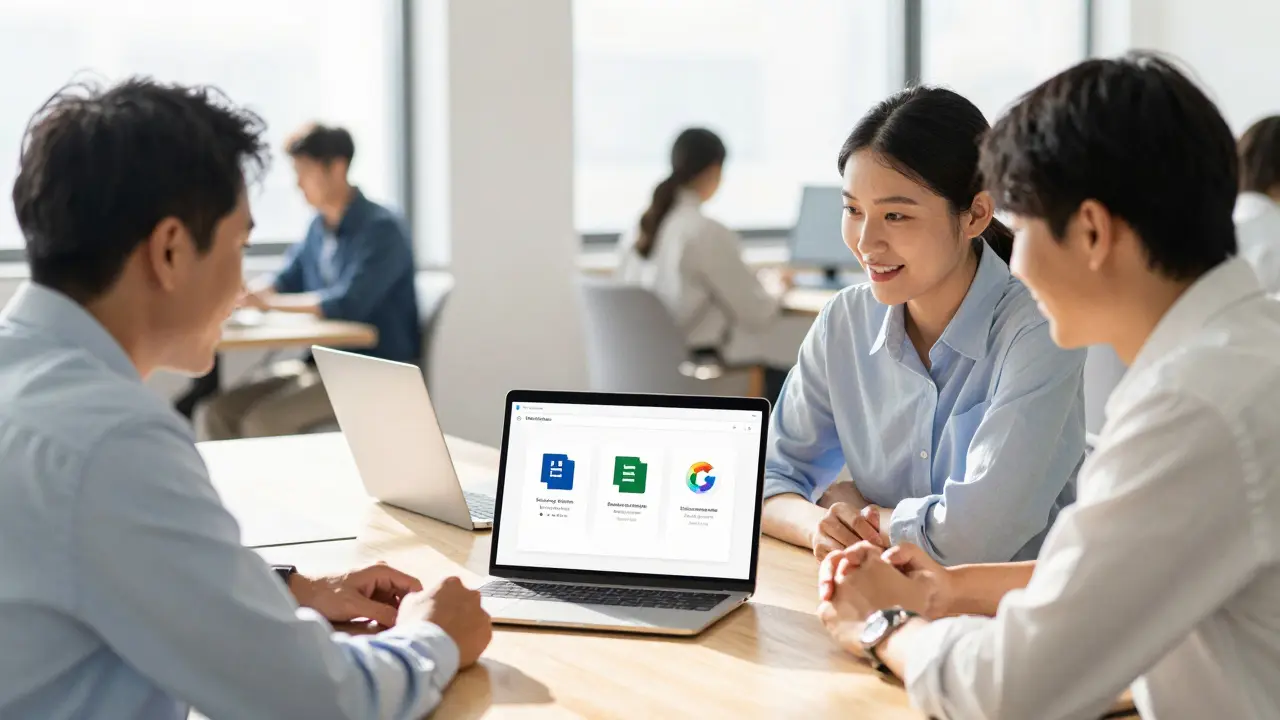
Job applications are getting harder to fill because employers want more than just a degree. They want candidates who can navigate GCFGlobal, a platform that teaches essential skills without charging a dime. Whether you are looking to update your resume, switch careers, or simply understand how to use modern office software, this resource is designed to bridge the gap between basic knowledge and professional competence.
GCFGlobal is a non-profit organization dedicated to providing free educational content on technology, business, and life skills. It stands out in a crowded market of paid courses because it focuses entirely on accessibility and practical application. You do not need to sign up with a credit card, and there are no hidden fees for certificates of completion. This makes it an ideal starting point for anyone feeling left behind by the rapid pace of technological change.
What Exactly Is GCFGlobal?
To understand why GCFGlobal matters, we need to look at what it actually offers. The platform hosts thousands of lessons covering a wide range of topics. These aren't abstract theories; they are step-by-step guides on how to perform specific tasks. For example, instead of just explaining what Microsoft Word is, the tutorials show you exactly where to click to format a document, insert a table, or create a header.
The content is structured into clear categories. You will find sections dedicated to Computer Basics, Microsoft Office, Google Workspace, Internet Skills, and even broader Life Skills like financial literacy and communication. This structure allows learners to jump straight to the skill they need most right now. If you are struggling with email etiquette, there is a lesson for that. If you need to learn Excel formulas from scratch, there is a detailed module for that too.
One key attribute of GCFGlobal is its multimedia approach. Lessons combine text, images, audio, and video. This variety helps different types of learners grasp concepts faster. Visual learners benefit from the screen recordings, while readers can follow along with the concise written instructions. The platform updates its content regularly to reflect changes in software versions, ensuring that what you learn today is still relevant tomorrow.
Core Curriculum: Digital Literacy and Software Mastery
The backbone of the GCFGlobal curriculum is digital literacy. In the 21st century, being digitally literate means more than knowing how to turn on a computer. It involves understanding file management, operating systems, and cybersecurity basics. The platform breaks these complex topics down into manageable chunks.
- Computer Basics: Learn how to use Windows and macOS, manage files and folders, and troubleshoot common hardware issues.
- Microsoft Office Suite: Comprehensive guides for Word, Excel, PowerPoint, and Outlook. These are the tools used in millions of offices worldwide.
- Google Workspace: Tutorials for Gmail, Google Docs, Sheets, and Slides. As more companies move to cloud-based solutions, these skills are becoming just as important as traditional Office skills.
- Internet Skills: How to search effectively, evaluate online information, and stay safe from phishing scams and malware.
Let's talk about Excel for a moment. Many people fear spreadsheets, but GCFGlobal demystifies them. The lessons start with entering data and move on to sorting, filtering, and creating charts. Later modules cover functions like VLOOKUP and IF statements. By breaking the learning process into small, achievable steps, the platform builds confidence. You stop seeing Excel as a monster and start seeing it as a tool that saves you time.
Beyond Computers: Life Skills and Workplace Readiness
While technology is a huge part of the offering, GCFGlobal recognizes that technical skills alone don't make a great employee. That is why they include a robust section on Life Skills and Business Skills. These modules address the "soft skills" that employers consistently rank as critical.
You will find lessons on effective communication, teamwork, problem-solving, and time management. There are also resources on resume writing and interview preparation. For someone re-entering the workforce after a long break, these lessons are invaluable. They provide scripts, templates, and strategies that help you present yourself professionally.
Financial literacy is another major component. The platform offers guides on budgeting, saving, and understanding credit. These are universal skills that benefit everyone, regardless of their career path. By integrating these topics with digital skills, GCFGlobal creates a holistic learning experience that prepares users for both professional and personal success.

Who Should Use GCFGlobal?
The audience for this platform is incredibly diverse. Let's look at a few specific personas who benefit most from using GCFGlobal.
- Career Changers: If you are moving from one industry to another, you might lack the specific software skills required for the new role. GCFGlobal allows you to quickly upskill in areas like project management or data analysis without paying for expensive bootcamps.
- Students: High school and college students often graduate with theoretical knowledge but little practical experience with office software. Using GCFGlobal can give them a competitive edge when applying for internships.
- Adult Learners: Older adults who did not grow up with computers can use this resource to catch up. The patient, step-by-step nature of the tutorials reduces anxiety and makes learning less intimidating.
- Small Business Owners: Entrepreneurs often wear many hats. Learning how to manage invoices in Excel or create marketing materials in Canva (covered in some design modules) can save a small business hundreds of dollars in consultant fees.
It is also worth noting that GCFGlobal is widely used by libraries, community centers, and adult education programs. Many public institutions recommend it as a primary resource for patrons seeking free education. This institutional backing adds a layer of credibility and trustworthiness to the platform.
| Feature | GCFGlobal | Paid Platforms (e.g., Udemy, Coursera) |
|---|---|---|
| Cost | Free forever | Per course or subscription fee |
| Certification | Certificate of Completion (free) | Certificate (often requires payment) |
| Content Focus | Practical, task-based skills | Mix of theory and practice |
| Accessibility | No account needed for browsing | Account required |
| Update Frequency | Regularly updated for software changes | Varies by instructor |
How to Get the Most Out of Your Learning
Having access to free content is great, but passive reading won't teach you much. To truly master these skills, you need an active learning strategy. Here is how to approach GCFGlobal effectively.
Practice as you go. Do not just watch the video or read the text. Open your own version of Word or Excel and follow along. Type the same sentences, create the same tables, and apply the same formulas. Muscle memory plays a significant role in software proficiency. The more you click and type, the faster you will become.
Take notes. Even though the content is straightforward, jotting down keyboard shortcuts or key terms helps reinforce memory. Create a simple cheat sheet for yourself. For instance, note that Ctrl+C copies and Ctrl+V pastes. Over time, these shortcuts will speed up your workflow significantly.
Complete the quizzes. Each lesson usually ends with a short quiz. Treat these seriously. They are designed to test your understanding of the core concepts. If you get a question wrong, go back and review that specific part of the lesson. This immediate feedback loop is crucial for retention.
Earn your certificates. While not always required by employers, having a Certificate of Completion shows initiative. It proves to potential employers that you have taken the time to formally learn a skill. Add these certificates to your LinkedIn profile or resume under a "Professional Development" section.

Navigating the Platform: A Quick Start Guide
The interface of GCFGlobal is clean and intuitive. When you first arrive, you will see a homepage with large category tiles. Click on the area that interests you most. If you are unsure, start with "Computer Basics." It provides the foundational knowledge needed for all other topics.
Once inside a category, you will see a list of lessons arranged logically. It is best to follow the suggested order. Trying to learn advanced Excel pivot tables before understanding basic cell entry will lead to frustration. The platform uses a breadcrumb navigation system, so you can easily go back to previous lessons if you need to reference something.
You can also use the search bar to find specific topics. If you need to know how to "merge cells in Excel," just type that into the search box. The results will take you directly to the relevant lesson. This feature is particularly useful when you are stuck on a specific task and need a quick answer.
Limitations and Considerations
No resource is perfect, and it is important to be realistic about what GCFGlobal can and cannot do. The platform is excellent for introductory and intermediate skills. However, it may not go deep enough for advanced users. If you are looking to become a data scientist using Python or an expert in complex financial modeling, you will eventually need more specialized, advanced courses.
Additionally, while the certificates are nice to have, they are not accredited degrees. Employers value them as proof of effort and basic competency, but they do not replace formal education for roles that require specific credentials. Think of GCFGlobal as a powerful supplement to your education, not a replacement for it.
Another consideration is the lack of direct human interaction. There are no instructors to answer your questions in real-time. If you get stuck, you rely on the clarity of the written instructions or community forums. For self-motivated learners, this is fine. But if you thrive on classroom discussion and peer feedback, you might find the solitary nature of online learning challenging.
Why Accessibility Matters
A defining characteristic of GCFGlobal is its commitment to accessibility. The website is designed to be usable by people with disabilities. Text alternatives for images, captions for videos, and compatible screen reader support ensure that everyone has an equal opportunity to learn. This inclusivity is rare in the ed-tech world, where profit motives often drive design decisions.
This focus extends to language. While English is the primary language, the organization has initiatives to translate content into other languages. This global reach ensures that non-native English speakers can also benefit from high-quality educational resources. In a connected world, digital literacy should not be a privilege reserved for those who can afford it.
Is GCFGlobal really completely free?
Yes, GCFGlobal is 100% free. There are no hidden costs, subscriptions, or paywalls. You can access all lessons, videos, and quizzes without paying anything. They are funded by grants and donations to maintain their non-profit mission.
Do I need to create an account to use GCFGlobal?
No, you do not need an account to browse and read the lessons. However, creating a free account allows you to track your progress, save your favorite lessons, and download Certificates of Completion after finishing a module.
Are the certificates from GCFGlobal recognized by employers?
While they are not accredited academic degrees, many employers recognize GCFGlobal certificates as proof of basic competency and initiative. They demonstrate that you have taken proactive steps to learn essential workplace skills. It is best to pair these certificates with practical experience.
Can I use GCFGlobal to learn coding or programming?
GCFGlobal focuses primarily on digital literacy, office software, and life skills. It does not offer extensive coding or programming courses like Python or Java. For those topics, you would need to look at specialized platforms like Codecademy or freeCodeCamp.
How often is the content updated?
The team at GCFGlobal regularly reviews and updates its content to reflect changes in software versions and web standards. This ensures that the tutorials remain accurate and relevant for current users.