

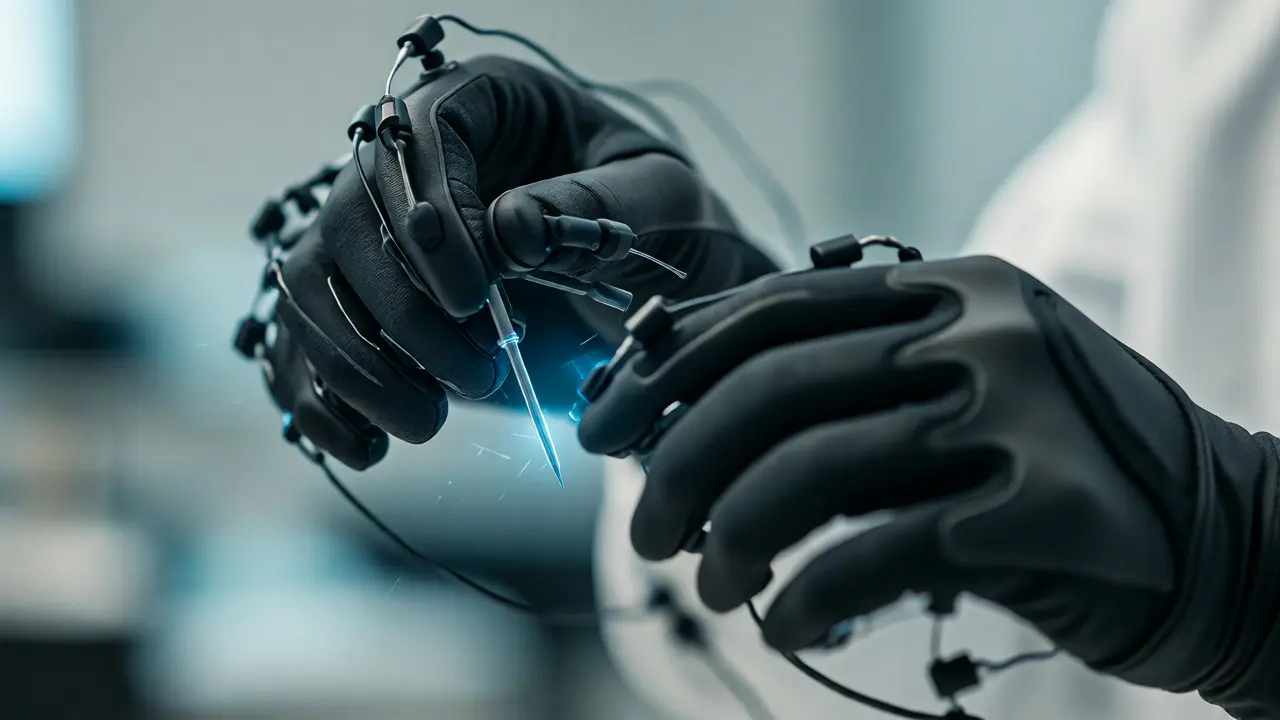
You know that feeling when you try to learn surgery or mechanics just by watching a video? You see the hands move, you hear the instructions, but your fingers stay cold. Your brain registers the visual data, sure, but it doesn't build the muscle memory needed to actually do the thing. This is the gap that haptic feedback in virtual reality (VR) learning is trying to close. It’s not just about seeing a wrench; it’s about feeling the resistance of the bolt as you turn it.
For years, VR was mostly a visual spectacle. We put on headsets to walk through museums or fly spaceships. But for skills training-whether it’s welding, nursing, or playing piano-vision isn’t enough. You need touch. Recent advances in tactile technology are changing how we approach education, moving us from passive observation to active, physical engagement. If you’re an educator, a corporate trainer, or just curious about where tech is heading, understanding this shift matters because it fundamentally changes how humans learn complex motor tasks.
Why Vision Alone Fails Skill Acquisition
Think about the last time you learned to ride a bike. Did you read a manual? Maybe. But did you actually balance until your inner ear and muscles figured out the physics? That’s embodied cognition. When you learn a physical skill, your brain maps sensory input to motor output. Visuals give you the "what," but haptics provide the "how." Without tactile feedback, VR simulations often feel floaty and disconnected. Users struggle to judge force, texture, and weight.
This disconnect leads to poor transfer rates. A study published in the Journal of Educational Psychology highlighted that trainees using non-haptic VR retained significantly less procedural knowledge than those with full sensory immersion. Why? Because the brain treats a simulation without touch as a game, not a rehearsal. The stakes feel low. The resistance feels fake. Once real-world objects have actual mass and friction, the learner hesitates. Haptics bridge this uncanny valley of training.
The Three Layers of Haptic Feedback
Not all haptic tech is created equal. To understand what works for which skills, you need to break down the three main types of tactile response currently available in educational VR.
- Vibrotactile: This is the most common and cheapest form. Think of your phone buzzing. In VR, controllers vibrate to indicate contact. It’s great for simple binary events-did I hit the button? Did I miss the target? It’s low-fidelity but effective for basic confirmation.
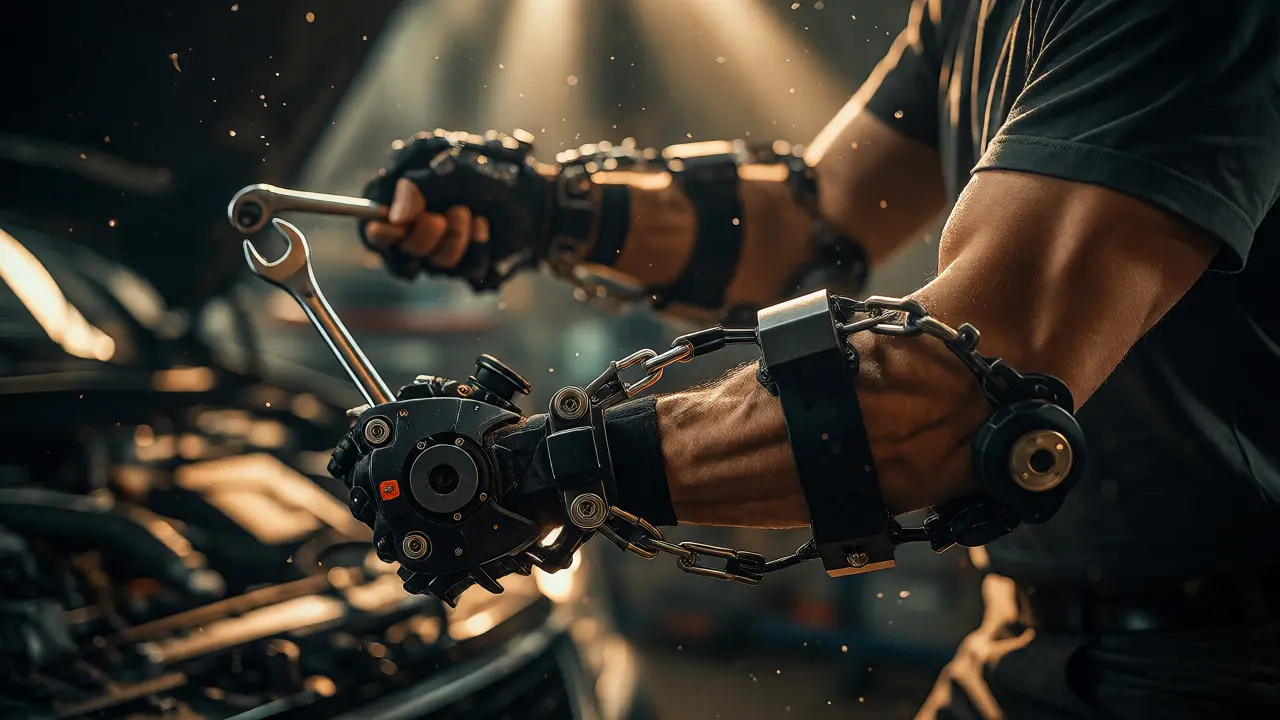
- Kinesthetic: This involves force feedback. Exoskeleton gloves or armatures physically resist your movement. If you’re trying to lift a heavy virtual stone, the device pulls back. This is crucial for strength training and assembly lines where torque matters.
- Tactile Surface Rendering: This is the frontier. Technologies like ultrasonic mid-air haptics or electroadhesion can simulate textures-roughness, smoothness, temperature-on your skin without you touching anything solid. Imagine feeling the grain of wood while sanding a virtual table.
Choosing the right layer depends entirely on the skill. For coding, vibrotactile might suffice. For surgical suturing, you need kinesthetic precision. For material science, surface rendering is king.
Real-World Applications: From Surgery to Mechanics
Let’s look at who is actually using this today. It’s not just sci-fi concepts anymore; these systems are deployed in high-stakes environments.
| Industry | Skill Trained | Haptic Type Required | Key Benefit |
|---|---|---|---|
| Medicine | Surgical Suturing | Kinesthetic & Vibrotactile | Prevents tissue tearing errors via force limits |
| Manufacturing | Assembly Line Repair | Kinesthetic | Teaches proper torque application |
| Music Education | Piano/Violin Technique | Tactile Surface | Improves finger placement accuracy |
| Military | Weapon Maintenance | Vibrotactile & Kinesthetic | Safe practice with live-fire stressors |
In medical schools, platforms like Osso VR use haptic gloves to let students practice laparoscopic procedures. The gloves tighten when the virtual needle hits bone, giving instant physical cues. Students make fewer mistakes in their first real surgeries compared to traditional cadaver labs. Similarly, in automotive training, technicians practice repairing engines where bolts are stripped or rusted. The haptic rig simulates the specific resistance of a seized nut, teaching them exactly how much force to apply before breaking a tool.
The Hardware Landscape: Gloves vs. Controllers
If you’re looking to implement this, you’ll face a hardware choice. Most consumer VR still uses handheld controllers with built-in vibration motors. They are robust, cheap, and easy to calibrate. However, they lack dexterity. You can’t feel individual fingers touching different surfaces.
Enter haptic gloves. Companies like HaptX and SenseGlove have developed devices with pneumatic actuators or mechanical linkages inside the glove. These can simulate gripping a ball, holding a pen, or pushing a button. The trade-off is bulk and battery life. Current top-tier gloves weigh over 300 grams per hand and require tethering or heavy batteries. For long learning sessions, fatigue becomes a real issue. Educators must balance fidelity with comfort. A student tired from wearing a heavy glove won’t focus on the lesson; they’ll focus on their sore wrists.
There’s also the emerging field of mid-air haptics. Ultraleap uses ultrasound arrays to create pressure points on your hand. No gloves required. It’s clean and hygienic-critical for healthcare-but currently limited to single-point touches rather than complex grip shapes. It’s perfect for pointing and selecting, less so for manipulating tools.
Cognitive Load and the Learning Curve
Here’s a counter-intuitive point: too much haptic feedback can hurt learning. Cognitive Load Theory suggests our working memory has limits. If a VR system bombards you with vibrations, forces, and thermal changes simultaneously, you suffer from sensory overload. You stop processing the instructional content and start reacting to the noise.
Effective design follows a principle of progressive disclosure. Start with visuals only. Add vibrotactile cues once the user understands the task. Introduce kinesthetic resistance only when fine motor control is the goal. A good curriculum designer knows when to turn the haptics off. Sometimes, silence is the best teacher.
Furthermore, calibration is key. Every user has different strength levels. A generic force setting might be too weak for a strong adult and too hard for a child. Adaptive algorithms that adjust resistance based on user performance are becoming standard in high-end enterprise solutions. This personalization ensures the challenge remains in the zone of proximal development-not too easy, not impossible.

Implementation Pitfalls to Avoid
Before you rush to buy ten pairs of haptic gloves, consider these practical hurdles.
- Latency Mismatch: Visual motion and haptic response must sync within milliseconds. If there’s a delay between turning your hand and feeling the resistance, users get motion sickness. Test latency rigorously before deployment.
- Hygiene and Wear: Gloves sweat. Shared equipment needs rigorous cleaning protocols. Consider disposable liners or antimicrobial coatings if multiple students share a station.
- Content Development Cost: Building a standard VR scene is expensive. Adding haptic interactions doubles the complexity. You need specialized developers who understand both Unity/Unreal Engine and haptic APIs. Budget accordingly.
- User Acceptance: Some people find constant vibration annoying or anxiety-inducing. Offer adjustable intensity settings. Let users opt-out of certain haptic features if they distract from the core lesson.
Also, don’t underestimate the setup time. Calibrating exoskeletons takes minutes. If your class period is short, you lose valuable instruction time. Look for quick-swap solutions or pre-calibrated profiles for common body types.
The Future: Full Sensory Immersion
We are moving toward multimodal immersion. It’s not just touch anymore. Researchers are integrating olfactory (smell) and gustatory (taste) modules. Imagine learning chemistry by smelling the virtual sulfur compounds or tasting the pH level of a solution. While still experimental, these additions could revolutionize fields like culinary arts and environmental science.
AI is also playing a bigger role. Machine learning models can now predict appropriate haptic responses based on context. Instead of hard-coding every interaction, the AI analyzes the object’s properties and generates realistic feedback in real-time. This reduces development time and increases realism. As processors get faster and sensors cheaper, we’ll see high-fidelity haptics move from expensive enterprise rigs to affordable consumer headsets.
For educators, the takeaway is clear: haptics aren’t a gimmick. They are a fundamental component of experiential learning. By engaging the somatosensory cortex, we unlock deeper retention and faster skill mastery. The question isn’t whether to use tactile feedback in VR, but how to integrate it seamlessly into your existing curriculum without overwhelming your learners.
Is haptic VR suitable for children?
Yes, but with caution. Children’s hands are smaller, so standard gloves may not fit well. Additionally, excessive vibration can cause discomfort. It’s best to use lightweight vibrotactile controllers initially and introduce heavier kinesthetic gear only for older students with developed motor control.
Does haptic feedback improve exam scores?
Studies show improved performance in practical exams and skill assessments. For theoretical written tests, the benefit is marginal unless the theory is directly linked to physical manipulation. Haptics primarily boost procedural knowledge, not declarative facts.
What is the biggest barrier to adopting haptic VR in schools?
Cost and maintenance. High-quality haptic gloves can cost $1,000-$3,000 each, plus the PC requirements. Schools also need IT staff trained to troubleshoot hardware issues, which adds to the operational burden beyond just purchasing the units.
Can haptics help with autism spectrum disorder?
Potentially, yes. Controlled sensory environments allow individuals with sensory processing differences to practice social or motor skills in a predictable way. Adjustable haptic intensity lets therapists tailor the experience to the individual’s tolerance levels, reducing anxiety associated with unpredictable real-world stimuli.
Do I need a powerful computer for haptic VR?
Generally, yes. Haptic calculations add computational load. You need a GPU capable of maintaining 90+ FPS to prevent motion sickness, plus CPU resources to process sensor data and haptic algorithms in real-time. Check the specific system requirements of your chosen haptic SDK.