


Too many online courses fail before they even start-not because the content is bad, but because learners show up unprepared. You’ve seen it: someone signs up for an advanced Python course without knowing basic syntax, or a graphic design class with no experience in Photoshop. The result? Frustration, dropouts, and bad reviews. The fix isn’t more content. It’s smarter onboarding.
Why Prerequisites Matter More Than You Think
Prerequisites aren’t just gatekeepers. They’re safety nets. A 2024 study from the University of Auckland’s Centre for Digital Learning found that courses with clear, measurable prerequisites had 47% lower dropout rates than those without. Why? Because learners know exactly what they’re signing up for. They don’t waste time feeling lost.
Think of it like building a house. You don’t start laying bricks before you’ve poured the foundation. The same goes for learning. If your course teaches machine learning, but assumes learners know linear algebra and Python loops, then those are your prerequisites. Not "some programming experience." Not "familiar with tech." Specific skills. Measurable knowledge.
When you skip this step, you’re not being inclusive-you’re setting people up to fail. And that hurts your reputation as a course creator.
Step-by-Step: Building Real Prerequisites
Here’s how to build prerequisites that actually work:
- List the core skills needed to succeed in your course. Don’t guess. Watch your students struggle. What do they keep asking about? What concepts keep tripping them up? Those are your prerequisites.
- Break them into concrete actions. Instead of "understand statistics," say "be able to calculate mean, median, and standard deviation by hand." Instead of "know how to code," say "write a function that loops through an array and returns filtered results in Python."
- Test each one. Can you create a 5-minute quiz or mini-challenge that proves someone has this skill? If not, it’s not a real prerequisite-it’s a wish.
- Link to free resources. Don’t just say "you need to know Excel." Link to a 10-minute YouTube tutorial on pivot tables or a free Khan Academy module. Make it easy for them to catch up.
For example, if you’re teaching a course on building Shopify stores, your prerequisites might be:
- Can create and save a basic HTML file
- Has used a website builder like Wix or Squarespace
- Can upload and resize an image using free tools like Canva
These are tiny, doable tasks. Anyone can check them off in under an hour. And now, when someone starts your course, you know they won’t get stuck on the first screen.
Designing Skill Level Assessments That Actually Work
Prerequisites tell learners what they need. Skill level assessments tell them where they stand. And they’re not the same thing.
A skill level assessment is a diagnostic tool. It’s not a test you grade-it’s a mirror you hold up so learners can see their own gaps. Done right, it makes your course feel personalized from day one.
Here’s how to build one:
- Start with the end goal. What should learners be able to do after finishing your course? Write that down. Then work backward.
- Break it into 3-5 key competencies. For a photography course: composition, lighting, editing, file management, export settings.
- For each competency, create 2-3 quick questions. Use multiple choice, true/false, or drag-and-drop. No essays. Keep it under 10 minutes total.
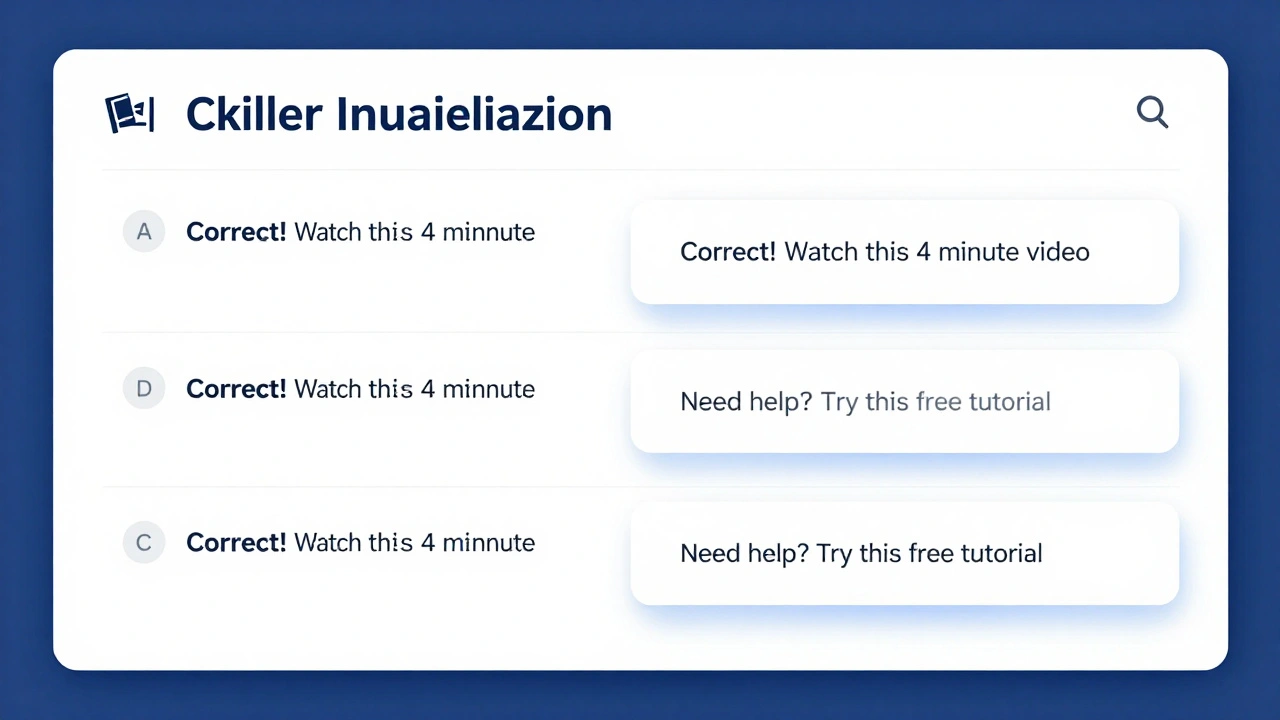
- Give instant feedback. After they answer, tell them: "You’re strong in composition but need to work on lighting. Here’s a 7-minute video to help."
Don’t make it a quiz. Make it a guide.
For example, in a course on public speaking:
- Question: "When you speak in front of others, do you usually feel nervous before starting?" → Options: Never, Rarely, Sometimes, Often
- Feedback: "If you often feel nervous, start with our "Calm Your Nerves in 60 Seconds" module. It’s the first lesson in this course."
That’s not assessment. That’s support.
Where Most Course Creators Get It Wrong
Here are the three biggest mistakes I see-even from experienced creators:
- Using vague language. "Basic computer skills" isn’t a prerequisite. "Can open a file, save a document, and use a web browser" is.
- Putting prerequisites at the end. If learners have to finish Module 1 to find out they’re unprepared, it’s too late. Put prerequisites on the sign-up page. Before they pay.
- Ignoring the emotional side. People don’t drop out because they’re dumb. They drop out because they feel stupid. A skill assessment that says "You’re behind" kills motivation. One that says "Here’s what you need next" builds confidence.
One course creator I worked with had a 68% dropout rate in the first week. She changed her prerequisites from "some experience with design" to "you’ve used Canva to make a social media post in the last 30 days." Dropouts dropped to 19%. Why? Because now, learners knew exactly what they were getting into-and they could self-select in or out.
Tools That Make This Easy
You don’t need fancy software. But you do need the right system.
- Google Forms for quick skill assessments. Free, simple, and works on any device.
- Typeform if you want a more polished look. Great for feedback messages.
- LearnDash or Thinkific for automated prerequisite blocking. You can set rules like: "User must complete Quiz A before accessing Module 3."
- Notion to build a quick reference sheet for learners: "Here’s what you need before you start."
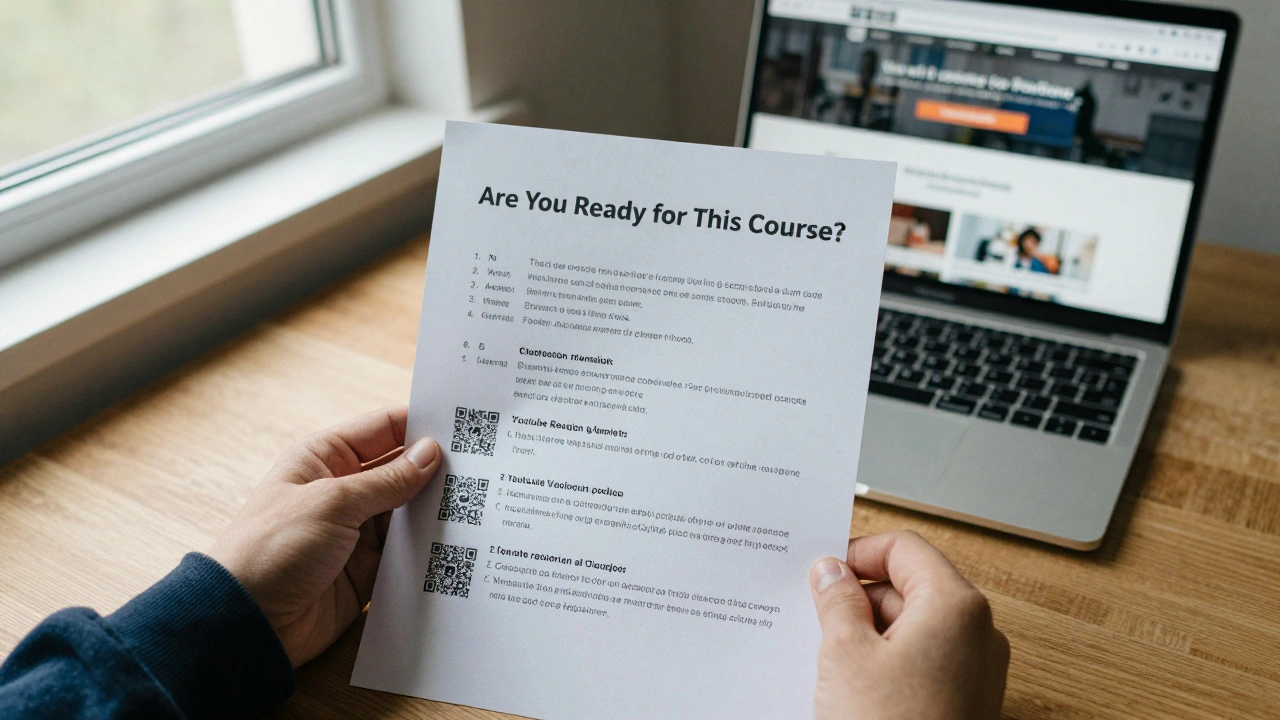
Even a simple PDF checklist works if it’s clear. One course I reviewed had a one-page document titled "Are You Ready for This Course?" with five bullet points and links to free tutorials. Completion rates jumped 31%.
Real Example: A Course That Got It Right
Take "Data Visualization for Non-Techies," a course on teaching Excel charts to small business owners.
Before: "You should know Excel." That’s it.
After: They added:
- Prerequisite: "You can open an Excel file, select cells, and use the SUM function."
- Assessment: A 3-question quiz with instant feedback:
- Question 1: "Which button do you click to create a chart?" → Options: Insert, Home, Data, View
- Feedback: "Correct! You’re ready for charts. If you picked another, watch this 4-minute video first."
Result? 82% of learners passed the assessment on the first try. The rest watched the video and moved on. No one quit because they felt lost.
What Happens When You Don’t Do This
Let’s say you launch a course on financial planning for freelancers. You assume everyone knows how to track income and expenses. But half your students are just starting out. They don’t know what a profit-and-loss statement is. They feel overwhelmed. They leave. You get a one-star review: "Wasted my money. Didn’t explain anything."
You didn’t fail them. You failed to prepare them.
Prerequisites and skill assessments aren’t extra work. They’re your first lesson. They set the tone. They show learners you care enough to make this work for them-not just for you.
Start Small. Start Now.
You don’t need to overhaul your whole course today. Pick one module. Pick one skill. Write down exactly what learners need to know before they start. Then create a 2-minute check-in.
That’s it. No fancy tech. No big budget. Just clarity.
When learners feel prepared, they stay. When they stay, they succeed. And when they succeed, they tell others. That’s how great courses grow.
What’s the difference between prerequisites and skill assessments?
Prerequisites are the skills learners must have before starting your course. Skill assessments help them figure out if they meet those requirements. One is a rule (you must know this), the other is a tool (let’s see where you stand).
Can I skip prerequisites if my course is beginner-friendly?
Even beginner courses need prerequisites. "Beginner" doesn’t mean "no prior knowledge." It means you start from the basics. But you still need to know what those basics are. For example, a beginner coding course might require learners to know how to use a keyboard and open a browser. Those aren’t advanced skills-but they’re still required.
How do I know if my prerequisites are too strict?
If more than 30% of people who sign up can’t meet your prerequisites, you might be setting the bar too high. But if fewer than 10% struggle, you’re probably not being specific enough. The sweet spot is 15-25% needing to review before starting. That means you’re filtering out the truly unready without scaring off beginners.
Should I charge extra for prerequisite resources?
No. If you’re asking learners to spend money before they even start your course, you’re adding friction. Use free, publicly available resources instead-YouTube videos, Khan Academy, free tools like Canva or Google Sheets. Your goal is to lower barriers, not raise them.
How often should I update my prerequisites?
Review them every 6 months. Tools change. Software updates. What was common knowledge last year might be outdated now. Check your course feedback. What are learners struggling with in Module 1? That’s your clue.