


Imagine finishing a rigorous six-week data analysis course. You get a PDF certificate. It looks nice on your desk, but does it prove anything to a hiring manager? Probably not. It’s just paper (or pixels) with no context. Now imagine receiving a clickable digital badge that opens up a profile showing exactly what skills you mastered, the projects you built, and peer reviews of your work. That is the power of digital badges.
For educators and training managers, issuing these credentials has moved from a niche experiment to a standard practice in educational technology. But how do you actually create them? Do you need expensive software? Do you need to be a coder? The short answer is no. With the right tools and a clear strategy, you can issue verifiable, shareable credentials that add real value to your learners.
Why Digital Badges Beat Traditional Certificates
Before we jump into the "how," let’s look at the "why." Traditional certificates are static. They say you attended a class. Digital badges, specifically those following the Open Badge Standard, are dynamic. They contain metadata-hidden data inside the image file-that tells a story.
When a learner shares a badge on LinkedIn or their portfolio, anyone who clicks it sees:
- The issuer (your organization).
- The criteria for earning it (what they had to do).
- Evidence of learning (links to projects or tests).
- The date earned and expiration date (if applicable).
This transparency builds trust. Employers don’t have to guess if the certification is legitimate. In an era where online courses are abundant, verification is everything. According to research by the MacArthur Foundation, which pioneered the Open Badge initiative, badging increases learner engagement because students can visually track their progress and share achievements socially.
Planning Your Badge Strategy
You can’t just slap a logo on a shield and call it a day. A successful badge program requires planning. Think of this as curriculum design, but for credentials. Ask yourself these questions before you touch any software:
- What skill or competency does this badge represent? Is it completing a module? Mastering a specific tool like Python? Demonstrating soft skills like leadership? Be specific. "Course Completion" is weak. "Advanced Excel Data Modeling" is strong.
- Who is the audience? Are these for high school students, corporate employees, or lifelong learners? This affects the design and tone.
- How will you verify the work? Will there be an automated quiz? A human-reviewed project? The badge must reflect the rigor of the assessment.
- Where will the badges live? You need a badge issuer platform. We’ll cover options next.
A common mistake is creating too many badges. If every minor task gets a badge, they lose value. Reserve badges for significant milestones or demonstrated competencies.
Choosing the Right Badge Issuing Platform
You need a system to host the badge metadata and manage issuance. Here are the most popular options in 2026, ranging from free to enterprise-grade.
| Platform | Best For | Cost | Key Feature |
|---|---|---|---|
| Credly | Large organizations, universities | Paid (Enterprise) | Industry leader, integrates with LinkedIn |
| Badgr | K-12 schools, non-profits | Free / Low-cost | Simple interface, good for basic use cases |
| Mozilla Backpack | Individual learners collecting badges | Free | Personal storage, not for issuing |
| Acclaim | Corporate training programs | Paid | Strong analytics and HR integration |
For most small-to-medium businesses or individual instructors, starting with a freemium model like Badgr or a trial of Credly is wise. These platforms handle the technical heavy lifting: generating the unique URL for each badge, storing the metadata, and ensuring compatibility with the Open Badge Standard.
Designing Effective Badges
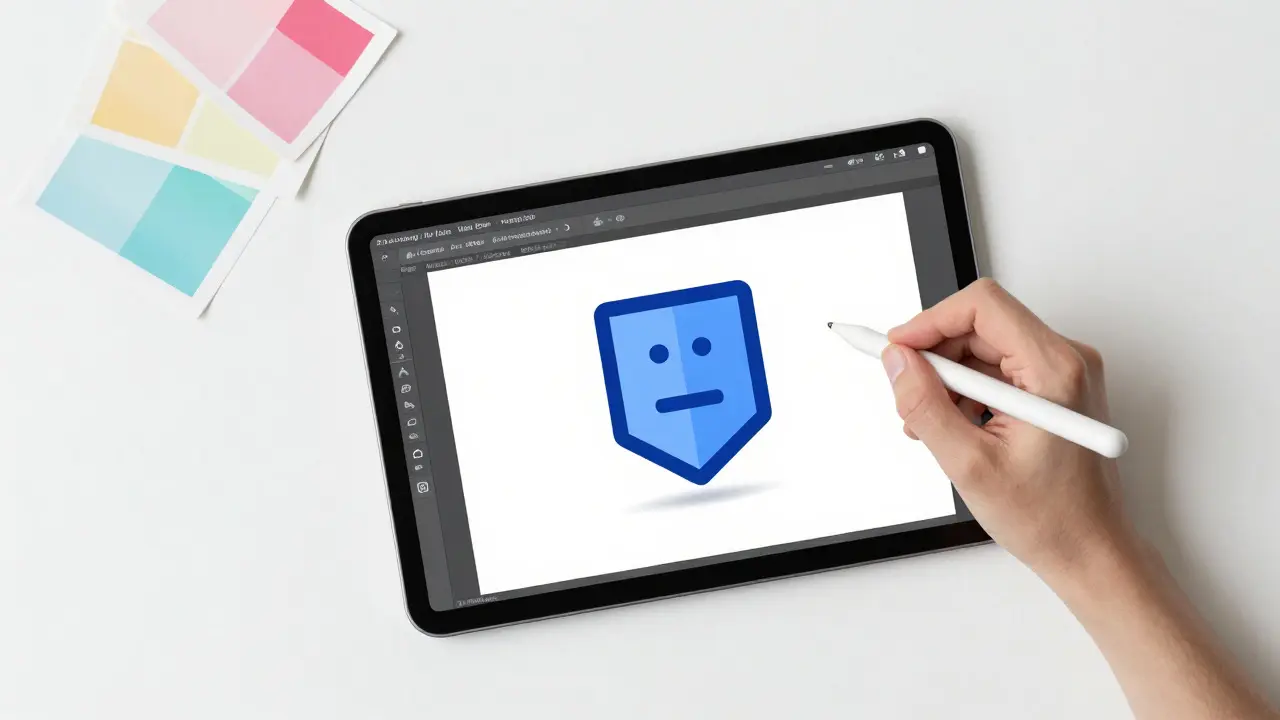
Visual appeal matters. Your badge is the face of your credential. However, avoid clutter. A clean, recognizable icon works best. Use your organization’s colors and logo, but keep the design simple enough to be legible at small sizes (like on a mobile screen or social media avatar).
Here are three design principles:
- Symbolism over text: Instead of writing "Python Expert," use a stylized snake or code bracket icon. Let the metadata explain the details.
- Consistency: If you’re issuing a series of badges (e.g., Beginner, Intermediate, Advanced), keep the visual style consistent so users recognize them as part of a set.
- Accessibility: Ensure high contrast and consider colorblindness. Alt-text will be added later in the metadata, but the image itself should be clear.
Tools like Canva or Adobe Express make it easy to create vector-based images. Export them as PNG files with transparent backgrounds for best results.
Setting Up Metadata and Criteria
This is where the magic happens. When you upload your badge image to your chosen platform, you’ll fill out a form. This information becomes the hidden metadata. Treat this like a job description for the skill.
Include the following fields meticulously:
- Name: Clear and descriptive (e.g., "Data Visualization Specialist").
- Description: A brief summary of what the badge represents.
- Narrative/Criteria: Detailed steps the learner took to earn it. Example: "Completed 10 hours of instruction, passed a final exam with 85%+, and submitted a capstone project analyzing sales data using Tableau."
- Image URL: The direct link to your badge graphic.
- Issuer Name & Profile URL: Your organization’s name and website.
- Verification URL: Usually auto-generated by the platform.
Be honest and specific in the criteria. Vague descriptions undermine credibility. If the badge required a peer review, state that. Transparency is key to maintaining the integrity of your credentialing program.
Issuing and Verifying Badges
Once your badge template is ready, you need a way to award it. Most platforms offer two methods:
- Manual Issuance: You enter the learner’s email address, and the platform sends an invitation. This works well for small cohorts or personalized feedback scenarios.
- Automated Integration: Connect your Learning Management System (LMS) like Moodle, Canvas, or Blackboard to your badge platform via API. When a student completes a course or passes a quiz, the badge is automatically triggered. This scales infinitely.
For automation, check if your LMS has a native plugin for Credly or Badgr. If not, tools like Zapier can bridge the gap between systems. For example, a new entry in a Google Sheet (from a form submission) could trigger a badge issuance.
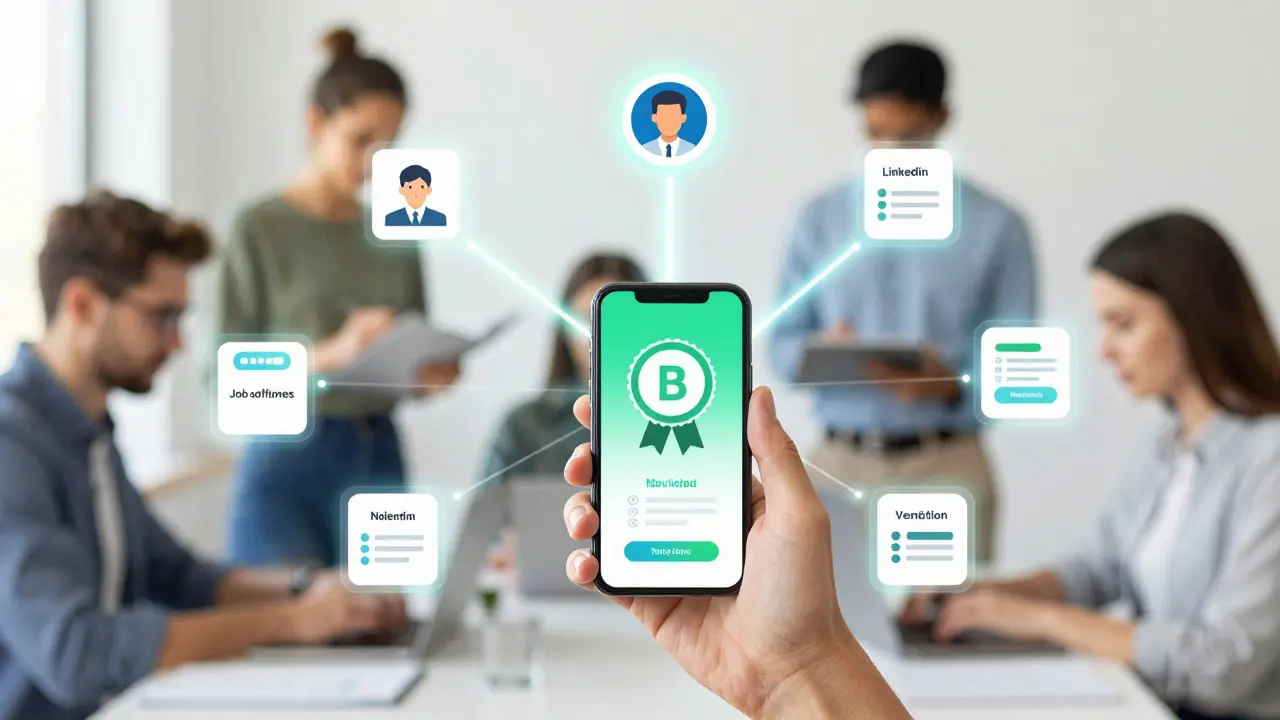
Verification is seamless. When a recipient accepts the badge, they store it in their digital wallet (like Mozilla Backpack or Credly). They can then share a unique link. Anyone clicking that link sees the immutable record of achievement. No more calling institutions to verify degrees.
Promoting Badge Sharing
A badge sitting in a digital wallet has zero value. You want learners to share them. Make sharing easy and rewarding.
- Social Media Templates: Provide pre-written tweets or LinkedIn posts that learners can copy-paste when they receive their badge.
- Showcase Pages: Create a public gallery on your website featuring past badge earners. This builds community and motivates current students.
- Employer Partnerships: Work with local businesses or industry partners to recognize specific badges. If a badge leads to a job interview, learners will champion your program.
Encourage learners to embed their badges in personal websites, resumes, and email signatures. The more visible the badges become, the more valuable your credentialing ecosystem grows.
Common Pitfalls to Avoid
Even experienced educators stumble here. Watch out for these issues:
- Over-badging: Giving a badge for logging in daily devalues the serious ones. Keep it meaningful.
- Ignoring Expiration: Skills like cybersecurity or software coding evolve fast. Consider setting expiration dates (e.g., 2 years) to encourage continuous learning.
- Poor Communication: Don’t surprise learners with a badge at the end. Explain the badge program at the start of the course so they understand the goal.
- Technical Glitches: Always test the issuance process with a dummy account before rolling it out to hundreds of students.
Future-Proofing Your Credentials
The landscape of digital credentials is evolving. By 2026, we’re seeing increased adoption of blockchain-based verification for even higher security, though the Open Badge Standard remains the dominant protocol. Stay updated on changes from the IMS Global Consortium, which maintains the standard.
Also, consider accessibility beyond just visuals. Ensure your badge narratives are written in plain language and available in multiple languages if your audience is global. Inclusivity strengthens your brand.
Creating digital badges isn’t just about handing out awards. It’s about building a transparent, verifiable, and engaging ecosystem for learning. When done right, it transforms passive course completion into active career advancement for your learners.
Do I need to know how to code to create digital badges?
No. Most modern badge platforms like Credly and Badgr offer user-friendly drag-and-drop interfaces. You only need basic computer skills to upload images and fill out text forms. Coding is only necessary if you want to build custom integrations with proprietary systems.
Are digital badges legally recognized as certifications?
It depends on the industry. In regulated fields like healthcare or law, formal licenses are still required. However, in tech, marketing, and general education, digital badges are widely accepted as proof of skill. They are increasingly valued by employers because they provide detailed evidence of competency, unlike generic certificates.
How long does it take to set up a badge program?
You can create a single badge in under an hour using a platform like Badgr. Setting up a full program with automated issuance via an LMS might take a few days to a week, depending on technical complexity and approval processes within your organization.
Can learners share badges on LinkedIn?
Yes. Major platforms like Credly integrate directly with LinkedIn. Learners can add badges to their profile’s "Licenses & Certifications" section with one click. This makes it easy for recruiters to see verified skills.
What is the difference between a digital badge and a certificate?
A certificate is usually a static document (PDF or image) stating attendance or completion. A digital badge is an interactive file containing metadata that verifies the issuer, the criteria met, and often links to evidence of work. Badges are shareable, stackable, and verifiable online.
Do digital badges expire?
They can. When creating the badge metadata, you can set an expiration date. This is useful for skills that change rapidly, such as software updates or safety protocols. Non-expiring badges are better for foundational knowledge or historical achievements.