

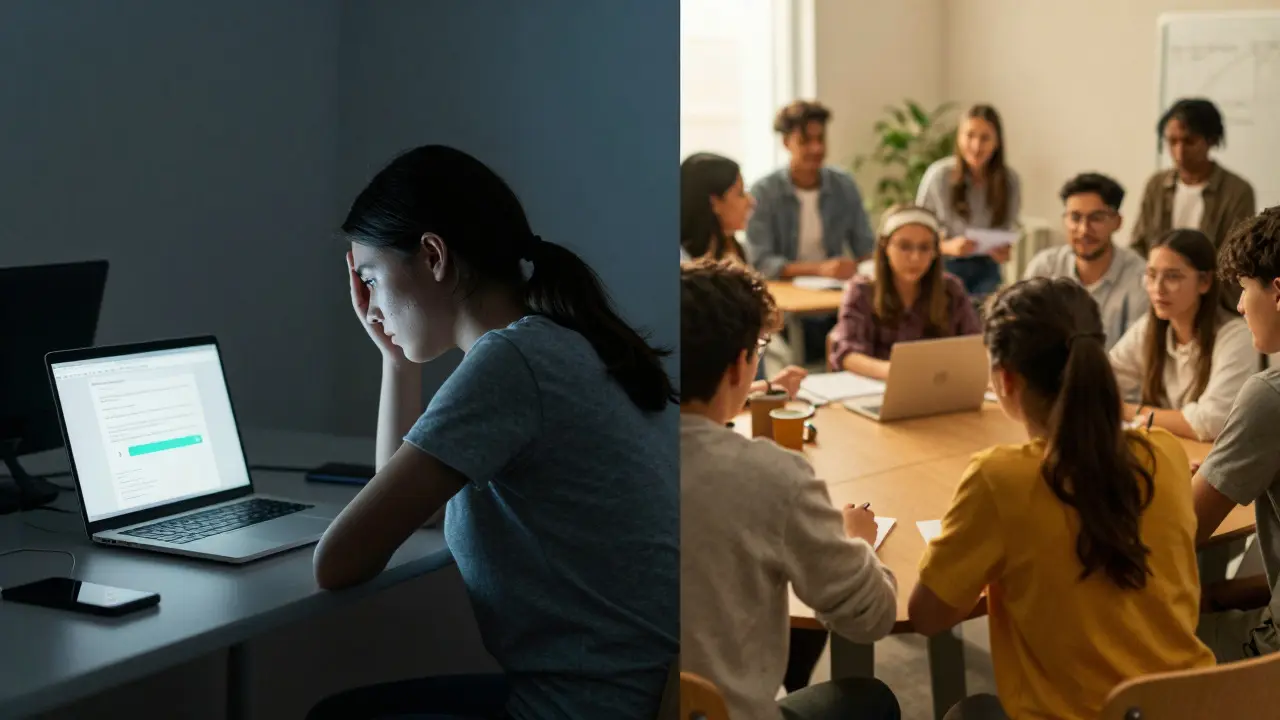
Picture this: You assign a group project in your virtual classroom. The chat box stays silent. The shared document remains empty. Two weeks later, one student submits the entire assignment alone while the others vanish into the digital ether. Sound familiar?
This isn't just bad luck; it's bad design. In physical classrooms, students collaborate because they have to-they sit next to each other, see each other working, and feel the social pressure of the room. Online, those invisible walls disappear, but so does the structure that makes cooperation natural. Without intentional scaffolding, peer collaboration is the process where learners work together to achieve shared goals, construct knowledge, and develop social skills through interaction. often devolves into parallel play or total abandonment.
The good news? You can fix this. Creating meaningful peer collaboration activities online doesn't require expensive software or hours of prep time. It requires understanding how humans connect digitally and designing tasks that force interdependence. Here is how you build online group work that actually works.
Start with Interdependence, Not Just Interaction
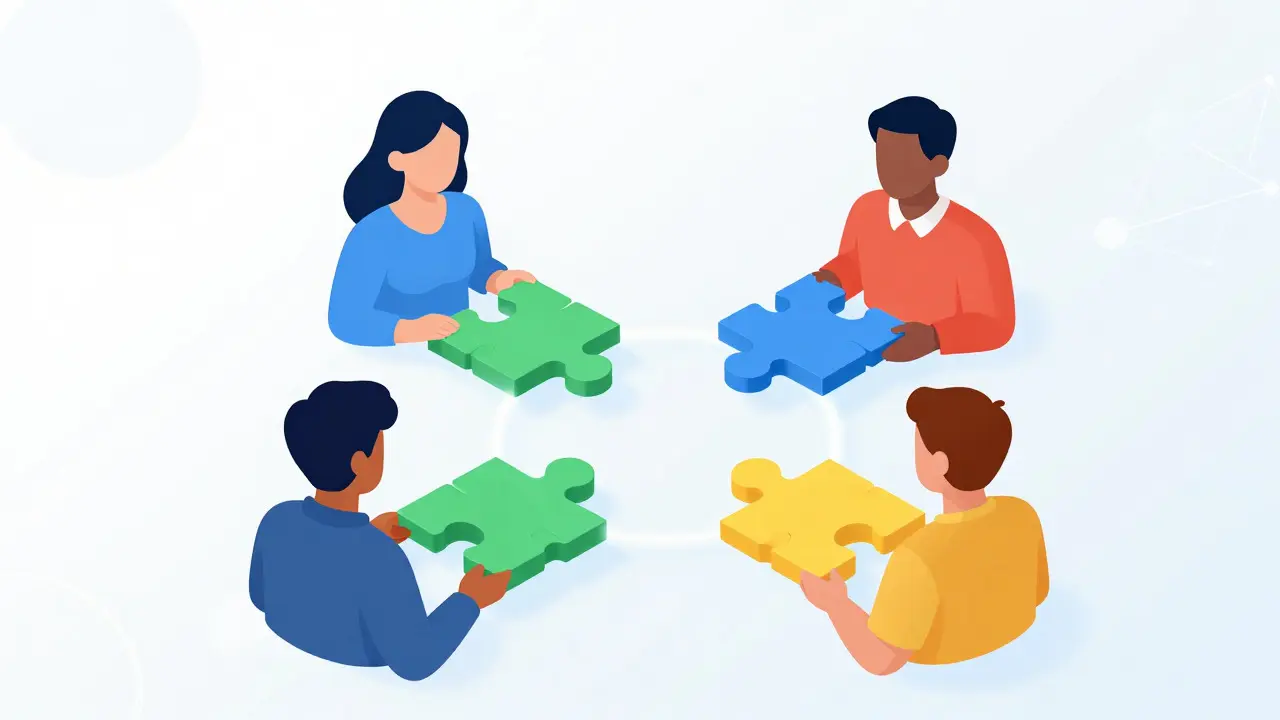
The biggest mistake educators make when moving collaboration online is assuming that putting students in a breakout room creates teamwork. It doesn't. It creates isolation with better Wi-Fi. For collaboration to be meaningful, you must engineer positive interdependence is a structural condition where students perceive that they sink or swim together, meaning their success depends on the contribution of every member.
If Student A can complete their part without ever talking to Student B, they will. Humans are efficient creatures; we take the path of least resistance. To stop this, you need to design tasks where the output of one person becomes the necessary input for another.
Consider the Jigsaw method, adapted for the screen. Instead of asking everyone to read the same article and discuss it (which leads to dominant voices taking over), split the source material. Group members become 'experts' on different sections. They meet in expert groups first to master their piece, then return to their home groups to teach it. If Student A doesn't explain their section clearly, Student B cannot complete the final synthesis task. That is interdependence. That is why they listen.
- Avoid: "Discuss this topic in groups of four."
- Choose: "Student A analyzes the data, Student B creates the visual, Student C writes the narrative, and Student D presents. The final product fails if any piece is missing."
Choose Tools That Force Contribution
The platform you choose dictates the behavior you get. Standard video conferencing tools like Zoom or Microsoft Teams are terrible for tracking individual contributions in a group setting. They favor the loudest voice and hide the quietest thinker. To create meaningful collaboration, you need asynchronous or semi-synchronous tools that leave a trail of thought.
Think about Google Docs is a cloud-based word processor that allows multiple users to edit documents simultaneously, providing real-time collaboration features. It’s powerful, but only if used correctly. Don't just share a blank page. Use comments for debate and suggestions mode for edits. Better yet, look at specialized collaborative whiteboards like Miro or Mural. These platforms allow non-verbal participation. A shy student might not speak up in a Zoom call, but they can drag a sticky note onto a board, vote on an idea, or draw a connection. This levels the playing field significantly.
| Tool Type | Best For | Limitation | Interdependence Level |
|---|---|---|---|
| Video Conferencing (Zoom) | Synchronous discussion, quick check-ins | Favors extroverts, hard to track individual input | Low |
| Shared Documents (Google Docs) | Co-writing, editing, structured feedback | Can lead to 'edit wars' without clear roles | Medium |
| Whiteboards (Miro/Mural) | Brainstorming, mapping, visual thinking | Steep learning curve for some users | High |
| Discussion Forums (Canvas/Discourse) | Asynchronous deep reflection, threaded debate | Lack of immediacy, can feel impersonal | Medium-High |
Structure Asynchronous Work for Depth
We often equate collaboration with 'live' interaction. But true social learning is a theory suggesting that people learn best from one another, often within an informal community, through observation, imitation, and modeling. happens deeply when people have time to think. Synchronous meetings often result in surface-level chatter because participants are reacting in real-time. Asynchronous work allows for cognitive processing.
Design your peer review activities to be staggered. Instead of having everyone submit at once, use a rolling deadline. Student A posts their draft on Monday. Students B and C must post substantive critiques by Wednesday. Student A then has Friday to revise based on that feedback before final submission. This creates a rhythm of giving and receiving. It also prevents the 'last-minute rush' where quality plummets.
Use rubrics that grade the *process* of collaboration, not just the final product. If you only grade the essay, students will ignore the peer feedback. If you grade the quality of their critique of others, they will engage. Make the act of helping others a graded component of their own success.
Build Psychological Safety Before Asking for Output
You cannot ask students to collaborate if they don't trust each other. In a physical classroom, trust builds through casual hallway chats and shared lunch breaks. Online, that social glue is missing. If you jump straight into high-stakes group work, anxiety spikes. Students protect themselves by doing everything alone.
Start with low-stakes, humanizing activities. Use icebreakers that require sharing personal preferences rather than academic opinions. "Share a photo of your workspace" or "What is your favorite comfort food?" These seem trivial, but they signal safety. They remind students that there are real humans behind the avatars.
Establish clear communication norms early. Create a 'group contract' template that teams fill out during their first meeting. What are their response times? How do they handle conflict? Do they prefer chat or video? When expectations are explicit, ambiguity decreases, and anxiety follows suit. A student who knows exactly what is expected of them is more likely to contribute.

Facilitate, Don't Just Observe
In online environments, the teacher disappears. You are no longer walking around the room, overhearing conversations, and gently steering groups off track. You are a ghost in the machine. To prevent groups from derailing, you must actively facilitate even in asynchronous settings.
Use 'dip-in' strategies. Join breakout rooms for two minutes every twenty minutes. Not to lecture, but to observe. Are all voices heard? Is someone dominating? Drop a comment in the shared doc praising specific collaborative behaviors: "Great job, Sarah, for summarizing Mark's point before adding your own." This reinforces the desired dynamic.
Provide scaffolds for difficult conversations. Students often struggle with conflict resolution online because tone is easily misinterpreted. Provide sentence starters for disagreement: "I see your point about X, but have you considered Y?" or "Let's look at the data again regarding Z." Giving them the language reduces the emotional friction of debating ideas.
Reflect on the Process
Collaboration is a skill, not an innate talent. Like any skill, it requires reflection to improve. After a group activity, don't just move on to the next topic. Pause and ask: How did that go? What worked? What didn't?
Use individual reflection prompts alongside group debriefs. Ask students to rate their own contributions and those of their peers anonymously. This provides you with data on free-riders and dominators, allowing you to intervene in future assignments. More importantly, it helps students develop metacognition about their own social habits. They begin to see themselves as collaborators, not just competitors.
Meaningful peer collaboration online is not accidental. It is engineered. By focusing on interdependence, choosing the right tools, building trust, and facilitating actively, you transform the digital void into a vibrant learning community. Your students won't just finish the assignment; they'll learn how to work together in a world that increasingly demands it.
How do I handle free-riders in online group projects?
Prevent free-riding by designing positive interdependence where each member has a unique, essential role. Use tools that track individual contributions, like version history in Google Docs or activity logs in Miro. Implement peer evaluation components where students grade each other's effort, and consider using individual reflections to identify discrepancies between perceived and actual contribution.
Is synchronous or asynchronous collaboration better for online learning?
Neither is universally better; they serve different purposes. Synchronous collaboration (video calls) is excellent for brainstorming, building rapport, and quick decision-making. Asynchronous collaboration (forums, shared docs) is superior for deep analysis, inclusive participation across time zones, and reflective writing. The most effective courses blend both, using sync for connection and async for depth.
What are some effective icebreaker activities for virtual classes?
Effective virtual icebreakers are low-stakes and humanizing. Try 'Two Truths and a Lie' in chat boxes, sharing photos of your current view or pet, or using polls to find common interests like favorite movies or foods. Avoid overly personal questions initially. The goal is to establish psychological safety and recognize shared humanity before diving into academic work.
How can I ensure equitable participation in online group discussions?
Use structured protocols like round-robin sharing where each person speaks for a set time without interruption. Employ anonymous polling or backchannel chats (like Slack or Discord) to allow quieter students to contribute thoughts without the pressure of speaking live. Assign rotating roles such as facilitator, scribe, and timekeeper to distribute leadership responsibilities evenly.
What role does technology play in successful online collaboration?
Technology enables collaboration but does not guarantee it. The choice of tool should match the task. Video conferencing supports social presence, while shared documents support co-construction of knowledge. Whiteboards aid visual thinking. The key is selecting tools that reduce friction and make individual contributions visible, thereby supporting accountability and interdependence.
Comments
Kyle Ware
the jigsaw method is solid but people forget you have to actually train them on how to teach their piece. if student a just reads the text back it fails. you need a mini lesson plan for the expert groups. also miro is way better than docs for visual thinkers who hate writing paragraphs
Vishnu Vardhan Reddy M S
oh look another guide telling us that students are lazy instead of admitting the assignments are boring as hell. but sure lets blame the wifi. i love how we act like breakout rooms are magic. they are not. they are digital purgatory where everyone stares at their own screen wondering why they signed up for this class. the interdependence part is true though because if one person ghosts the whole group gets an f so its basically hostage negotiation not collaboration. sarcastic much? yeah probably. but its accurate.
Iva Grekova
i feel seen by this post honestly. last semester my group was a disaster because nobody knew who was doing what. we ended up just emailing each other in panic mode three days before the deadline. the idea of using a group contract sounds scary at first but it would have saved us so much stress. i really liked the tip about low stakes icebreakers too. sharing comfort food pics seems way less awkward than trying to force deep conversation on day one. it makes sense that trust needs to be built before you ask for heavy work. i think many teachers skip that step and wonder why students are defensive or silent online.
Onyinyechi Nwosu
asynchronous work is underrated. sync meetings feel like performance art sometimes. you just sit there nodding while someone talks over everyone else. async lets me think properly before i reply. it helps my brain process the info without pressure. i agree with the rolling deadlines idea too. it keeps things moving steadily instead of a big crash at the end. nice read overall.
Chandan Singh
while the article suggests Miro and Mural, it ignores the steep learning curve and accessibility issues these tools present for students with older hardware or limited bandwidth. Google Docs is superior because it is ubiquitous and requires zero training time. Furthermore, the claim that video conferencing favors extroverts is a generalization; introverts often prefer the structured turn-taking of live discussion over the chaotic nature of asynchronous forums where threads die out. The Jigsaw method is also pedagogically outdated compared to modern project-based learning frameworks which allow for more organic role distribution rather than forced artificial interdependence.
Brannen Hall
this is all theoretical fluff. in reality students will find a way to cheat no matter what tool you use. peer evaluation is just popularity contest disguised as assessment. quiet kids get ignored loud kids get praised. and dont get me started on group contracts they mean nothing when grades are on the line. most professors write these guides from ivory towers never dealing with real human behavior. keep dreaming.
tiffany King
i love the emphasis on psychological safety! it is so easy to forget that behind every avatar is a real person who might be stressed or shy. starting with simple questions like favorite foods is such a gentle way to break the ice without making anyone feel exposed. i think building that foundation of trust is key to getting everyone to open up later. when students feel safe they are more willing to take risks in their learning and share ideas even if they are not fully formed yet. it creates a much warmer community vibe online which can be hard to achieve but definitely worth the effort.
Brenna Gonedrman
OMG yes!!! the free rider problem is literally the worst thing ever. i had one guy who never showed up and then tried to claim he did the research. it made me SO angry. the part about grading the process not just the product is genius. if they have to grade each other then they will actually pay attention. i wish my profs did this. it would save so much drama. thanks for sharing this it really hits home!