

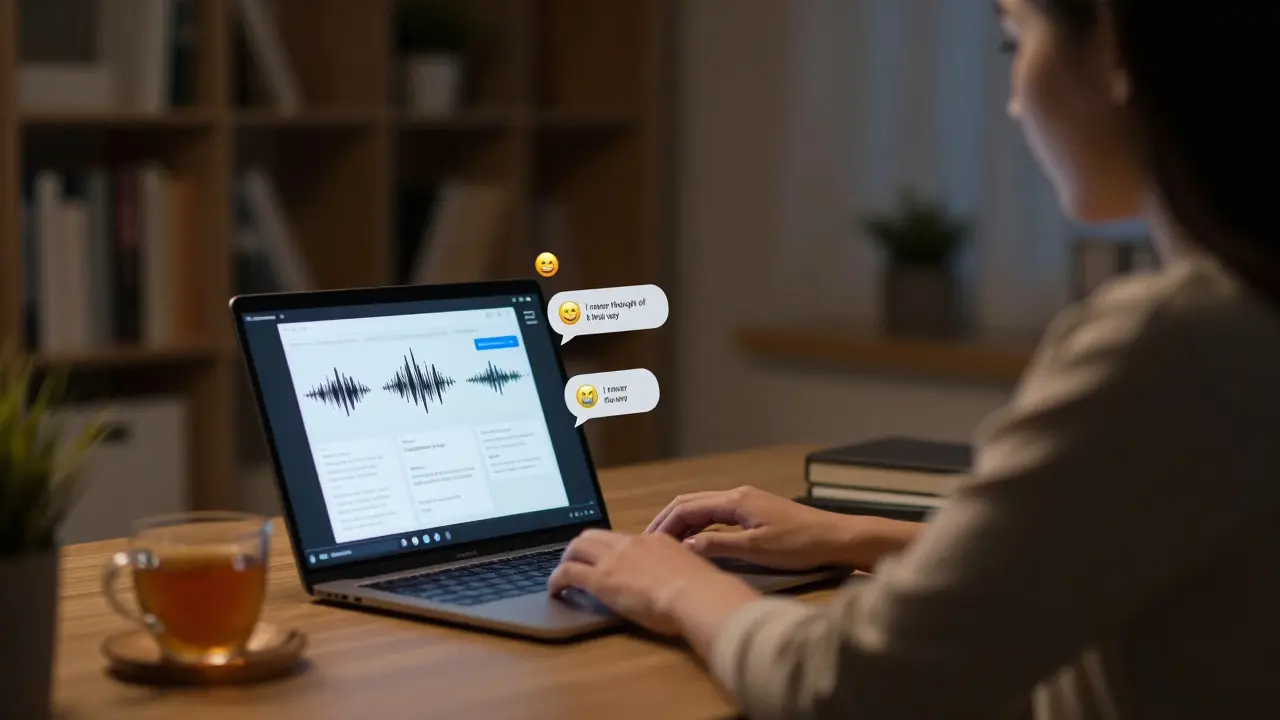
When you’re teaching online, the silence can be deafening. No raised hands. No side conversations. No quick glances that say, ‘I get it’ or ‘I’m lost’. You ask a question, and the chat stays empty. This isn’t just awkward-it’s a real barrier to learning. But here’s the truth: facilitating discussions without in-person interaction isn’t about replicating the classroom. It’s about rebuilding it from the ground up with tools, timing, and trust.
Start with the right structure
A live Zoom call with 20 students and one instructor asking, ‘Any thoughts?’ is a recipe for silence. Online discussions don’t work like face-to-face ones. They need structure. Think of it like a game with rules everyone knows.Use a clear prompt. Instead of ‘What do you think about this reading?’ try: ‘Pick one idea from the article that surprised you. Explain why in 3-4 sentences, then respond to one classmate’s post.’ That’s specific. It gives people a starting point and a task.
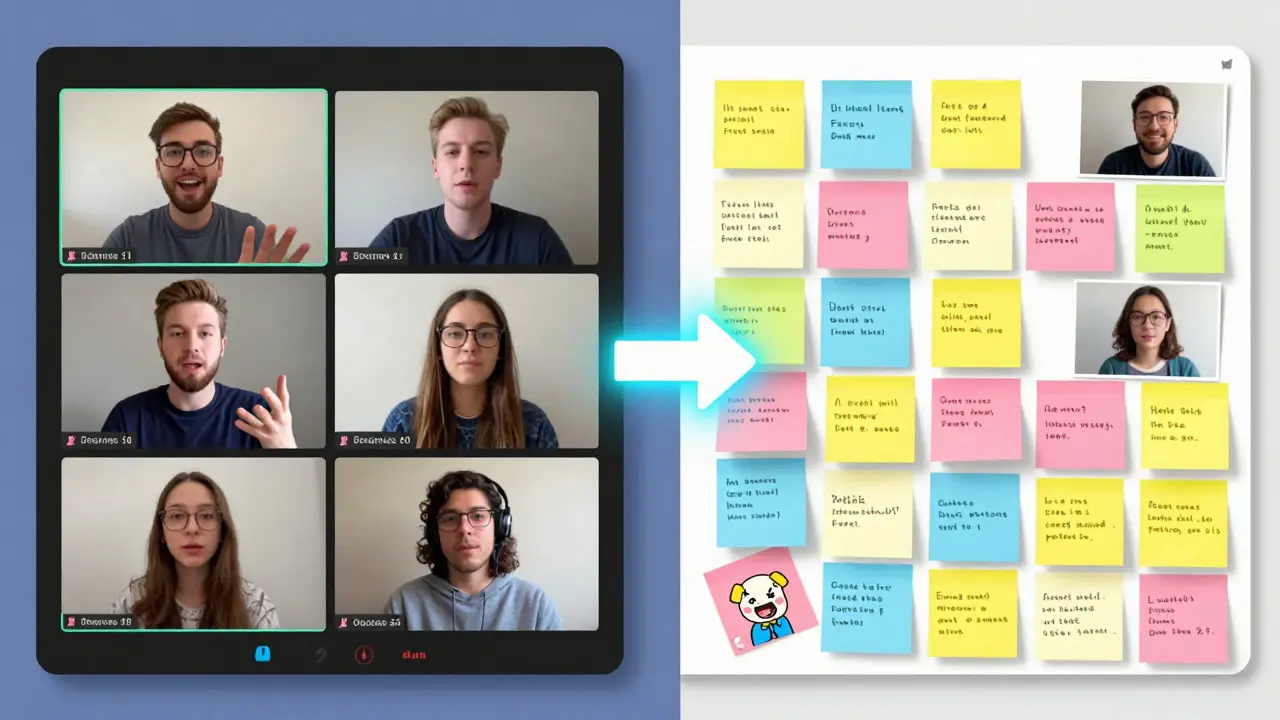
Break the group into smaller pods. Use breakout rooms for 4-5 people. Give them 10 minutes to discuss with a simple prompt. Then bring everyone back and ask each pod to share one key insight. Smaller groups lower the pressure. People talk more when they’re not speaking to 30 strangers.
Use asynchronous tools to build momentum
Not every discussion has to happen live. In fact, forcing live interaction often favors the loudest voices, not the deepest thinkers.Platforms like Padlet, Flip, or even a simple discussion board in your LMS let students post responses on their own time. A student who’s shy in a live room might record a 90-second video explaining their take on a poem. Someone else replies with a voice note. Someone else adds a meme that captures the idea perfectly. This builds a conversation over days, not minutes.
One instructor in Wellington used Flip for a literature class. Students posted video responses to each chapter. They had to reply to at least two peers. By the end of the term, students were tagging each other in replies: ‘@Jenny, you nailed the symbolism in Chapter 4-I hadn’t thought of it that way.’ That’s engagement. That’s learning.
Design prompts that spark debate, not just summary
If your questions can be answered with a Google search, they won’t spark discussion. Avoid: ‘What are the causes of climate change?’Instead, try: ‘Some people say individual actions like recycling don’t matter unless corporations change. Do you agree? Why or why not?’ That’s not about facts. It’s about values. It’s personal. And that’s what makes people want to respond.
Another strong prompt: ‘Imagine you’re the character in this story, but you lived in 2026. What’s one thing you’d do differently? What would you keep?’ This isn’t about the text-it’s about connecting it to their world.
Good discussion prompts have three things: a clear stance to take, room for disagreement, and a link to real life. They turn students from passive listeners into active participants.
Build psychological safety
People won’t speak up if they’re afraid of being wrong. In a physical classroom, you can smile, nod, or walk over to someone and say, ‘That’s an interesting point.’ Online, you lose those cues.Start by modeling vulnerability. Say: ‘I read this article and I was confused by paragraph three. I had to re-read it twice. What did you think?’ That tells students it’s okay to not get it right away.
Use anonymous polls for sensitive topics. Tools like Mentimeter or Slido let students respond without names. You can then say: ‘68% of you felt this policy was unfair. Let’s talk about why.’ That gives voice to the quiet majority without putting anyone on the spot.
And never call out silence. Don’t say, ‘Why is no one responding?’ That puts pressure on the whole group. Instead, say: ‘I see a lot of people thinking-take another 30 seconds. No rush.’ Give space. Silence isn’t failure. It’s processing.
Use feedback loops to keep energy up
Students need to know their input matters. If you ask for opinions but never reference them later, they’ll stop sharing.At the start of your next session, say: ‘Last week, Sam mentioned how the character’s silence felt like grief. That stuck with me. Let’s look at that moment again.’ Or: ‘Three of you said the same thing about the data-let’s dig into why that pattern keeps coming up.’
When students see their ideas woven into the next lesson, they feel seen. That’s the key to long-term engagement.
Track participation without punishing quiet students
You can’t grade participation like a race. Some students process slowly. Some are introverted. Some are managing work, kids, or health issues.Instead of counting posts, look for depth. Did someone build on another’s idea? Did they cite evidence? Did they ask a follow-up question? That’s more valuable than five shallow replies.
Use a simple rubric: 1 point for a thoughtful response, 1 point for a meaningful reply to someone else, 1 point for connecting to course material. Total: 3 points per week. That’s enough to encourage engagement without turning it into a chore.
Don’t underestimate the power of non-verbal cues
Even online, body language matters. Use reactions. Emojis. GIFs. A simple 👍 or 🙌 in the chat can signal agreement. A laughing emoji can ease tension.One instructor in Toronto uses a ‘lightning round’ at the end of class: ‘One word to describe how you feel about today’s topic.’ Students type it in the chat. ‘Curious.’ ‘Overwhelmed.’ ‘Inspired.’ You read them aloud. It’s quick. It’s human. And it tells you who needs help before they even ask.
Be intentional with timing
Don’t schedule a live discussion right after lunch. Don’t ask for deep reflection at 7 a.m. on a Monday. Pay attention to when your students are most alert.Ask them. Send a quick poll: ‘When’s the best time for a 20-minute discussion?’ You might be surprised. Many students prefer Tuesday evenings or Sunday afternoons. Respect that. Flexibility builds trust.
And don’t overload. One well-facilitated discussion per week beats three rushed ones. Depth over volume.
When it feels like nothing’s working
Sometimes, despite your best efforts, the chat stays quiet. Don’t panic. Try this: pause the discussion. Give students a low-stakes, fun prompt: ‘What’s one song that matches the mood of this chapter?’ Or ‘If this theory had a TikTok, what would it say?’These aren’t academic. But they lower the barrier. Someone posts a meme. Someone else replies. Someone else adds a song link. Suddenly, the room feels alive again. Then, gently pivot: ‘That energy you just showed-that’s the same curiosity we need for the reading. Let’s talk about why.’
Engagement isn’t about forcing people to talk. It’s about creating conditions where they want to.
What’s the most common mistake when facilitating online discussions?
The biggest mistake is treating online discussions like live classroom conversations. Waiting for raised hands, calling on people by name, or expecting instant replies sets everyone up for failure. Online learning needs structure, time, and different tools. Success comes from designing for asynchronous participation and giving students space to respond in their own way.
How do I get shy students to participate?
Start with low-pressure options: anonymous polls, written responses, video replies, or small breakout rooms. Let them contribute in writing before speaking. Many students who are quiet in live sessions will share deeply in a chat or Flip video. Don’t push them to speak up-invite them to show up in whatever form feels safe.
Can I use AI tools to help facilitate discussions?
Yes-but carefully. AI can summarize key points from student posts, suggest discussion prompts based on trends, or flag when a student hasn’t participated in two weeks. But it shouldn’t replace your role. Use it to spot patterns, not to moderate. The human connection is what makes learning stick.
How often should I run live discussion sessions?
Once a week is ideal for most courses. Use live sessions to build on asynchronous work-review key insights, clarify confusion, or dive into a debate that sparked online. Don’t use live time to deliver content. Save that for pre-recorded videos. Live time should feel like a conversation, not a lecture.
What if students only reply to their friends?
That’s normal early on. Mix up group assignments. Use random pairing tools. Assign ‘discussion buddies’ who aren’t in the same study group. Reward thoughtful replies to people they don’t know. Over time, the network expands. It takes patience, but the community will grow if you keep nudging it.
Comments
mark nine
Just use flip. Done. Students reply with videos, you reply with voice notes. No more awkward silence. Works every time.
Eva Monhaut
I’ve been using structured prompts like 'pick one surprising idea + respond to a peer' for two semesters now. The shift is night and day. Students who never spoke in class are writing 500-word reflections. It’s not about tech-it’s about giving them a safe lane to enter.
Ryan Toporowski
Love the emoji + lightning round tip 👍🔥 I started doing 'one word to describe your vibe' at the end of class and now students are spamming 🤯 🧠 💬 in the chat. It’s chaotic but it’s alive.
Chris Atkins
Honestly the biggest win for me was stopping asking why no one’s talking and just saying take 30 more seconds. The silence isn’t empty-it’s thinking. And that’s okay
Wilda Mcgee
I combine Padlet with anonymous polls. Students post their thoughts, then vote on which ones they want to discuss live. It’s like crowd-sourcing the conversation. The quietest kids end up being the most insightful. And no one feels exposed.
Glenn Celaya
You’re all missing the point. This isn’t about tools. It’s about the fact that modern students have been trained to consume, not contribute. You can’t fix a cultural decay with breakout rooms. You need to demand intellectual courage. And most won’t.
Samuel Bennett
Wait so you’re telling me we’re supposed to use memes and gifs to teach literature now? Next you’ll say we should grade essays based on TikTok trends. This is education collapsing into performative theater. I’ve seen this before. It never lasts.
Priyank Panchal
In India we don’t have the luxury of Flip or Padlet. Most students use WhatsApp. So I send voice notes. They reply with voice notes. One guy recorded himself crying while explaining a poem. That’s engagement. Not your fancy tools.
Jim Sonntag
I used to think the lightning round was silly. Then I did it with a class of 30 engineers. One kid typed 'exhausted'. I asked why. Turned out he was working two jobs and sleeping 3 hours. We adjusted deadlines. That’s the real power here. Not the tech. The humanity.
Kate Tran
i just started using the 'reply to someone you dont know' rule and its wild how fast the network expands. last week a girl from ohio replied to a guy from kansas about a novel and they started texting outside class. its like digital friendship magic
amber hopman
I’ve noticed that students who are passive in live sessions often drop the most profound insights in written responses. It’s not that they don’t have anything to say-it’s that they’re waiting for the right space to say it. Your job isn’t to make them talk. It’s to make them feel safe enough to want to.
Tony Smith
Ah yes, the sacred ritual of asynchronous discussion. How quaint. In my day, we didn’t have Padlet or Flip. We had silence, and we respected it. We also had actual reading. Now we treat learning like a social media feed. I suppose if you want students to think like influencers, this is the way.
Deepak Sungra
I tried all this. The videos, the polls, the breakout rooms. Nothing worked. Then I just stopped caring. Let them be silent. The ones who want to learn will find a way. The rest? They’re just here for the diploma. Stop pretending you can fix apathy with a well-crafted prompt.
Samar Omar
The fundamental flaw in all of this is the assumption that engagement can be engineered. True intellectual discourse cannot be facilitated-it must emerge organically from the collision of minds. Your tools are merely scaffolding for the weak. The great thinkers-Plato, Woolf, Foucault-did not require breakout rooms. They required solitude, rigor, and the courage to be misunderstood. Your approach is not pedagogy. It is therapy disguised as education.
Rob D
You people are clueless. This is why America’s education system is falling apart. We used to have real debates. Now we have emoji reactions and video diaries. This isn’t learning-it’s distraction with a syllabus. If you want real discussion, bring them back into the room. No tech. Just minds. That’s how it’s done.