

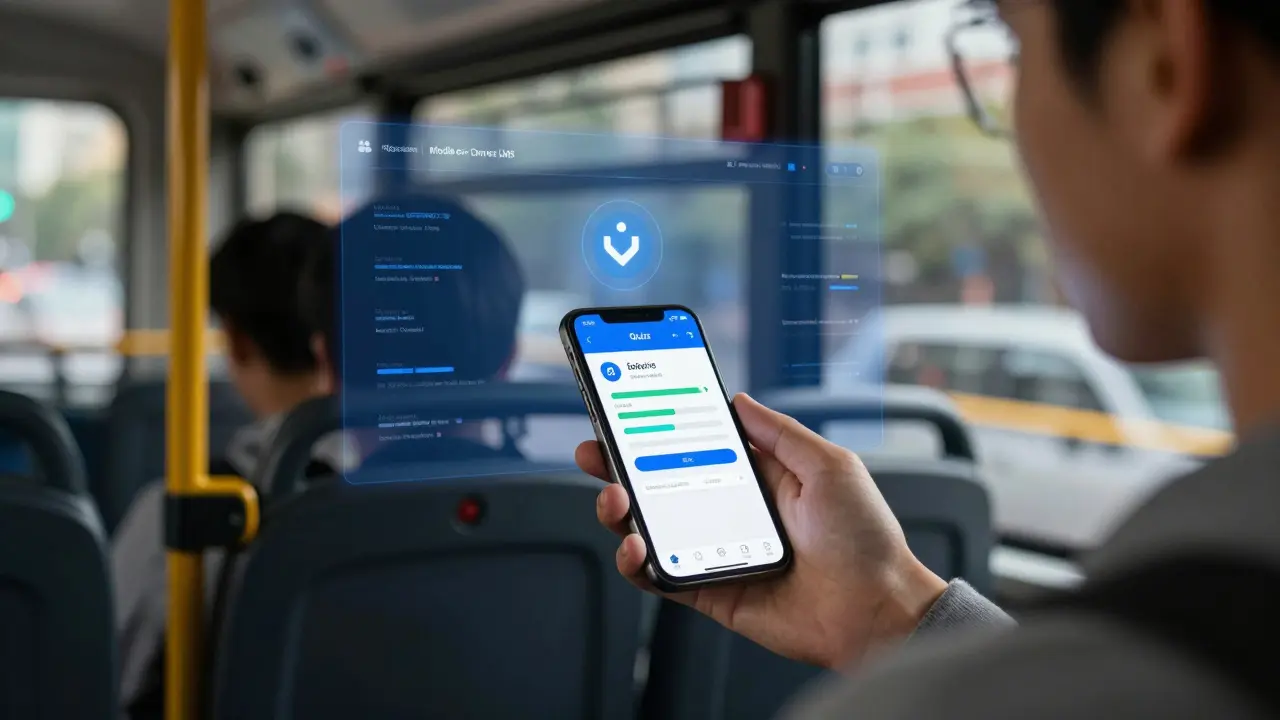
Most learning platforms today - like Canvas, Moodle, or Google Classroom - were built for desktops. But students aren’t sitting at desks anymore. They’re opening apps on their phones during bus rides, between classes, or late at night. If your learning platform doesn’t work well on mobile, you’re losing engagement. The good news? Integrating your mobile app with a learning management system (LMS) isn’t as hard as it sounds. And it’s not just about making things look nice on a small screen. It’s about making learning sticky, accessible, and real-time.
Why Mobile LMS Integration Matters
Think about it: 78% of students use their phones as their main device for schoolwork, according to a 2025 survey by the New Zealand Ministry of Education. That’s not a trend - it’s the new baseline. If your app only lets users view a course syllabus on mobile, you’re missing half the opportunity. True integration means push notifications for assignment deadlines, offline access to quizzes, real-time progress tracking, and even voice-based feedback from instructors.
Take a university in Wellington that rolled out a mobile app connected to its Moodle LMS. Within three months, course completion rates jumped 22%. Why? Because students got a reminder when a video lecture was updated. They could submit short audio responses while walking home. They saw their progress bar fill up after finishing a module - right on their lock screen. That’s not magic. That’s smart integration.
What You Need Before You Start
You can’t just slap a mobile app onto an LMS and call it done. There are four things you absolutely need:
- An LMS with an open API - Not all platforms let you connect outside tools. Check if your LMS supports RESTful APIs or LTI (Learning Tools Interoperability). Canvas, Blackboard, and Moodle all do. Some older systems don’t. If yours doesn’t, you’ll need to upgrade or switch.
- A clear use case - Are you building a quiz app? A discussion forum? A progress tracker? Don’t try to do everything at once. Start with one core function that solves a real pain point. For example: "Students forget deadlines" → build push notifications synced with the LMS calendar.
- Student data permissions - You’ll be pulling names, grades, enrollment info. Make sure you’re compliant with privacy laws like GDPR or New Zealand’s Privacy Act 2020. Get explicit consent from users before syncing their data.
- A development team or platform - You don’t need to code from scratch. Tools like Flutter, React Native, or even no-code builders like Adalo can connect to LMS APIs. But you’ll still need someone who understands authentication, API calls, and data mapping.
Step-by-Step Integration Process
Here’s how to actually make it happen - no fluff, just the steps.
- Find your LMS API documentation - Go to your LMS provider’s developer portal. Look for "API," "Developer Guide," or "Webhooks." For Moodle, it’s under "Site administration > Development > Web Services." For Canvas, it’s "API Docs" in the admin menu.
- Generate an API key or OAuth token - This is how your app talks to the LMS securely. Never hardcode it into your app. Store it in a secure backend server or use environment variables. If you’re using OAuth, users will log in through the LMS - no separate password needed.
- Map the data you need - Decide what data flows between your app and the LMS. Common examples:
- Enrollment status → shows which courses the user is in
- Assignment due dates → triggers reminders
- Grades and scores → updates progress bars
- Discussion posts → syncs comments across devices
- Build the connection - Use HTTP requests (GET, POST, PUT) to pull or push data. For example, when a student completes a quiz in your app, your backend sends a POST request to the LMS API with the score. The LMS updates the gradebook automatically.
- Test with real users - Don’t just test on your phone. Give it to five students. Watch where they get stuck. Did the notification arrive? Was the grade updated? Did they have to log in twice? Fix those friction points before launch.
Common Integration Patterns
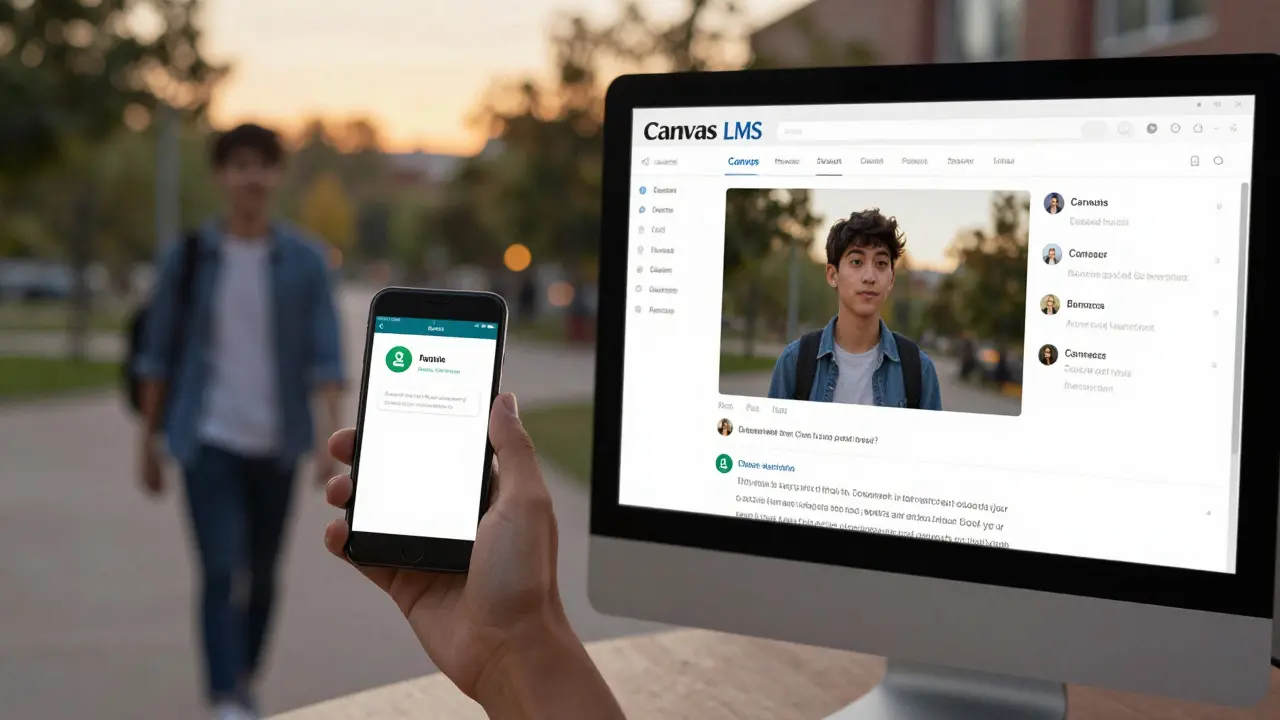
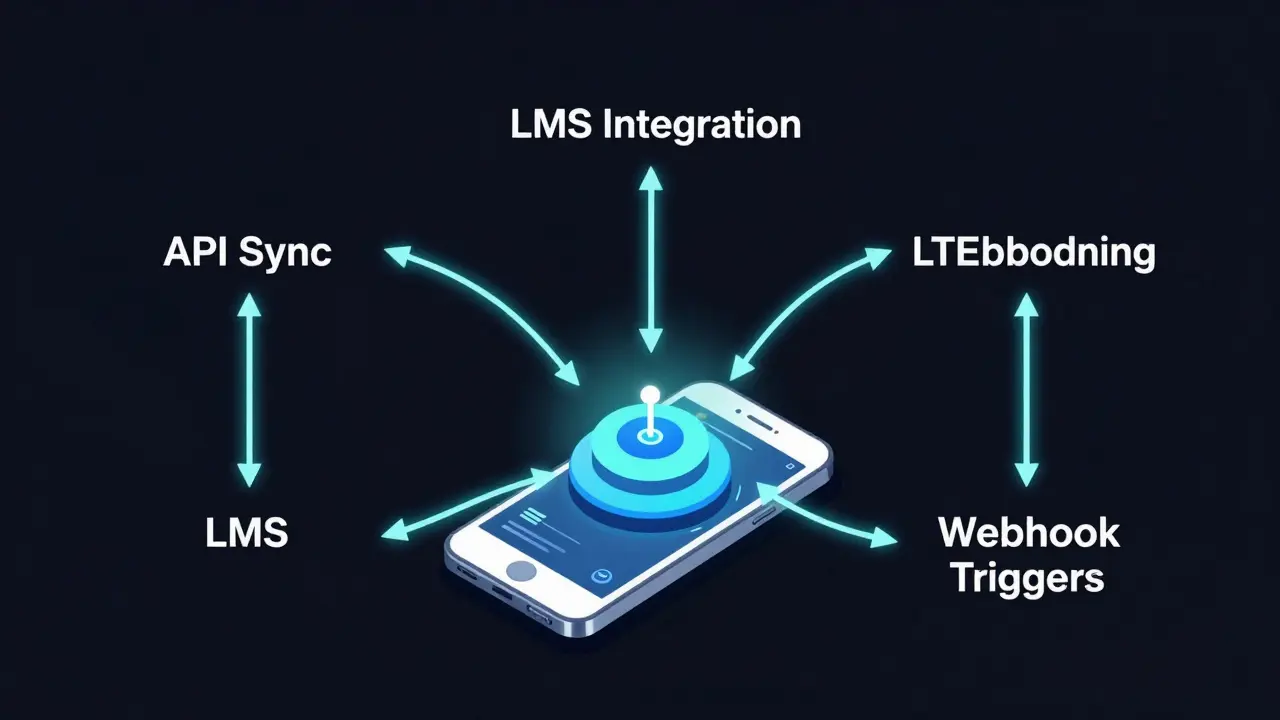
There are three proven ways apps connect to LMS platforms. Choose the one that fits your goal.
| Pattern | How It Works | Best For | Limitations |
|---|---|---|---|
| API Sync | Your app pulls data from the LMS via API calls. Changes are bidirectional. | Progress tracking, real-time grades, push notifications | Requires stable internet; can overload server if not cached |
| LTI Embedding | Your app is loaded inside the LMS as a tool (like a video player or quiz). Students never leave the LMS. | Supplemental tools, interactive content, assessments | Less mobile-friendly; limited to web views |
| Webhook Triggers | The LMS sends automated alerts when something happens (e.g., "new assignment posted"). Your app reacts. | Notifications, alerts, automated workflows | One-way communication; can’t pull data back |
Most successful apps use a mix. For example, a language-learning app might use LTI to embed grammar quizzes inside the LMS, then use API sync to update vocabulary progress, and webhook alerts to remind users to practice daily.
Pitfalls to Avoid
Integration looks simple on paper. In practice, it’s full of traps.
- Ignoring offline use - If a student has no signal, your app should still let them take a quiz or read notes. Save data locally and sync when back online.
- Using weak authentication - Never pass usernames or passwords between systems. Use OAuth 2.0 or JWT tokens. If you’re not sure how, hire a security consultant.
- Assuming all LMSs work the same - Moodle’s API structure is totally different from Canvas’s. Test each one. Don’t build one app and hope it works everywhere.
- Not updating for LMS upgrades - LMS providers update their APIs twice a year. If your app breaks after an update, you’ll lose trust fast. Build in monitoring alerts.
Real Example: Akihiko’s Language App
In Auckland, a small team built an app called Akihiko for Japanese learners. It integrated with the local polytechnic’s Canvas LMS. Here’s what they did:
- Used OAuth to let students log in with their Canvas credentials
- Pulled class rosters and assignment deadlines via API
- Used webhooks to send daily practice reminders
- Stored vocabulary progress locally so students could learn offline
- Pushed quiz scores back to Canvas so instructors saw real-time data
Result? Students using the app scored 17% higher on final exams than those who didn’t. The app didn’t replace the LMS - it made it more alive.
What to Do Next
If you’re ready to try this:
- Check your LMS provider’s developer portal. Find the API docs.
- Identify one feature you want to improve - maybe notifications or progress tracking.
- Reach out to your IT team or a developer. Ask: "Can we connect a mobile app to our LMS using API?"
- Start small. Build a prototype in two weeks. Test with five users. Then scale.
You don’t need to rebuild your entire learning system. You just need to make it work where your users already are - on their phones.
Can I integrate any mobile app with any LMS?
No. Only LMS platforms with open APIs or LTI support can be integrated. Popular ones like Canvas, Moodle, and Blackboard work well. Older systems like Sakai or custom-built LMSs may not have APIs. Always check the provider’s developer site first.
Do I need to code from scratch to build the app?
Not at all. You can use cross-platform tools like Flutter or React Native to build the app, and connect them to the LMS using pre-built API libraries. Even no-code platforms like Adalo or Bubble can connect to LMS APIs if you have the right permissions. Coding helps with customization, but it’s not required.
Is LMS integration secure?
Yes, if done right. Always use OAuth 2.0 or JWT tokens for authentication. Never store passwords. Use HTTPS for all data transfers. Make sure your app follows your institution’s data privacy policy. In New Zealand, this means complying with the Privacy Act 2020. If you’re unsure, consult your IT security team.
What data can I pull from the LMS?
Typically: course enrollment, assignment due dates, grades, discussion posts, and user profiles. Some LMSs allow access to quiz results, attendance logs, and feedback. But you can’t pull personal data like medical records or financial info - that’s restricted by privacy laws. Always limit data access to what’s necessary for the app’s function.
How often should I update the integration?
LMS providers release updates every 3-6 months. You should test your integration after every major update. Set up monitoring tools to alert you if API endpoints change or authentication fails. Many teams use tools like Postman or automated scripts to check connectivity weekly.
Comments
Honey Jonson
I just tried syncing my students' Moodle with a little Flutter app I built over weekend. Nothin fancy. But now they get texts when assignments drop and can submit voice notes while walkin to class. One kid sent me a clip of him practicin Japanese vocab on the bus. I cried. Seriously. This stuff matters more than we think.
Also forgot to say THANK YOU for the API tips. Saved me 3 days of googlin.
Sally McElroy
The notion that mobile integration is 'not as hard as it sounds' is dangerously oversimplified. There are legal, ethical, and pedagogical layers here that this post glosses over with a cheerful 'just slap on an app.' Students are not data points. Their privacy is not a feature toggle. And before we all start celebrating push notifications like they're TikTok alerts, we should remember that education is not a gamified product.
Destiny Brumbaugh
USA is leading this revolution and everyone else is just copyin. If you're still usin a desktop-only LMS in 2025 you're basically tellin students to go back to 1998. My niece's high school in Texas just rolled this out and attendance in online modules went from 42% to 89%. That's not luck. That's American ingenuity.
Sara Escanciano
This is exactly why public education is failing. You're turning classrooms into tech demos and students into app users. What happened to actual learning? Now kids think memorizing vocabulary on their phone is the same as understanding grammar. This isn't innovation. It's distraction dressed up as progress.
Elmer Burgos
I'm a community college IT guy and I can say this works way better than people think. We did a pilot last semester with Moodle + React Native. Kids loved it. One guy submitted a video of him cooking while explaining verb conjugations. We didn't even ask for that. Just gave him the tools. Sometimes the best ideas come from the students themselves. Keep it simple, keep it real.
Jason Townsend
They're tracking everything. Location. Time spent. Quiz answers. Voice tone. Next thing you know they'll be using AI to rate your 'engagement level' based on how long you stare at the screen. This isn't about learning. It's about surveillance with a nice UI. Don't be fooled.
Antwan Holder
I used to teach literature. Real books. Real pens. Real silence. Then came the apps. The notifications. The progress bars. The endless pings. And now? My students don't even remember what a library is. They scroll through 30 modules in 10 minutes and call it 'learning.'
I miss the days when a student asked me a question because they were curious-not because their app told them to 'complete Module 4.'
We're not upgrading education. We're erasing it.
Dmitriy Fedoseff
In Canada, we’ve been doing this since 2021 with our provincial LMS. The key isn’t just the tech-it’s the cultural shift. We trained teachers to think of mobile as a companion, not a replacement. Students in rural areas with spotty internet? We built offline-first apps with cached content. No one’s left behind. This isn’t about innovation. It’s about equity. And yes, it’s harder than the post makes it sound-but worth every minute.
Meghan O'Connor
You say 'open API' like it's a universal standard. Moodle's API documentation is a 200-page PDF written by someone who hates humans. Canvas requires OAuth2.0 with JWT, which even seasoned devs mess up. And you mention 'no-code tools' like Adalo? Have you tried connecting it to a real LMS without hitting rate limits or permission errors? This post reads like a startup pitch deck written by someone who's never deployed a single API call.