

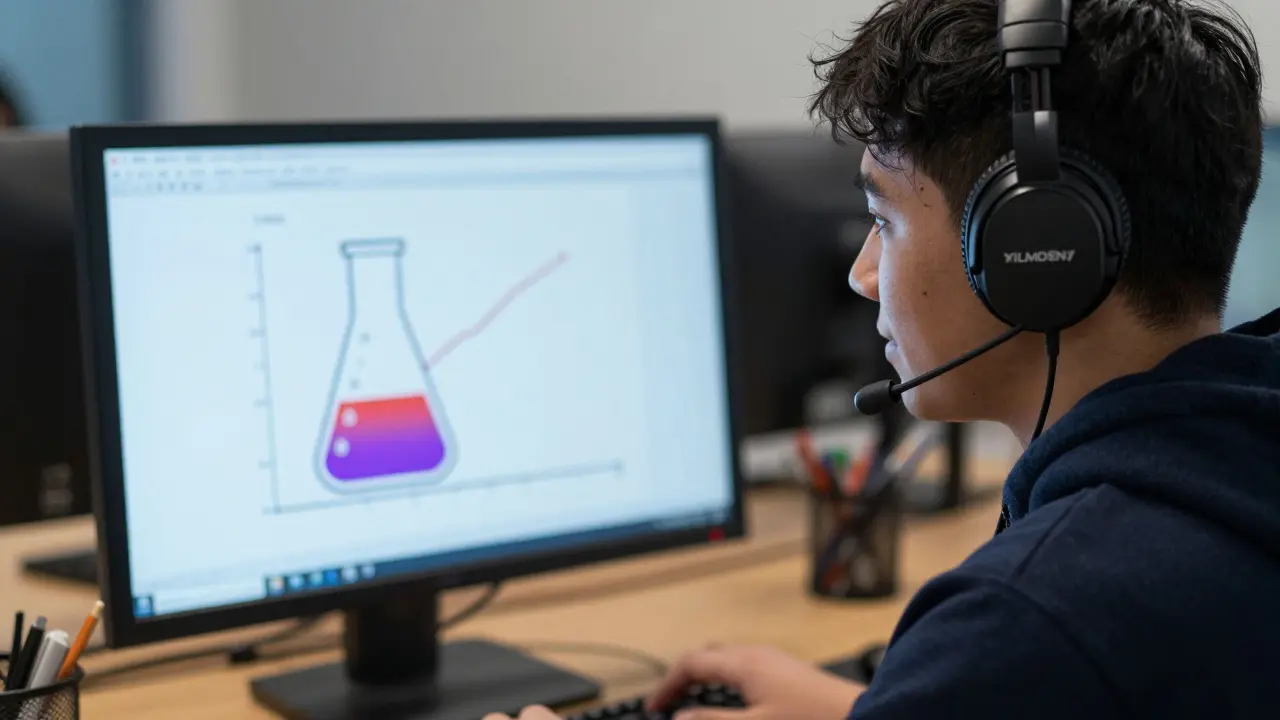
Over 1 billion people live with disabilities worldwide. For those with visual impairments, inaccessible course content creates major barriers to learning. Audio descriptions turn visual elements into spoken words, making education accessible to everyone. Without them, courses fail basic accessibility standards and exclude learners who need them most.
audio descriptions are narrated explanations of visual content that help blind or low-vision learners understand videos, images, and diagrams. Unlike captions which transcribe speech, audio descriptions fill in gaps for visual information not covered by the audio track. For example, in a science video showing a chemical reaction, audio descriptions explain color changes, bubbles, and equipment setup that the narrator doesn't mention.
Why Audio Descriptions Matter for Course Content
WCAG 2.1 Level AA requires audio descriptions for pre-recorded video content. This standard exists because visual information is often critical to learning. A math tutorial showing a graph's trend without describing the axes or data points leaves blind students unable to follow along. Similarly, a history lecture displaying a historical photo without describing the people, setting, or context makes the content useless for visually impaired learners. Audio descriptions bridge this gap by translating visual details into accessible language.
Real-world impact is clear. After adding audio descriptions to a biology course video, enrollment from visually impaired students increased by 35%. This isn't just about compliance-it's about creating inclusive classrooms where every learner can succeed.
Step-by-Step Guide to Producing Audio Descriptions
- Identify key visual elements-Watch your video and note every visual element not explained by the audio. For example, in a math video showing a graph, describe the axes labels, data points, and trends. In a history documentary, note clothing details, background scenery, and key objects.
- Write concise descriptions-Aim for 2-3 sentences per visual element. Avoid repeating audio narration. If the video says "sales increased 20%," describe the graph's shape: "The line slopes upward from $300K to $500K over four quarters." Keep it focused on what's visually distinct.
- Record the audio-Use a clear, neutral voice. Tools like Descript or Audacity help sync descriptions with video timestamps. Ensure descriptions don't overlap with dialogue. For instance, pause descriptions during spoken explanations to avoid confusion.
- Test with screen readers-Play the video with JAWS or NVDA. Check if descriptions are clear, timely, and match the visual content. Adjust timing if descriptions start too late or run too long.
- Implement in your LMS-Upload the described video to platforms like Canvas or Moodle. Ensure the system supports audio description tracks. Most modern LMS platforms automatically recognize and play descriptions when enabled.
Tools for Creating Audio Descriptions
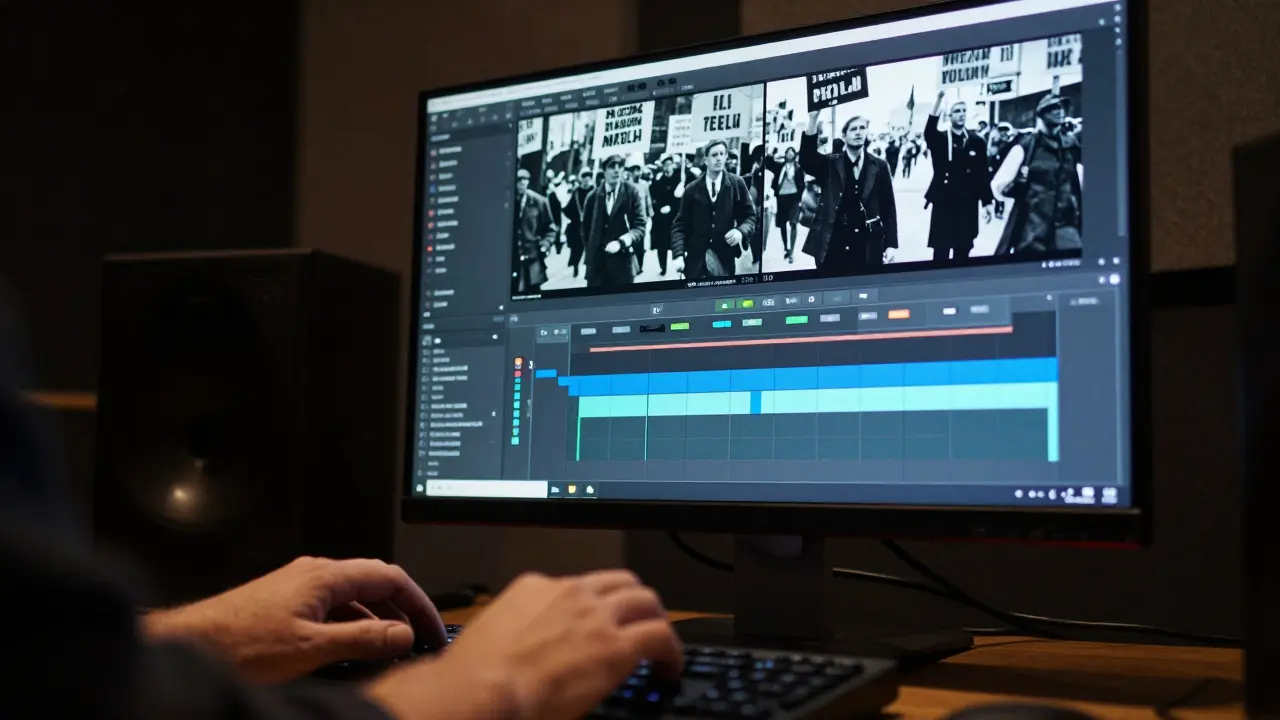
Several tools simplify the process. Descript offers AI-powered transcription and audio editing. You can easily add descriptions to video tracks and export them as separate audio files. Adobe Premiere Pro allows precise syncing of audio descriptions with video frames. For free options, Amara provides a web-based platform for collaborative captioning and description work.
| Tool | Best For | Cost | Key Feature |
|---|---|---|---|
| Descript | Quick editing and AI assistance | Free tier; $15/month for Pro | Auto-syncs descriptions with video |
| Adobe Premiere Pro | Professional video editing | $20.99/month | Precise frame-by-frame timing |
| Amara | Collaborative work | Free | Web-based, no downloads needed |
Best Practices and Common Mistakes
Follow these tips to avoid pitfalls:
- Keep descriptions brief-Aim for 2-3 seconds per description. Long descriptions disrupt the flow. For example, describe a chart as "Bar graph shows sales peaked in Q4 at $500K" instead of a detailed breakdown.
- Don't repeat audio-If the narrator says "the graph shows rising sales," your description should focus on visual details like "the line slopes upward from $300K to $500K over four quarters."
- Test with real users-Get feedback from blind learners. They'll know if descriptions are clear and timely.
- Avoid unnecessary details-Describe only what's relevant. In a history video, "a soldier in blue uniform" matters; "the soldier's shoes are brown" doesn't.
Real Examples for Different Content Types
Here's how to describe common visual elements:
- Science video-"A beaker with red liquid bubbles as heat is applied. The color changes from red to purple at 60°C." (If the audio already mentions the temperature, focus on the color change.)
- Math diagram-"Two intersecting lines form a right angle. The equation x² + y² = 25 is labeled on the graph." (Avoid repeating the equation's name if the audio says "the circle equation."
- Historical photo-"A black-and-white photo of a protest march. Signs read 'Equal Rights' and 'End Discrimination' held by diverse crowd." (If the audio describes the event, focus on the visual elements not covered.)
What's the difference between captions and audio descriptions?
Captions transcribe spoken words for deaf or hard-of-hearing users. Audio descriptions narrate visual elements for blind or low-vision users. Both are required for full accessibility under WCAG 2.1.
Do I need special software to create audio descriptions?
No. Free tools like Amara or Audacity work well. For more control, professional tools like Adobe Premiere Pro offer precise syncing. Many LMS platforms also have built-in accessibility features.
How long should audio descriptions be?
Each description should be 2-3 seconds long. For example, "The chart shows a 15% increase in enrollment from 2024 to 2025" fits perfectly. Longer descriptions can overlap with dialogue and confuse listeners.
Are audio descriptions required by law?
Yes, in many regions. The Americans with Disabilities Act (ADA) and Section 508 require accessible course content. WCAG 2.1 Level AA explicitly mandates audio descriptions for pre-recorded video content.
Comments
allison berroteran
Audio descriptions are more than just a compliance checkbox-they're a bridge to inclusive education. I've seen firsthand how adding them to course materials transforms the learning experience for students with visual impairments. For instance, in a biology video explaining cell division, describing the movement of chromosomes and the structure of the mitotic spindle makes all the difference. It's not just about the technical steps; it's about ensuring every learner can visualize the process. When we skip those details, we're essentially saying some students don't deserve equal access. The real magic happens when descriptions are woven seamlessly into the narrative, not as an afterthought. Take a history documentary: if the screen shows a protest march with signs reading "Equal Rights," the description should capture that visual without repeating what the audio says. It's about context, not just content. I've found that testing with actual users-people who rely on screen readers-helps fine-tune the descriptions. They'll tell you if it's too verbose or too vague. And it's not just about the words; timing matters too. Descriptions need to fit between dialogue without overlapping. Tools like Amara make this easier, but the real key is empathy. Imagine the student who can't see the graph in a math tutorial; they need to hear the shape of the line, the data points, the trends. That's how we build truly accessible learning environments. It's a small effort for a huge impact.
Michael Thomas
ADA compliance is mandatory-no exceptions.
Addison Smart
While I agree audio descriptions are crucial, the implementation needs careful thought. For example, in a math video with a graph, describing the axes labels and data points is essential, but overloading with too much detail can confuse listeners. I've worked with blind students who prefer concise descriptions that focus on what's visually distinct. It's not about describing every pixel but the meaningful changes. Also, cultural context matters-like in a history video showing a traditional garment, the description should note the cultural significance, not just the color or fabric. Testing with diverse users ensures descriptions are effective across different backgrounds. Tools like Descript help sync descriptions, but the real work is in the writing. Balancing brevity and detail takes practice. The goal is to make the content accessible without overwhelming the listener. It's a fine line, but worth the effort for inclusive education. I've noticed that many educators rush this step, leading to descriptions that are either too vague or too technical. A good rule of thumb is to imagine explaining the visual to someone over the phone-they should get a clear mental picture without extra fluff. Also, timing is critical; descriptions must not overlap with dialogue, which requires precise editing. Sometimes a single well-placed phrase can replace several sentences. It's about quality, not quantity.
David Smith
Let me tell you something-most people don't even bother with audio descriptions because it's too much work. They just slap some generic text over the video and call it a day. But here's the thing: if you're not going to do it right, don't do it at all. I've seen courses where the descriptions are so vague they're useless. Like, "a graph goes up" when it's actually a steep increase in sales. That's not helpful; it's lazy. And don't get me started on tools like Amara-free doesn't mean good. You need professional tools to do this right. Compliance isn't just about checking a box; it's about real accessibility. If you're not willing to put in the effort, you're just excluding people intentionally. That's not okay. Period. Seriously, how hard is it to describe a chart properly? It's not rocket science. Just say "the blue line rises sharply from $300k to $500k over four quarters" instead of "the graph shows sales went up." If you can't do that, maybe stick to text-based courses. Audio descriptions are not optional-they're a moral obligation. Stop cutting corners and start respecting your students.
Lissa Veldhuis
Audio descriptions are simple but people mess them up all the time like for a science video showing a reaction you gotta say the colors changing and bubbles forming not just chemical reaction happening which is useless and don't get me started on those who think captions are enough nope audio descriptions are separate for a reason they need to be concise but vivid imagine describing a graph without saying the numbers just the shape like the line climbs steeply then plateaus instead of sales increased but most people just repeat the audio thats lazy tools like Descript are great but you still need to think ive seen so many bad examples where descriptions are too long or too short its all about the right words at the right time people need to stop being lazy and do it right seriously how hard can it be
Michael Jones
Compliance is just the start true accessibility is about empathy and inclusion its not just ticking boxes but creating experiences where everyone feels valued when we describe a graph we're not just stating facts we're building understanding every detail matters because education should be for all think about it what if you couldn't see the world around you how would you want it described its not about the law its about humanity lets push beyond compliance and build truly inclusive content every sentence we write is a step toward a better world lets make it happen
Gabby Love
When writing audio descriptions, clarity is key. Avoid jargon and keep sentences straightforward. For example, instead of "the graph exhibits a positive correlation," say "the line goes up as time increases." Also, make sure descriptions don't overlap with audio. Timing is crucial. Tools like Audacity help sync them properly. Check for consistency-use the same terms for similar visuals. And always test with screen readers. It's the best way to ensure descriptions work well. Simple steps make a big difference. For instance, in a history video, describe the key elements in the photo without repeating what's said. Like "a crowd holding signs that say 'Equal Rights'" instead of "people protesting for equality." This gives a clear picture. Also, keep descriptions concise-two to three sentences per visual element. Too much detail confuses listeners. Remember, the goal is to complement the audio, not repeat it.
Jen Kay
While I appreciate the passion, perhaps a more constructive approach would help. Yes, some descriptions are poorly done, but many educators are doing their best with limited resources. Tools like Amara are perfectly adequate for most needs, and the real issue is often training, not the tools themselves. It's important to remember that accessibility is a journey, not a destination. Instead of calling people lazy, let's offer support. A little empathy goes a long way in creating inclusive content. After all, the goal is to help everyone learn, not to shame those trying. Just saying. (Oh, and yes, professional tools are definitely the only solution-because everyone has a $20k budget for Adobe Premiere Pro.)