

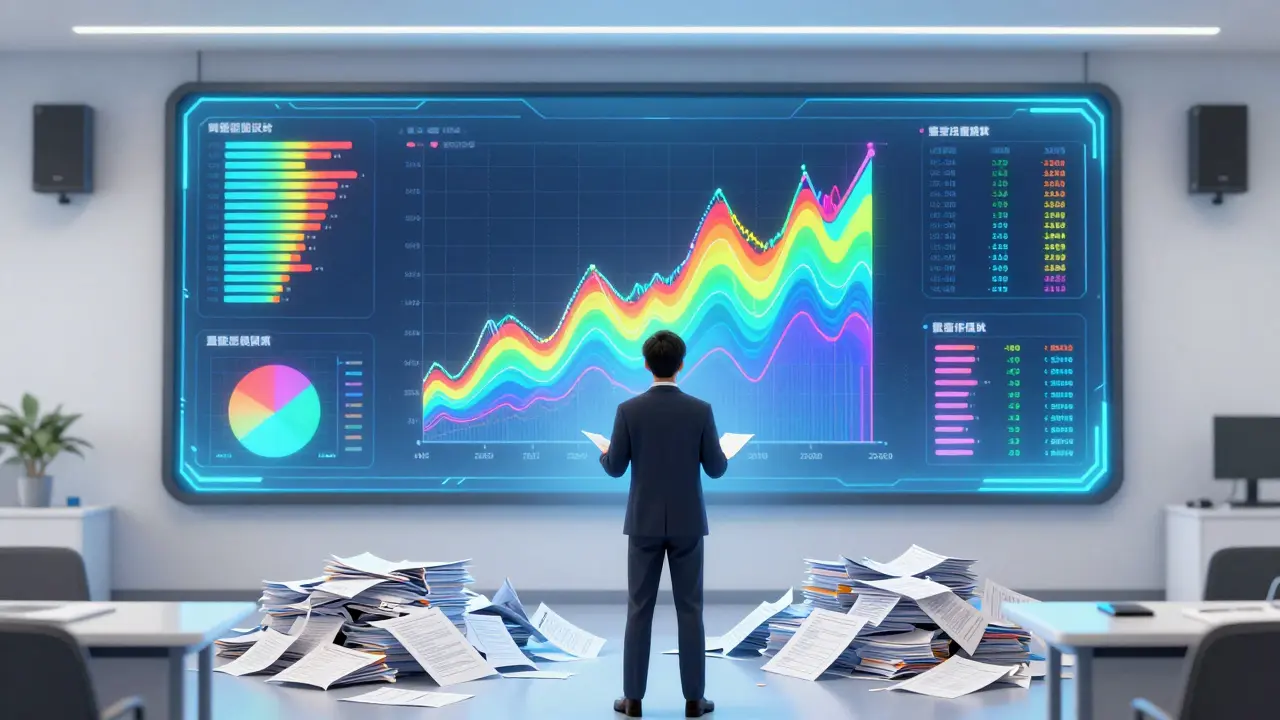
Staring at a spreadsheet of final exam scores is like trying to read a map with your eyes closed. You know the data is there, but you can't see where the road goes or where the cliffs are. For instructors, raw numbers from quizzes and assignments often hide the real story: who is struggling, what concepts are confusing the whole class, and whether your teaching methods are actually working. This is why instructor dashboards have become essential tools in modern education.
These platforms transform static grades into dynamic visualizations that reveal patterns instantly. Instead of manually calculating averages for fifty students, you get color-coded heatmaps and trend lines that highlight issues before they become failures. But simply having access to a dashboard isn't enough. To truly benefit from this technology, you need to understand how to interpret the visuals and act on them effectively.
Why Raw Numbers Fail Instructors
Human brains are not wired to process large tables of numerical data efficiently. When you look at a list of 100 test scores, you might spot the highest and lowest marks, but you miss the distribution. Do most students cluster around the average? Is there a bimodal split where half the class gets it right and half fails completely? These insights are crucial for adjusting your lesson plans, but they are invisible in a standard gradebook.
Assessment data visualization converts complex numerical inputs into graphical representations like charts, graphs, and heatmaps, allowing educators to quickly identify trends and outliers without manual calculation. By using these visual tools, you reduce cognitive load. You stop spending time crunching numbers and start spending time thinking about pedagogy. The shift from "what did they score?" to "why did they score this way?" changes how you interact with your curriculum.
Core Components of an Effective Dashboard
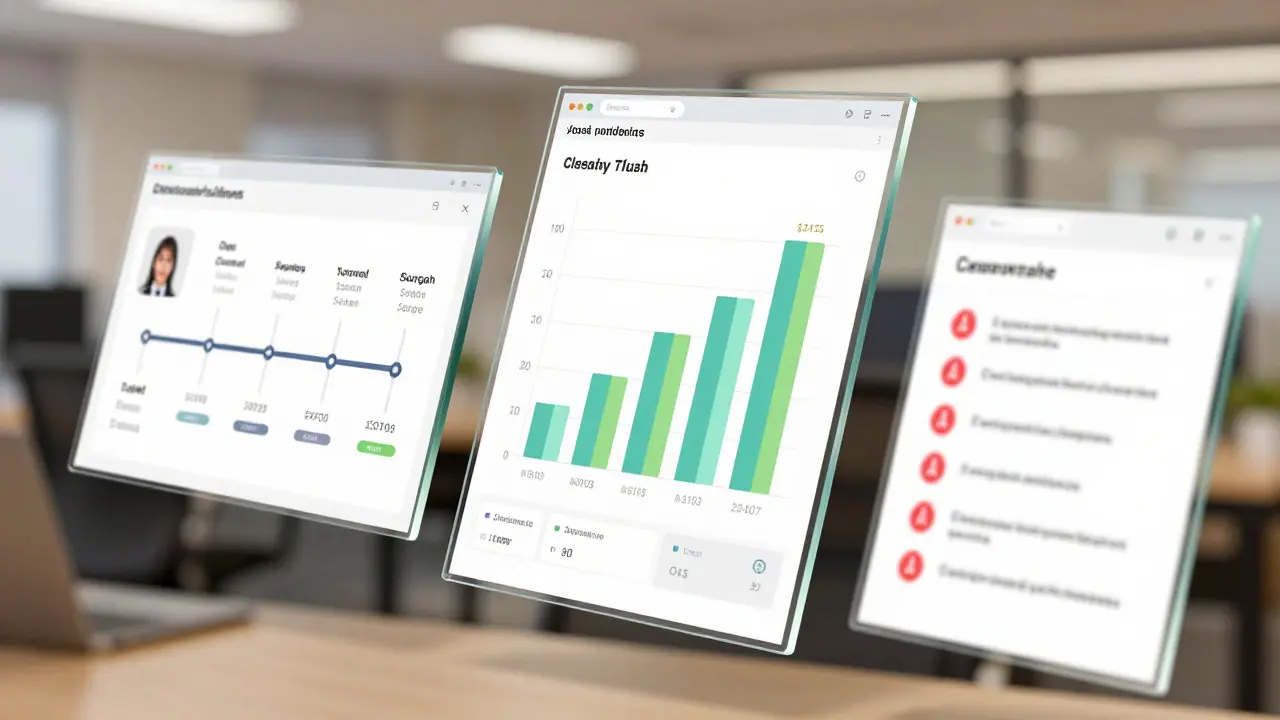
Not all dashboards are created equal. Some are cluttered with unnecessary widgets, while others lack depth. A high-quality instructor dashboard should focus on three primary areas: individual student progress, class-wide performance trends, and item analysis.
- Individual Student Profiles: These tracks show a single learner's journey over time. Look for features that display engagement metrics alongside academic scores. If a student watches every video but fails the quiz, the problem isn't effort; it's likely content mismatch or misunderstanding.
- Class-Wide Aggregates: Bar charts and histograms here show the overall health of the course. They help you answer questions like, "Did the majority of the class improve after the second unit?" or "Is the passing rate consistent across different sections?"
- Item Analysis: This breaks down specific questions. If 80% of the class missed question #4, that question might be poorly worded, or more importantly, the concept behind it wasn't taught effectively. This is diagnostic gold.
When evaluating a platform, check if these components are customizable. You shouldn't have to dig through five menus to find out which students are at risk of dropping out. The most critical data should be visible within seconds of logging in.
Key Metrics That Matter Most
Data overload is a real risk. If your dashboard shows twenty different graphs, you won't look at any of them regularly. Focus on metrics that drive action. Here are the four most valuable indicators for instructional decision-making:
- Engagement Velocity: How quickly are students completing tasks? Rapid completion might indicate ease, but it could also signal skimming. Slow completion often correlates with higher mastery but can also point to confusion or technical barriers.
- Knowledge Retention Curves: Compare scores from early assessments to later ones. A downward slope suggests that foundational concepts weren't solidified. An upward curve indicates successful scaffolding of difficult topics.
- Participation Parity: In discussion-based courses, visualize who contributes. Are the same five students dominating the conversation? Visualizing silence helps you identify disengaged learners who might otherwise fly under the radar.
- Risk Indicators: Many systems use algorithms to flag students based on login frequency, assignment submission times, and grade drops. Treat these flags as starting points for conversation, not definitive judgments.
By narrowing your focus to these actionable metrics, you ensure that every glance at the dashboard leads to a potential intervention or adjustment in your teaching strategy.
Interpreting Trends vs. Outliers
One of the biggest mistakes new users make is reacting too strongly to single data points. A single low quiz score is rarely a crisis. However, a pattern of declining scores across three consecutive weeks is a clear signal that something is wrong. Learn to distinguish between noise and signal.
Outliers-students who perform significantly better or worse than the group-are important but require different handling. High-performing outliers might need enrichment opportunities to stay challenged. Low-performing outliers often benefit from targeted support. Use scatter plots to visualize these relationships. For example, plotting "time spent on module" against "quiz score" can reveal if extra effort actually translates to better results for your specific cohort.
If you see a cluster of students with high engagement but low scores, revisit your assessment design. Perhaps the tests are measuring memorization rather than application. Conversely, low engagement with high scores might indicate that the material is too easy, leading to boredom and eventual dropout in advanced units.
Common Pitfalls in Data Visualization
Even with good tools, bad practices can lead to wrong conclusions. Be wary of these common traps:
- Misleading Scales: Ensure your y-axis starts at zero when comparing magnitudes. Truncating axes can exaggerate small differences, making minor fluctuations look like major crises.
- Ignoring Context: Data doesn't exist in a vacuum. A drop in participation during exam week is normal. Don't panic because your dashboard shows red alerts during known busy periods. Factor in calendar events and institutional rhythms.
- Over-Automation: Relying solely on automated alerts removes human judgment. Algorithms can't detect personal emergencies or external stressors. Always combine data insights with direct communication with students.
- Lagging Indicators: Final grades are lagging indicators-they tell you what happened after it was too late to help. Prioritize leading indicators like draft submissions, forum activity, and preliminary quiz attempts.
Avoiding these pitfalls ensures that your interpretations remain accurate and fair. Remember, the goal is to support learning, not just to monitor compliance.
| Visualization Type | Best Used For | Limitations |
|---|---|---|
| Heatmaps | Identifying clusters of struggle or success across multiple questions | Can be hard to read on small screens; lacks precise values |
| Line Graphs | Tracking progress over time (trends) | Less effective for showing distribution at a single point in time |
| Bar Charts | Comparing categories (e.g., grades by section) | Becomes cluttered with too many categories |
| Scatter Plots | Finding correlations between two variables (e.g., time vs. score) | Hard to interpret for non-analytical audiences |

Actionable Strategies Based on Dashboard Insights
Seeing the data is only half the battle. The real value comes from acting on it. Here is how to translate visual insights into concrete steps:
If your dashboard shows a sharp dip in scores on a specific topic, pause the current pace. Dedicate the next session to re-teaching that concept using a different method. Maybe the lecture approach failed, so try a collaborative problem-solving exercise instead. Use the item analysis to pinpoint exactly which sub-concepts caused the trouble.
For students flagged as "at-risk," reach out personally. Reference the data gently. Say, "I noticed you haven't logged in much this week, and your last quiz score was lower than usual. Is everything okay?" This shows you care about them as people, not just data points. It opens the door for them to share challenges you wouldn't have discovered otherwise.
Use positive reinforcement too. Highlight improvements in your announcements. "Great job, everyone! The average score on Module 3 jumped by 15% compared to Module 2." Public recognition of collective progress boosts morale and encourages continued effort.
Integrating Dashboards into Daily Workflow
To make dashboard usage sustainable, integrate it into your existing routine rather than treating it as an extra task. Check your key metrics once a week, perhaps on Monday mornings, to plan your interventions for the week ahead. Set up automated reports if your platform allows it, so you receive summaries directly in your inbox.
Collaborate with colleagues. Share anonymized aggregate data to discuss teaching strategies. If another instructor sees similar struggles on the same topic, it confirms a curriculum issue rather than a classroom-specific problem. This community approach strengthens the entire department's effectiveness.
Finally, keep iterating. As you gain experience with your dashboard, refine what you track. Drop metrics that don't lead to actions. Add custom visualizations that address unique aspects of your course. The best dashboard is one that evolves with your teaching style and your students' needs.
What is the difference between a gradebook and an instructor dashboard?
A gradebook is primarily a record-keeping tool that lists individual scores for each assignment. An instructor dashboard aggregates this data and presents it visually, highlighting trends, patterns, and anomalies. While a gradebook tells you what a student got, a dashboard helps you understand why and how the class is performing as a whole.
How can I protect student privacy when using assessment dashboards?
Always use platforms that comply with data protection regulations like FERPA or GDPR. Ensure that data is encrypted both in transit and at rest. When sharing insights with colleagues or administrators, anonymize individual student data. Only access detailed personal information when necessary for direct support, and never share login credentials.
Are instructor dashboards useful for online courses?
Yes, they are especially critical for online courses. Without physical presence, instructors rely heavily on digital footprints to gauge engagement. Dashboards provide visibility into login frequency, resource views, and interaction rates, helping educators identify isolated students who might otherwise fall through the cracks in a virtual environment.
What should I do if the dashboard data contradicts my intuition?
Trust the data, but investigate further. Your intuition is based on limited observations, while data captures broader behavior. If the data shows poor understanding despite confident class discussions, check if the assessments are aligned with the objectives. Use the discrepancy as a chance to refine your evaluation methods and seek feedback from students directly.
Can dashboards predict student failure accurately?
Dashboards can identify risk factors, but they cannot predict failure with certainty. Early warning systems use historical data to flag probabilities. These predictions should be viewed as prompts for proactive support, not as definitive outcomes. Human intervention often changes the trajectory, turning a predicted failure into a success.