

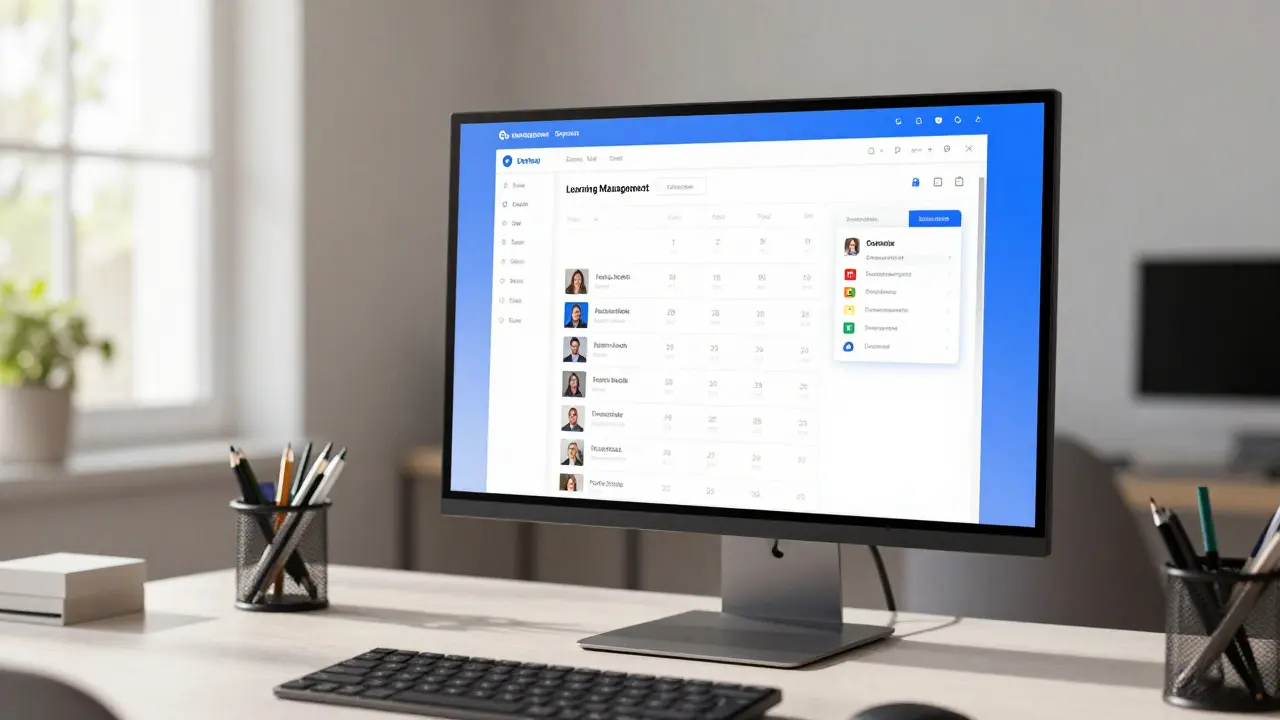
Imagine logging into your learning management system on a Tuesday morning. You have three live sessions scheduled for the day, but two of them are happening in different time zones, and you haven't checked if the students actually showed up. In the past, this meant juggling three separate tabs, sending frantic emails, and manually updating spreadsheets. Today, that chaos is gone. By connecting your LMS with dedicated virtual classroom platforms through seamless integrations, you can automate the heavy lifting of scheduling and tracking. This isn't just about convenience; it’s about reclaiming your time so you can focus on teaching rather than administrative logistics.
The Problem with Disconnected Tools
Before we look at the solutions, let's look at why most educators struggle. The core issue is fragmentation. You likely use one platform for course content (your LMS), another for video conferencing (like Zoom or Microsoft Teams), and perhaps a third for attendance or grading. When these systems don't talk to each other, data gets siloed. A student might join a session late, but that data stays trapped in the video tool. You then have to manually cross-reference that with your roster in the LMS to mark them absent or tardy.
This manual process creates friction. It leads to errors, like marking an active participant as absent because you missed their name on the attendee list. It also kills momentum. If you spend twenty minutes after every class inputting data, you burn out faster. The goal of integration is to create a single source of truth where attendance, participation, and scheduling happen automatically.
Setting Up Seamless Scheduling
The first step in mastering live sessions is getting the schedule right without human error. Modern LMS integrations allow you to push calendar events directly from your course structure to your students' devices. Here is how you set this up effectively:
- Sync Calendars Automatically: Most major LMS platforms now support iCal or Google Calendar syncs. Enable this setting so that when you create a "Live Session" event in your LMS, it instantly appears in your students' personal calendars. This reduces no-shows significantly because the reminder is native to their phone or computer.
- Use Time Zone Awareness: If you teach globally, hard-coding times is a recipe for disaster. Look for integrations that detect user location. Some advanced plugins will display the meeting time in the student's local time zone automatically within the LMS dashboard.
- Automate Link Generation: Never paste a Zoom link manually into a discussion board again. Configure your integration so that creating a new module in your LMS automatically generates a unique, secure meeting link for that specific week. This prevents link fatigue and ensures security settings are consistent.
By automating these steps, you remove the cognitive load from both yourself and your students. They know exactly when to be there, and they have the correct link without hunting for it.
Tracking Attendance Without Manual Entry
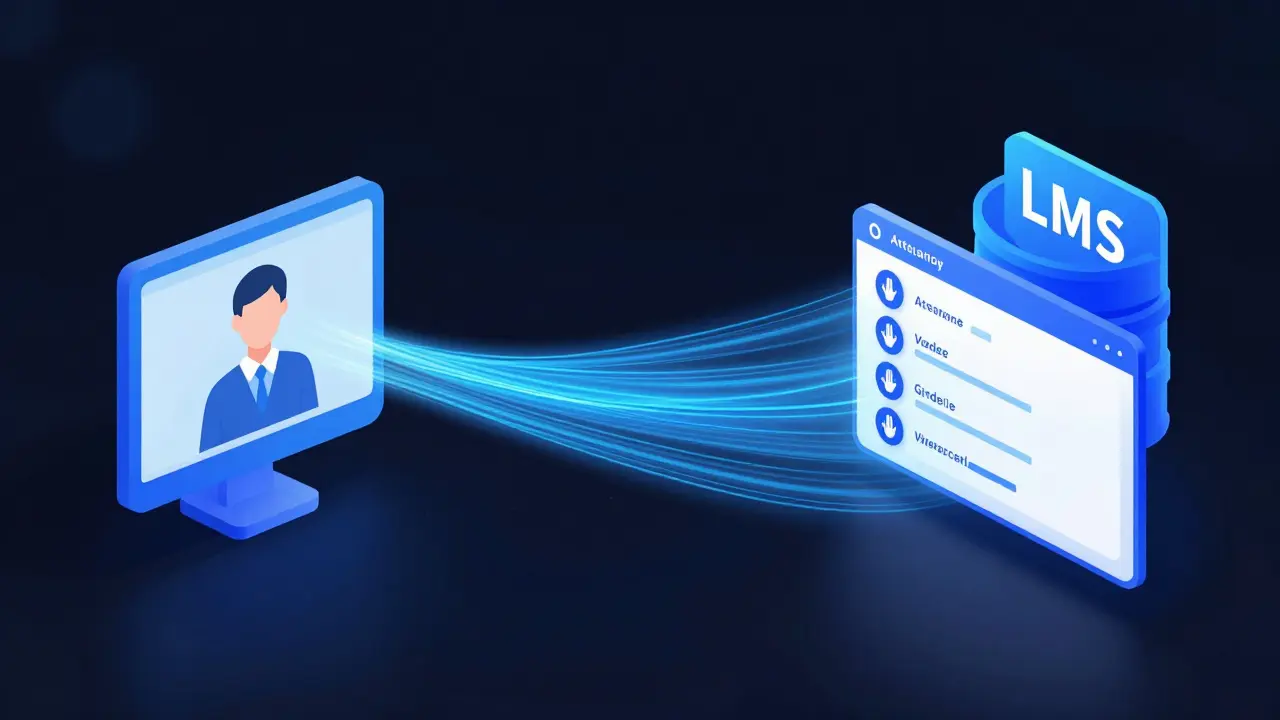
Once the session starts, the real work begins: tracking who is there and what they are doing. This is where the power of API-based integrations shines. Instead of downloading a CSV file from your video platform and uploading it to your grade book, the data flows in real-time.
| Feature | Manual Process | Integrated LMS Solution |
|---|---|---|
| Attendance Marking | Post-class spreadsheet entry | Real-time sync to gradebook |
| Error Rate | High (human error) | Near zero |
| Data Available | Join/Leave times only | Chat activity, polls, hand raises |
| Time Spent | 15-30 minutes per class | Zero minutes |
When you use an integrated solution, the LMS pulls metadata from the live session. Did the student stay for the full hour? Did they raise their hand? Did they answer a poll? These metrics can be mapped directly to completion criteria in your course. For example, you can set a rule that requires 80% attendance to unlock the final exam. The system handles this logic behind the scenes, ensuring fairness and consistency.
Capturing Engagement Metrics
Attendance is binary-you were either there or you weren't. But engagement is a spectrum. Modern integrations go beyond simple headcounts. They capture behavioral data that helps you understand if a student is truly participating.
Consider a scenario where a student is logged in but has their camera off and never speaks. In a manual review, they might look "present." With integrated analytics, you can see that they didn't interact with any shared screens, didn't type in the chat, and didn't respond to breakout room prompts. This data allows you to reach out proactively. You can send an automated notification saying, "We noticed you were quiet today; is everything okay?" This level of nuance is impossible without deep integration between your video platform and your LMS.
Furthermore, some advanced tools track "dwell time" on specific slides during a presentation. If everyone stops watching during a particular concept, you know that section needs reworking for next time. This turns your live sessions into continuous improvement loops based on hard data.
Choosing the Right Integration Stack
Not all integrations are created equal. Some are superficial, merely embedding a player, while others offer deep bi-directional data flow. When evaluating tools for your institution or course, look for these key indicators:
- Bi-directional Sync: Does the data flow both ways? Can changes in the LMS update the video platform, and vice versa?
- Native vs. Third-Party: Native integrations (built by the LMS provider) are usually more stable and receive updates faster than third-party plugins. However, third-party tools often offer more granular customization.
- Privacy Compliance: Ensure the integration complies with FERPA, GDPR, or other relevant data privacy laws. The data transfer should be encrypted and secure.
- Scalability: Test the integration with a large number of concurrent users. Does it lag when 300 students join at once?
If you are using a platform like Canvas, Blackboard, or Moodle, check their app marketplaces first. If you need more flexibility, middleware tools like Zapier or Make can bridge gaps, though they require more technical maintenance.

Troubleshooting Common Issues
Even with the best setup, things can go wrong. Here are the most common hurdles and how to fix them quickly.
Issue: Attendance Data Doesn't Sync Immediately. Sometimes, the API call fails due to server timeouts. To mitigate this, configure your LMS to retry failed syncs automatically. Also, always keep a backup export of raw attendance logs from your video platform for audit purposes.
Issue: Students Join Late and Miss the Start Trigger. If your integration marks attendance based on joining within the first five minutes, latecomers get marked absent. Adjust your settings to allow a "grace period" of up to fifteen minutes. This accounts for technical difficulties without compromising academic integrity.
Issue: Broken Links After Updates. Platform updates can sometimes break embedded widgets. Regularly test your live session links in a sandbox environment before rolling them out to students. Keep a static URL for each recurring series to avoid confusion.
Future-Proofing Your Workflow
As we move further into 2026, the line between synchronous and asynchronous learning continues to blur. Integrations are evolving to include AI-driven insights. Imagine a system that not only tracks attendance but analyzes sentiment in the chat box to gauge class mood. Or a tool that automatically transcribes the live session and highlights key moments for absent students.
To prepare for this, focus on building a flexible data architecture. Don't lock yourself into proprietary formats that can't be exported. Choose open standards where possible. This ensures that as new tools emerge, you can integrate them without rebuilding your entire workflow from scratch.
The ultimate goal is invisibility. The technology should fade into the background, allowing the human connection of teaching to take center stage. When scheduling and tracking are handled seamlessly, you free up mental energy to mentor, inspire, and educate. That is the true value of a well-integrated digital classroom.
What is the best way to track attendance in a live virtual class?
The most effective method is using an automated integration between your LMS and your video conferencing tool. This syncs join/leave times and interaction data directly to your gradebook in real-time, eliminating manual entry errors and saving significant time.
Can LMS integrations help with student engagement?
Yes. Advanced integrations track metrics beyond attendance, such as chat participation, poll responses, and hand raises. This data provides a holistic view of student involvement, allowing instructors to identify disengaged learners early.
How do I handle time zone differences in live sessions?
Use LMS features that support dynamic time zone conversion. When scheduling events, enable options that display the meeting time in the student's local time zone. Additionally, consider recording sessions for those who cannot attend live due to geographic constraints.
Is it safe to share attendance data via integrations?
Safety depends on the compliance standards of the tools used. Ensure both your LMS and video platform comply with regulations like FERPA or GDPR. Look for end-to-end encryption and clear data retention policies to protect student privacy.
What should I do if the attendance sync fails?
First, check the integration logs for error messages. Retry the sync manually if possible. Always maintain a backup of raw attendance reports from your video platform. Contact your IT support team if the issue persists across multiple sessions.