


Most creators start by asking about the price, but the real question is: do you want to manage five different tools or one giant one? If you're a minimalist who just wants to upload videos and get paid, a specialized tool works. But if you're trying to build a brand with a complex sales funnel, a fragmented tech stack will eventually break and cost you more in lost sales than a monthly subscription ever would.
The All-in-One Powerhouse vs the Specialized Classroom
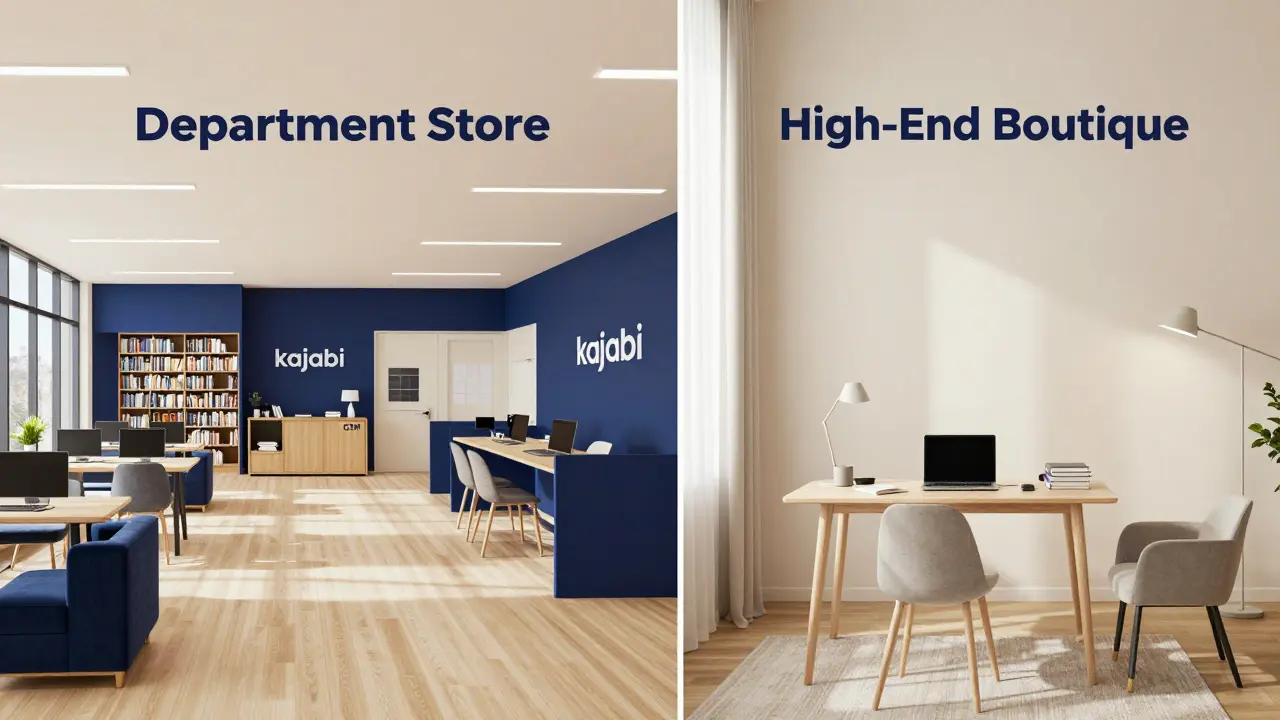
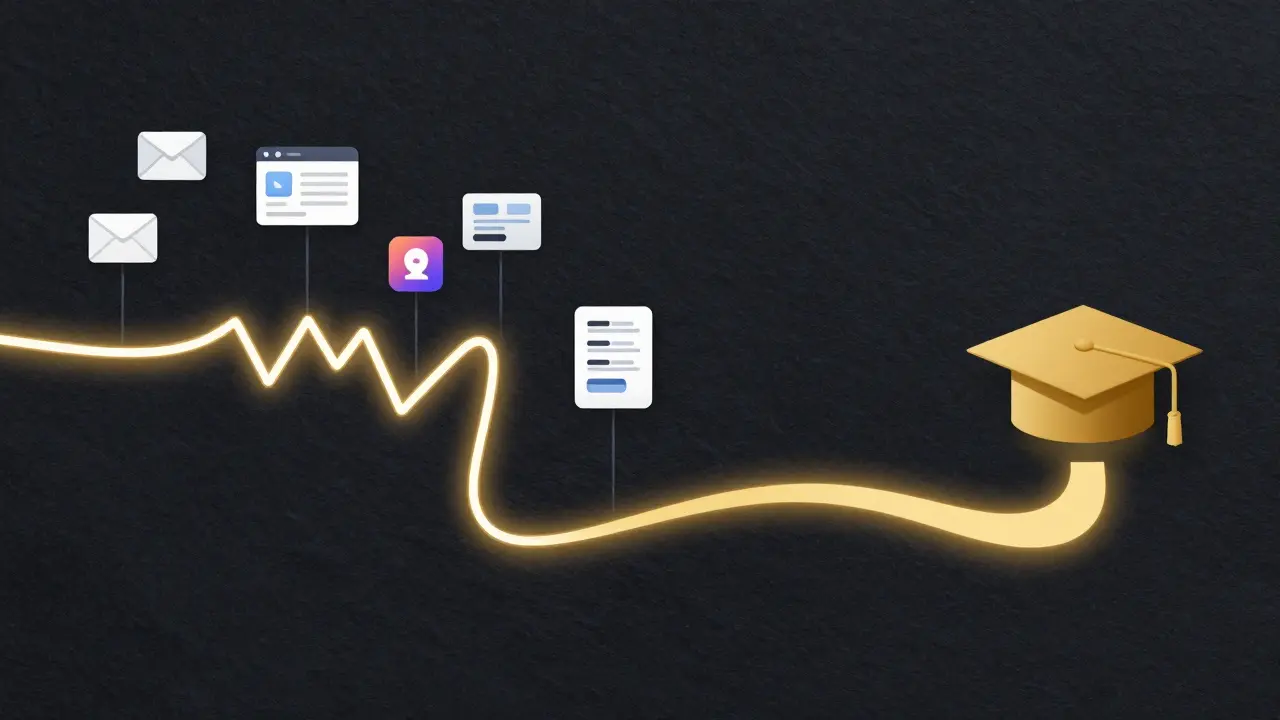
Let's get the core definitions out of the way. Kajabi is a comprehensive business platform designed for knowledge entrepreneurs to manage their entire online business from one dashboard. It doesn't just host courses; it handles your email marketing, landing pages, CRM, and even your coaching calendar. It's essentially a website builder, an email tool, and a course host rolled into one. On the flip side, Teachable is a dedicated online course platform focused primarily on the delivery, hosting, and selling of digital education. While it has added some basic marketing features over the years, its primary job is to make sure your students can watch your videos and take your quizzes without any friction. If Kajabi is a full-service department store, Teachable is a high-end boutique specifically for books and courses. When you look at the feature lists, they seem similar. Both let you upload videos, create modules, and set up pricing tiers. But the Kajabi vs Teachable gap appears when you move outside the "lesson player." Kajabi gives you a built-in email service. You don't need to pay for Mailchimp or ConvertKit. You can build a sophisticated pipeline where a lead signs up for a free PDF, gets a series of three nurturing emails, and is then offered a limited-time discount on your flagship course-all inside one account. Teachable handles the "teaching" part brilliantly. Their student experience is clean, and they've spent years perfecting the checkout flow. However, to get that same lead-generation pipeline, you'll need to plug in third-party tools. You'll use a landing page builder like ClickFunnels or Leadpages, connect it via Zapier to an email provider, and then send the user to Teachable. For some, this "best-of-breed" approach is better because they prefer the specific features of a dedicated email tool. For others, it's a technical nightmare that leads to "plugin fatigue." Pricing is where most creators get tripped up. Teachable often looks cheaper at first glance because they offer a free or low-cost entry tier. But you have to look at the "hidden" costs. Teachable's lower plans often come with transaction fees. If you're making $10,000 a month and the platform takes a percentage of every sale, that's a significant chunk of your profit gone. While they have a "Teachable Pay" system to streamline things, the cost of scaling can be surprising. Kajabi is more expensive upfront. You aren't paying a few bucks a month; you're paying for a software suite. But because it replaces your email provider (saving you $50-$150/mo) and your landing page builder (saving you another $97/mo), the "net cost" is often lower for established creators. It's the difference between renting a small apartment and owning a home-the monthly payment is higher, but you have way more control and don't pay as many "extra" fees to third parties. From a student's perspective, both are great. Teachable has a slight edge in simplicity. When a student logs in, they see their courses and start learning. There's no noise. Kajabi's student experience is also polished, but because Kajabi is so powerful, the backend for the *creator* can feel overwhelming. There are so many buttons, triggers, and tags that a new user might feel like they're piloting a 747 when they just wanted to ride a bicycle. If your primary goal is to provide a distraction-free environment for a small, tight-knit group of students, Teachable's focus is a blessing. But if you're running a massive membership site with different levels of access and complex gated content, Kajabi's architecture is built for that scale. It allows you to create a cohesive brand ecosystem where the transition from a free blog post to a paid masterclass feels seamless. One of the biggest headaches in the creator economy is VAT (Value Added Tax). If you sell a digital course to someone in the EU or UK, you're technically responsible for collecting and remitting tax in those regions. Teachable has historically been very strong here. They offer an "EU VAT" service where they act as the Merchant of Record, meaning they handle the tax collection and remittance for you. This is a massive time-saver for creators who don't want to hire an international tax accountant the moment they hit $50k in revenue. Kajabi provides the tools to manage your payments, but the responsibility for tax compliance generally sits more squarely on your shoulders. You'll need to use a tool like Quaderno or TaxJar to stay legal. For a solo creator, this is a critical detail. Spending four hours a month on tax spreadsheets is four hours you aren't spending on your content. You can't win by picking the "best" software; you win by picking the one that fits your current stage of growth. Choose Teachable if you are in the "Launch Phase." You have a great idea, a few videos, and you want to get your first 100 students without spending weeks learning a complex system. You're okay with using a separate email tool because you're already comfortable with it, and you value a simple, focused classroom environment over a marketing machine. Choose Kajabi if you are in the "Scaling Phase." You are tired of your "tech stack" breaking. You're frustrated that your email list doesn't automatically update when someone buys a course. You want a single source of truth for all your customer data and you're ready to invest in a professional business infrastructure that allows you to grow without adding more manual admin work. Ask yourself: Do I want to be a teacher or a business owner? Teachable is built for the teacher. Kajabi is built for the business owner. Yes, but it's not a one-click process. You'll need to export your student list and manually move your video files and lesson content. Because the structures differ-one is a course host and the other is a full business suite-you'll likely spend some time reorganizing your layout to fit Kajabi's ecosystem. Absolutely. Kajabi includes a full website builder with custom domains. While you can still use a separate site (like WordPress) and just link to your Kajabi courses, most users find it's easier to just build their entire home page, about page, and blog directly within Kajabi to keep everything under one roof. Teachable is generally easier for total beginners because the learning curve is much shallower. You focus only on the course. Kajabi has a steeper learning curve because it introduces you to marketing automation, funnel building, and CRM management all at once. No, Kajabi does not charge per-sale transaction fees. You pay a flat monthly subscription fee regardless of how much you sell. This makes it significantly more profitable as your volume of sales increases compared to platforms that take a percentage cut. In most cases, yes. While Teachable has some basic communication tools, it doesn't have the robust automation, segmentation, and sequence capabilities of a dedicated email marketing service. You'll likely need to integrate a tool like ConvertKit or ActiveCampaign to grow your list effectively. If you're still on the fence, start by mapping your "Customer Journey." Grab a piece of paper and draw a line from the moment a stranger finds you on social media to the moment they finish your course. If that line involves many different stops (Twitter $\rightarrow$ Free Guide $\rightarrow$ Email Sequence $\rightarrow$ Sales Page $\rightarrow$ Course), Kajabi will save you hours of setup time. If that line is simple (Instagram $\rightarrow$ Course Page $\rightarrow$ Course), Teachable will get you up and running faster. For those who are terrified of technical glitches, I recommend starting with a 14-day trial of both. Upload one module of your course to each. You'll quickly realize which interface feels more natural to you. Just remember: the platform is the vehicle, not the destination. Your students care about your expertise and the results they get, not which software you used to host the video.Breaking Down the Feature Sets
Feature
Kajabi
Teachable
Email Marketing
Built-in (Advanced)
Basic / Third-party Integration
Sales Funnels
Native Pipeline Builder
Basic Upsells
Website Builder
Full Site Management
Course-focused Pages
Payment Processing
Direct/Stripe/PayPal
Teachable Pay / Stripe
CRM
Included
Minimal / External
Pricing Reality Check: Monthly Fees vs Transaction Costs
Who Wins the User Experience War?
The "Hidden" Logistics: VAT and Tax Compliance
Decision Matrix: Which One Should You Pick?
Can I move my courses from Teachable to Kajabi later?
Does Kajabi replace my website?
Which platform is better for beginners?
Are there transaction fees on Kajabi?
Do I need a separate email tool if I use Teachable?
Next Steps for Your Setup
Comments
mark nine
just spent three months fighting with zapier to make my teacable setup work and honestly i would have paid way more for kajabi just to avoid that headache
Sandi Johnson
Oh sure, because nothing says "entrepreneurial freedom" like spending your entire weekend trying to figure out why a webhook isn't firing between three different apps. Truly the dream life.
Ronnie Kaye
Exactly! Love it when your business model is basically just being a full-time unpaid intern for your own software stack. So inspiring!
Eva Monhaut
It is such a kaleidoscope of options out there. I think focusing on that seamless student journey is a brilliant way to ensure the magic of the content actually lands without any digital clutter clogging the pipes.
Priyank Panchal
This is basically a glorified ad. You completely ignore the actual outage rates of these platforms. Stop pretending one is a magical cure for all your problems when both can go down and freeze your revenue.
Michael Gradwell
imagine thinking a website builder makes you a business owner lol you just need a product that actually works then the software doesnt even matter
Flannery Smail
Actually, the fragmented stack is better. If Kajabi goes under or changes their pricing, you lose your whole business. Keeping your email and courses separate is just common sense for risk management.
Ian Maggs
One must ponder... is the tool an extension of the teacher, or does the tool define the teaching process itself??? The dichotomy of convenience versus control is a timeless struggle in the digital age!!!
Bill Castanier
Very clear breakdown. It helps to see the VAT part. Many beginners overlook tax laws.
Rakesh Kumar
OH MY GOD the part about VAT is a total lifesaver! I was literally shaking thinking about EU tax laws and now I feel like there is a glimmer of hope for my small course!
Emmanuel Sadi
Imagine being so naive that you think "all-in-one" means "everything works." It usually just means you have one giant point of failure and a customer support team that doesn't know how to fix a basic CSS bug. Groundbreaking stuff.
Tony Smith
It is truly a marvel of modern efficiency to witness individuals struggle with basic software integration. I find it most commendable that some choose to embrace the chaos of a fragmented tech stack with such misplaced vigor. It is a testament to the human spirit to pay multiple subscriptions for a result that a single platform provides with effortless grace. One must admire the sheer dedication to making a simple process as cumbersome as possible. I am simply delighted that we can discuss these intricacies with such formal precision while the world burns around us. Indeed, the pursuit of a "best-of-breed" approach is the height of academic irony in the business world. Why use a streamlined system when one can spend forty hours a week troubleshooting a Zapier connection? It is a truly exquisite waste of cognitive resources. I am positively thrilled to see so many people choosing the most difficult path possible. Truly, a masterclass in inefficiency. It is a joy to behold the struggle. I applaud the bravery of those who refuse to simplify their lives. Please, continue to overcomplicate your business models. It provides such wonderful entertainment for the rest of us who prefer sanity over a curated list of plugins. Truly, a magnificent display of stubbornness. I am quite impressed by the commitment to failure.