


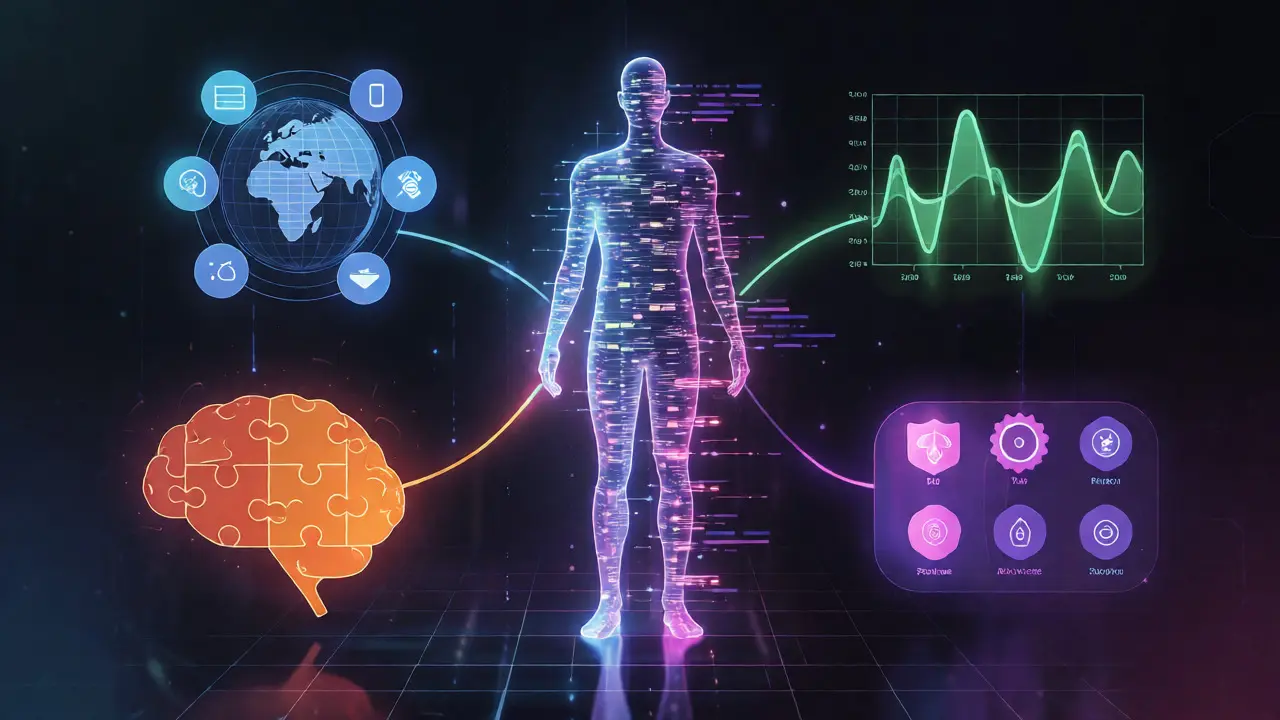
Imagine walking into a classroom where every single student gets a textbook tailored exactly to their reading level, interests, and pace. No one is bored because the material is too easy. No one is overwhelmed because it’s too hard. This isn’t a fantasy; it’s what happens when you apply learner profiling the process of collecting and analyzing data about individual students to create customized educational pathways in an online environment. If you’re running an online course or building an EdTech platform, you know that treating every user like a blank slate is a fast track to high dropout rates.
The core problem with traditional e-learning is its "one-size-fits-all" approach. It assumes everyone starts at the same point and learns at the same speed. But we know humans don’t work that way. Some people are visual learners who need diagrams. Others prefer text-heavy deep dives. Some have mastered the basics already and just want to skip ahead. Learner profiling solves this by using data to build a dynamic picture of who your student is, not just what they’ve clicked on. It turns passive content consumption into an active, personalized journey.
Why Generic Content Fails Online
Let’s look at the numbers. Industry reports consistently show that engagement drops significantly after the first few modules if the content doesn’t feel relevant. Why? Because cognitive load management fails when the difficulty doesn’t match the skill level. If a learner encounters material that is slightly above their current understanding, they learn best (this is known as the Zone of Proximal Development). If it’s way below, they disengage. If it’s way above, they get frustrated and quit.
Adaptive learning technology that adjusts the presentation of material to each learner's unique needs relies entirely on accurate profiles to make these adjustments. Without a profile, the system is flying blind. It might recommend a beginner module to an expert, wasting their time, or throw advanced calculus at someone who hasn’t grasped basic algebra yet. The result? Churn. People leave platforms that don’t respect their time or intelligence.
The Four Pillars of Effective Learner Profiles
You can’t just ask users "What do you like?" and call it a day. That’s static data. Real profiling is dynamic. It combines four distinct types of data points to build a holistic view of the student.
- Demographic and Background Data: This is the baseline. Age, location, native language, prior education level, and professional role. For example, a marketing manager in Auckland will approach a data science course differently than a recent computer science grad. Their context matters.
- Behavioral Analytics: How do they actually use the platform? Do they watch videos at 1.5x speed? Do they pause frequently? Do they take quizzes immediately or review notes first? These micro-behaviors reveal learning habits and confidence levels.
- Performance Metrics: This is the most obvious pillar but often misused. It’s not just about scores. It’s about error patterns. Did they fail a quiz because they didn’t understand the concept, or did they rush through it? Tracking time-to-answer helps distinguish between knowledge gaps and careless errors.
- Psychometric Preferences: This includes self-reported preferences (e.g., "I prefer interactive simulations") and inferred traits. Are they motivated by competition (leaderboards) or mastery (badges)? Knowing this helps tailor the gamification elements of your course.
How to Build Your First Profile Model
You don’t need AI magic right away. Start simple. Most successful platforms begin with an onboarding assessment that goes beyond multiple-choice questions. Instead of just testing knowledge, test preference and context.
| Data Type | Collection Method | Update Frequency | Primary Use Case |
|---|---|---|---|
| Static Demographics | Sign-up Form | Rarely Updated | Content localization, pacing assumptions |
| Self-Reported Goals | Onboarding Survey | Monthly Check-ins | Module prioritization, goal tracking |
| Interaction Logs | Platform Tracking | Real-time | Engagement alerts, UI optimization |
| Assessment Results | Quizzes/Tests | Per Module | Difficulty adjustment, remediation |
Start by asking three critical questions during sign-up: 1. What is your primary goal? (Career change, hobby, certification) 2. How much time can you commit weekly? 3. What is your preferred format? (Video, text, audio)
Then, layer in behavioral data. If a user skips all the intro videos but aces the first quiz, flag them as "Advanced." Automatically hide the foundational content. If another user watches every video twice but struggles with quizzes, flag them as "Needs Reinforcement." Serve them additional practice problems instead of new content.
Using Profiles to Drive Adaptive Content
Once you have the profile, you need to act on it. This is where personalized education instructional design that adapts to the specific needs of individual learners moves from theory to practice. There are three main ways to deploy these insights.
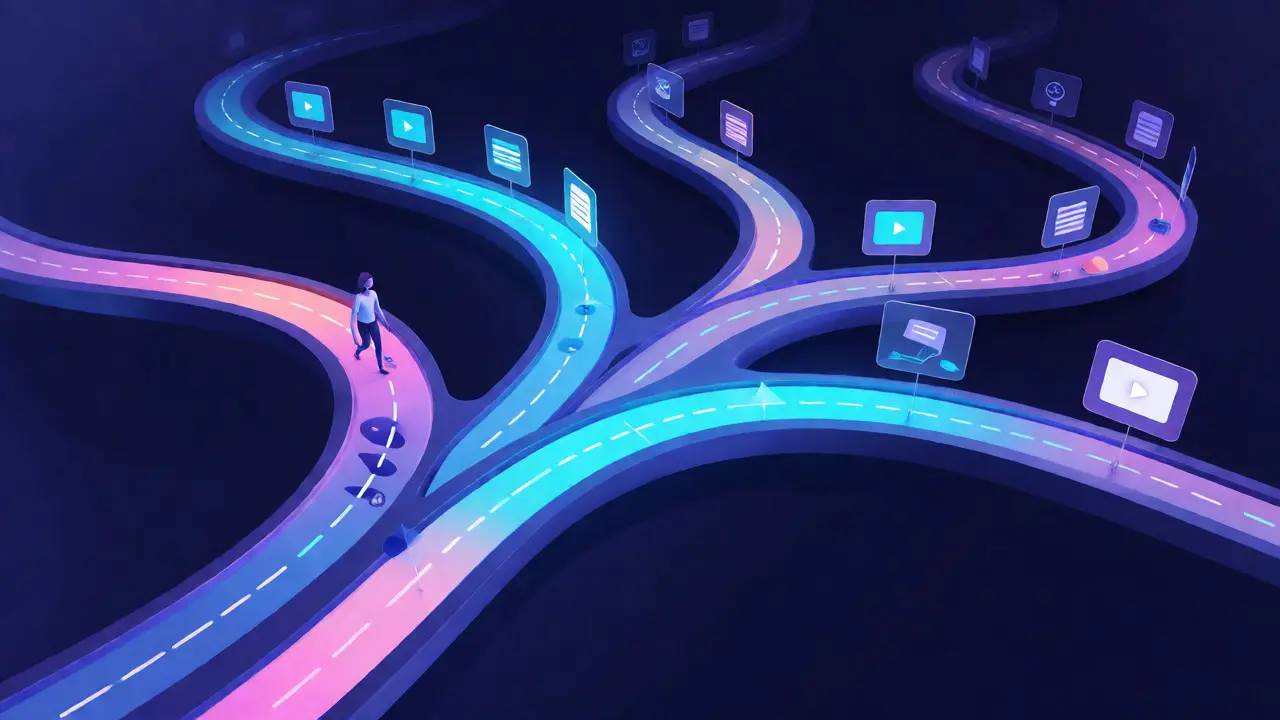
1. Dynamic Sequencing: Don’t force everyone down the same path. If a learner demonstrates proficiency in Module A, let them skip it. If they struggle with Module B, insert a prerequisite mini-lesson before moving forward. This keeps the flow uninterrupted and the confidence high.
2. Content Variation: Offer different formats for the same concept. A visual learner might get an infographic and a short animation. A textual learner might get a detailed case study. Both cover the same learning objective, but the delivery matches the profile. This increases retention because the brain processes information more efficiently when it’s presented in a preferred mode.
3. Smart Nudges: Use communication channels wisely. If a profile shows a learner is highly competitive, send them emails comparing their progress to peers. If they are collaborative, invite them to group discussions. If they are solitary, offer private coaching tips. Generic "Keep going!" emails are noise. Personalized nudges are guidance.
Pitfalls to Avoid in Learner Profiling
It’s easy to mess this up. Here are the common traps I see in EdTech projects.
- Over-collecting Data: Just because you *can* track mouse movements doesn’t mean you should. Focus on data that changes decisions. If knowing how long they hovered over a button doesn’t help you improve the course, ignore it. Data clutter slows down analysis.
- Static Profiles: A learner’s profile must evolve. Someone who was a beginner in Python six months ago is now intermediate. If your system still treats them as a novice, they’ll feel patronized. Implement decay algorithms-older data carries less weight than recent performance.
- Ignoring Privacy: You’re handling sensitive personal data. Be transparent. Tell users why you’re asking for their background info. In New Zealand, under the Privacy Act, you need clear consent for data collection. Globally, GDPR and CCPA set the tone. Trust is part of the learning experience.
- Algorithmic Bias: Ensure your profiling model doesn’t penalize certain groups. For instance, if non-native speakers take longer to read text-based questions, don’t label them as "low proficiency" without accounting for language barriers. Adjust scoring logic based on demographic context.
Tools and Technologies for Implementation
You don’t need to build this from scratch. Several technologies facilitate effective profiling.
xAPI (Experience API) a specification for recording and storing learning experiences is the gold standard for tracking detailed learning activities across different platforms. Unlike SCORM, which is limited to LMS interactions, xAPI captures everything from mobile app usage to offline workshops. It allows you to build rich profiles that span multiple contexts.
For smaller courses, many LMS platforms like Canvas or Moodle have built-in analytics plugins. They provide basic behavioral dashboards out of the box. For custom solutions, tools like Segment or Mixpanel can help aggregate user events before feeding them into your recommendation engine.
If you’re serious about scale, consider machine learning libraries like TensorFlow or PyTorch. You can train simple classification models to predict whether a student is likely to drop out based on their interaction patterns. Even a basic logistic regression model can achieve surprisingly good accuracy with clean data.
Measuring Success: KPIs for Profiling
How do you know if your profiling strategy is working? Track these metrics:
- Completion Rate: Does personalized sequencing lead to higher course completion?
- Time-to-Competency: Are learners reaching proficiency faster because they skipped irrelevant content?
- Net Promoter Score (NPS): Do users feel the course is "made for me"?
- Support Ticket Volume: Better profiles should reduce confusion, leading to fewer "I don't understand this" support requests.
Remember, the goal isn’t just to collect data. It’s to reduce friction. Every piece of data you collect should ultimately serve to remove a barrier between the learner and their goal. If it doesn’t, cut it.
What is the difference between learner profiling and learning analytics?
While related, they serve different purposes. Learning analytics is the broader practice of measuring, collecting, and analyzing data about learners and their contexts. It looks at trends across large groups to improve institutional outcomes. Learner profiling is a specific application of those analytics focused on the individual. It creates a unique digital identity for a single student to drive immediate, personalized instructional decisions. Think of analytics as the weather forecast for the whole city, while profiling is the specific clothing advice for one person walking outside.
Do I need AI to implement learner profiling?
No, you don’t need complex AI to start. Many effective profiling systems use rule-based logic. For example, "If score > 80% on pre-test, unlock advanced module." This is deterministic and easy to maintain. AI becomes useful when you have massive datasets and need to find hidden correlations, such as predicting dropout risk based on subtle behavioral cues. Start with rules, then move to machine learning as your data volume grows.
How often should learner profiles be updated?
Ideally, in real-time or near-real-time. Behavioral data (clicks, time spent) should update instantly to reflect current engagement. Performance data (quiz scores) updates upon assessment completion. Static data (demographics) rarely changes. However, psychometric preferences might shift over time, so periodic re-surveys (every 3-6 months) can help keep the profile accurate. Stale profiles lead to poor recommendations.
Can learner profiling help with accessibility?
Absolutely. Profiling can identify learners who require specific accommodations. For instance, if a user consistently uses screen readers or zoom features, the system can prioritize text-based content over complex visuals. If a learner has dyslexia indicators (such as frequent rereading of short paragraphs), the platform can automatically suggest font adjustments or audio alternatives. This makes the learning experience inclusive by design, not just by compliance.
What are the privacy risks associated with learner profiling?
The main risks are data breaches and misuse of personal information. Since profiles contain sensitive details like performance history and sometimes psychological traits, they must be stored securely. Additionally, there is the risk of "profiling bias," where algorithms inadvertently discriminate against certain demographics. Transparency is key: users should know what data is collected and have the option to opt-out of certain tracking features without losing access to the core course.
Comments
Bonnie Watt
Oh please, spare me the 'personalized journey' fluff. You're just collecting data to sell us more stuff while pretending we're special snowflakes. Most people don't even know what they want until you force them down a path anyway.
Dave Gibbeson
Listen up! The point isn't the fluff, it's about efficiency and respect for the user's time. If your platform is still dumping generic content on experts, you are literally wasting their lives. Fix the sequencing logic or get out of the market.
Meagan Mueller
theyre watching us
every click every pause its all feeding the algorithm that decides if we graduate or drop out and honestly im scared of how much they already know about my learning habits before i even sign in
Elizabeth Brooks
Great post! I think one thing missing here is the importance of human oversight in these adaptive systems. Sometimes the algorithm gets too rigid and misses the nuance of a student struggling with confidence rather than competence. Maybe add a manual override option?
Art HND
Over-engineered solution for a simple problem. Just make good content.
Sabrina Newland
omg yes 🤯 but like... whats the ethical line? if the system knows im anxious because i reread paragraphs does it judge me? 🧐 feels weird being profiled so deeply 😰📚
Mark Harvey
love this perspective especially the part about privacy trust is everything in edtech if users feel surveilled they leave keep it transparent and helpful not creepy
Kim Edwards
I am absolutely SHOCKED by the sheer audacity of suggesting that we can simply "start simple" when the entire industry is screaming for AI magic! It is tragic, truly, that we have to explain basic cognitive load theory to grown adults who treat students like blank slates. This article is a beacon of hope in a sea of mediocrity!
Amara Akbar
It is quite insightful to observe how dynamic profiling transforms passive consumption into active engagement. One must consider, however, the delicate balance between personalization and the potential for creating echo chambers within the curriculum. We should strive for an approach that challenges learners beyond their immediate preferences while respecting their individual contexts.
Brandon Olvera
Whatever works keeps Americans ahead. Don't let foreign regulations stifle our innovation with too much privacy red tape.