


You’ve probably been there: a professor assigns a group project in an online course, and suddenly you're staring at a blank group chat with four strangers from three different time zones. The dread is real. Most people think virtual collaboration is just a watered-down version of meeting in a library, but that's a mistake. When you remove the physical presence, you lose the natural cues that drive teamwork. To make it work, you have to replace those organic interactions with intentional systems.
Key Takeaways for Virtual Collaboration
- Communication: Move beyond email to real-time hubs like Discord or Slack.
- Structure: Use a project charter to define roles and deadlines immediately.
- Tools: Leverage synchronous and asynchronous tools to bridge time-zone gaps.
- Accountability: Implement a peer-review system to prevent "social loafing."
The Shift to Social Learning in Digital Spaces
At its core, Social Learning is a theory that people learn from one another through observation, imitation, and interaction. In a traditional classroom, this happens during a quick chat after a lecture. In a Virtual Classroom, it doesn't happen by accident. You have to build a digital environment that encourages a collaborative work flow. If the environment is just a series of static PDFs and a discussion board, the social element dies.
To trigger actual learning, students need to engage in "cognitive conflict"-that moment where two people disagree on a solution and have to negotiate a better one. This is where the real growth happens. When groups work together online, they aren't just completing a task; they are building a shared mental model of the subject matter.
Breaking the Time-Zone Barrier
One of the biggest hurdles in virtual group work is the "asynchronous gap." If one student is in New York and another is in Tokyo, a 10-minute decision can take 24 hours of emailing. The solution isn't to force everyone into a 3 AM Zoom call-that leads to burnout and poor work. Instead, divide your work into synchronous and asynchronous streams.
Synchronous work is for high-stakes alignment: brainstorming, resolving conflicts, and final reviews. Use Zoom or Microsoft Teams for these. Asynchronous work is for execution: writing drafts, researching, and data entry. This is where Google Workspace or Notion becomes essential. By documenting every decision in a shared space, the person waking up in Tokyo knows exactly what happened while they were asleep.
| Task Type | Best Tool | Communication Style | Goal |
|---|---|---|---|
| Ideation & Brainstorming | Miro / Mural | Synchronous | Visualizing concepts |
| Document Drafting | Google Docs | Asynchronous | Co-authoring text |
| Daily Coordination | Slack / Discord | Hybrid | Rapid updates |
| Task Tracking | Trello / Asana | Asynchronous | Accountability |

Defining Roles to Stop Social Loafing
We've all dealt with the "ghost"-the group member who disappears until two days before the deadline. In psychology, this is called "social loafing," where individuals put in less effort because they feel their lack of contribution is hidden by the group. In a virtual setting, this is ten times easier to do because there's no physical accountability.
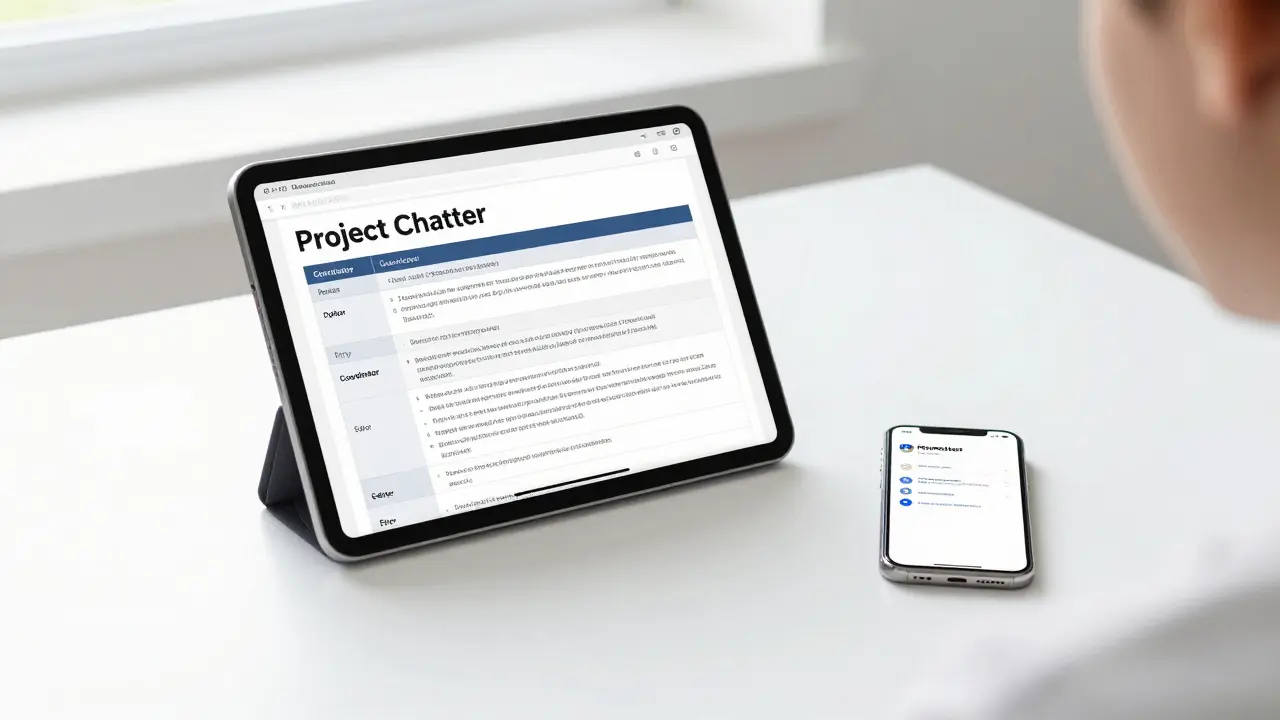
The fix is to assign specific, named roles. Don't just say "we'll all work on the slides." Instead, create a project charter with these positions:
- The Coordinator: Manages the Trello board and ensures deadlines are met.
- The Editor: Responsible for the final voice and formatting of the project.
- The Researcher: Leads the data gathering and source verification.
- The Liaison: The primary point of contact with the professor.
When roles are explicit, a gap in work is immediately visible. If the slides are empty, it's not a "group failure"; it's a failure of the Editor or Coordinator. This clarity forces individual ownership and reduces the resentment that usually poisons virtual teams.
The Art of Digital Conflict Resolution
Text-based communication is a breeding ground for misunderstanding. A short message like "This section needs work" can be read as helpful feedback by one person and a harsh insult by another. Without facial expressions or tone of voice, the brain often fills in the gaps with negative assumptions.
To handle this, establish a "Communication Covenant" early on. Agree that any disagreement lasting more than three text exchanges must be moved to a voice or video call. Hearing a human voice instantly lowers cortisol levels and reminds the team that they are working with a peer, not a screen. Additionally, using "I" statements-like "I'm struggling to follow this logic" instead of "Your writing is confusing"-keeps the focus on the problem rather than the person.
Integrating Peer Assessment and Feedback
For professors and students alike, the final grade shouldn't be a mystery. To ensure fairness, implement a multi-stage feedback loop. Instead of one big grade at the end, use a rubric that rewards the *process* of collaboration, not just the final product.
A great method is the "360-Degree Review." At the midpoint and the end of the project, each member rates their peers on three metrics: reliability, contribution quality, and communication. When students know their peers are documenting their contributions, the incentive to slack off vanishes. This mirrors real-world corporate environments where Agile Methodology and sprint reviews are used to maintain momentum in remote software teams.
Practical Checklist for Your Next Virtual Project
If you're starting a project today, don't just start typing. Follow these steps to set your team up for success:
- The Logistics Sync: Create a shared calendar with everyone's time zones and "blackout" hours.
- Tool Selection: Pick one hub for chat, one for files, and one for task tracking. Don't use all three for everything.
- The Project Charter: Write down the goal, the roles, and the internal deadlines (which should be 48 hours before the actual deadline).
- The Check-in Cadence: Schedule a recurring 15-minute "stand-up" meeting once a week to identify blockers.
- The Final Polish: Schedule a synchronous session to read the entire project aloud to ensure a cohesive voice.
How do I handle a group member who isn't responding?
Start with a polite check-in via the primary chat channel. If there's no response in 24-48 hours, send a formal email documenting the missed deadlines and ask if they need support. If the silence continues, notify your instructor immediately with a log of your attempts to contact them. It's better to flag the issue early than to scramble to do their work at the last minute.
What is the best way to brainstorm ideas remotely?
Avoid long email threads. Use a digital whiteboard like Miro or Mural. These tools allow everyone to drop "sticky notes" and images in real-time. Start with an asynchronous period where everyone adds ideas for 24 hours, then hold a short live meeting to categorize and vote on the best ones.
How can we ensure the final project doesn't look like a "Frankenstein" paper?
This happens when different people write different sections without a unifying voice. Assign a single "Lead Editor" role. Their job isn't to write the content but to rewrite the transitions and ensure the tone is consistent throughout the entire document. Always read the final draft aloud as a group before submitting.
Which is better: Zoom or Slack for group work?
It's not about which is better, but how you use them. Slack is for the "stream of consciousness" and quick updates-it keeps the project moving without needing a meeting. Zoom is for deep work, complex problem solving, and emotional resolution. A healthy project uses Slack for 80% of the work and Zoom for the critical 20%.
What should I do if my group is in completely different time zones?
Shift to an "Asynchronous First" mindset. Use a tool like Notion to create a centralized project wiki where all decisions are logged. Record short video updates using Loom instead of calling a meeting. This allows team members to get the full context of a discussion whenever they wake up, regardless of where they are in the world.