

The Hook: Winning the War for Attention
The hook isn't just a flashy intro; it's a promise. You need to tell the viewer exactly what pain point you're solving and why it matters right now. Think of it as the 'inciting incident' in a movie. If you're teaching a lesson on Python list comprehensions, don't start by saying "Today we will learn about lists." Instead, show a screen with twenty lines of clunky nested loops and say, "You can replace all of this with one single line of code. Here is how."
A powerful hook usually takes one of three forms: the gap, the stakes, or the transformation. The gap highlights what the student doesn't know but needs to. The stakes explain the cost of getting it wrong-like a security breach in a coding tutorial. The transformation shows the 'after' state, giving the learner a goal to strive for. Keep this section under 60 seconds. If you spend too long here, you're just creating fluff that leads to drop-offs in your analytics.
The Teach: Managing Cognitive Load
Once you've hooked them, you enter the core of the video. This is where most creators stumble by dumping all their knowledge into one long stream. To prevent mental burnout, you need to apply Cognitive Load Theory is a framework in instructional design that describes how the limited capacity of working memory affects learning ]. If you overwhelm the viewer's working memory, they stop processing information.
Break your 'Teach' phase into micro-modules. If your video is ten minutes long, don't have one ten-minute explanation. Instead, have four two-minute concepts separated by 'breathers'-quick visual changes or a summary question. Use a scaffolding approach: start with a concept they already know, introduce the new variable, and then show it in action. For example, if you're explaining Active Recall, don't just define it; ask the viewer to pause the video and try to remember three things from the previous section before you explain the mechanism.
| Element | Traditional Lecture Style | Hook-Teach-Recap Arc |
|---|---|---|
| Opening | Bio, agenda, and formal greetings | Immediate problem or "Aha!" moment |
| Pacing | Linear delivery of all facts | Modular chunks with mental breaks |
| Engagement | Passive listening | Active application and curiosity gaps |
| Closing | "That's all for today" | Synthesis and actionable next steps |
The Recap: Turning Information into Knowledge
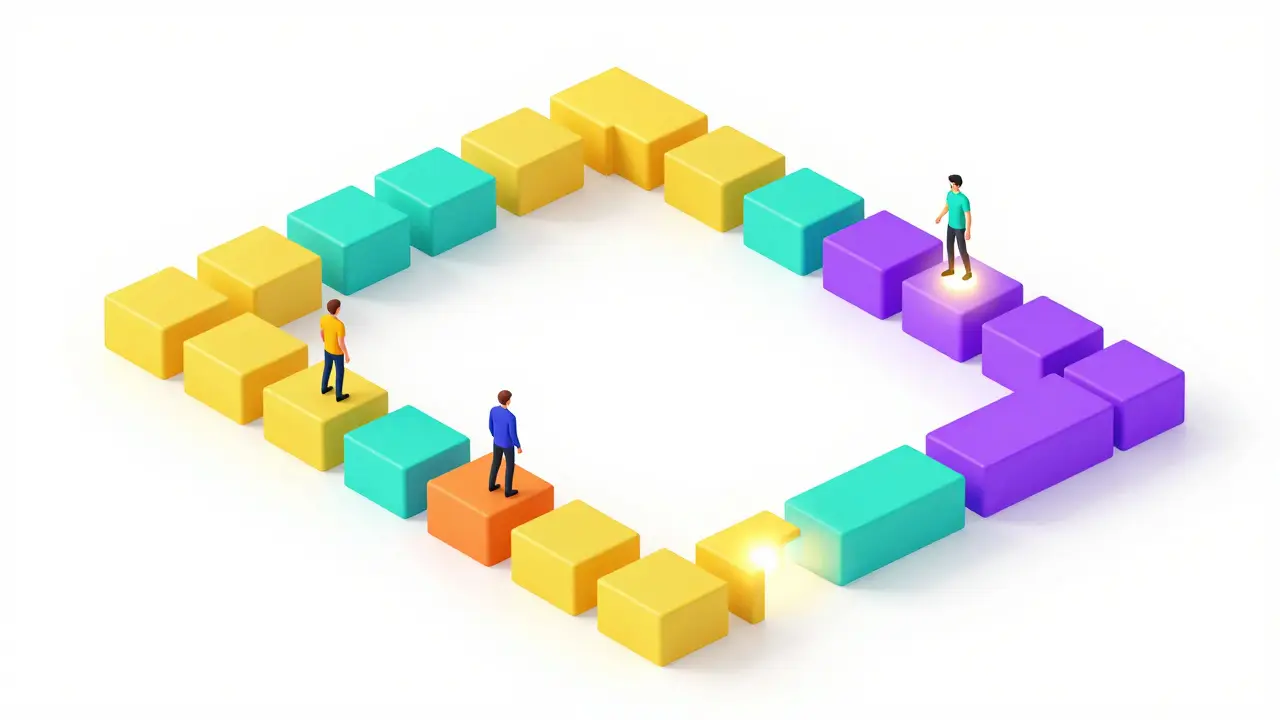
The recap is where the actual learning is cemented. Most people mistake a recap for a simple summary, but a summary is just a list of what you said. A recap is a synthesis. It's the moment where you connect the dots and show how the individual pieces of the 'Teach' phase solve the problem presented in the 'Hook'.
Use a "Now, Therefore" logic. Instead of saying "First we did A, then B, then C," say "We started with a messy code block (A), therefore we applied a list comprehension (B), and now we have a professional, readable script (C)." This narrative closure provides a hit of dopamine to the learner, confirming they've achieved the transformation promised at the start. Finish with a clear call to action-not just "subscribe," but a specific task they should perform to test their new skill.
Common Pitfalls in Educational Scripting
One of the biggest mistakes is the "Curse of Knowledge." This happens when an expert forgets what it's like to be a beginner and skips "obvious" steps. In your story arc, these missing steps act like plot holes in a movie; the viewer gets confused and loses the thread. To avoid this, record your explanation for a non-expert and identify exactly where they squint or ask for clarification. Those are the spots where your arc needs more support.
Another issue is the "Mid-Video Slump." Usually occurring around the 4-6 minute mark in a 10-minute video, this is where attention naturally dips. To counter this, introduce a "Pattern Interrupt." This could be a change in camera angle, a sudden shift from a talking head to a screen recording, or a provocative question. By breaking the visual and auditory rhythm, you reset the learner's attention clock.
Applying the Framework Across Different Formats
The Hook-Teach-Recap model isn't just for long-form YouTube courses. It scales down to TikTok or Instagram Reels. In a 60-second short, your hook is the first 3 seconds, your teach is a rapid-fire 45-second demonstration, and your recap is a 12-second punchline or summary. The psychology remains the same: create a gap, fill the gap, and confirm the value.
For high-ticket Online Courses, you can treat each module as a mini-arc and the entire course as one giant arc. The course-level hook happens in the sales page and intro video. The course-level recap is the final project or certification. This nesting strategy ensures that students don't just watch the videos, but actually complete the journey.
How long should the 'Hook' actually be?
Ideally, your hook should last between 15 and 60 seconds. The goal is to establish the problem and the promise as quickly as possible. If you go over a minute without delivering value or a clear reason to stay, you'll see a significant spike in your audience drop-off rate.
What if my topic is too technical for a simple hook?
Complex topics actually need hooks more than simple ones. Instead of explaining the technicality, hook the outcome. Don't start with the physics of a combustion engine; start with the feeling of a car accelerating from 0 to 60. Sell the result first, then use the 'Teach' section to explain the mechanics.
Can I use multiple 'Teaches' in one video?
Yes, and you should. This is known as "chunking." Instead of one giant Teach block, use a series of Mini-Hooks, Mini-Teaches, and Mini-Recaps. This keeps the momentum high and prevents the learner from feeling overwhelmed by too much information at once.
How do I make a recap not feel boring?
Avoid reading a list of bullet points. Instead, use a visual map or a screen recording that shows the "Before vs. After." When students see the tangible difference between where they started and where they are now, the recap feels like a victory rather than a repetition.
Does this framework work for live webinars?
Absolutely. The only difference is that you can make the 'Hook' interactive by asking the audience to type their struggles in the chat. This transforms the hook from a passive promise into an active commitment from the learners.