

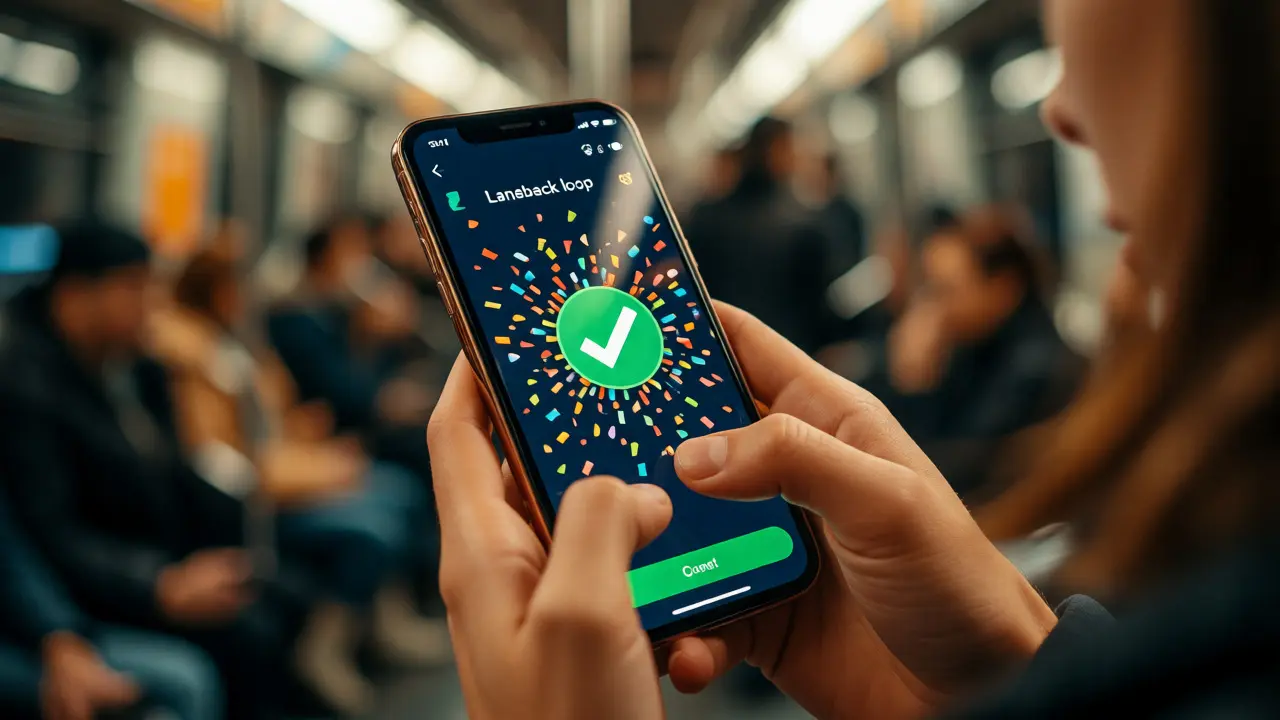
You know that feeling when you open a language app to practice Spanish, but instead of studying, you end up playing a mini-game for twenty minutes? Or maybe you’ve downloaded a math tutor for your kid, only to watch them click through lessons just to unlock a new avatar skin. This isn’t accidental. It’s the result of specific mobile game mechanics designed to hijack our attention and keep us coming back. But here is the million-dollar question: do these tricks actually help people learn, or are they just digital candy?
If you’re building an educational product, managing a corporate training program, or just trying to understand why your brain retains facts better when it’s having fun, this guide breaks down the design principles that make mobile learning stick. We aren’t talking about vague "gamification" buzzwords. We’re looking at concrete mechanics like progression loops, feedback systems, and social pressure, and how they map directly to cognitive science.
The Core Problem with Traditional Mobile Learning
Most traditional e-learning modules fail on mobile because they treat the phone like a tiny desktop monitor. You scroll through text, watch a video, take a quiz, and repeat. It’s passive. Mobile devices, however, are active, interrupt-driven tools. Users check them in bursts-waiting for coffee, riding the bus, lying in bed. If your learning content doesn’t respect this context, users drop off immediately.
Gamification strategies solve this by transforming passive consumption into active participation. The goal isn’t to turn every lesson into Call of Duty. It’s to use the psychological hooks found in successful games to reduce friction and increase retention. When done right, the learner forgets they are studying because the act of learning itself becomes the gameplay loop.
Mechanic 1: Immediate Feedback Loops
In video games, if you jump and miss a platform, you know instantly. There’s no waiting for a teacher to grade your paper three days later. In mobile learning, immediate feedback is non-negotiable. Every action the user takes must have a visible, instant consequence.
- Visual Cues: Green checks, confetti explosions, or character animations confirm success. Red shakes or sounds indicate error without stopping flow.
- Corrective Scaffolding: Don’t just say "Wrong." Show *why* it’s wrong. Duolingo, for example, highlights the specific grammatical rule you missed rather than just marking the sentence incorrect.
- Micro-Quizzes: Break long concepts into single-question challenges. This reduces cognitive load and gives the brain frequent dopamine hits for small wins.
Why does this work? Cognitive science tells us that feedback latency kills learning. The closer the feedback is to the action, the stronger the neural connection formed. On mobile, where attention spans are fragmented, this immediacy is critical.
Mechanic 2: Progression and Visible Growth
Humans hate ambiguity. If we don’t know how far we’ve come or how much further we have to go, we quit. Successful educational apps visualize progress in tangible ways.
| Mechanic | Description | Psychological Driver |
|---|---|---|
| Experience Points (XP) | Numerical score accumulated over time. | Quantifiable achievement; status signaling. |
| Leveling Up | Threshold-based advancement unlocking new features. | Competence and mastery. |
| Skill Trees | Branching paths showing prerequisites and options. | Autonomy and strategic planning. |
| Streaks | Consecutive days of activity. | Fear of loss (loss aversion). |
Notice the difference between XP and Streaks. XP rewards volume; streaks reward consistency. For language learning, streaks are powerful because daily exposure matters more than binge-studying once a week. For coding bootcamps, skill trees matter more because dependencies exist-you can’t build a backend before understanding databases.
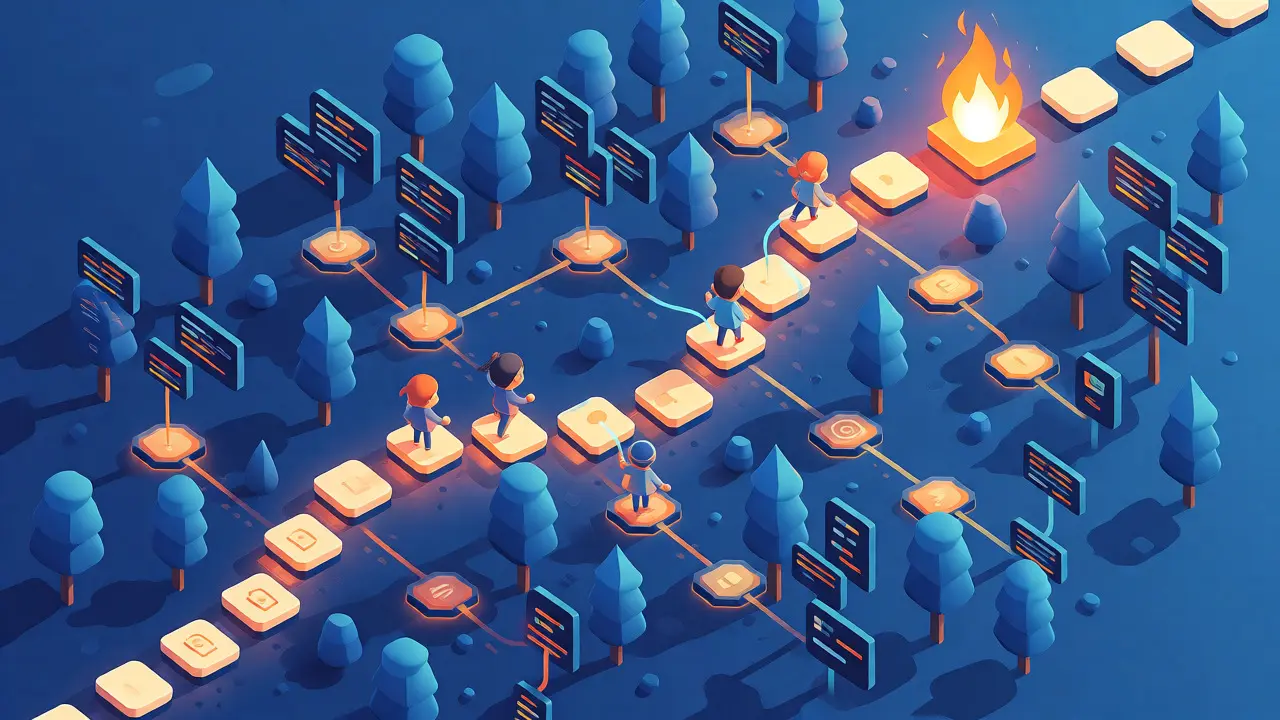
Mechanic 3: The Power of Scarcity and Energy Systems
This is controversial among designers. Many top-tier apps use energy or heart systems to limit play sessions. Why? Because unlimited access leads to burnout and poor retention. By limiting how many mistakes you can make (or how many levels you can play), you force the user to pause, reflect, and return later.
Consider the psychology of user engagement. If a user can grind for hours, they often disengage due to fatigue. If they run out of hearts after three mistakes, they might wait an hour for them to refill. That hour allows memory consolidation to happen. The constraint creates anticipation.
However, be careful. If the penalty feels too harsh, users churn. The sweet spot is balancing frustration with relief. Allow users to earn extra lives through correct answers or watching ads, giving them agency over their own pacing.
Mechanic 4: Social Proof and Competition
We are social animals. Even solo learners care about how they stack up against others. Leaderboards are the classic tool, but they can be demotivating if you’re always last. Modern gamification strategies have evolved beyond global rankings.
- Leagues: Group users into cohorts of 30 based on similar activity levels. Compete to stay in the league. This keeps competition fair.
- Ghost Battles: Race against a friend’s previous attempt rather than real-time multiplayer. This removes timing pressure while maintaining social comparison.
- Collaborative Goals: "Help your team reach 1 million XP." This fosters community support rather than cutthroat rivalry.
Data from platforms like Kahoot! shows that social elements can increase session length by over 40%. But remember: social pressure works best when it’s optional. Forced competition can alienate introverted learners who prefer self-paced study.
Mechanic 5: Narrative Context
Abstract problems are hard to remember. Stories are easy. Wrapping learning objectives in a narrative framework helps encode information in episodic memory. Instead of "Solve this equation," try "Calculate the trajectory to save the spaceship."
Effective narrative design doesn’t need complex plots. It needs stakes. Who are you helping? What happens if you fail? Even simple metaphors work. In medical training, simulating a patient’s declining health bar creates urgency that a static textbook cannot.

Design Pitfalls to Avoid
Not all game mechanics help learning. Some actively hinder it. Here’s what to watch out for:
- Over-Gamification: If the animation takes longer than the answer, you’ve broken flow. Keep feedback under 1 second.
- Punishing Failure Too Hard: Losing progress for one mistake discourages risk-taking. Learning requires making errors. Make failure cheap.
- Ignoring Accessibility: Color-blind users can’t distinguish red/green feedback. Add icons or shapes. Hearing-impaired users need visual cues for sound effects.
- Dark Patterns: Don’t manipulate users into paying just to continue. If the core value is hidden behind a paywall, trust erodes quickly.
How to Measure Success
Don’t just look at download numbers. Track metrics that prove learning occurred:
- Daily Active Users (DAU) vs. Monthly Active Users (MAU): A ratio above 20% indicates strong habit formation.
- Time-to-Completion: Are users finishing modules faster than in non-gamified versions?
- Retention Rate at Day 7 and Day 30: Do they come back after the novelty wears off?
- Self-Reported Confidence: Post-survey questions asking "How confident do you feel applying this skill?" often correlate better with actual performance than test scores.
Final Thoughts on Implementation
Start small. Don’t rebuild your entire curriculum around game mechanics overnight. Pick one module. Add immediate feedback and a simple progress bar. Test it. See if completion rates rise. Then add a leaderboard. Then add a narrative layer.
The best mobile game mechanics for learning are invisible. The learner shouldn’t think, "I’m playing a game." They should think, "I’m getting good at this." When the mechanic serves the pedagogy, not the other way around, you’ve cracked the code.
Do game mechanics distract from the actual learning content?
They can, if poorly implemented. Distraction occurs when the game elements compete for cognitive resources needed for learning. For example, flashy animations during a complex explanation split attention. To avoid this, align game mechanics with learning goals. Use feedback visuals only after the answer is processed, and keep narratives relevant to the subject matter. Research suggests that when extraneous cognitive load is minimized, gamification enhances rather than detracts from learning outcomes.
Is gamification effective for adult learners or just children?
Gamification is highly effective for adults, provided the tone is appropriate. Adults respond well to mechanics that signal competence, such as professional badges, certifications, and peer comparisons. However, childish aesthetics (like cartoonish avatars) may undermine perceived professionalism. Corporate training programs using leaderboards and progress tracking show significant improvements in compliance course completion rates. The key is respecting the learner's intelligence while leveraging their desire for achievement and recognition.
What is the biggest mistake developers make with mobile learning apps?
The most common mistake is assuming that adding points and badges equals gamification. This is often called "pointsification." True gamification involves designing meaningful choices, clear goals, and compelling feedback loops. Another major error is ignoring mobile context. Developers often port desktop-style long-form content to mobile without breaking it into micro-learning chunks suitable for short, intermittent usage sessions.
How do I choose which game mechanics to use for my topic?
Match the mechanic to the learning objective. For memorization tasks (vocabulary, dates), use spaced repetition and streaks to enforce frequency. For problem-solving skills (math, coding), use immediate feedback and level progression to encourage iterative trial and error. For soft skills (communication, leadership), use narrative simulations and branching scenarios to explore consequences. Always prototype with a small group to see which mechanics drive the desired behavior.
Can monetization hurt the learning experience?
Yes, if aggressive. Paywalls that block essential content frustrate users and break flow. However, freemium models that offer cosmetic upgrades or advanced analytics can work well. The key is ensuring that free users still get complete educational value. If the core learning path is gated, users will perceive the app as a sales funnel rather than a learning tool, leading to high churn rates regardless of the quality of the content.