

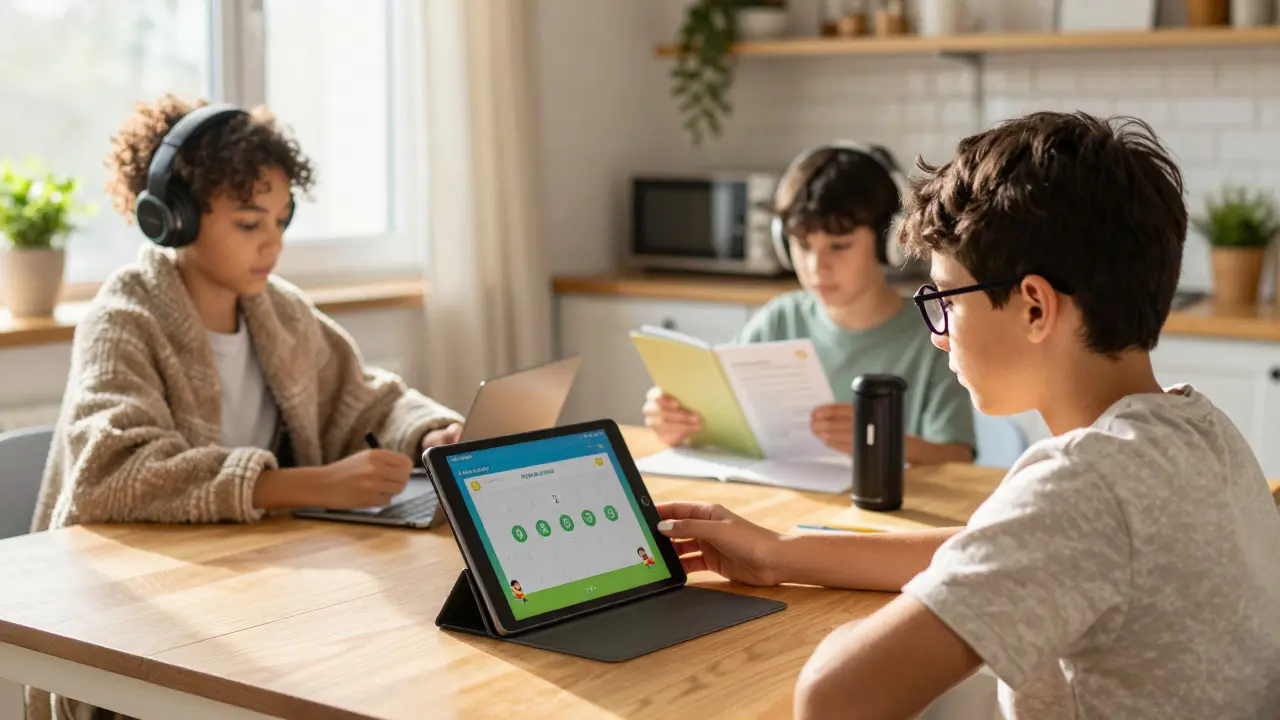
Remember the chaos of early 2020? Teachers scrambling to find video links, parents trying to teach calculus while working from home, and students staring at screens until their eyes burned. That was a crisis response. Today, online learning for K-12 students is a permanent fixture in education. But it’s no longer just about keeping school open during a pandemic. It’s about providing flexible, high-quality education that meets kids where they are-whether that’s at a kitchen table, a hospital bed, or a rural home with spotty internet.
For families with children who have unique needs, this shift is even more critical. Special populations, including students with Individualized Education Programs (IEPs), English Language Learners (ELLs), and gifted students, often thrive in structured digital environments when set up correctly. However, without the right tools, tips, and safeguards, that potential turns into frustration and isolation. This guide cuts through the noise to help you build a safe, effective, and inclusive digital classroom.
The Essential Toolkit for Digital Classrooms
You don’t need every app on the market. You need a few reliable ones that work together. The best tech stack for K-12 balances engagement with simplicity. If a tool requires a manual thicker than the textbook, your student won’t use it.
| Category | Recommended Tool | Best For | Key Feature |
|---|---|---|---|
| Learning Management System (LMS) | Google Classroom | K-12 General Use | Seamless integration with Docs, Slides, and Drive; free for schools. |
| Interactive Lessons | Nearpod | Engagement & Formative Assessment | Real-time polls, VR field trips, and interactive slides. |
| Special Education Support | Read&Write | Dyslexia & Reading Disabilities | Text-to-speech, picture dictionaries, and writing support. |
| Communication | Zoom | Live Instruction | Breakout rooms for small group work and screen sharing. |
| Coding & Logic | Scratch | Elementary/Middle School STEM | Block-based coding that teaches logic without syntax errors. |
For special populations, accessibility isn't an add-on; it's the foundation. Microsoft Immersive Reader, built into many Microsoft products, offers text highlighting, syllable breakdown, and reading speed controls. This is vital for students with ADHD or processing disorders who get overwhelmed by walls of text. Similarly, Khan Academy provides self-paced math and science lessons with immediate feedback, which is perfect for gifted students who need to move faster or struggling students who need to retry concepts without shame.
Creating a Safe Digital Environment
Safety goes beyond just blocking bad websites. It’s about creating a culture of respect and awareness. When we talk about digital citizenship, we’re teaching kids how to behave, think, and protect themselves online. This is non-negotiable in K-12 education.
- Data Privacy First: Ensure all tools comply with COPPA (Children’s Online Privacy Protection Act) and FERPA (Family Educational Rights and Privacy Act). Avoid apps that require personal emails or social media logins for young students. Use school-managed accounts whenever possible.
- Camera Etiquette: Teach students that cameras are optional but microphones should be muted unless speaking. This reduces anxiety for shy students and prevents background distractions. For students with trauma histories, mandatory camera use can be triggering. Offer alternatives like chat participation or verbal check-ins.
- Cyberbullying Protocols: Establish clear rules. No name-calling in chats. No sharing screenshots of private conversations. Make sure students know exactly who to tell if they feel unsafe. In virtual classrooms, bullying can hide in direct messages or breakout rooms, so monitoring must be active, not passive.
- Screen Time Boundaries: Follow the 20-20-20 rule: Every 20 minutes, look at something 20 feet away for 20 seconds. This protects vision and reduces mental fatigue. For younger kids, limit synchronous (live) screen time to 45-60 minutes max, followed by hands-on activities.
Parents play a huge role here. Sit down with your child and review their privacy settings together. Show them how to block users, report inappropriate content, and adjust notification settings to reduce distraction. Safety is a shared responsibility between educators, platforms, and families.
Tips for Engaging K-12 Learners
Attention spans are short, especially online. A lecture-heavy Zoom call will lose most K-12 students within ten minutes. You need variety, interaction, and movement.
- Chunk Your Content: Break lessons into 5-7 minute segments. Alternate between watching, doing, and discussing. For example, watch a 3-minute video, then have students draw a quick sketch of what they learned, then share in pairs.
- Use Gamification Wisely: Points, badges, and leaderboards can motivate, but they can also discourage struggling students. Focus on mastery-based rewards instead of competition. Apps like Kahoot! or Quizizz make review fun, but ensure questions reinforce understanding, not just memory.
- Incorporate Choice: Let students choose how they demonstrate learning. Can they write an essay, record a podcast, or build a model? Autonomy boosts engagement significantly. For special education students, offering multiple means of expression aligns with Universal Design for Learning (UDL) principles.
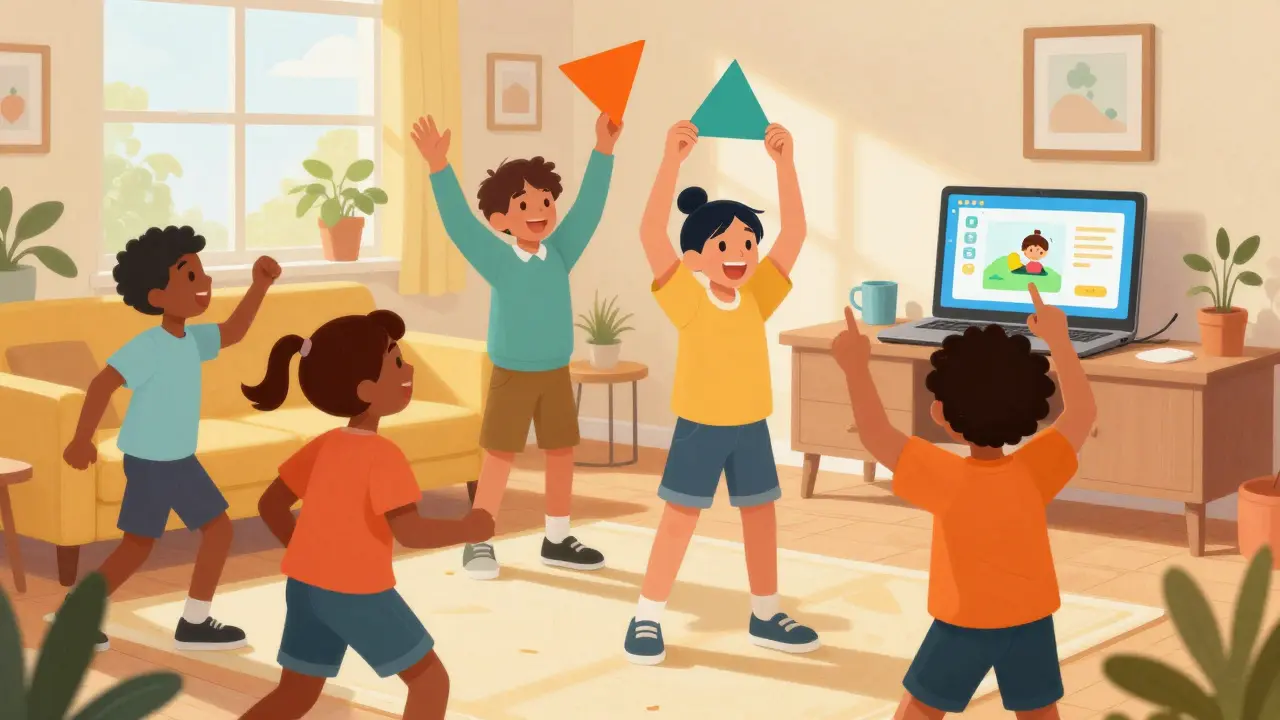
- Movement Matters: Stand up and stretch. Do a quick dance break. Have students walk around the house to find objects that match a lesson theme (e.g., “Find three things that are geometric shapes”). Physical activity resets focus and helps regulate emotions, especially for neurodivergent learners.
Teachers, consider using breakout rooms strategically. Small groups allow for more participation than large lectures. Assign roles: facilitator, recorder, timekeeper, reporter. This structures interaction and ensures everyone has a job. For ELL students, pair them with supportive peers and provide visual aids or sentence starters to help them contribute.
Supporting Special Populations Effectively
Online learning can be a lifeline for special populations, but only if intentionally designed. One size does not fit all. Here’s how to adapt for common needs:
Students with IEPs and 504 Plans
Ensure accommodations are digitized. If a student gets extra time on tests, configure the LMS to extend deadlines automatically. If they need reduced workload, communicate clearly with teachers about prioritizing essential assignments. Use assistive technology like speech-to-text (Dragon NaturallySpeaking) or text-to-speech tools. Regularly check in with case managers to ensure goals are being met in the virtual space.
English Language Learners (ELLs)
Visuals are your friend. Use videos with subtitles, infographics, and real-world examples. Allow bilingual dictionaries and translation tools. Encourage peer collaboration with native speakers who are patient and kind. Provide vocabulary lists before lessons so students aren’t lost on terminology. Platforms like Duolingo for Schools can supplement language practice in a low-stakes environment.
Gifted and Talented Students
Avoid boredom by offering depth and complexity, not just more work. Let them pursue independent projects, mentor younger students, or explore advanced topics via MOOCs (Massive Open Online Courses) like those on Coursera or edX. Challenge them to create, not just consume. Ask open-ended questions that require critical thinking and synthesis.
Students with Trauma or Anxiety
Predictability reduces stress. Post schedules and agendas clearly. Give advance notice of changes. Allow anonymous question submission via forms or chats. Be flexible with attendance and deadlines. Build relationships first; academics follow trust. Check in privately, not publicly, to avoid embarrassment.
Building Family Partnerships
Parents are co-educators in online learning. They need support, not blame. Send weekly newsletters summarizing key topics, upcoming deadlines, and tips for helping at home. Host monthly virtual office hours where parents can ask questions without judgment. Provide resources for troubleshooting tech issues, as IT support lines are often overwhelmed.
Recognize that parents have jobs, caregiving duties, and limited tech skills. Offer asynchronous options so families can engage on their own schedule. Celebrate small wins. Share success stories. Build a community where families feel empowered, not inadequate.
Troubleshooting Common Challenges
Even the best plans hit snags. Here’s how to handle frequent issues:
- Connectivity Problems: Download materials for offline access. Use low-bandwidth modes in video platforms. Allow audio-only participation. Partner with local libraries or community centers that offer hotspots or study spaces.
- Lack of Motivation: Reconnect learning to real-life interests. Use project-based learning. Provide frequent, specific feedback. Recognize effort, not just outcomes. Check for underlying issues like hunger, sleep deprivation, or family stress.
- Social Isolation: Schedule virtual recesses, game sessions, or interest clubs. Facilitate peer connections through collaborative projects. Encourage students to reach out to friends outside of school hours. Mental health matters as much as math scores.
- Teacher Burnout: Simplify grading. Use rubrics. Automate what you can. Collaborate with colleagues to share resources. Set boundaries for email and communication hours. Self-care isn’t selfish; it’s sustainable.
Looking Ahead: The Future of Hybrid Learning
Online learning isn’t going away. The future is hybrid-blending the best of face-to-face interaction with the flexibility of digital tools. Schools that invest in teacher training, equitable tech access, and robust safety protocols will lead the way. Families that partner actively with educators will see their children thrive.
Start small. Pick one new tool. Implement one safety tip. Support one special need. Progress compounds. With intention, empathy, and the right resources, online learning can be transformative, not traumatic. Let’s build digital classrooms where every child feels seen, safe, and successful.
What are the best online learning tools for K-12 students with disabilities?
Tools like Read&Write for text-to-speech, Microsoft Immersive Reader for visual support, and Dragon NaturallySpeaking for voice control are highly effective. These platforms align with IEP accommodations and promote independence.
How can parents ensure their child's online safety?
Use school-managed accounts, enable COPPA/FERPA-compliant tools, teach digital citizenship, review privacy settings regularly, and maintain open communication about online experiences. Monitor chat functions and use parental controls wisely.
Is online learning effective for English Language Learners?
Yes, when supplemented with visuals, subtitles, bilingual resources, and peer collaboration. Asynchronous learning allows ELLs to process content at their own pace, reducing anxiety and improving comprehension.
How do you keep young students engaged in virtual classes?
Chunk content into short segments, incorporate movement breaks, use gamified quizzes, offer choice in assignments, and leverage interactive tools like Nearpod or Kahoot! to maintain attention and participation.
What should schools do to support special populations in online learning?
Provide assistive technology, digitize IEP accommodations, train teachers in UDL principles, offer flexible scheduling, and maintain regular check-ins with families and specialists to ensure individualized support continues virtually.