

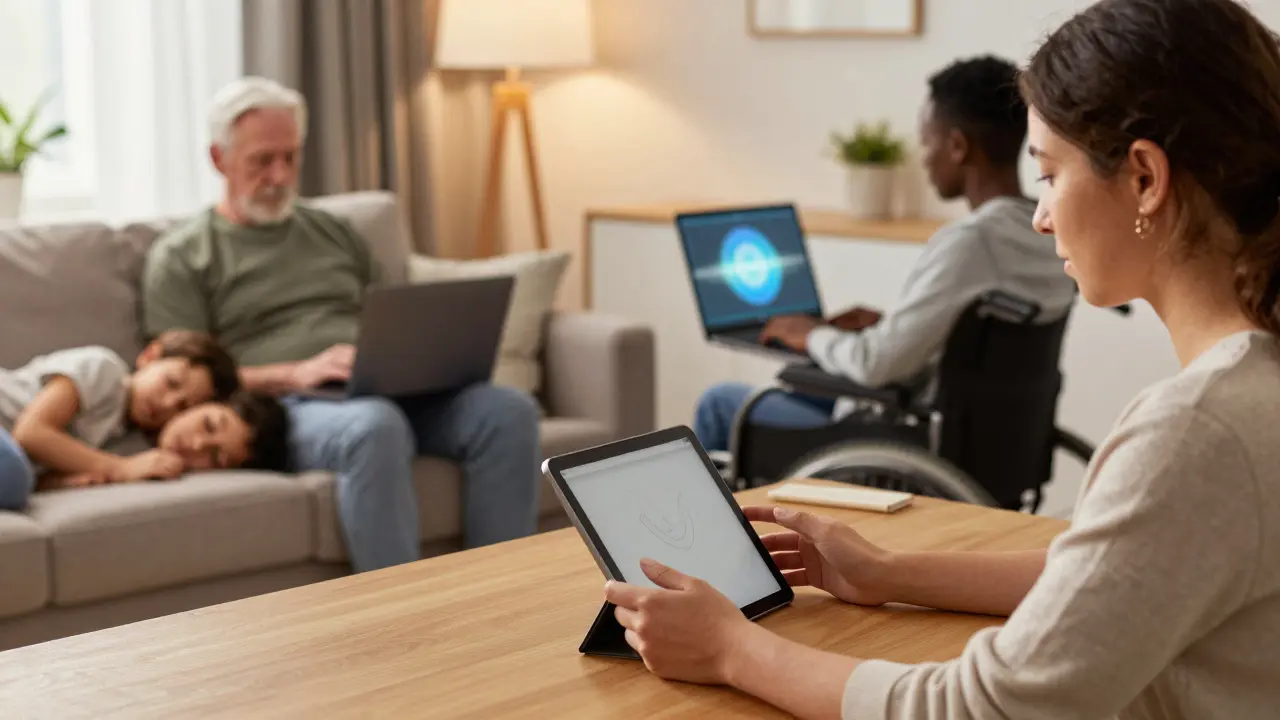
Imagine trying to learn a new trade while caring for three children, managing a chronic illness, or navigating language barriers. For millions of workers in the United States, this isn't a hypothetical scenario-it’s daily life. Traditional classroom-based workforce development often fails these groups because rigid schedules and physical locations create insurmountable barriers. That is where online workforce development steps in as a game-changer. It doesn’t just offer convenience; it offers access. By moving training into the digital realm, employers and educators can reach veterans, formerly incarcerated individuals, people with disabilities, and non-native English speakers who have historically been left behind by the labor market.
However, simply putting a PowerPoint presentation on a website does not constitute effective training. To truly serve special populations, online programs must be designed with intentionality, accessibility, and empathy at their core. This guide explores how to build and select online workforce programs that actually work for those who need them most.
Who Are "Special Populations" in the Workforce?
Before designing a curriculum, you need to understand who you are serving. The term "special populations" covers a wide range of groups facing systemic barriers to employment. These aren't just demographics; they are lived experiences that dictate how someone learns and works.
- Veterans are individuals who have served in the armed forces and often face challenges transitioning to civilian jobs due to skill translation gaps and PTSD. They value structure, clear objectives, and peer support.
- People with Disabilities are workers who may require assistive technologies like screen readers, captioning, or flexible pacing to succeed in training modules.
- Formerly Incarcerated Individuals are job seekers re-entering society who often lack recent tech experience, reliable internet access, or professional references.
- Non-Native English Speakers are immigrants and refugees who possess valuable skills but struggle with language-heavy assessments and fast-paced verbal instruction.
- Low-Income Workers are individuals who often juggle multiple jobs and caregiving duties, requiring asynchronous learning options that fit around unpredictable schedules.
Each group has distinct needs. A veteran might thrive in a cohort-based model that mimics military unit dynamics, while a single parent might need fully asynchronous lessons they can watch at 10 PM after the kids are asleep. Recognizing these differences is the first step toward equitable workforce development.
The Digital Divide: More Than Just Internet Access
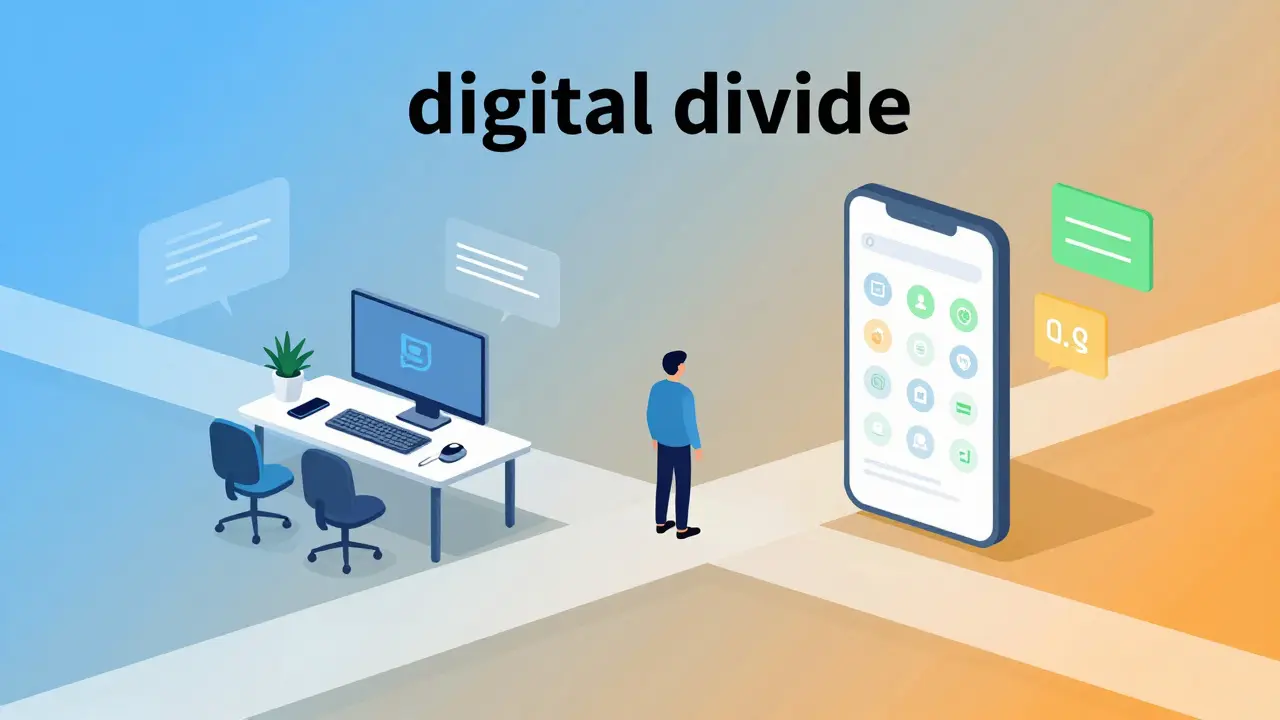
One of the biggest myths about online training is that everyone has equal access to the tools required. For many special populations, the "digital divide" is not just about having Wi-Fi. It encompasses device quality, data caps, digital literacy, and quiet study spaces.
Consider a formerly incarcerated individual returning home. They might have a smartphone but no laptop. Most modern workforce platforms are desktop-optimized, making complex tasks like coding exercises or graphic design impossible on a small screen. Or consider a rural resident with spotty broadband. Streaming high-definition video lectures becomes a luxury they can’t afford if their data plan is limited.
| Barrier Type | Impact on Learner | Solution Strategy |
|---|---|---|
| Device Limitations | Inability to complete hands-on modules | Mobile-first design; loaner laptop programs |
| Low Bandwidth | Buffering videos; dropped connections during live sessions | Downloadable content; audio-only options; text transcripts |
| Digital Literacy Gap | Frustration with platform navigation; fear of making mistakes | Onboarding tutorials; human tech support; simple UI |
| Lack of Quiet Space | Inability to focus during synchronous lessons | Asynchronous learning; noise-canceling headphone subsidies |
To bridge this gap, program designers must prioritize "low-bandwidth friendly" content. This means offering downloadable PDFs instead of mandatory video streams, providing audio versions of text materials, and ensuring the learning management system (LMS) works smoothly on older Android phones. Accessibility isn’t an add-on; it’s the foundation.
Designing Inclusive Curriculum Content
When you strip away the fancy graphics, what remains is the pedagogy. How is the information delivered? For special populations, traditional academic writing styles often alienate learners. The key is clarity, relevance, and flexibility.
Start with universal design for learning (UDL). This framework suggests presenting information in multiple ways. If you teach a concept through a video, also provide a transcript, an infographic, and a short quiz. This helps non-native speakers who benefit from reading along, and it aids neurodivergent learners who might process visual information better than auditory cues.
Microlearning is another powerful tool. Instead of hour-long lectures, break content into 5-to-10-minute chunks. A single parent working a night shift can fit a five-minute module between shifts. A person with ADHD might find it easier to stay engaged with bite-sized pieces rather than marathon sessions. Each chunk should have a clear, actionable outcome. Did they learn how to write a resume bullet point? Good. Move on.
Context matters too. Avoid generic examples. If you’re teaching customer service skills, use scenarios that reflect diverse workplaces. If you’re teaching coding, show how it applies to industries where veterans or displaced workers often find success, like logistics or healthcare administration. When learners see themselves in the material, engagement spikes.
The Role of Human Support in Virtual Training
Technology alone cannot replace human connection. Isolation is a major dropout risk in online courses, especially for those already marginalized. A purely automated course feels cold and impersonal. Successful online workforce development blends self-paced digital content with robust human support.
This support comes in several forms:
- Mentorship: Pair learners with industry professionals who share similar backgrounds. A female engineer mentoring a woman from a low-income background provides both technical guidance and role modeling.
- Coaching: Regular check-ins with a career coach help learners troubleshoot personal barriers, such as childcare issues or transportation problems, that might derail their progress.
- Peer Communities: Create Slack channels or Discord servers where learners can ask questions, share wins, and vent frustrations. Knowing others are struggling with the same module reduces anxiety and builds resilience.
For veterans, this peer network is crucial. They are used to operating in teams. Replicating that camaraderie online prevents the feeling of being adrift. For formerly incarcerated individuals, a supportive mentor can provide the reference letter or networking introduction they desperately need to land that first interview.
Measuring Success Beyond Completion Rates
If you only track whether a student finishes a course, you’re missing the point. Completion rates tell you nothing about employability. For special populations, the real metrics are job placement, retention, and wage growth.
Effective programs track longitudinal data. Did the learner get hired within 90 days? Are they still employed six months later? Did their salary increase compared to their pre-training income? These outcomes matter more than test scores.
Additionally, gather qualitative feedback. Conduct exit interviews. Ask learners what worked and what didn’t. Did the platform crash when they were using mobile data? Was the instructor respectful of their time? Use this feedback to iterate. Continuous improvement is essential because the needs of special populations evolve with economic shifts and technological changes.
Employers also play a role in measurement. Partner with companies willing to hire from your pipeline. Co-create curricula that match actual job descriptions. When employers are involved from day one, the training becomes relevant, and the transition from student to employee becomes seamless.
Future Trends: AI and Personalized Learning Paths
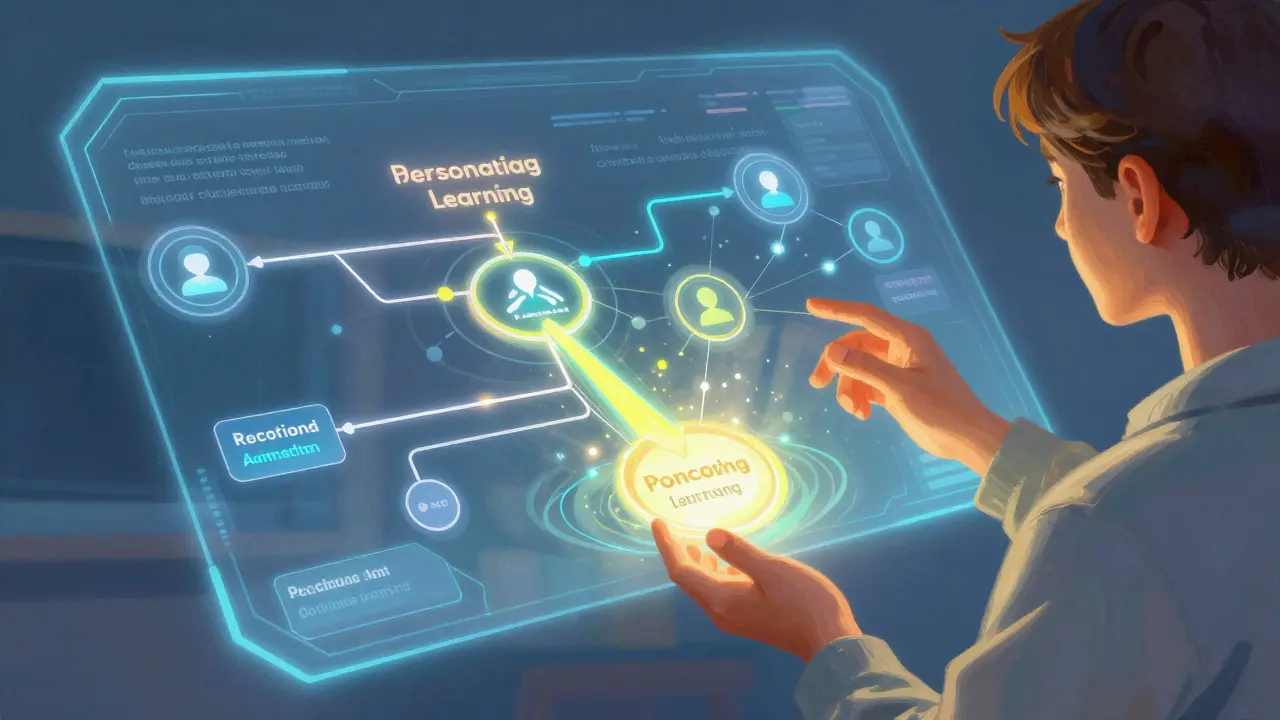
Looking ahead, artificial intelligence offers promising tools for personalized workforce development. AI-driven platforms can adapt difficulty levels in real-time based on learner performance. If a student struggles with basic Excel formulas, the system can automatically provide extra practice before moving on to pivot tables. This adaptive learning prevents frustration and keeps pace with individual capabilities.
Chatbots powered by large language models can provide 24/7 technical support, answering questions about login issues or assignment deadlines instantly. This reduces the burden on human staff and ensures learners never feel stuck overnight. However, AI must be used ethically. Algorithms can perpetuate bias if trained on skewed data. Ensure that AI recommendations for job roles do not steer women away from STEM fields or minorities away from leadership tracks.
Virtual reality (VR) is another emerging trend. For trades like welding or nursing, VR simulations allow learners to practice dangerous or expensive procedures safely. While hardware costs remain a barrier, shared community centers equipped with VR headsets could democratize access to immersive training.
Choosing the Right Platform for Your Needs
Not all learning management systems are created equal. When selecting a platform for special populations, prioritize accessibility features. Look for WCAG 2.1 AA compliance. Check if the platform supports keyboard navigation, screen reader compatibility, and closed captioning.
User interface simplicity is critical. Avoid cluttered dashboards with endless menus. The path from logging in to starting a lesson should be obvious. Test the platform with users who have low digital literacy. If they get confused, redesign the flow.
Finally, consider integration capabilities. Can the platform connect with CRM systems to track learner progress? Does it integrate with job boards for easy application submission? Seamless integrations reduce administrative friction and keep the focus on learning.
What makes online workforce development different from general e-learning?
Online workforce development focuses specifically on job-ready skills and employability outcomes, often targeting individuals facing significant barriers to entry. Unlike general e-learning, which might cover hobbyist topics, workforce programs include career counseling, resume building, and direct partnerships with employers. They are designed with accessibility and flexibility in mind to accommodate the unique schedules and challenges of special populations.
How can organizations ensure their online training is accessible to people with disabilities?
Organizations should adhere to Web Content Accessibility Guidelines (WCAG). This includes providing captions for all videos, alt-text for images, compatible screen reader formats, and keyboard-navigable interfaces. Additionally, offering content in multiple formats (audio, text, video) allows learners to choose the method that best suits their specific disability or learning preference.
Is asynchronous learning better for special populations than live classes?
Asynchronous learning is generally more inclusive for special populations because it allows learners to study at their own pace and schedule. This is crucial for caregivers, shift workers, and those with unreliable internet. However, a hybrid approach that combines self-paced modules with optional live Q&A sessions often yields the best results by balancing flexibility with human connection.
What role does mentorship play in online workforce programs?
Mentorship bridges the gap between digital isolation and professional integration. Mentors provide emotional support, career advice, and networking opportunities. For special populations, having a mentor who understands their specific challenges-such as a veteran mentor for a veteran learner-can significantly increase retention rates and confidence in job-seeking activities.
How do I measure the ROI of an online workforce development program?
Return on Investment (ROI) should be measured by long-term employment outcomes, not just course completion. Key metrics include job placement rate within 90 days, six-month job retention rate, and average wage increase post-training. Qualitative data, such as learner satisfaction and employer feedback, also provide valuable insights into the program's effectiveness and areas for improvement.