


Imagine walking into a classroom where every student is on page 42, but half of them are still stuck on page 10. That’s the traditional model. It’s efficient for scheduling, terrible for actual understanding. Personalized Learning Paths flip that script by letting students move at their own pace while you guide them toward specific goals. But here’s the catch: most educators think "personalized" means "individual." It doesn’t. It means "adaptive." You aren’t creating 30 unique curricula; you’re building a system that adjusts to the learner. If you’re an instructional designer or educator trying to implement this, you might feel overwhelmed by the tech. Do you need AI? Do you need expensive software? Not necessarily. You need a strategy. Let’s break down how to design paths that actually work, without burning out your team or confusing your learners.
Why One Size Fits All Fails in Modern Education
Standardized instruction assumes a linear progression of knowledge. In reality, learning is messy. Some students grasp concepts quickly but struggle with application. Others need more time on basics before they can tackle complex problems. When you force everyone through the same sequence, you create bottlenecks. Fast learners get bored and disengage. Slow learners get frustrated and drop out. Adaptive Learning addresses this by using data to adjust content delivery. Think of it like a GPS. If you miss a turn, the GPS recalculates. It doesn’t make you drive the original route again just because the map says so. Personalized learning does the same thing. It identifies gaps in knowledge and routes the learner to the resources they need right now. This isn’t just about convenience; it’s about efficacy. Studies consistently show that mastery-based approaches-where you don’t move on until you’ve proven competence-lead to higher retention rates than time-based models.
Defining the Core Components of a Learning Path
A learning path isn’t just a playlist of videos. It’s a structured journey with clear checkpoints. To build one, you need three core components: Learning Objectives, clearly defined skills or knowledge points a learner must master, Content Modules, the materials used to teach those objectives, and Assessment Mechanisms, tools to verify mastery.
- Learning Objectives: Break big topics into small, measurable chunks. Instead of "Understand Marketing," use "Identify Target Audience Segments." Small steps reduce cognitive load.
- Content Modules: Offer variety. Some learners prefer reading; others prefer watching. Provide multiple formats for the same objective. This is known as Universal Design for Learning (UDL).
- Assessment Mechanisms: Use low-stakes quizzes or interactive scenarios. The goal is feedback, not grading. If a learner fails a quiz, they shouldn’t be punished; they should be redirected to remedial content.
The magic happens in the connection between these elements. A robust Curriculum Mapping ensures that every piece of content serves a specific objective. If you can’t link a video to a skill, cut it. Clutter kills engagement.
Designing the Architecture: Branching vs. Linear
Once you have your components, you need to decide how they connect. There are two main architectures: linear and branching.
| Feature | Linear Path | Branching Path |
|---|---|---|
| Complexity | Low | High |
| Learner Autonomy | Low | High |
| Maintenance Effort | Minimal | Significant |
| Best For | Compliance Training, Foundational Skills | Skill-Based Roles, Complex Problem Solving |
Linear paths are straightforward. Module A leads to Module B, which leads to C. They are easy to build and manage. However, they lack flexibility. If a learner already knows Module A, they still have to sit through it unless you allow skipping.
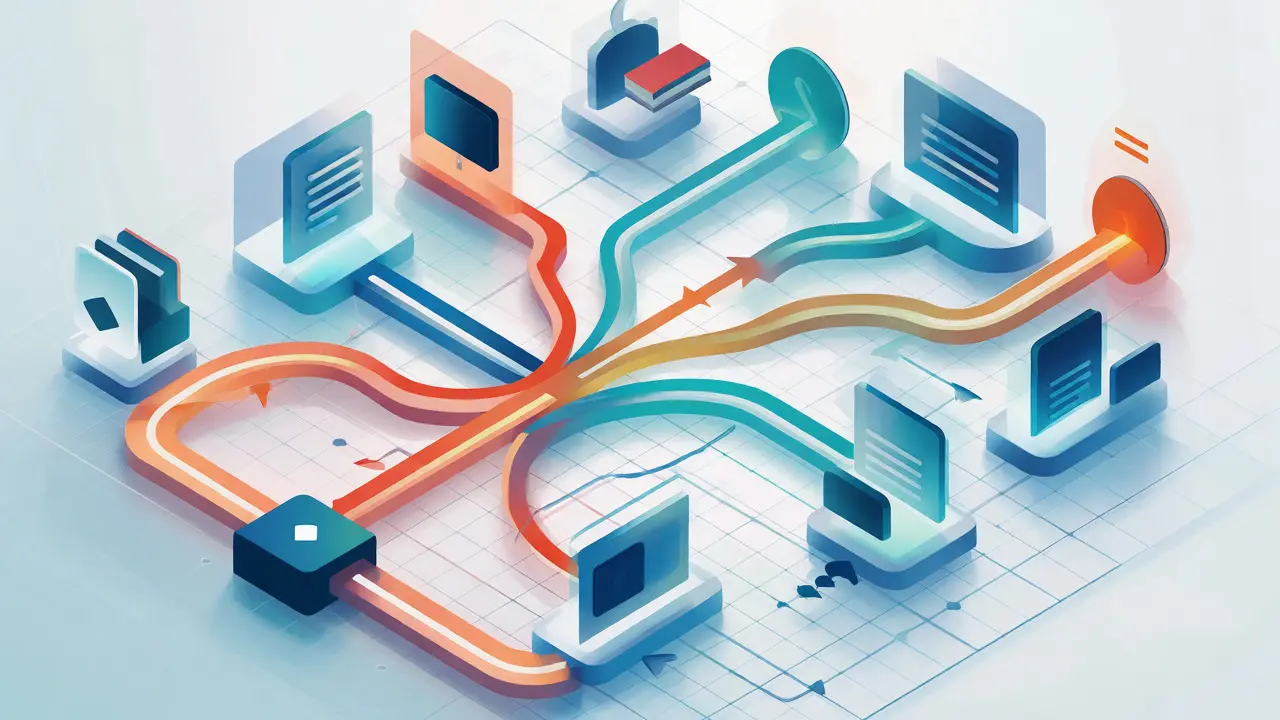
Branching paths offer choice. After Module A, the learner might choose between Module B (for beginners) or Module D (for advanced users). Or, if they fail a checkpoint, they branch off to a remediation module. This mimics real-world decision-making. But beware: too many branches cause "choice paralysis." Keep it simple. Limit choices to two or three options per node. Too many options overwhelm the learner and increase your maintenance burden.
Implementing Adaptive Logic Without Heavy Tech
You don’t need a million-dollar AI platform to start personalizing. You can use rules-based logic. Here’s a simple workflow: 1. Pre-Assessment: Give learners a diagnostic test before starting. Score it. High scorers skip basic modules. Low scorers start from the beginning. 2. Post-Module Check: After each section, include a quick check. If the score is below 80%, unlock a "Review" resource. If above, unlock the next level. 3. Interest Tags: Allow learners to tag their interests. If they select "Data Analysis," prioritize case studies related to data over general theory.
This approach uses Learner Analytics effectively. You track completion rates, quiz scores, and time spent on pages. Over time, this data reveals patterns. Maybe 60% of learners fail Quiz 3. That’s a signal. Your content for that section is likely unclear, or the assessment is flawed. Adjust accordingly.
Pitfalls to Avoid in Personalized Learning
Even well-intentioned designs fail if you ignore common pitfalls. Here are the big ones:
- Over-Personalization: Don’t try to personalize everything. Core concepts remain constant. Only personalize the pathway, pacing, and examples. Trying to rewrite content for every user is unsustainable.
- Ignoring Social Learning: Personalization can isolate learners. Ensure there are discussion boards or peer-review opportunities. Learning is social, even when the path is individual.
- Analysis Paralysis: Don’t wait for perfect data. Start with broad segments (e.g., Beginner, Intermediate, Advanced) rather than truly individual paths. Refine later.
- Neglecting Accessibility: Personalized paths often rely on technology. Ensure your platforms are accessible to users with disabilities. Screen readers and keyboard navigation must work seamlessly across all branches.
Another trap is assuming learners know what they need. Many students are poor judges of their own competency. They might skip a module because they "think" they know it, only to fail the final exam. Build guardrails. Require proof of mastery (a passing quiz) before allowing skips.

Tools and Technologies That Support Personalization
While you can do this manually, tools help scale. Look for Learning Management Systems (LMS) that support conditional release. Moodle, Canvas, and Blackboard all offer this feature. You set rules: "Show Module B only if Quiz A score > 80%." For more advanced needs, consider Authoring Tools like Articulate Storyline or Adobe Captivate. These allow you to build branching scenarios directly within the course interface. They handle the logic visually, making it easier to design complex paths without coding.
If you’re dealing with large datasets, look into xAPI (Experience API). Unlike standard SCORM, xAPI tracks detailed interactions, such as "clicked link," "watched 50% of video," or "downloaded PDF." This granularity helps you understand *how* learners engage, not just *if* they completed the course.
Measuring Success: Beyond Completion Rates
How do you know your personalized path works? Completion rates are misleading. Someone might click through everything without learning anything. Focus on performance metrics.
- Time-to-Mastery: How long does it take learners to reach proficiency? Personalization should reduce this time for fast learners and provide adequate support for slower ones.
- Retention Scores: Test learners 30 days after completion. Did the knowledge stick?
- Engagement Depth: Are learners accessing optional resources? High usage of supplementary materials suggests the path is engaging and relevant.
Iterate based on this data. Personalization isn’t a "set it and forget it" solution. It requires ongoing tuning. Review your analytics monthly. Adjust thresholds, update content, and refine branches.
Is personalized learning suitable for K-12 education?
Yes, but implementation differs. In K-12, teachers play a larger role in guiding paths. Tools like Khan Academy or DreamBox use algorithms to recommend exercises, but teachers review progress and intervene. The key is balancing autonomy with guidance.
Do I need AI to implement personalized learning paths?
No. While AI enhances scalability and prediction accuracy, rule-based systems work well for smaller cohorts or structured curricula. Start with conditional logic in your LMS before investing in AI-driven platforms.
How much extra time does designing a personalized path take?
Initial design takes 20-30% longer than linear courses due to mapping and branching logic. However, maintenance costs often decrease over time because you identify content gaps faster through analytics. The upfront investment pays off in reduced re-teaching efforts.
What is the biggest mistake instructors make with personalization?
Confusing preference with need. Learners often choose easier paths, avoiding challenges. Always require demonstration of mastery before advancing, regardless of the learner's chosen route. Otherwise, you risk creating an echo chamber of comfort zones.
Can personalized learning improve employee training ROI?
Absolutely. By reducing time spent on irrelevant content, employees become productive faster. Companies report up to 40% reduction in training hours when using adaptive paths. Additionally, job-specific relevance increases motivation and application of skills.