

You submit your final essay for an online history course. You hit "Submit," breathe a sigh of relief, and wait for the grade. But three days later, you get an email from the professor asking for a meeting. They suspect plagiarism. You didn't copy-paste from Wikipedia, but maybe you used AI to fix your grammar, or perhaps you paraphrased a source without citing it properly. Welcome to the modern reality of online learning, where the line between help and cheating is blurrier than ever.
If you are taking online classes, understanding how institutions catch cheating isn't just about avoiding trouble-it's about knowing the rules of the game. In 2026, schools aren't just looking for copied text; they're analyzing writing patterns, checking metadata, and using sophisticated algorithms to ensure you did the work yourself. This guide breaks down exactly how these systems work, what triggers them, and how you can maintain your reputation while navigating digital coursework.
The Evolution of Digital Cheating
A decade ago, plagiarism was simple: you copied a paragraph from a website and pasted it into Word. Today, it’s more complex. Students use tools like Grammarly, ChatGPT, or specialized paraphrasing software to rewrite sentences. Some even hire ghostwriters or use "essay mills" that sell pre-written papers. The challenge for educators is distinguishing between a student who genuinely struggled with phrasing and one who outsourced their thinking.
Institutions have responded by shifting focus. It’s no longer just about finding exact matches. It’s about assessing process. Did you write this? Does the voice match your previous assignments? These questions drive the technology we see today. For example, many universities now require students to upload drafts along with final submissions. This creates a paper trail. If your first draft looks nothing like your final version, that raises a red flag.
How Plagiarism Detection Software Actually Works
Most people think plagiarism checkers are just giant search engines. They’re not. Tools like Turnitin and Compilatio use complex databases and algorithms. When you upload a document, the system doesn’t just scan the internet. It compares your text against billions of web pages, academic journals, books, and-crucially-other student papers submitted to the same database.
Here is a simplified look at the mechanics:
- String Matching: The software looks for sequences of words (usually 3-7 words long) that appear elsewhere. If you change two words in a sentence, it might still catch it.
- Semantic Analysis: Newer AI-driven tools analyze meaning. If you swap synonyms but keep the structure identical, the algorithm flags it as potential paraphrasing failure.
- Metadata Inspection: Systems check file properties. Who created the document? When was it edited? If a 10-page paper was written in five minutes, that’s suspicious.
- AI Detection: Since 2023, most major platforms include detectors trained on large language models. They look for specific statistical patterns common in AI-generated text, such as uniform sentence length and lack of personal anecdote.
It’s important to note that these tools provide a similarity score, not a verdict. A 20% match might be perfectly fine if it’s all quoted material with proper citations. A 5% match could be problematic if it’s uncredited core arguments. Context matters more than the number.
Beyond Text: Proctoring and Behavioral Analytics
For exams, text comparison isn’t enough. That’s where Proctoring Software comes in. Platforms like Honorlock, ProctorU, and Respondus Monitor track your behavior during timed tests. They don’t just watch you via webcam; they monitor mouse movements, keyboard activity, and screen changes.
Imagine you’re taking a multiple-choice test. You click away from the browser window for ten seconds. The software logs this event. Later, the instructor reviews the clip. Did you open a new tab to look up an answer? Or did your computer update automatically? Proctoring tools flag these anomalies so humans can review them. It’s invasive, yes, but it’s designed to create parity between online and in-person testing environments.
Some advanced systems also use eye-tracking. If your eyes dart left and right repeatedly while reading a question, the system might infer you’re glancing at notes off-screen. While not perfect, these behavioral cues add another layer of verification. According to data from leading ed-tech providers, false positives occur in about 10-15% of flagged incidents, which is why human review remains essential.
The AI Dilemma: Is Using Chatbots Cheating?
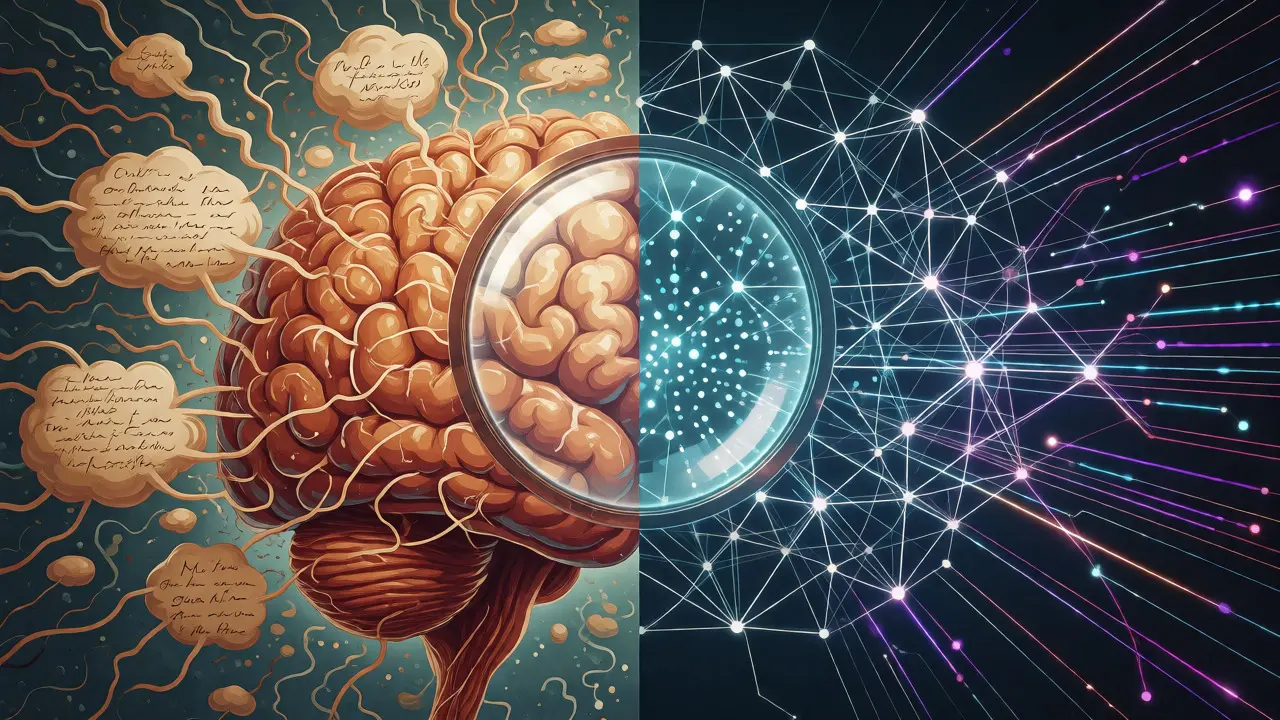
This is the biggest debate in education right now. If you ask an AI to outline your essay, is that cheating? What if you ask it to summarize a dense article? Most institutions currently draw the line at generation versus assistance. Using AI to brainstorm ideas or clarify confusing concepts is often acceptable. Generating entire paragraphs without disclosure is usually not.
Check your syllabus carefully. Some professors explicitly ban AI tools. Others allow them but require you to disclose how you used them. Transparency is your best defense. If you used an AI tool to improve clarity, state it in a footnote. If you used it to generate initial ideas, explain that in your methodology section. Hiding usage is riskier than admitting it.
| Violation Type | Description | Primary Detection Method |
|---|---|---|
| Direct Copy-Paste | Copying text verbatim without quotation marks or citation. | Text-matching algorithms (e.g., Turnitin) |
| Patchwriting | Changing a few words in a sentence while keeping the original structure. | Semantic analysis and string matching |
| Self-Plagiarism | Reusing your own previous work without permission or citation. | Database cross-referencing of student archives |
| Contract Cheating | Hiring someone else to write the paper. | Writing style inconsistency and metadata analysis |
| AI Generation | Submitting text produced by LLMs without modification or disclosure. | AI-specific detectors and perplexity scores |
Strategies to Maintain Academic Integrity
You don’t need to fear these tools if you follow basic best practices. Here is a practical checklist for staying clean in your online courses:
- Cite As You Write: Don’t wait until the end to add references. Insert citations immediately when you take notes. This prevents accidental plagiarism caused by forgetting sources.
- Use Quotation Marks Properly: If you use exact wording, quote it. Even a single phrase needs quotes if it’s distinctive.
- Paraphrase Correctly: Read the source, close it, and then write the idea in your own words. Check back to ensure you haven’t accidentally kept the same sentence structure.
- Run Your Own Draft Through a Checker: Many schools provide access to free or discounted versions of plagiarism checkers. Use them before submission to spot accidental overlaps.
- Keep Your Files: Save all drafts, including early versions with heavy edits. If questioned, you can show the evolution of your thought process.
Also, be careful with collaborative work. Online forums and group projects can lead to blurred lines. If you discuss an assignment with classmates, ensure you write your final submission independently unless collaboration is explicitly permitted.
What Happens If You Are Flagged?
Getting flagged isn’t automatic expulsion. Usually, the instructor receives a report showing highlighted sections. They will likely contact you for a conversation. Approach this calmly. Explain your process. Show your drafts. If you made a citation error, admit it and offer to correct it. If you believe it’s a false positive, provide evidence of your independent research.
Remember, intent matters. Accidental plagiarism is often treated differently than deliberate deception. However, repeated offenses or clear attempts to deceive can lead to failing grades or disciplinary hearings. Always respond promptly and professionally.
Frequently Asked Questions
Does Turnitin detect AI-generated text?
Yes, modern versions of Turnitin include AI writing detection features. They analyze statistical patterns in text, such as predictability and burstiness, to estimate the likelihood that content was generated by a large language model. However, these tools are not infallible and should be interpreted alongside other evidence.
Can I be penalized for self-plagiarism?
Absolutely. Reusing significant portions of your own previously submitted work without citation or instructor permission is considered self-plagiarism. It violates academic integrity because you are presenting old work as new contribution. Always check your institution's policy on recycling papers.
Is using Grammarly considered cheating?
Generally, no. Basic grammar and spell-checking tools are widely accepted. However, if you use premium AI features that rewrite entire sentences or suggest complete rephrasing, some strict instructors may view this as outsourcing the writing process. Disclosure is key.
How do proctoring tools handle privacy concerns?
Reputable proctoring services comply with regulations like FERPA in the US and GDPR in Europe. Data is typically encrypted and stored securely. Students usually sign agreements acknowledging data collection. If concerned, review the vendor's privacy policy and ask your institution about data retention periods.
What if my paper has a high similarity score but I cited everything?
High similarity scores often result from extensive quoting or technical terminology that cannot be changed. Instructors know this. If your citations are correct and the matched text is clearly attributed, you are usually safe. Communicate with your professor to clarify context.
Final Thoughts on Digital Ethics
Technology keeps changing, but the core principle of academic integrity remains the same: honesty in representation of your work. Whether you’re typing on a laptop in a coffee shop or submitting via a mobile app, the expectation is that the intellectual effort is yours. By understanding the tools used to verify this, you can navigate online courses with confidence, ensuring your degree reflects true competence.