

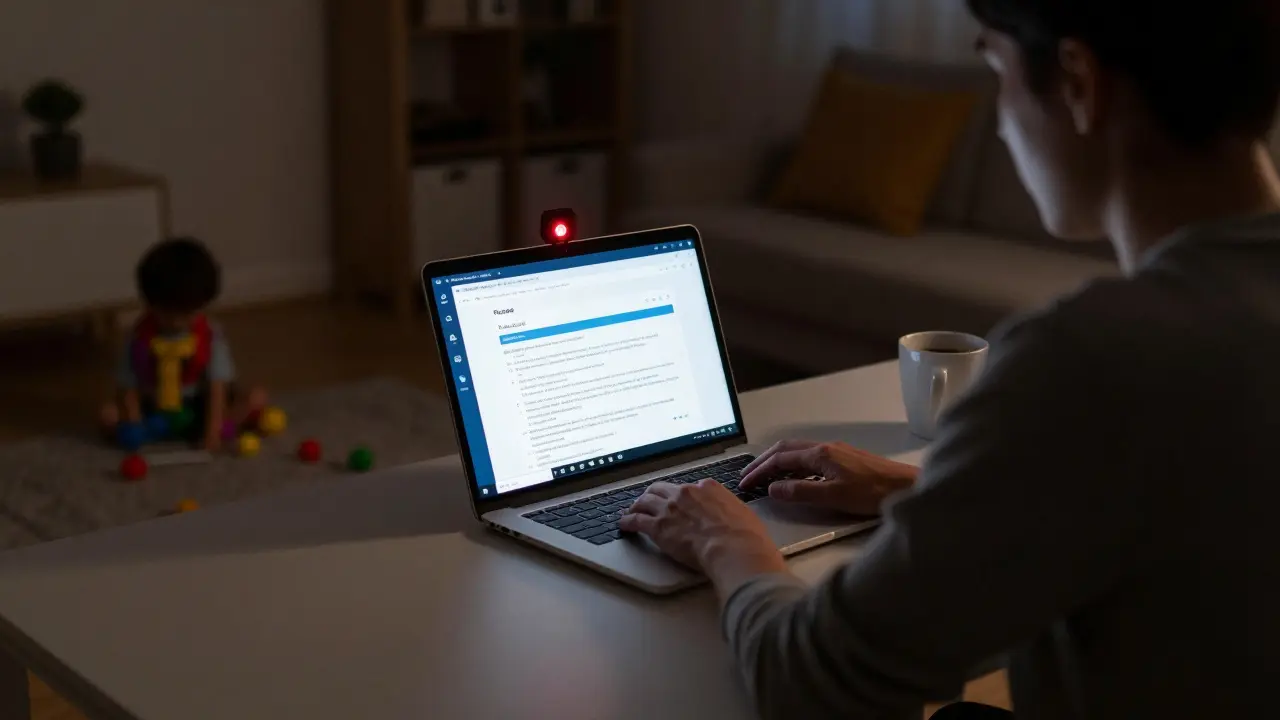
When you’re taking a proctored exam, the stakes feel higher than ever. Whether it’s a certification for your job, a licensing exam, or a final for your online degree, how and where you take it matters. Two main options exist: taking the exam from your home or office with online proctoring, or going to a physical test center. Neither is better across the board - it depends on your situation, your tech setup, and what kind of pressure you can handle.
Online Proctoring: Take It From Anywhere
Online proctoring lets you sit your exam from your living room, a quiet corner of the library, or even your garage if the lighting’s good. Services like ProctorU, Examity, and Pearson VUE’s OnVUE use your webcam, microphone, and screen-sharing software to watch you in real time. Some even use AI to flag unusual behavior - like looking away too long or whispering to yourself.
The biggest win? Convenience. No commute. No need to book time weeks in advance. If your internet is stable and your room is quiet, you can start the exam within minutes of logging in. For parents, shift workers, or people in rural areas without nearby testing centers, this is often the only realistic option.
But it’s not perfect. You need a reliable computer, a good internet connection (at least 1.5 Mbps upload), and a private space. If your kid walks in during the exam, or your neighbor starts drilling into the wall next door, you might get flagged - even if it’s totally innocent. Some people feel watched. Constant eye movement tracking and screen monitoring can make you anxious, which hurts performance more than the exam itself.
According to a 2024 survey by the Association for Assessment in Higher Education, 68% of test-takers reported higher stress levels during online proctored exams compared to in-person. That’s not because the rules are harsher - it’s because the environment feels less human.
Test Center Exams: The Old-School Way
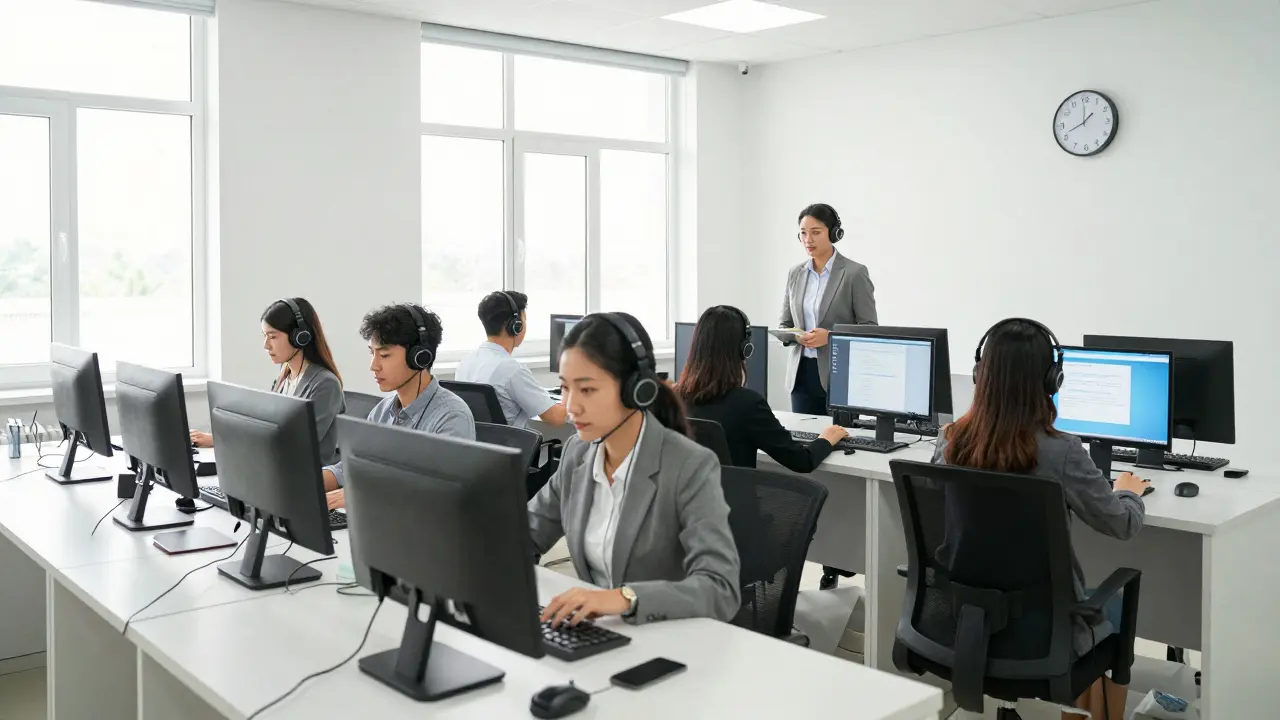
Test centers like Pearson VUE, Prometric, or PSI offer controlled environments. You show up, show ID, store your phone and bag in a locker, and sit at a designated computer station. Proctors are physically present. You can raise your hand if you need help. There’s no risk of your Wi-Fi cutting out or your laptop dying mid-exam.
These centers are common in cities and larger towns. In New Zealand, you’ll find them in Auckland, Wellington, Christchurch, and Hamilton. Most offer appointments during business hours and on weekends. Some even have quiet rooms for neurodivergent test-takers or those with disabilities.
The downside? Logistics. You have to plan ahead. Booking a slot can take days or weeks, especially during peak seasons like the end of a semester or certification renewal window. If you’re sick on exam day or stuck in traffic, you might lose your fee or have to reschedule. And if you live outside a major city, driving 100 kilometers just to sit a two-hour exam isn’t always practical.
Still, many professionals prefer this method. A 2025 report from the National Association of State Boards of Accountancy found that 73% of CPA candidates who took their exam at a test center reported higher confidence in their scores being accepted, compared to 52% who took it remotely. Why? Because they felt the process was more secure and less prone to technical glitches.
What the Rules Say - And What They Don’t
Not every exam lets you choose. Some licensing boards, like those for nursing, accounting, or engineering, require in-person testing. Others, like CompTIA or Google certifications, give you full freedom. Always check the official exam provider’s policy - don’t assume.
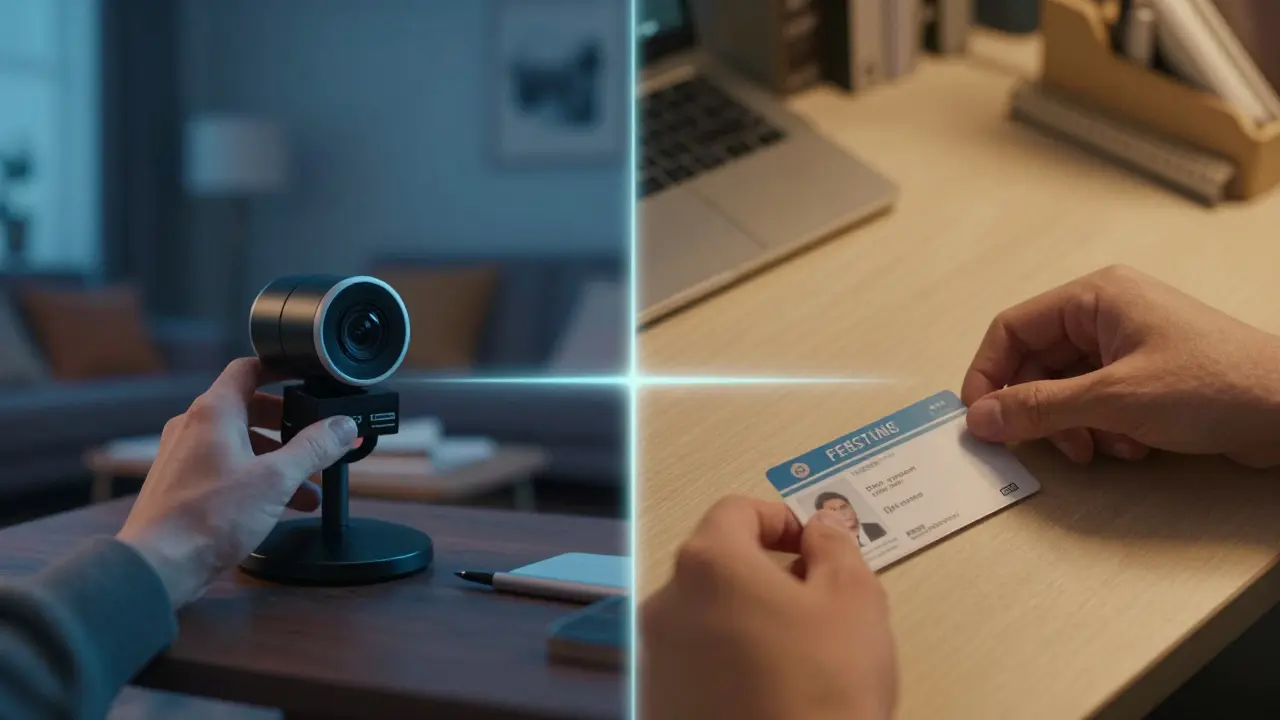
Even when online proctoring is allowed, the rules vary. Some platforms require you to show your entire room with your webcam before starting. Others scan your ID against a government database. A few even use keystroke analysis to make sure you’re the same person from start to finish.
What’s not always clear? What counts as a violation. Is sipping water okay? What if you need to scratch your nose? Can you have a notepad next to you? These gray areas cause panic. Most providers publish a list of allowed and prohibited items - read it twice. If you’re unsure, email them directly. Don’t risk disqualification over a bottle of water.
Technology Needs: Are You Ready?
If you’re going online, your tech setup isn’t optional - it’s your lifeline. Here’s what you need to pass the system check:
- A laptop or desktop (tablets and phones won’t work)
- Webcam with at least 720p resolution
- Microphone (built-in is fine)
- Stable internet - no public Wi-Fi, no hotspots
- Latest browser (Chrome or Edge recommended)
- Administrator access to install the proctoring software
Most platforms run a system check 24-48 hours before your exam. Do it. Don’t wait until the last minute. If your webcam isn’t recognized or your firewall blocks the software, you’ll be stuck. I’ve seen people cancel exams because they didn’t realize their company laptop blocked third-party apps. That’s avoidable.
Also, close everything. No Slack. No email. No background apps. Even Spotify running in the background can trigger a flag. The proctoring software sees your screen - and it sees everything.
Who Should Choose Which Option?
There’s no one-size-fits-all. But here’s a simple guide:
- Choose online proctoring if: You’re in a remote area, have a busy schedule, have a quiet home environment, and your tech works reliably. You’re comfortable being watched by a camera.
- Choose a test center if: You get anxious with tech, your home isn’t quiet, your internet is spotty, or you’ve had issues with online exams before. You value physical presence and control over your environment.
Some people try online first - and fail because of technical stress. Then they switch to a test center and pass easily. Others try the test center, get rattled by the sterile environment, and freeze. It’s personal.
Pro tip: If you’re unsure, do a mock exam with the same proctoring software. Many providers offer free practice sessions. Use them. It’s the best way to know if you can handle it.
What Happens If You Get Flagged?
Being flagged doesn’t mean you cheated. It just means something unusual happened. Maybe you sneezed. Maybe your cat jumped on the desk. Maybe the proctor misread your eye movement.
Most providers review flagged incidents manually. You’ll get an email within 3-5 business days. If it’s a false positive, your score stands. If they find a violation, you might get a warning, a zero, or even a ban.
Keep records. Save your confirmation email, system check results, and any communication. If you’re wrongly accused, you can appeal - but you need proof. Don’t panic. Just stay calm and follow the process.
Final Thoughts: It’s About Control
At the end of the day, proctored exams are about trust. Online proctoring trusts technology to monitor you. Test centers trust a human to watch you. Neither is perfect. One gives you freedom at the cost of anxiety. The other gives you calm at the cost of flexibility.
Your best move? Know your own limits. Are you tech-savvy and calm under pressure? Go online. Do you need structure and quiet? Book the test center. Don’t pick based on what’s trendy. Pick based on what makes you feel like you can do your best.
And remember - the exam is just one step. The goal isn’t to pass the proctor. It’s to prove you know the material. Choose the path that lets you focus on that - not the camera.
Comments
Amy P
Online proctoring feels like being watched by a robot that hates you. I took my CompTIA exam at home and my cat jumped on the keyboard-got flagged for ‘suspicious movement.’ Turns out, cats are the ultimate cheat codes. I had to submit a 12-page appeal with photos of my cat’s face. She’s now a minor internet celebrity. Worth it.
Ashley Kuehnel
For anyone considering online proctoring: DO THE SYSTEM CHECK. I skipped it because I was ‘sure’ my laptop was fine. Turns out, my work firewall blocked the proctoring software. I had to reschedule and lost a day of work. Don’t be me. Also, close EVERYTHING-even Spotify in the background. I didn’t know it could trigger a flag. Live and learn.
Alan Crierie
Grammar note: ‘Your internet is stable’ should be ‘Your internet connection is stable.’ Minor, but it matters in formal contexts. Also, ‘at least 1.5 Mbps upload’-that’s actually low. I’d recommend 5 Mbps minimum for reliability. And please, no public Wi-Fi. Ever. I’ve seen people try to take exams from coffee shops. It’s a disaster waiting to happen.
Teja kumar Baliga
I took my AWS exam from a quiet library in Bangalore. No Wi-Fi issues, no kids, no cats. Best experience ever. If you can find a quiet public space, it’s better than home. And way cheaper than driving 80 km to a test center.
k arnold
So you’re telling me I need administrator access to take an exam on my own computer? Wow. What a surprise. Next they’ll ask me to sign a waiver saying I’m not a robot. Or maybe just make me recite the Constitution. This is why I hate certifications.
Tiffany Ho
I tried online first and totally froze. The camera made me feel like I was on trial. Switched to a test center next time and passed with flying colors. Sometimes you just need to be in a room with other people doing the same thing. It helps.
michael Melanson
Test centers are overrated. I’ve had proctors stare at me like I’m about to steal the exam. One even asked if I was ‘planning to cheat.’ I just nodded and kept typing. I passed. They didn’t. Sometimes the system is the problem, not the person.
lucia burton
Let’s be real-online proctoring isn’t about academic integrity, it’s about liability mitigation. Corporations don’t trust us. They don’t trust themselves. So they deploy AI surveillance because it’s cheaper than hiring humans. And then they wonder why test-takers are more stressed than the proctors. The real question is: why are we letting them treat us like suspects?
It’s not about the tech. It’s about the power dynamic. You’re not just taking an exam. You’re submitting to a system that demands total compliance. And if you blink too long? You’re flagged. That’s not security. That’s psychological control disguised as fairness.
And don’t get me started on the ‘no water’ rule. You’re expected to sit for two hours without hydration? That’s not proctoring. That’s torture. They should at least let you have a bottle. Or better yet-stop pretending this is about trust.
Denise Young
Oh so now we’re supposed to do a ‘mock exam’? Because clearly, the real thing wasn’t stressful enough. Let me just take my already-anxious brain, add a 30-minute software installation, and then pretend I’m not going to have a panic attack when the proctor says ‘please rotate your webcam.’ No thanks. I’ll take the test center where at least I know the human staring at me has a pulse.
Sam Rittenhouse
I’ve taken both. Online was hell. Test center was peace. But here’s the thing-I’m neurodivergent. The test center had a quiet room with dim lighting. No one stared. No AI judged my eye movements. They just let me breathe. If you’re struggling, ask for accommodations. Most centers have them. You don’t have to suffer just to prove you’re worthy.
Peter Reynolds
I think both options have their place. Depends on the person. I’ve seen people thrive online and freeze in centers. Others the opposite. No one size fits all. Just pick what works for you and don’t let others tell you you’re doing it wrong.
Fred Edwords
Correction: The article states ‘at least 1.5 Mbps upload’-this is insufficient for reliable proctoring. Industry best practices recommend a minimum of 5 Mbps upload speed for HD video streaming and screen sharing. Additionally, the term ‘webcam with at least 720p resolution’ should specify ‘720p at 30 fps minimum’ to ensure compatibility with most proctoring platforms. Minor, but critical for accuracy.
Tyler Springall
Of course, the real issue isn’t the exam-it’s the fact that we’ve outsourced human judgment to algorithms written by interns who think ‘looking away for 3 seconds’ is equivalent to ‘colluding with a ghost.’ I’m not cheating. I’m just tired. And apparently, fatigue is now a security risk.
Meanwhile, the test center proctor is probably on their third coffee, wondering why they’re paid minimum wage to watch people type. Neither system works. We’re just pretending.
Nicholas Zeitler
Just a heads-up: if you’re using a company laptop, check with IT before you schedule. I didn’t-and my firewall blocked the proctoring software. I had to beg my boss to temporarily disable it. He said yes, but now I owe him coffee for a month. Don’t be like me. Ask first. Save yourself the drama.
Ashley Kuehnel
Oh my gosh YES. I had the same thing happen! My company laptop wouldn’t let me install anything. I had to use my personal laptop and beg my roommate to leave the house for two hours. She thought I was starting a cult. I told her it was just a certification. She didn’t believe me. 😅