

Ever feel like you're drowning in tabs, apps, and PDFs just to get through a single week of classes? You're not alone. Students today are expected to juggle lectures, assignments, group projects, part-time jobs, and personal life-all with tools that rarely talk to each other. The good news? The best student resource hubs fix that. They don’t just pile up links. They organize what actually works.
What Makes a Real Student Resource Hub?
A true resource hub isn’t a blog with ten random Google Drive links. It’s a system. It’s built around how students actually learn. That means grouping tools by function, not by subject. You need one place for time management, another for research, another for collaboration. No more hunting through five different apps to find your notes, calendar, and citation manager.
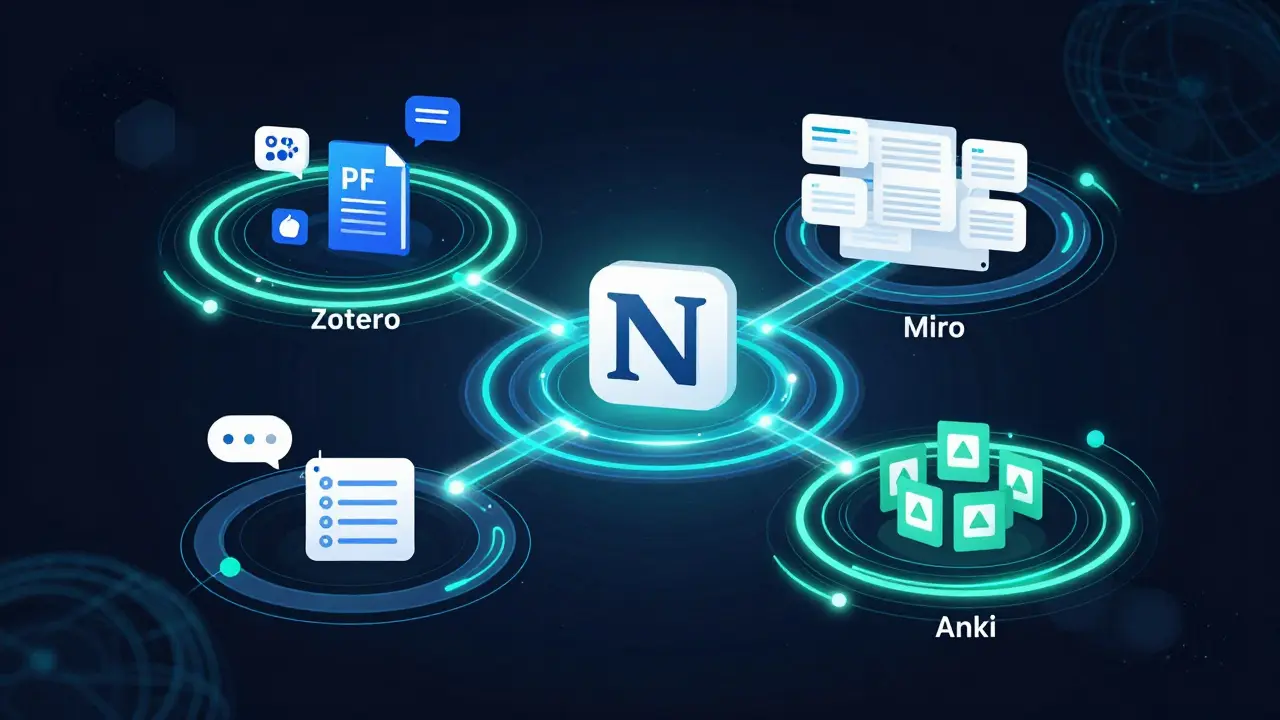
Take the average university student. They’re using Google Calendar, Notion, Zotero, Grammarly, and Trello. But none of these connect. A good hub links them. It tells you: Use Notion as your central workspace. Sync your calendar with your task list. Auto-save research from Zotero into your notes. That’s the difference between a cluttered folder and a working system.
Core Tools Every Student Hub Should Include
There are five categories of tools that show up in every high-performing student resource hub. Skip any one, and you’re missing a key piece.
- Time & Task Management - Notion and Todoist lead here. Notion lets you build a custom dashboard: class schedule, assignment deadlines, reading lists, and even a daily reflection journal. Todoist is simpler-perfect for quick daily to-dos with recurring tasks like "review notes every Friday."
- Research & Citation - Zotero is the quiet hero. It grabs PDFs, extracts metadata, and auto-formats citations in APA, MLA, Chicago. No more manual formatting. Mendeley works too, but Zotero is free, open-source, and doesn’t lock your files behind a paywall.
- Collaboration - Google Workspace (Docs, Sheets, Slides) is still the standard. But for real-time group editing, Miro beats traditional whiteboards. Students use it for brainstorming essays, mapping out arguments, or planning group presentations. It’s visual, flexible, and free for students.
- Writing & Editing - Grammarly helps with grammar and tone, but Hemingway App is better for clarity. It highlights long sentences, passive voice, and complex words. If your professor says "too wordy," this tool fixes it. Turnitin is useful for checking originality, but it’s only available through schools.
- Learning & Retention - Anki is the gold standard for spaced repetition. It’s not flashy, but it works. You create flashcards, and the app shows them at the exact time your brain is about to forget them. Students using Anki regularly see 20-30% improvement on exams.

Real Student Hubs You Can Copy Right Now
You don’t have to build this from scratch. Here are three proven templates used by top students at universities in New Zealand, Australia, and Canada.
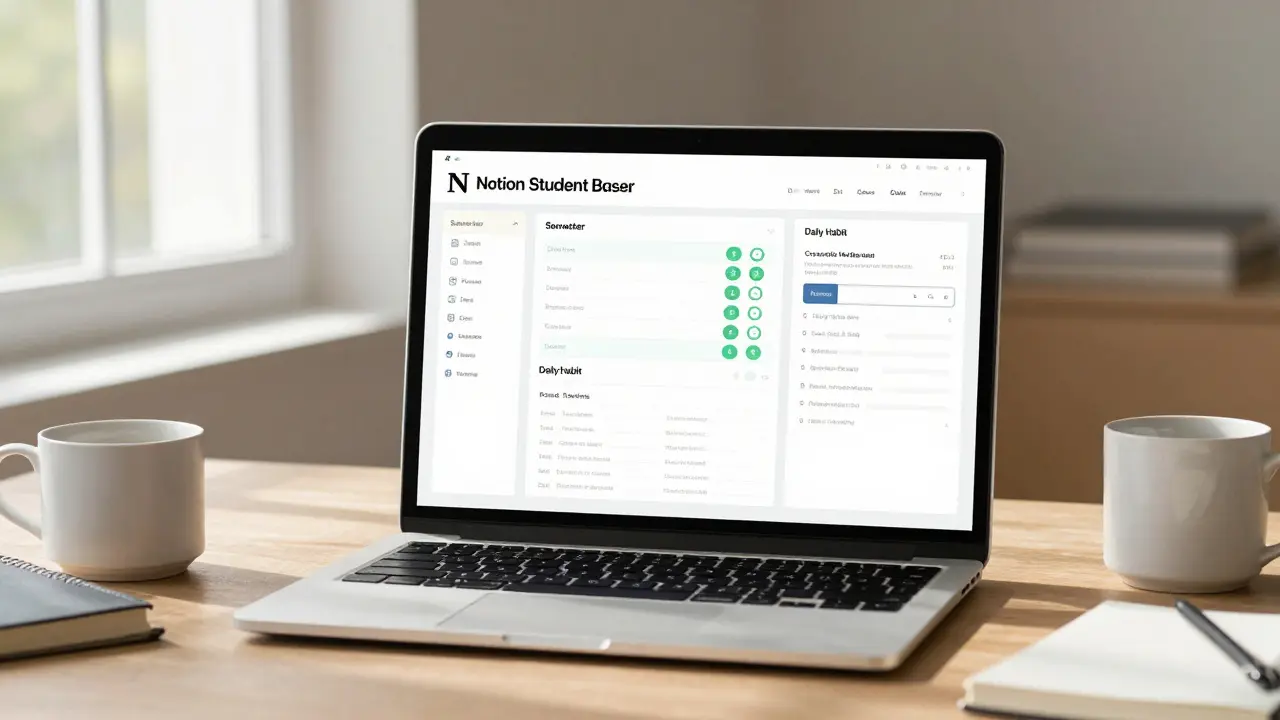
- The Notion Student Dashboard - Used by over 120,000 students worldwide. It includes: a semester planner, course pages with embedded lecture videos, a reading tracker, and a habit log. The template is free on Notion’s template gallery. Search for "Student Life Dashboard."
- The Zotero + Google Docs Pipeline - This one’s for research-heavy courses. Every time you save a source in Zotero, it auto-generates a citation in a Google Doc. You build your bibliography as you go. No last-minute panic. A step-by-step guide is available from the University of Auckland Library.
- The Anki + Pomodoro Study Loop - Combine Anki flashcards with the Pomodoro Technique (25 minutes study, 5 minutes break). Use the Focus To-Do app to time sessions. Students who follow this loop report 40% less burnout and 25% higher retention.
Common Mistakes Students Make
Most students try to use too many tools. Or they set everything up once and never update it. Here’s what goes wrong:
- Tool overload - Installing 15 apps because "they all sound useful." Stick to one per category. More apps = more distraction.
- Ignoring sync - Your calendar on your phone doesn’t match your laptop. Fix it. Use Google Calendar across all devices. Turn on automatic sync.
- Not testing tools - Don’t just use what your professor recommends. Try two options. Test them for two weeks. Which one actually saves you time? That’s the one to keep.
- Forgetting offline access - What if your Wi-Fi dies during finals week? Download Zotero PDFs, save Notion pages for offline use, and keep a printed backup of key schedules.
How to Build Your Own Hub (In Under an Hour)
You don’t need to be tech-savvy. Here’s how to build a working hub in 60 minutes:
- Start with Notion - Create a new workspace. Name it "My Student Hub."
- Add four pages - "Courses," "Tasks," "Research," "Habits."
- For Courses - Link each class to its syllabus, lecture recordings, and assignment due dates. Use a table with columns: Class, Due Date, Status (Not Started/In Progress/Done).
- For Tasks - Embed a Todoist list or create a simple checklist. Add recurring tasks like "Review notes every Sunday."
- For Research - Paste your Zotero library link. Or, if you’re not using Zotero yet, start here: install it, drag a PDF into it, and watch it auto-cite.
- For Habits - Track one daily habit: "Read 10 pages," "Use Anki for 15 minutes." Use a checkbox list. Celebrate when you hit 7 days in a row.
That’s it. You’ve built a hub. Now use it every day. Update it weekly. Delete what doesn’t help.
Why This Matters More Than Ever in 2026
Education is changing. Lectures are recorded. Assignments are online. Exams are open-book. The old way-relying on printed syllabi and handwritten notes-is obsolete. The students who win aren’t the ones who study the hardest. They’re the ones who work the smartest.
Resource hubs aren’t about convenience. They’re about control. When you know where everything is, you stop wasting mental energy on searching. That energy goes into thinking, writing, and creating. That’s how top students stay ahead-not because they’re smarter, but because their system works.
Start small. Pick one tool from this list. Use it for a week. Then add another. In 30 days, you won’t recognize how much less stressed you feel.
What’s the best free student resource hub?
Notion is the most popular free option. It combines notes, tasks, calendars, and databases in one place. The Student Life Dashboard template is free and used by over 120,000 students. Zotero is also free and unbeatable for research. Together, they cover 80% of what most students need.
Do I need to pay for any of these tools?
No. The core tools-Notion, Zotero, Anki, Google Workspace, Miro, and Todoist-all have free versions that work perfectly for students. Premium plans exist, but they’re rarely necessary unless you’re managing a thesis or running a research team. Stick with free until you hit a hard limit.
How do I stop forgetting to use my resource hub?
Link it to your daily routine. Open your Notion hub every morning while you have coffee. Add one task before you leave for class. Spend two minutes updating your progress at night. Make it part of your habit loop, not another chore. You’ll use it without thinking.
Is there a hub designed for international students?
Yes. Many hubs include language support, time zone converters, and templates for visa deadlines or academic writing norms. The University of Auckland’s student portal has a dedicated section for international learners with links to English writing guides, visa checklists, and peer mentoring. Search for "International Student Toolkit" on your university’s website.
Can I use these tools on my phone?
All of them have mobile apps. Notion, Zotero, Anki, and Todoist work flawlessly on iOS and Android. Keep your hub synced so you can check deadlines on the bus, review flashcards during lunch, or add a source while waiting in line. Mobile access turns your hub into a real-time support system.
Comments
rahul shrimali
Just started using Notion last week and my life changed
No more sticky notes everywhere
My calendar, tasks, and readings are all in one place
Even my mom asked what I'm doing differently
It's stupid simple and it works
Eka Prabha
This whole 'student hub' thing is just corporate propaganda disguised as productivity
They want you dependent on apps so they can sell you premium features later
Back in my day we used paper planners and actually learned to think for ourselves
Now kids think clicking a button makes them smart
Bharat Patel
There's something beautiful about the idea of a personal system
Not because it makes you efficient
But because it gives you back your mental space
When you stop hunting for things
You start creating things
That's the real win
Bhagyashri Zokarkar
I tried noton like 3 times but I always get lost in it like its a maze
and then i just give up
and then i feel bad
and then i eat snacks
and then i cry a little
and then i go back to google docs and 17 tabs
it's not me it's the system
Rakesh Dorwal
Why are all these tools American?
Who made these rules anyway?
What if I want to use something Indian?
Why is Zotero always the answer?
What about our own tools?
Why are we copying Western systems?
Our education system is different
Why are we letting them dictate how we study?
Vishal Gaur
I read this whole thing and honestly I think most of it is overrated
Notion is fine but it's super slow on my old laptop
Zotero keeps crashing when I import big PDFs
And Anki? I tried it for 2 days and forgot to open it
Now I just use highlighters and handwritten notes
And it works just fine
Maybe we're overcomplicating this
Nikhil Gavhane
This post made me feel seen
I've been struggling so hard to keep up
And reading this didn't make me feel like I'm failing
It made me feel like there's a way forward
Even if it's small
Even if it's just one tool
One habit
One day at a time
Thank you for this
Aryan Jain
They don't want you to know this but all these apps are tracking your study habits
Who owns the data?
Who sells it?
Why is Google involved in your homework?
Why is Notion collecting your reading patterns?
Think about it
They're building profiles on students
And one day you'll wake up and your grades will be determined by how much you 'engaged' with their platform
Wake up
Nalini Venugopal
Just noticed a typo in the post: 'Notion lets you build a custom dashboard: class schedule, assignment deadlines, reading lists, and even a daily reflection journal.'
Should be 'a daily reflection journal' - no comma before 'and' since it's not an Oxford comma situation
Also 'auto-formats citations in APA, MLA, Chicago' - Chicago should be 'Chicago Manual of Style' for accuracy
Small things matter in academic writing
Pramod Usdadiya
As someone from a small town in India
I didn't even know these tools existed until last year
My university never taught us
My friends didn't know
I learned Notion from a YouTube video at 2am
Now I help other students set it up
It's not about being rich
It's about being curious
And that's something no app can take away
Aditya Singh Bisht
You don't need to do all of this
Start with one thing
One tool
One habit
Just pick Zotero and use it for one paper
Then try Anki for one subject
Don't try to build a whole system on day one
That's how people burn out
Small wins build momentum
And momentum beats perfection every time
Agni Saucedo Medel
I just started using Notion and it changed everything 🥹
Now I have a checklist for my morning routine before class
And I track how many pages I read each day
And I even made a little emoji reward system 🌟📚☕
It's not about being perfect
It's about feeling like you're moving forward
And that feels amazing
ANAND BHUSHAN
I read this and thought... why not just use a notebook?
Simple.
Clear.
No battery.
No updates.
No distractions.
Write it down.
Remember it.
Done.
Maybe we're making this too complicated.
Indi s
I used to think I was lazy because I couldn't keep up
But now I realize I just didn't have the right system
It's not about willpower
It's about design
Once I started using a simple checklist and synced my calendar
Everything got easier
I'm not a bad student
I just needed better tools