

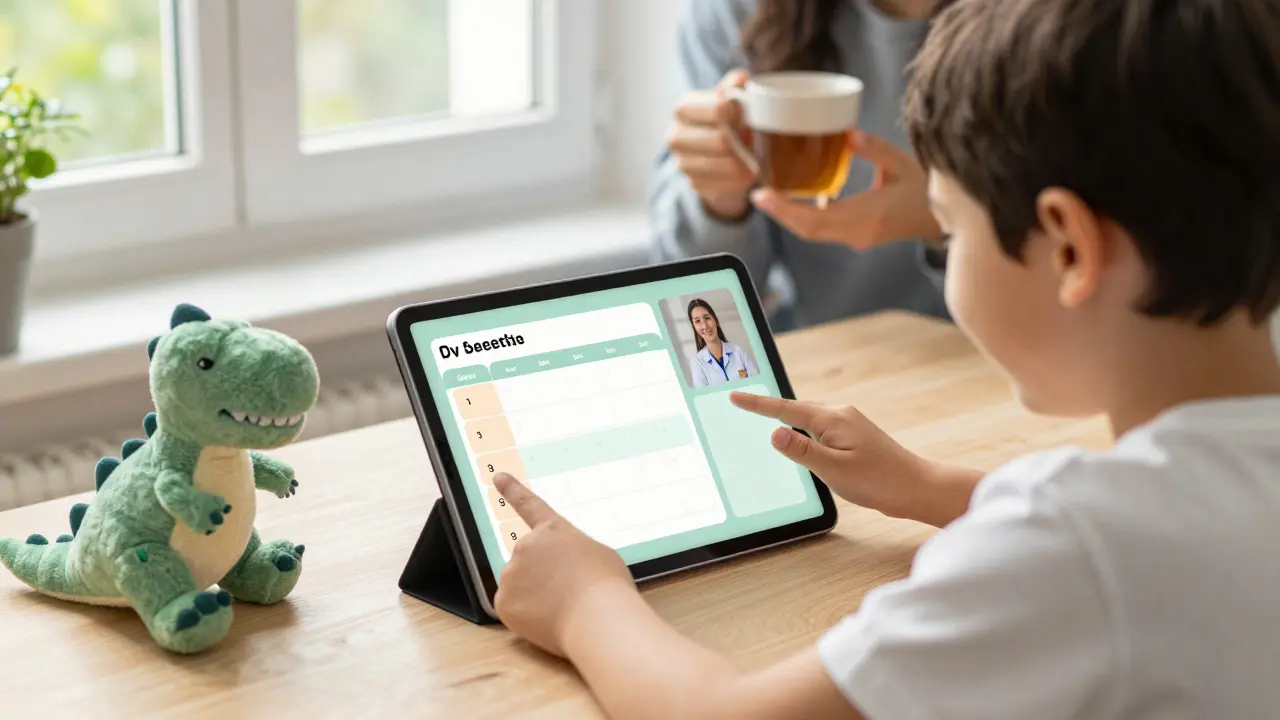
When schools shut down during the pandemic, families of children with special needs faced a crisis no one talked about enough. While other kids adjusted to Zoom classes, many children with autism, dyslexia, ADHD, or physical disabilities lost access to the supports they relied on-speech therapists, occupational therapy, one-on-one aides, sensory breaks. For these families, online learning didn’t mean convenience. It meant isolation.
But things have changed. Today, online special education isn’t just a backup plan. It’s a powerful tool that, when done right, can offer more inclusion, flexibility, and personalization than traditional classrooms ever could. The key isn’t just putting worksheets online. It’s redesigning the entire experience around how students with diverse learning needs actually learn.
What Inclusive Learning Online Really Means
Inclusive learning online isn’t about adding captions to a video or turning a textbook into a PDF. It’s about building systems that work for everyone from day one. Think of it like curb cuts on sidewalks-originally designed for wheelchair users, but now used by parents with strollers, delivery workers, and travelers with suitcases. Good online inclusive design helps all learners, not just those with formal diagnoses.
For example, a student with dyslexia might struggle with dense text but thrive with audio summaries. A child with autism might need visual schedules and predictable routines. A student with limited mobility might rely on voice commands to navigate lessons. Inclusive online learning builds these options into the structure, not as afterthoughts.
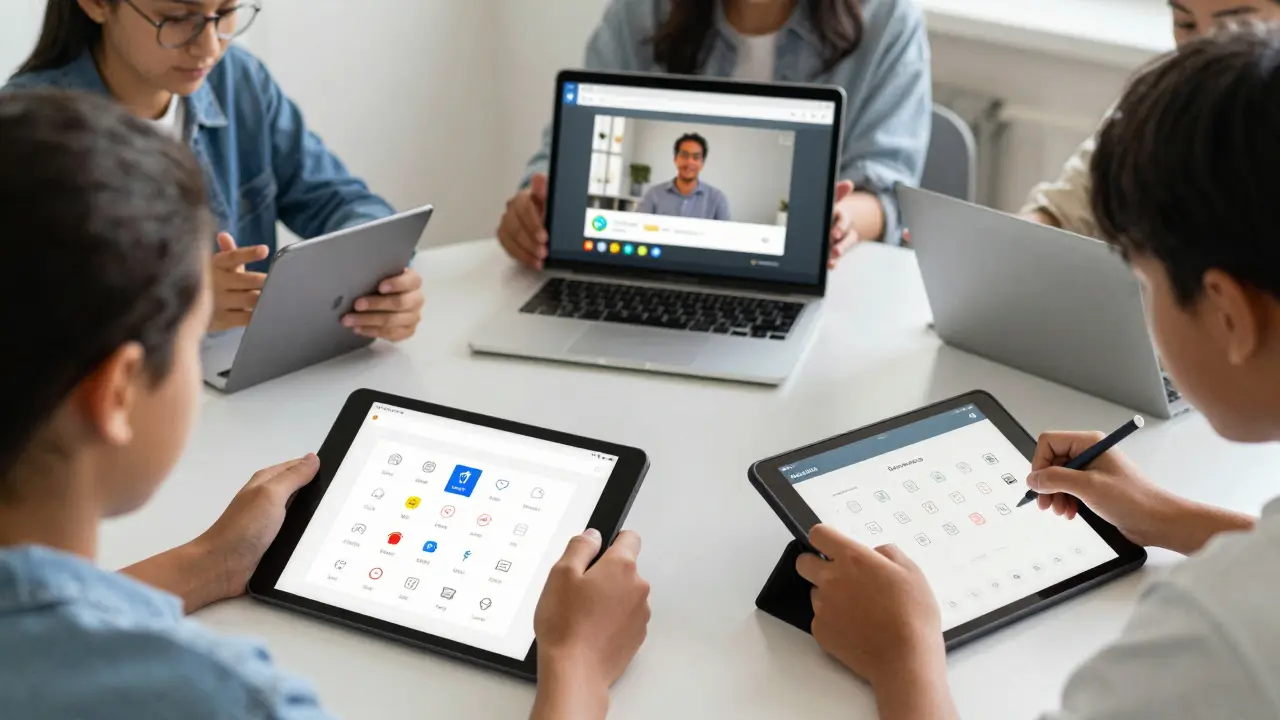
Platforms like Google Classroom, Seesaw, and Microsoft Teams now offer built-in accessibility tools-text-to-speech, speech-to-text, screen reader compatibility, customizable color schemes. But the real magic happens when teachers combine these tools with intentional design: breaking lessons into 10-minute chunks, using consistent layouts, offering multiple ways to show understanding (drawing, speaking, recording, writing), and giving students control over pacing.
How Online Learning Supports Special Education Goals
Special education isn’t about lowering standards-it’s about changing how students reach them. Online learning, when properly structured, can help meet IEP goals more effectively than a crowded classroom ever could.
- Individualized pacing: A student who needs extra time to process math concepts can replay a video lesson as many times as needed. No one’s watching. No one’s rushing.
- Consistent routines: Children with anxiety or autism benefit from predictability. Online platforms can offer the same layout, same start time, same sequence of activities every day.
- Therapy integration: Speech therapists, occupational therapists, and behavioral specialists can join virtual sessions in real time. No need for travel. No missed appointments.
- Parent partnership: Parents become active co-educators. They see what’s being taught, how it’s taught, and can reinforce skills at home without guessing.
A 2024 study from the University of Auckland followed 127 students with moderate to severe learning disabilities in remote learning programs. Those with structured, therapist-supported online instruction showed 32% greater progress in communication skills and 28% improvement in task completion compared to peers in traditional settings. The biggest factor? Consistency. Not technology.
Tools That Actually Work for Inclusive Online Learning
Not every app or platform is built for diverse learners. Some are flashy but confusing. Others are clunky and inaccessible. Here’s what actually works, based on feedback from teachers and families across New Zealand and the U.S.
| Tool | Best For | Key Feature |
|---|---|---|
| Read&Write | Dyslexia, reading delays | Text-to-speech, word prediction, dictionary, highlighter |
| Seesaw | Young learners, communication delays | Draw, record voice, take photos to show understanding |
| Khan Academy Kids | Autism, sensory needs | Calming interface, no ads, step-by-step lessons |
| Google Read Along | Language delays, ELL students | Real-time pronunciation feedback, gamified reading |
| Proloquo2Go | Non-verbal students | Augmentative and alternative communication (AAC) with customizable symbols |
These aren’t just apps-they’re lifelines. A parent in Tauranga shared how her non-verbal son, who used to cry during group activities, now uses Proloquo2Go to choose his own reading material. He picked a book about dinosaurs. He smiled. That’s the goal.
Common Mistakes in Online Special Education
Too many online programs fail because they treat special education like a checkbox. Here are the biggest errors-and how to avoid them.
- Assuming one-size-fits-all: A student with ADHD needs different supports than one with cerebral palsy. Don’t use the same lesson plan for everyone.
- Overloading screens: Too many pop-ups, animations, or notifications can overwhelm sensory-sensitive learners. Simplicity wins.
- Ignoring the human element: Online doesn’t mean isolated. Regular check-ins with teachers, therapists, and peers are non-negotiable.
- Not training parents: If parents don’t understand how to use the tools, the system breaks. Provide simple video guides, not manuals.
- Forgetting assessment: Progress tracking must be built in. Can the student explain the concept? Can they apply it? Don’t just count completed assignments.
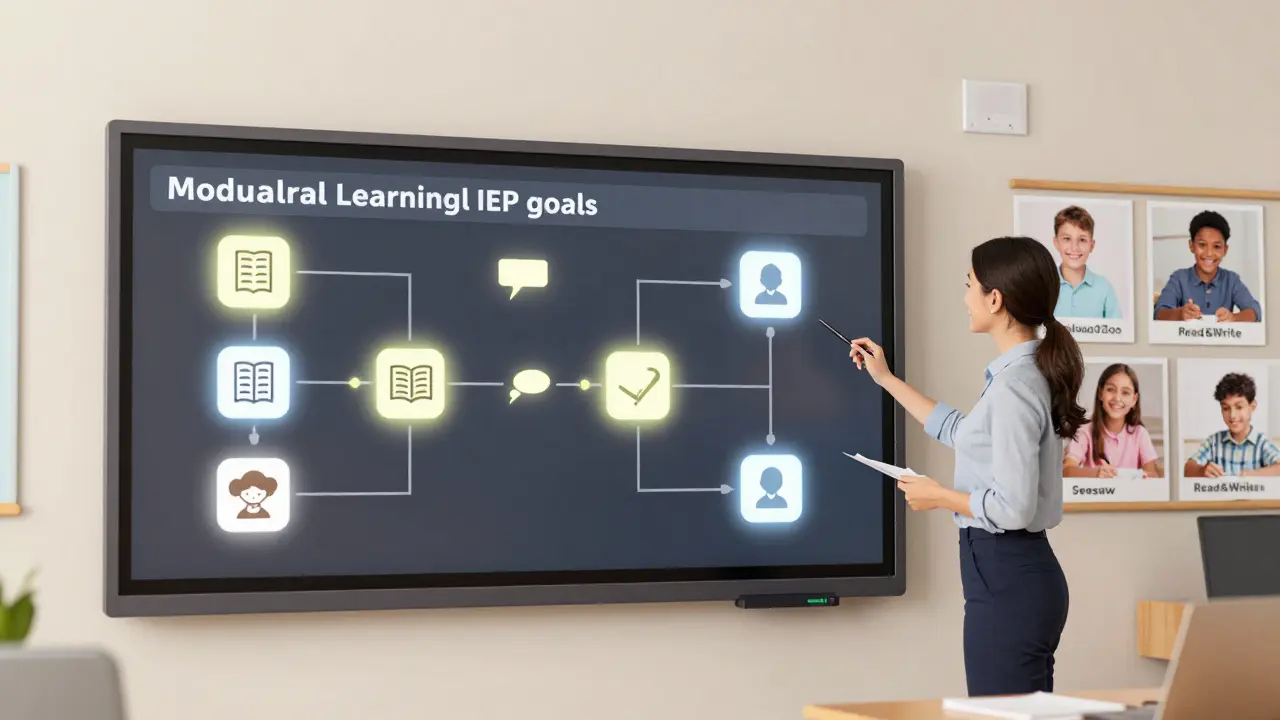
One school district in Wellington replaced their generic online curriculum with a modular system where each student’s IEP goals directly shaped their digital learning path. Teachers met weekly with families to adjust content. Absenteeism dropped by 40%. Engagement went up. The students didn’t change. The system did.
How to Start Building an Inclusive Online Learning Environment
If you’re a teacher, parent, or administrator looking to make online learning more inclusive, start here.
- Map the barriers: What’s hard right now? Is it reading text? Following multi-step directions? Managing time? List the top three.
- Match tools to needs: Pick one tool from the table above that addresses your biggest barrier. Don’t try to use them all at once.
- Train the team: Even a 15-minute video demo for parents or aides makes a difference. Use Seesaw to record a quick walkthrough.
- Let students choose: Offer two ways to complete an assignment-writing or voice recording, drawing or typing. Let them pick what works.
- Check in weekly: Ask: What worked? What didn’t? What do you want to change? Their feedback is your best guide.
You don’t need a big budget. You don’t need fancy tech. You just need to listen-and build from there.
What’s Next for Online Special Education?
The future isn’t about AI replacing teachers. It’s about AI helping them do more-for more students.
Tools are emerging that can automatically detect when a student is frustrated (through voice tone, typing speed, or facial cues in webcam videos) and suggest a break or switch to a different activity. Others can generate personalized visual schedules based on a student’s past behavior. These aren’t sci-fi-they’re being tested in schools right now.
But the biggest shift? Recognition. More countries are now funding online special education programs as a standard part of public education-not as a temporary fix. In New Zealand, the Ministry of Education now includes online accessibility standards in its national curriculum guidelines. That’s huge.
The goal isn’t to replicate the classroom online. It’s to create something better: a learning space where no child is left behind because of how they learn, where they live, or what their body can do.
Can online learning really replace special education services like speech therapy?
Online learning doesn’t replace therapy-it enables it. Speech-language pathologists, occupational therapists, and behavioral specialists can join virtual classrooms, observe students in real time, and give feedback to teachers and parents. Many families now get therapy sessions via Zoom, with tools like speech-tracking apps that record progress between sessions. The service is the same; the delivery is just more flexible.
What if my child can’t use a computer or tablet?
Many tools work with alternative access methods. Switches, eye-gaze systems, and voice control can let students interact with lessons without touching a screen. Programs like Tobii Dynavox and PRC Saltillo offer hardware and software designed for students with physical disabilities. Schools often provide these through assistive technology funding.
Is online special education only for kids with learning disabilities?
No. It supports a wide range of needs: autism, ADHD, hearing or vision loss, physical disabilities, anxiety disorders, and even gifted students who need advanced pacing. Inclusive design benefits everyone. A student who learns best through visuals? They’ll thrive. A student who needs movement breaks? They can take them without disrupting others.
How do I know if my child’s online program is truly inclusive?
Ask: Can my child choose how to show what they know? Are lessons broken into small steps? Is there a consistent routine? Are therapists involved? Are visuals and audio options built in? If the answer to most of these is yes, it’s likely inclusive. If it feels like a digital worksheet factory, it’s not.
Are there free resources for families who can’t afford special education tech?
Yes. Google’s Read&Write for Chrome is free for schools. Khan Academy Kids has no ads or subscriptions. Seesaw’s basic version is free. YouTube has thousands of teacher-created tutorials on using accessibility features. Local disability organizations often lend out devices or offer tech training. You don’t need to spend money to make learning accessible.
Final Thought: It’s Not About the Tech
The best online special education program in the world won’t help if the teacher doesn’t care. The most advanced tablet won’t matter if no one checks in. Technology is just a tool. What changes lives is someone who sees the child-not the diagnosis-and designs learning around who they are.
That’s the real power of inclusive online learning. It doesn’t just accommodate difference. It celebrates it.
Comments
King Medoo
Look, I’m not saying everyone deserves a trophy, but if we’re gonna call this ‘inclusive learning,’ we better actually include everyone-not just the kids who can sit still long enough to click a button. I’ve seen parents cry because their non-verbal child was handed a tablet with zero training. No one told them how to turn on Proloquo2Go. No one checked in. And now? They’re told to ‘just use the tools.’ Tools don’t care. People do. If you’re not training the whole ecosystem-parents, aides, bus drivers, siblings-you’re not inclusive. You’re performative.
And don’t get me started on ‘free resources.’ Sure, Khan Academy Kids is free. But what if your Wi-Fi cuts out every time it rains? What if your kid can’t hold a tablet because of spasticity? Free tech doesn’t fix infrastructure. It just shifts the burden. 🤦♂️
Rae Blackburn
They’re using AI to track facial expressions now and it’s all part of the government’s plan to monitor autistic kids and label them as ‘non-compliant’ so they can pull their SSI benefits. I know a mom in Ohio whose kid got flagged because he looked away during a lesson. They said ‘lack of engagement’-but he was just regulating. Now they’re pushing mandatory webcam use in IEP meetings. This isn’t education. It’s surveillance with a rainbow filter. 🚨
LeVar Trotter
Let’s reframe this: inclusive online learning isn’t about accommodations-it’s about universal design. The moment we start designing for the most marginalized learner, we elevate the experience for everyone. A student with dyslexia benefits from text-to-speech? So does the ESL learner. A visual schedule helps a child with autism? It also helps a neurotypical kid who’s overwhelmed by transitions. The real innovation here isn’t the tech-it’s the mindset shift from ‘fixing the child’ to ‘fixing the system.’
And yes, tools like Read&Write and Seesaw are game-changers, but only if they’re embedded in pedagogy, not bolted on as afterthoughts. Teachers need PD that’s not just ‘how to use Zoom’ but ‘how to scaffold cognition across modalities.’ That’s the work. That’s the future. And it’s already happening-in districts that prioritize equity over efficiency.
Tyler Durden
I had a kid last year who wouldn’t speak in class-zero words for six months. Then we gave him Seesaw and let him record himself reading a dinosaur book. He did it three times. Smiled the whole time. His mom cried. Not because he ‘got better’-but because for the first time, he got to be himself. No pressure. No crowd. No judgment. That’s the magic. It’s not about the app. It’s about the space. The silence between the clicks. The permission to pause. To breathe. To be. And yeah, maybe we’re all just trying to find that space for ourselves too. I don’t know. Maybe that’s why this hits so hard.
Aafreen Khan
fr tho why do u think all these tools r free? its a trap. google and microsoft are collecting data on every kid with an iep. they’re building behavioral profiles. soon they’ll sell it to insurance companies. u think ur kid’s voice recording is safe? lol. and dont even get me started on the ‘modular iep’ bs. its just more testing under a new name. they want u dependent on tech so u stop fighting for real therapists. #wakeupppl
Pamela Watson
My daughter uses Proloquo2Go and I swear it’s the only reason she’s talking now. But I had to beg the school for two years to even give us a tablet. They said ‘we don’t have funding.’ Then I found out they bought 50 new smartboards for the gym. I’m not mad. I’m just disappointed. Why do we always fund the flashy stuff and not the life-changing stuff? 🙄
michael T
You ever watch a kid with autism light up because they got to pick their own book? Not because it was ‘educational.’ Not because it was ‘on grade level.’ But because it was about T-REXES? That’s the moment. That’s the whole damn point. I’ve seen teachers cry in the hallway after a kid used voice recording to say ‘I love you’ to their mom for the first time. No one filmed it. No one posted it. But I saw it. And it changed me. This isn’t about curriculum. It’s about dignity. It’s about letting a child say, ‘I exist,’ without having to scream it.
And if your system doesn’t make room for that? It’s broken. Not the kid. The system.
Christina Kooiman
I read this entire article, and I have to say, the grammar is atrocious. There are at least twelve run-on sentences, three instances of improper comma usage, and one glaring misuse of ‘their’ versus ‘there.’ Also, ‘no one’s watching’? That’s not a complete sentence. And why is ‘IEP’ not spelled out on first use? This is supposed to be an educational resource, and yet the writing is riddled with amateur mistakes. How can we expect parents to trust the system when the very materials meant to guide them are poorly constructed? I’m not saying the content is wrong-I’m saying the presentation undermines the credibility of the entire movement. Someone needs to proofread this. Seriously. 🙃