

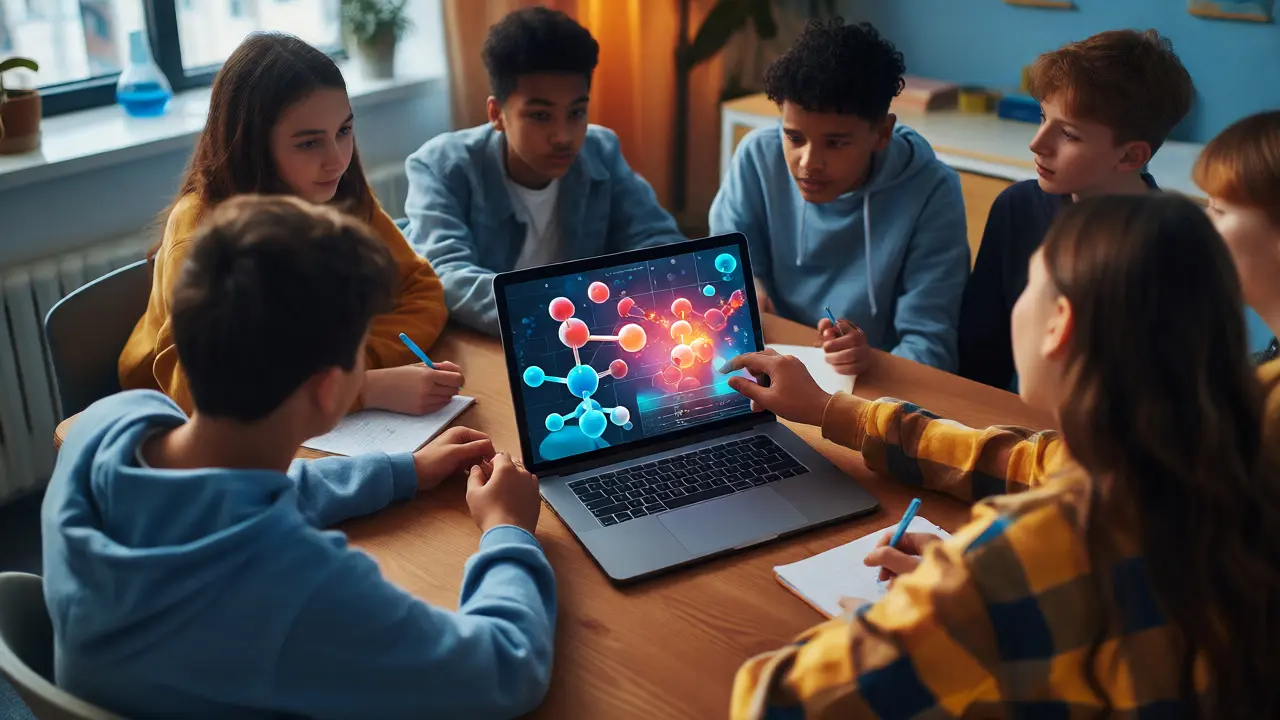
Think back to your last biology class. Did you actually dissect a frog, or did you watch a video of someone else doing it? For millions of students today, the answer is "neither." They are clicking through a virtual lab, dragging digital sliders to adjust pH levels, and watching chemical reactions explode on their screens without ever putting on safety goggles. This isn't just a temporary fix for pandemic-era closures; it's a fundamental shift in how we teach science, technology, engineering, and mathematics (STEM).
If you're an educator, parent, or student wondering if online STEM is "real" enough, you're asking the right question. The short answer: yes, but only if you use the right tools. A static PDF worksheet doesn't cut it. You need interactivity. You need feedback loops. You need things that break when you touch them wrong.
Why Virtual Labs Are Replacing Physical Equipment
Physical labs have three major problems: cost, safety, and scalability. Buying a centrifuge costs thousands. Handling volatile chemicals requires ventilation systems and trained staff. And scaling a physical lab to 500 students means building more benches and hiring more TAs. Virtual laboratories solve all three. They run on any device with a browser, cost pennies per student, and let you blow up a virtual atom without worrying about radiation leaks.
But here’s the catch: not all virtual labs are created equal. Some are glorified animations where you click "Next" and watch a pre-determined outcome. Others are true simulations with underlying physics engines that calculate results based on your inputs. The latter teaches critical thinking; the former teaches button-clicking.
Consider PhET Interactive Simulations, developed by the University of Colorado Boulder. These aren't just videos. If you change the mass of a planet in their gravity simulation, the orbit changes instantly because the software calculates real gravitational forces. That cause-and-effect relationship is what sticks in a student's brain. Compare that to a generic quiz app where the answer is hidden behind a pop-up, and you see why quality matters.
The Role of Simulations in Complex Concepts
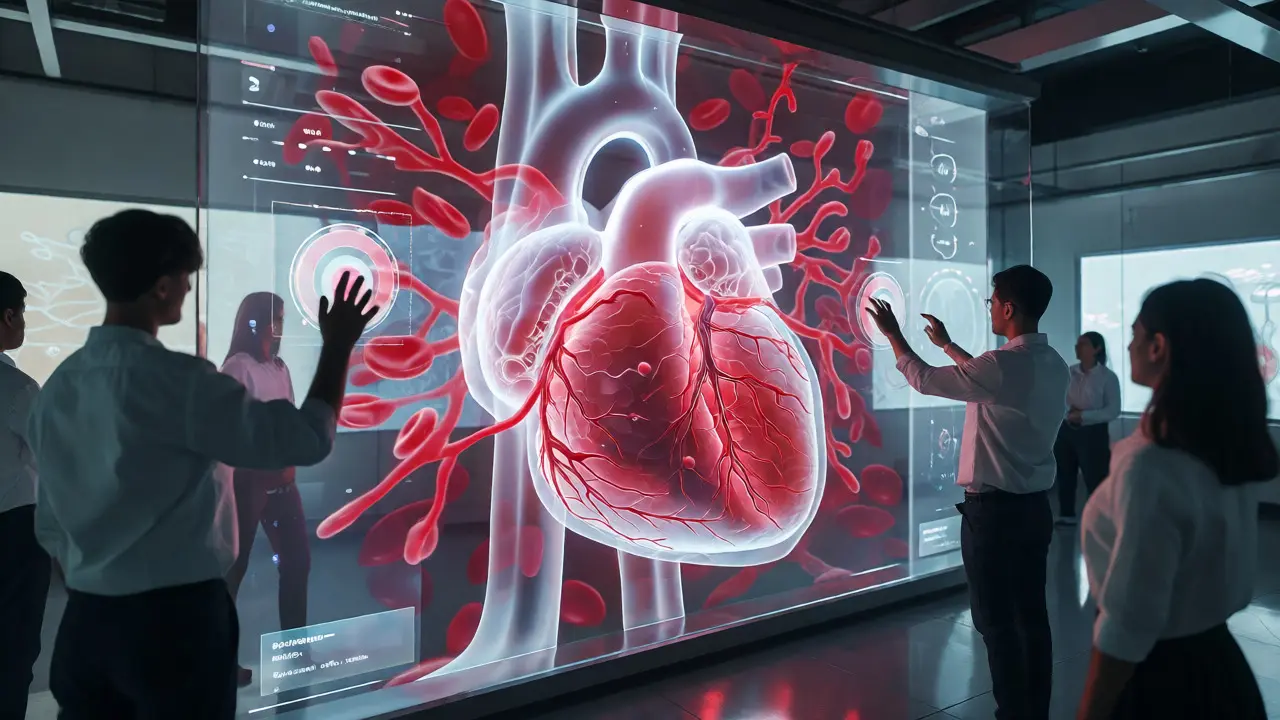
Some concepts are too big, too small, or too fast to observe directly. How do you teach quantum mechanics? Or plate tectonics? Or the flow of blood through a heart valve? You can't put a student inside a red blood cell. But you can simulate it.
Simulations allow students to manipulate variables they can't control in real life. Want to see what happens if Earth had two moons? Change the parameter. Want to speed up evolution by a million years? Hit the fast-forward button. This ability to isolate variables is crucial for scientific literacy. In a physical experiment, too many things change at once. In a simulation, you control the chaos.
However, simulations can create misconceptions if used poorly. Students might think the simulation is reality, rather than a model of it. Good educators bridge this gap by explicitly discussing the limitations of the model. Ask students: "What does this simulation leave out?" This turns a passive viewing experience into an active critique.
Project-Based Learning in a Digital Space
While labs and simulations handle theory, projects build skills. Real-world problem solving doesn't happen in multiple-choice questions. It happens when you have to build something, test it, fail, and try again. Online platforms now support robust project-based learning (PBL) workflows.
Take coding projects, for example. Platforms like GitHub Classroom let students submit code, receive automated tests, and iterate until their program works. There's no partial credit for "almost working." Either the bot passes the test case, or it doesn't. This binary feedback is harsh but honest, mirroring professional software development environments.
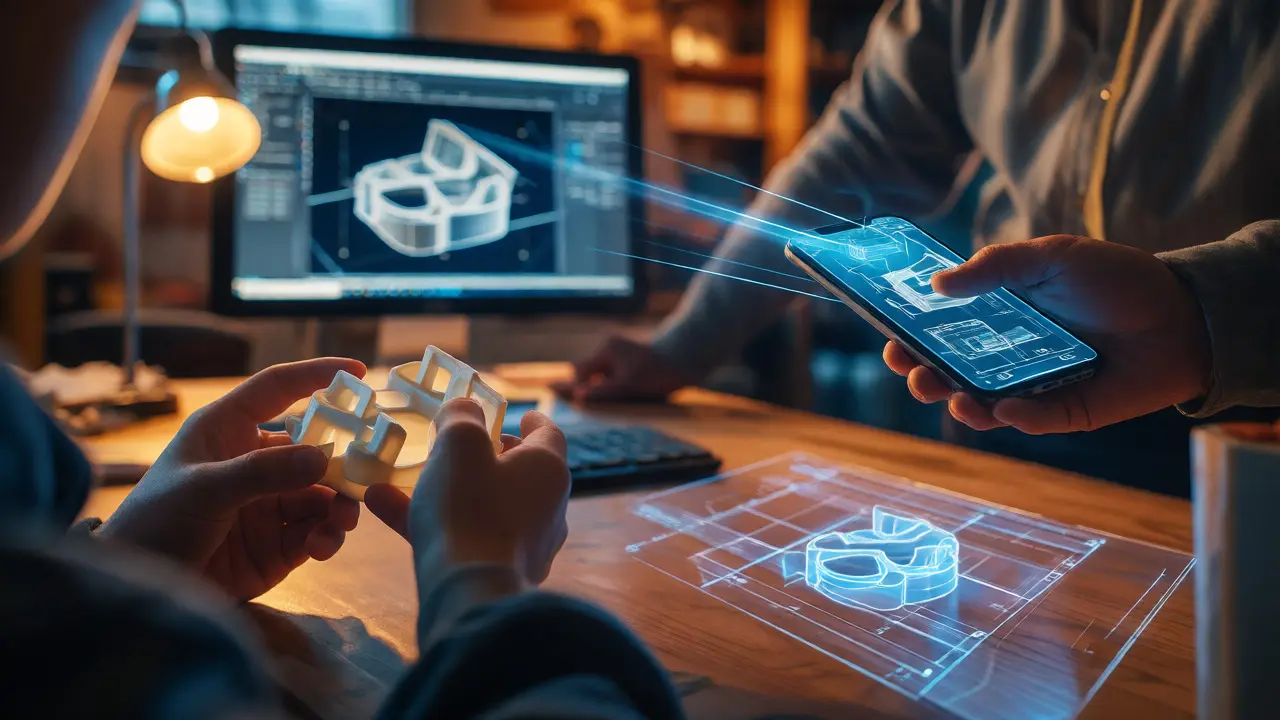
For non-coding subjects, digital portfolios replace traditional reports. Students can document engineering designs using CAD software, record video explanations of math proofs, or create data visualizations from public datasets. Tools like Tinkercad make 3D modeling accessible to beginners, allowing them to design prototypes that could theoretically be 3D printed. This tangible output-even if it stays digital-provides a sense of accomplishment that worksheets never match.
Choosing the Right Tools: A Comparison
With hundreds of options available, how do you choose? Here’s a breakdown of popular categories and their best use cases.
| Tool Type | Best For | Key Limitation | Example Platform |
|---|---|---|---|
| Interactive Simulations | Visualizing abstract concepts (physics, chemistry) | Lacks tactile feedback | PhET, GeoGebra |
| Virtual Labs | Safe experimentation with hazardous materials | Can feel game-like, not rigorous | Labster, Beyond Labz |
| Coding Environments | Logic, algorithms, immediate testing | Steep learning curve for syntax | Replit, Codecademy |
| Design & Modeling | Engineering, architecture, creative application | Requires hardware for full utility | Tinkercad, AutoCAD Web |
Notice that none of these tools are perfect replacements for hands-on work. A student who has never held a pipette will struggle in a wet lab later. The goal isn't replacement; it's supplementation. Use simulations to prep students so they spend less time fumbling with equipment during limited physical lab hours.
Overcoming Common Pitfalls
Online STEM education fails when it becomes passive consumption. If students are just watching videos, they aren't learning. Engagement metrics drop sharply after five minutes of unbroken lecture content. To combat this, embed questions directly into the media. Stop the video. Ask a prediction question. Resume. This simple technique boosts retention significantly.
Another pitfall is technical friction. If a simulation takes ten minutes to load or requires a specific browser plugin that crashes on Chrome updates, students give up. Prioritize cloud-based, lightweight tools that work on tablets and low-end laptops. Accessibility matters. If a tool relies solely on color-coded graphs, it excludes colorblind users. Look for WCAG-compliant platforms.
Finally, don't ignore the social aspect. Science is collaborative. Many online courses isolate students. Force collaboration by requiring group projects where roles are distinct-one person codes, one documents, one presents. Use breakout rooms for live troubleshooting sessions, not just lectures.
Future Trends: AI and Personalized Pathways
We're entering an era where AI tutors can analyze a student's errors in real-time. Imagine a math platform that notices you consistently mess up negative signs in algebra and generates extra practice problems targeting exactly that weakness. This isn't sci-fi; it's already happening in adaptive learning systems.
For special populations, this personalization is a game-changer. Students with dyslexia can use text-to-speech integrated into simulations. Students with motor impairments can navigate complex interfaces via voice commands. Online STEM removes many physical barriers, provided the design is inclusive from the start.
As we move further into 2026, expect more integration between virtual and physical worlds. Augmented Reality (AR) apps on phones can overlay molecular structures onto a kitchen table, blending the digital and physical. The line between "lab" and "classroom" will continue to blur.
Are online labs as effective as physical labs?
Research suggests they are equally effective for conceptual understanding and often better for teaching experimental design. However, they cannot fully replicate the tactile skills required for handling delicate instruments or managing real-world experimental errors. The best approach is a hybrid model where virtual labs prepare students for efficient physical lab work.
Do I need expensive software for online STEM projects?
No. Most high-quality tools like PhET, GeoGebra, and Tinkercad are free or offer free tiers for educators. Paid platforms like Labster provide polished experiences but aren't strictly necessary for effective learning. Focus on pedagogical value, not price tags.
How do I assess student performance in simulations?
Look beyond completion rates. Assess the process: ask students to export their simulation logs, write reflection journals explaining their hypothesis and results, or create presentations analyzing their data. Many platforms offer built-in assessment quizzes that track decision-making paths, not just final answers.
Can online STEM education accommodate students with disabilities?
Yes, often better than physical classrooms. Screen readers, keyboard navigation, adjustable contrast, and slowed animation speeds can make complex topics accessible. Always check for accessibility compliance (WCAG) when selecting tools, and provide alternative formats for assignments.
What is the biggest mistake teachers make with online STEM?
Treating online modules as self-paced babysitting. Without structured deadlines, peer interaction, and instructor presence, completion rates plummet. Teachers must facilitate discussions, provide timely feedback, and create community, even in asynchronous settings.