


If you’re selling online courses, you’re running a business. That means taxes aren’t something you can ignore until April. In New Zealand, and across most countries, income from online courses is taxable - whether you’re teaching yoga, coding, or watercolor painting. The question isn’t whether you owe taxes, but how much, and how to keep more of it.
Is your online course income taxable?
Yes. Every dollar you earn from selling a course counts as income. It doesn’t matter if you sell through Teachable, Gumroad, Udemy, or your own website. The tax office doesn’t care about the platform - they care about the money. In New Zealand, the Inland Revenue Department (IRD) treats course creators as self-employed. That means you report this income under sole trader status, even if it’s just a side hustle.
Some creators think, “I only made $2,000 this year - I’m probably fine.” But there’s no minimum threshold. Even $50 from a single course sale must be reported. The IRD matches data from payment processors like Stripe, PayPal, and bank transfers. If you’re receiving payments, they’re seeing it too.
What expenses can you claim?
You don’t pay tax on your gross income. You pay tax on your profit. That means you can deduct any cost directly tied to creating or selling your course. Here’s what actually works:
- Course software: Think Teachable, Thinkific, Kajabi, or even Canva Pro
- Recording gear: Microphones, cameras, lighting kits - even if you bought them last year
- Editing tools: Adobe Premiere, Audacity, Descript subscriptions
- Website hosting and domain fees
- Marketing: Facebook ads, Google Ads, email tools like Mailchimp
- Professional services: Accountant fees, legal advice for terms of service
- Home office: If you have a dedicated space, you can claim a portion of rent, utilities, internet
- Training: Courses you take to improve your teaching skills
Keep receipts. Even if you pay with a credit card, save the statement. The IRD doesn’t ask for receipts upfront, but they will if you’re audited. A simple spreadsheet with dates, amounts, and what it was for is enough. No fancy software needed.
What about GST?
In New Zealand, you must register for GST if your annual turnover hits $60,000. That includes all course sales, coaching, consulting - anything you charge for. Once you’re registered, you charge 15% GST on your courses and can claim back GST on your business expenses.
Here’s the catch: If you sell to customers overseas, you don’t charge GST. So if someone in Germany buys your course, no GST. But if they’re in New Zealand? Then you charge it. Platforms like Teachable and Gumroad sometimes handle this automatically, but you still need to report it correctly in your tax return.
Many creators avoid GST by keeping sales under $60,000. That’s fine - but don’t split your income across multiple accounts to stay under the limit. That’s considered tax evasion.
Do you need to pay income tax quarterly?
No, but you should. Most course creators don’t have tax withheld from their paychecks like employees do. That means you’re responsible for setting aside money for tax all year. If you wait until the end of the tax year, you might be shocked by the bill.
IRD offers a Provisional Tax system. It’s not mandatory unless you owe more than $5,000 in tax from the previous year. But if you’re making $30,000+ from courses, it’s smart to pay it. You pay in three installments: August, January, and May. This avoids a big lump sum in April and prevents interest charges.
If you don’t pay provisional tax and owe more than $5,000, you’ll get hit with use-of-money interest. That’s 8.5% as of 2026. It adds up fast.
What if you’re not in New Zealand?
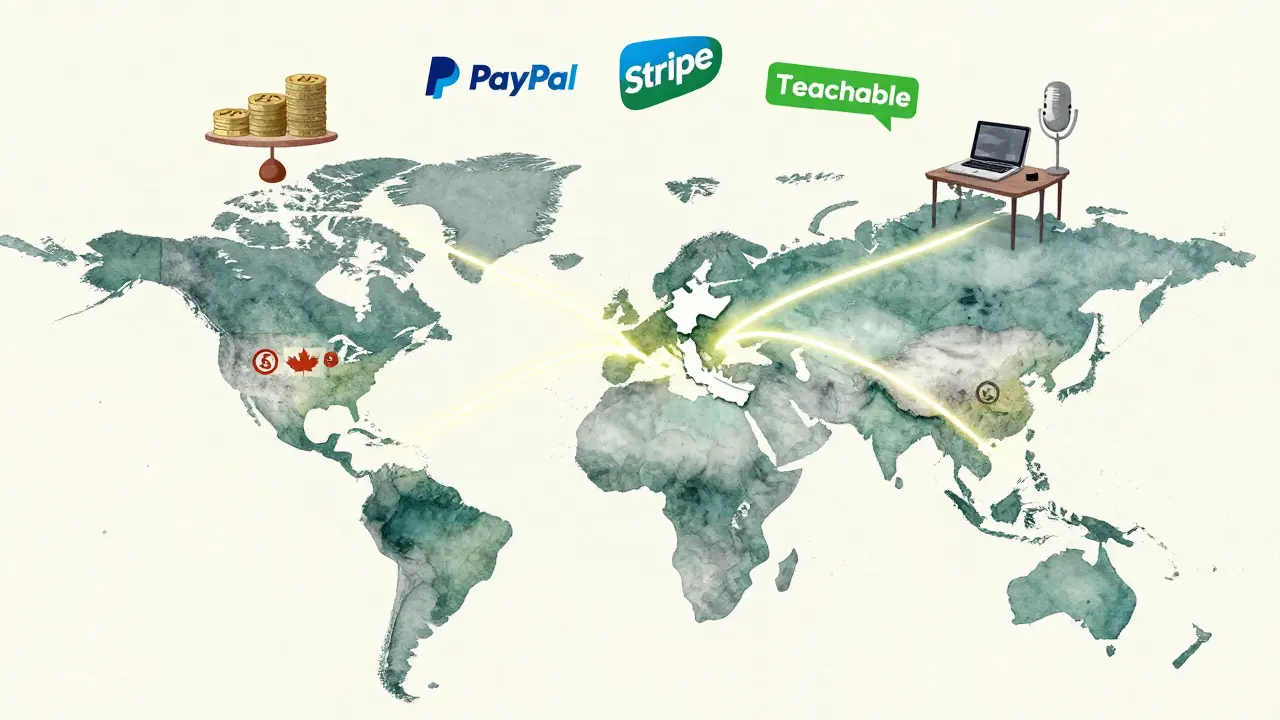
Many course creators live in one country but sell to students worldwide. If you’re a New Zealand resident, you pay tax here on your global income. If you’re living overseas - say, in Australia or Canada - you pay tax where you’re a tax resident. That’s usually where you live most of the year, not where your bank account is.
Some creators try to set up a company in a low-tax country to avoid paying tax. That sounds smart, but it’s risky. Tax authorities share information. If you live in Auckland, work from home, and run your course business from here, the IRD will treat you as a New Zealand taxpayer - no matter where you registered your business.
Don’t confuse residency with incorporation. You can’t outsource your tax liability just by changing your website’s domain.
How do you track sales and expenses?
You don’t need QuickBooks or Xero - but you need something. Start simple:
- Use a separate bank account for course income and expenses
- Link your payment processors (PayPal, Stripe) to a free tool like Wave Accounting
- Take a photo of every receipt - even coffee for a client meeting
- Label every transaction: “Gumroad sale - Digital Marketing Course”
- At year-end, export your statements and give them to your accountant
Most accountants charge $300-$600 to file a sole trader return for a course creator. That’s less than what you’d lose by missing a deduction.
What about international students paying with different currencies?
When you get paid in USD, EUR, or GBP, you must convert it to NZD for tax purposes. Use the IRD’s official exchange rates - not your bank’s rate. They publish monthly rates on their website. If you sell 10 courses at $49 USD each, you don’t use today’s rate. You use the rate on the day you received the payment.
For example: If you got paid $490 USD on March 15, 2025, and the IRD rate that day was 1.58 NZD/USD, your income is $774.20 NZD. Keep a log of these conversions. It’s tedious, but it keeps you accurate.
What if you give away free courses?
Free courses don’t generate taxable income. But if you give them away to build an email list, that’s still a business expense. You can claim the cost of creating the free course - time spent, software, editing - as a marketing cost. Just don’t try to claim the entire course as a loss. The IRD looks at whether the free course was genuinely promotional or just a way to avoid tax.
Common mistakes course creators make
- Not separating personal and business bank accounts - makes tracking impossible
- Claiming personal expenses like groceries or Netflix as business costs
- Ignoring GST because they think “it’s just a side gig”
- Waiting until April to start organizing records
- Assuming platforms like Udemy handle all their taxes - they don’t
One creator I know claimed her laptop as a 100% business expense - even though she used it for streaming Netflix and online shopping. The IRD flagged it. She ended up paying $1,200 in penalties. A laptop used 70% for business? Claim 70%. Simple.
What’s the best way to stay compliant?
Three things:
- Set aside 25-30% of every course sale for taxes
- Keep digital records of every expense and sale
- Get help from an accountant who’s worked with online educators before
You don’t need to be a tax expert. You just need to be organized. Most accountants who specialize in digital creators know exactly what to look for. They’ll help you claim everything you’re legally allowed to - and avoid penalties.
Final thought: Taxes aren’t the enemy
Taxes feel like a burden - until you realize they’re proof you’re making money. Every dollar you pay in tax is a dollar you earned. And every deduction you claim is money you kept because you did the work.
If you’re selling courses, you’re not just a teacher. You’re a small business owner. Treat yourself like one. Track your numbers. Claim your costs. Pay your taxes on time. The freedom you get from running your own course business is worth the effort.
Do I need to register as a business to sell online courses?
No, you don’t need to register a company. In New Zealand, you can operate as a sole trader under your own name. But you still need to register with the IRD for income tax and GST (if you hit $60,000 in sales). You’ll get a IRD number - that’s your official business identifier. No company registration required unless you want to use a business name or limit liability.
Can I claim my car as a business expense if I use it for course-related meetings?
Yes, but only the portion used for business. If you drive to a client’s home to record a video or attend a networking event for your course, you can claim mileage. The IRD allows a flat rate of 82 cents per kilometer for 2025-2026. Keep a logbook or use a GPS app like MileageWise to track trips. Don’t claim the whole car if you use it mostly for personal trips.
What happens if I don’t report my course income?
The IRD has access to payment data from PayPal, Stripe, and banks. If you earn over $10,000 and don’t report it, you’ll likely get a letter. Penalties start at 10% of the unpaid tax, plus interest. If they think you’re hiding income on purpose, penalties can jump to 150%. It’s not worth the risk. Even small amounts add up over time.
Do I need to charge GST on digital courses sold to customers outside New Zealand?
No. GST only applies to sales made to customers in New Zealand. If your student is in the UK, USA, or Japan, you don’t charge GST. But you still need to report the income as taxable. The IRD doesn’t require you to collect foreign tax - just report the income in NZD.
Should I use an accountant for my online course taxes?
Yes, especially if you’re making over $30,000 a year. An accountant who understands digital businesses can help you claim deductions you didn’t know existed - like software subscriptions, training costs, or even home office lighting. They’ll also help you avoid provisional tax penalties and file correctly. The cost is usually less than what you’ll save in tax deductions.
If you’re just starting out, focus on tracking your income and expenses. You don’t need to be perfect on day one. But if you wait until you’re making $50,000 a year to get organized, you’ll wish you’d started sooner.
Comments
Destiny Brumbaugh
bro i just sell my yoga course on gumroad and i dont even file taxes lol the ird can kiss my ass they dont even know i exist
Sara Escanciano
People who think they can dodge taxes by calling it a 'side hustle' are just lazy and entitled. You're running a business. If you make money, you pay your fair share. No exceptions. This isn't a game.
Elmer Burgos
totally agree with the part about keeping receipts even for coffee meetings lol i started using wave accounting and it saved my butt last tax season. no need to overcomplicate it just be consistent
Jason Townsend
the ird is watching you through your paypal and stripe accounts theyre in bed with big tech and the fed dont think youre safe just because you live in a basement and sell courses to europeans they know everything
Antwan Holder
taxes are just the price of freedom you pay to the machine so it lets you keep your laptop and your dreams but when you start claiming home office lighting you realize youre not a creator youre a cog in a system designed to extract every drop of your labor until you collapse and then they call it entrepreneurship
Angelina Jefary
the article says 'keep receipts' but then uses 'they're' incorrectly in the same paragraph. if you cant even spell right how can i trust your tax advice? this is why people get audited
Jennifer Kaiser
the most important thing is not the deductions or the gst thresholds its the mindset shift. you're not a hobbyist anymore. you're a small business owner. that means showing up consistently even when its boring. tracking expenses is the quiet discipline that builds real freedom.
TIARA SUKMA UTAMA
i just use my phone camera to snap every receipt. its that simple. no apps needed. i keep them in a folder called 'course cash' and forget about it till april
Jasmine Oey
obviously if youre selling courses and dont have a fancy website with a custom domain and a lead magnet funnel youre just wasting your time and the ird knows it. real creators use kajabi and charge $299 not $49 and claim their entire rent because their 'creative space' is their whole apartment
Marissa Martin
i tried claiming my cat as a business expense because she sat on my keyboard while i recorded videos. the ird sent me a letter. i cried for three days. now i just work from the library.
James Winter
new zealand? why are we even talking about this? if youre in the us you dont care about gst. you need to know about self employment tax and 1099s. this article is irrelevant to most of us