

You’ve got a budget. You’ve got a training problem. Maybe your employees are afraid of heavy machinery, or maybe they can’t remember the steps in a complex sales pitch. Someone in a meeting said, "Let’s try VR," and someone else countered with, "No, AR is cheaper." Now you’re stuck between two acronyms that sound similar but do very different things.
Here’s the truth: neither technology is universally "better." It depends entirely on what your learners need to do with their hands and their eyes. If you pick the wrong one, you’ll end up with expensive headsets gathering dust in a closet. Let’s break down how VR vs AR actually works in real-world training scenarios so you can stop guessing and start building.
Understanding the Core Difference: Presence vs. Overlay
The biggest mistake people make is treating Virtual Reality (VR) and Augmented Reality (AR) as just "different types of glasses." They aren’t. The fundamental difference lies in where the user’s attention goes.
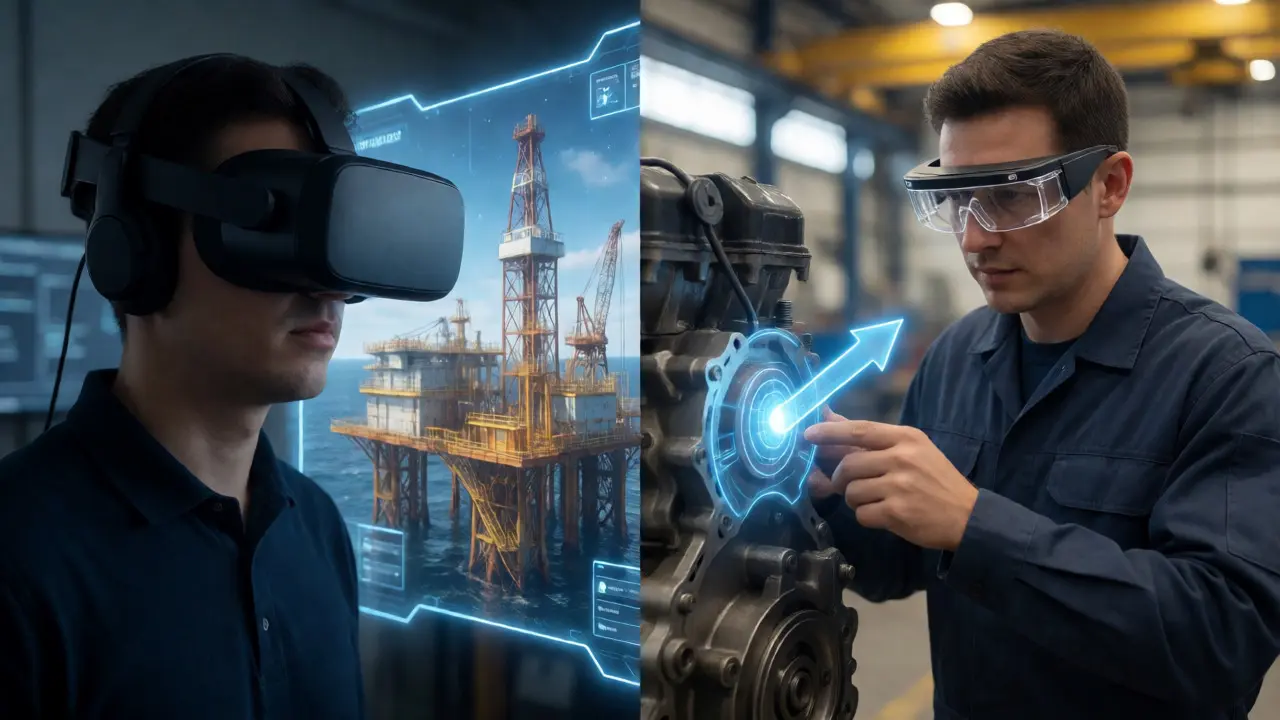
Virtual Reality is a fully immersive digital environment that replaces the user's physical surroundings. When you put on a headset like the Meta Quest 3 or Apple Vision Pro in full VR mode, you block out the world. You are no longer in your office; you are on a virtual oil rig or in a simulated emergency room. This creates a high sense of presence, which is crucial for emotional engagement and muscle memory.
In contrast, Augmented Reality is a technology that overlays digital information onto the real world. Think of the old Pokémon GO game, but for work. With AR glasses like Microsoft HoloLens 2 or Vuzix Blade, you still see your actual hands, your actual tools, and your actual colleagues. The digital layer adds context-like highlighting a specific wire or showing an arrow pointing to the next step-but it doesn’t replace reality.
Why does this matter? Because if your training requires interacting with physical objects (like fixing a real engine), VR forces you to simulate those objects digitally, which is hard to get right. AR lets you use the real object. If your training requires isolation from distractions (like public speaking practice), AR fails because you’re still distracted by the room behind you.
When to Choose Virtual Reality for High-Stakes Simulation
You should choose VR when the cost of failure in the real world is too high, or when the scenario is impossible to replicate physically. This is where the "immersion" factor pays off.
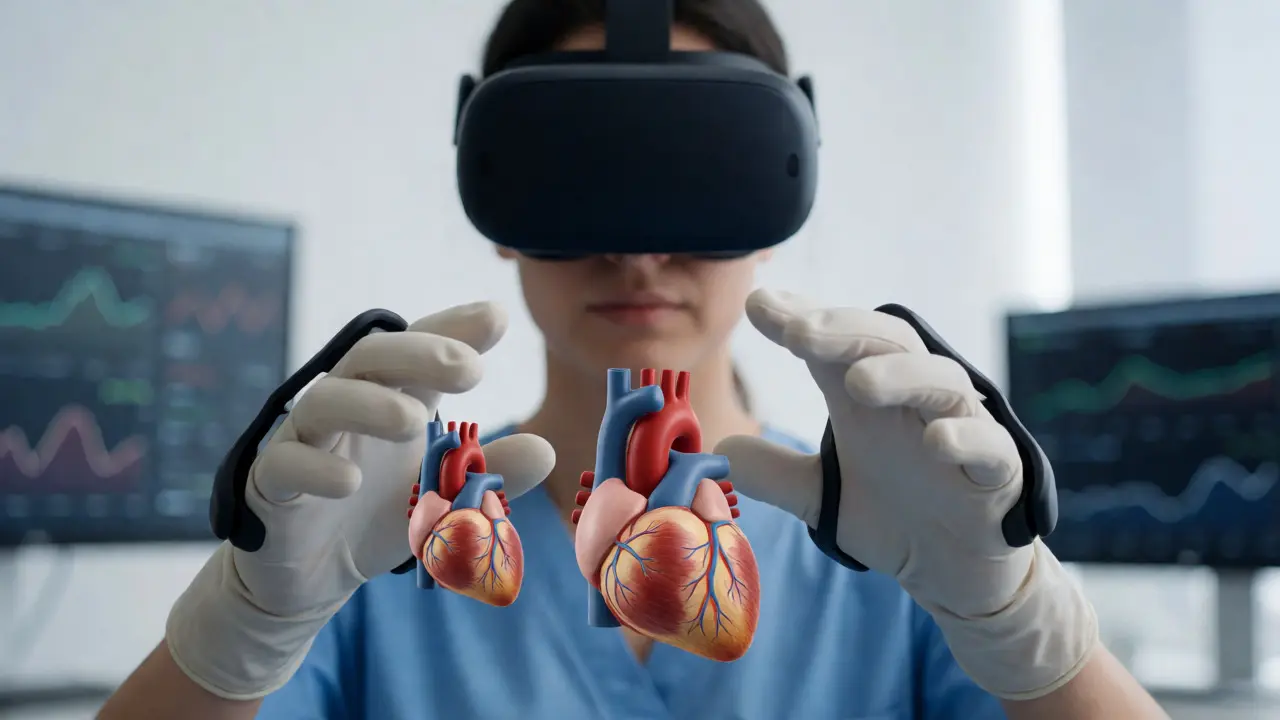
Consider medical students practicing surgery. In the past, they practiced on cadavers, which are expensive and limited. Today, companies like Osso VR allow surgeons to practice procedures in a risk-free virtual space. If they cut the wrong artery, nothing bleeds. They can reset the simulation and try again. This repetition builds confidence without risking patient safety.
Another prime example is soft skills training. Public speaking or negotiating with angry clients is awkward to practice in an open-plan office. In VR, you can stand in front of a virtual audience of 100 avatars. The system can track your eye contact, speech pace, and even stress levels via biometric sensors. Because the brain perceives the virtual crowd as "real," the anxiety response is genuine, making the training effective. You can’t fake that level of psychological pressure in a Zoom call.
VR also excels at hazard awareness. Imagine training warehouse workers on forklift safety. Instead of reading a manual, they put on a headset and navigate a virtual warehouse. If they drive too fast around a corner, they "crash." The consequence is immediate and visceral. Studies show that emotional experiences create stronger long-term memories than passive reading. By triggering the fear of failure in a safe environment, VR cements the lesson.
When to Choose Augmented Reality for On-the-Job Performance Support
If your goal is to help someone perform a task better while standing in front of the actual equipment, AR is usually the smarter choice. This is often called "performance support" rather than traditional "training."
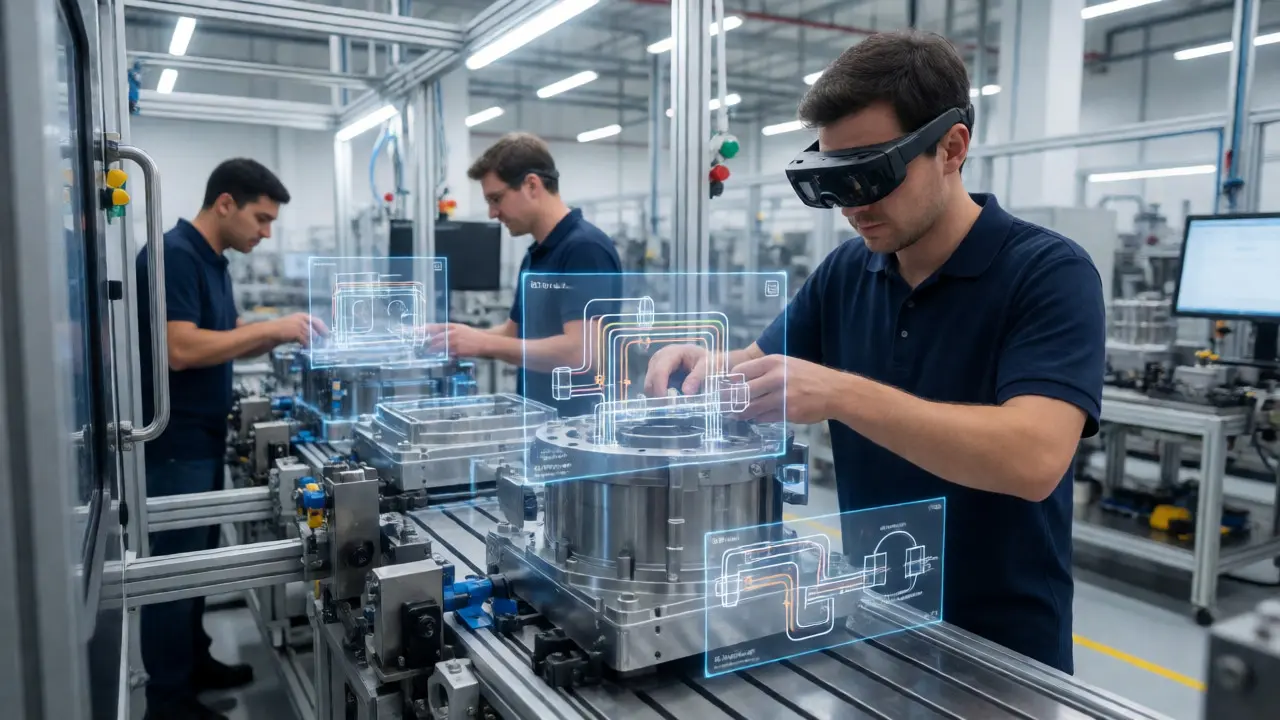
Take manufacturing assembly lines. Workers often have to refer to paper manuals or tablets while assembling complex products. This breaks their flow and causes errors. With AR glasses, the instructions appear directly in their field of view. An arrow might point to the exact bolt they need to tighten, or a hologram might show the internal wiring diagram overlaid on the machine casing. Their hands stay free, and their eyes stay on the work.
Maintenance technicians benefit massively from this. Imagine a junior technician looking at a broken HVAC unit. Through their AR glasses, a senior engineer in another city sees exactly what the junior sees. The senior can draw circles or arrows in the air, which appear floating over the real machine for the junior technician. This remote assistance reduces downtime significantly. You don’t need to fly an expert across the country; you just need them to log into the AR platform.
AR is also less isolating. Since users can see their surroundings, they can easily collaborate with peers who aren’t wearing headsets. This makes it ideal for team-based tasks where communication is key. You can talk to your coworker, shake hands, and still see the digital data overlay. VR blocks that natural human interaction unless you build complex avatar systems.
Hardware Realities: Comfort, Cost, and Setup
Technology decisions aren’t made in a vacuum. You have to consider what your workforce will actually tolerate wearing for four hours a day.
| Attribute | Virtual Reality (VR) | Augmented Reality (AR) |
|---|---|---|
| Primary Device Examples | Meta Quest 3, HTC Vive Focus | Microsoft HoloLens 2, Magic Leap 2, Vuzix M400 |
| Field of View | Wide (90-120 degrees), full immersion | Narrower (40-50 degrees), focused overlay |
| Physical Interaction | Simulated (controllers or hand tracking) | Real (touching actual objects) |
| Setup Time | High (requires boundary setup, charging) | Low (wear-and-go, minimal calibration) |
| Cost per Unit (Est.) | $500 - $1,500 (Consumer/Prosumer) | $2,000 - $3,500 (Enterprise Grade) |
| Social Isolation | High (user is blind to surroundings) | Low (user maintains situational awareness) |
Notice the cost disparity. Consumer-grade VR headsets like the Quest series are incredibly affordable now. You can buy a dozen for under $10,000. Enterprise AR glasses, however, remain expensive. The optics required to project images onto transparent lenses while keeping the device light enough to wear all day are complex and costly. If you have a large workforce, AR hardware costs can balloon quickly.
Comfort is another major factor. VR headsets are heavier and press against the face. After 30 minutes, many users experience "face fatigue" or heat buildup. AR glasses look more like standard eyewear, though some models still feel bulky. For short, frequent interventions (like checking a checklist once every hour), AR wins on comfort. For deep-dive sessions (like a 45-minute fire evacuation drill), VR is acceptable because the session has a clear start and end time.
Content Development: The Hidden Cost Driver
Buying the hardware is only half the battle. Creating the content is where most projects stall. Here is the rough rule of thumb: VR content is harder and more expensive to produce than AR content.
Building a VR simulation means creating a entire 3D world from scratch. Artists must model every tool, texture, and background element. Developers must code the physics so that a virtual wrench feels heavy and rotates correctly. If you want realistic lighting and shadows to enhance immersion, render times increase, requiring powerful GPUs. A single hour of high-fidelity VR training content can cost tens of thousands of dollars to develop.
AR content is often simpler. It frequently involves 2D overlays, simple 3D animations anchored to markers, or spatial anchors. You don’t always need to model the whole world because the real world provides the background. However, AR development has its own challenges: mapping. Ensuring the digital object stays perfectly aligned with the real-world object as the user moves their head requires robust computer vision algorithms. If the alignment drifts, the user gets confused or frustrated.
Ask yourself: Do we need photorealistic graphics? If yes, budget for VR. If you just need clear diagrams and step-by-step guides, AR is faster to build and easier to update. Updating a VR scene often requires rebuilding and redeploying the entire application. Updating an AR guide can sometimes be done by swapping out a PDF or video file linked to a marker.
Hybrid Approaches and the Future of Mixed Reality
Strictly separating VR and AR is becoming outdated. The line is blurring with devices like the Apple Vision Pro and Meta Quest 3, which offer "Mixed Reality" (MR). These devices can switch modes. You can start in VR for a simulation, then tap a button to see your real desk and keyboard while keeping a virtual screen floating above it.
This flexibility allows for hybrid training modules. For example, a pilot might spend 20 minutes in VR practicing cockpit procedures, then switch to MR to review flight logs on a virtual screen while sitting in their actual briefing room. This reduces the friction of switching devices.
However, don’t let the hype distract you from current limitations. True seamless MR is still evolving. Battery life remains a constraint for untethered headsets. Most high-end experiences still require a tether to a PC for maximum graphical fidelity, which limits mobility. Plan for a transition period where you might need both dedicated VR rigs for deep simulations and lightweight AR glasses for daily workflow support.
A Decision Framework for Your Team
Still unsure? Run your training module through this quick checklist:
- Does the learner need to touch real objects? If yes, choose AR. If no, VR is viable.
- Is the environment dangerous or inaccessible? If yes (e.g., nuclear plant, outer space), choose VR.
- Is the training collaborative with non-headset users? If yes, choose AR. If isolated, choose VR.
- Is the content updated weekly? If yes, AR is easier to maintain. If static, VR is fine.
- What is the budget per employee? Under $1,000? Look at consumer VR. Over $2,500? Consider enterprise AR.
Start small. Don’t roll out headsets to 500 people overnight. Pick one high-impact, low-complexity process. Pilot it with a small group. Measure not just satisfaction, but error rates and completion times. Did the technology actually solve the problem, or did it just add complexity?
Is VR training worth the investment for small businesses?
It depends on the scale and frequency of training. For small teams with high-turnover roles requiring repetitive safety drills, entry-level VR headsets (like Meta Quest) can pay off quickly by reducing instructor time and accidents. However, if you only train a few people once a year, the ROI is likely negative due to hardware and content creation costs.
Can I use my smartphone for AR training instead of buying glasses?
Yes, mobile AR is a great low-cost entry point. Using the camera and LiDAR sensors on modern iPhones or Androids, you can overlay digital info on the real world. The downside is that holding a phone occupies one hand and keeps your gaze fixed on a screen, breaking the "hands-free" advantage of true AR glasses. Use mobile AR for pilots, then upgrade to glasses for production.
How much does it cost to create custom VR training content?
Custom VR content varies wildly. Simple interactive tours can cost $5,000-$10,000. Complex simulations with physics, branching narratives, and multiplayer features can range from $50,000 to over $150,000. Always ask vendors for case studies with similar complexity to yours before signing a contract.
Do employees get motion sickness using VR?
Some do, especially during the first few sessions. Modern headsets with higher refresh rates (90Hz+) and lower latency reduce this significantly. To mitigate it, design training modules in short bursts (10-15 minutes) and avoid rapid artificial movement (teleportation is safer than smooth locomotion for beginners).
Which is better for teaching soft skills, VR or AR?
VR is generally superior for soft skills like public speaking, empathy, or conflict resolution. It allows you to place the learner in controlled social scenarios with AI-driven avatars that react to voice tone and body language. AR is less effective here because the real-world background can distract from the interpersonal dynamics being practiced.