

You spend weeks crafting a high-quality online course. You know the content is good. The curriculum is solid. But when you launch, silence meets you. Or worse, a trickle of sales that doesn't cover your hosting costs. Why? Because people don’t buy courses from strangers. They buy from experts they trust. A webinar funnel bridges that gap. It turns cold traffic into warm leads, and warm leads into paying students.
This isn’t about tricking people into clicking a button. It’s about delivering value so clearly that buying your course becomes the obvious next step. If you’re selling digital education, mastering this mechanism is no longer optional-it’s essential.
The Anatomy of a High-Converting Webinar Funnel
A webinar funnel is not just a live video call. It is a structured journey designed to move a prospect from awareness to action. Think of it as a four-stage engine. Each stage has a specific job. If one part fails, the whole machine stalls.
- The Landing Page: This is where the stranger becomes a lead. Its only job is to get the email address in exchange for a promise of value.
- The Registration Confirmation: This builds anticipation. It confirms the booking and sets expectations for what they will learn.
- The Live or Automated Webinar: This is the core experience. You teach, you demonstrate authority, and you solve a problem.
- The Offer Sequence: This is where the sale happens. You present your course as the solution to the deeper problems revealed during the presentation.
Most creators fail because they skip the nuance between these stages. They treat the webinar as an isolated event rather than part of a cohesive system. Let’s break down how to build each piece correctly.
Crafting the Irresistible Hook (Landing Page)
Your landing page has roughly three seconds to convince someone to stay. If the headline is vague, they leave. You need a hook that speaks directly to a painful desire or a specific outcome.
Bad headline: "Learn Digital Marketing." Good headline: "How to Get Your First 10 Clients in 30 Days Without Paid Ads."
The difference is specificity. People don’t buy "education." They buy transformation. Your landing page must clearly state:
- Who this is for (e.g., beginner photographers, exhausted parents, aspiring coders).
- The specific result they will achieve by attending.
- What they will NOT do (e.g., "No fluff, just actionable steps").
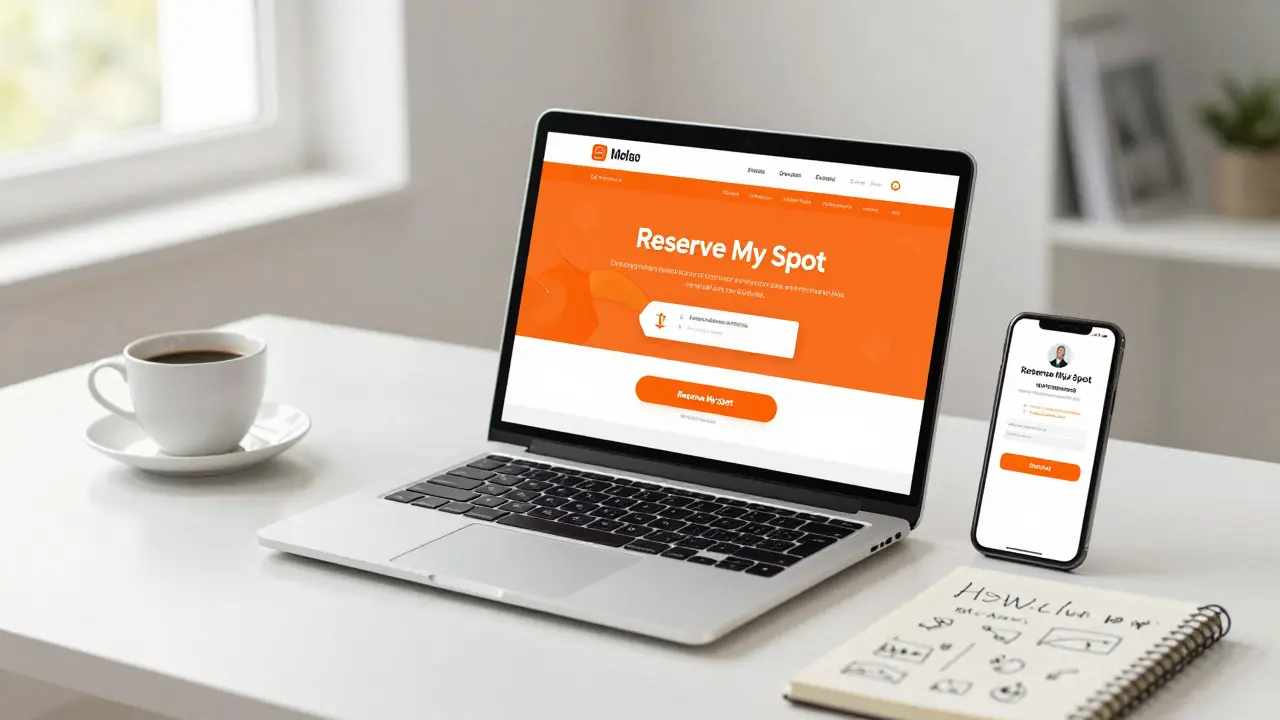
Include social proof immediately. If you have past student testimonials or logos of companies you’ve worked with, put them above the fold. Use a clear call-to-action (CTA) button that contrasts with the background color. Text like "Reserve My Spot" works better than "Submit" because it implies exclusivity and commitment.
Structuring the Webinar Content for Sales
This is where most educators make a critical mistake. They turn the webinar into a mini-version of their paid course. Do not do this. If you give away all the secrets, why would anyone pay?
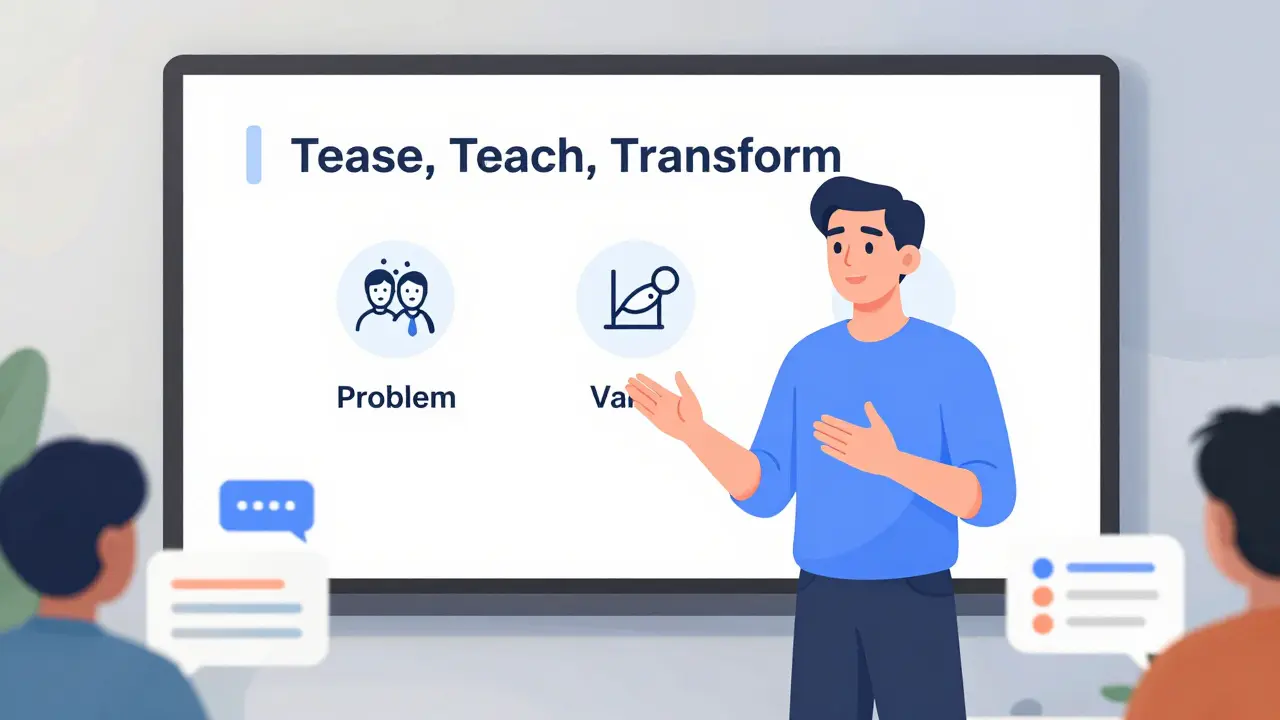
Instead, use the "Tease, Teach, Transform" model.
1. Tease (The Problem Agitation)
Start by validating their struggle. Show them you understand exactly why they are stuck. For example, if you sell a copywriting course, talk about the frustration of staring at a blank screen. Make them nod their heads. This builds rapport.
2. Teach (The Value Bomb)
Give them one or two high-value strategies they can implement immediately. These should be quick wins. If they try your advice and it works, they trust you. This is the "proof of concept." However, keep the implementation simple. Save the complex frameworks for the paid course.
3. Transform (The Bridge to the Offer)
Now, pivot. Explain that while these tips help, they are just the tip of the iceberg. To truly master the skill, they need a structured system. This is where you introduce your course not as a product, but as the vehicle for their transformation.
Keep the presentation engaging. Ask rhetorical questions. Use polls if your platform allows it. Change slides every 60-90 seconds to maintain visual interest. Boredom kills conversions.
Making the Offer That Converts
The transition from teaching to selling must feel natural, not jarring. Use a bridge statement. Something like: "I showed you how to fix X today. But in my course, I walk you through Y, Z, and A, which is what actually scales your results."
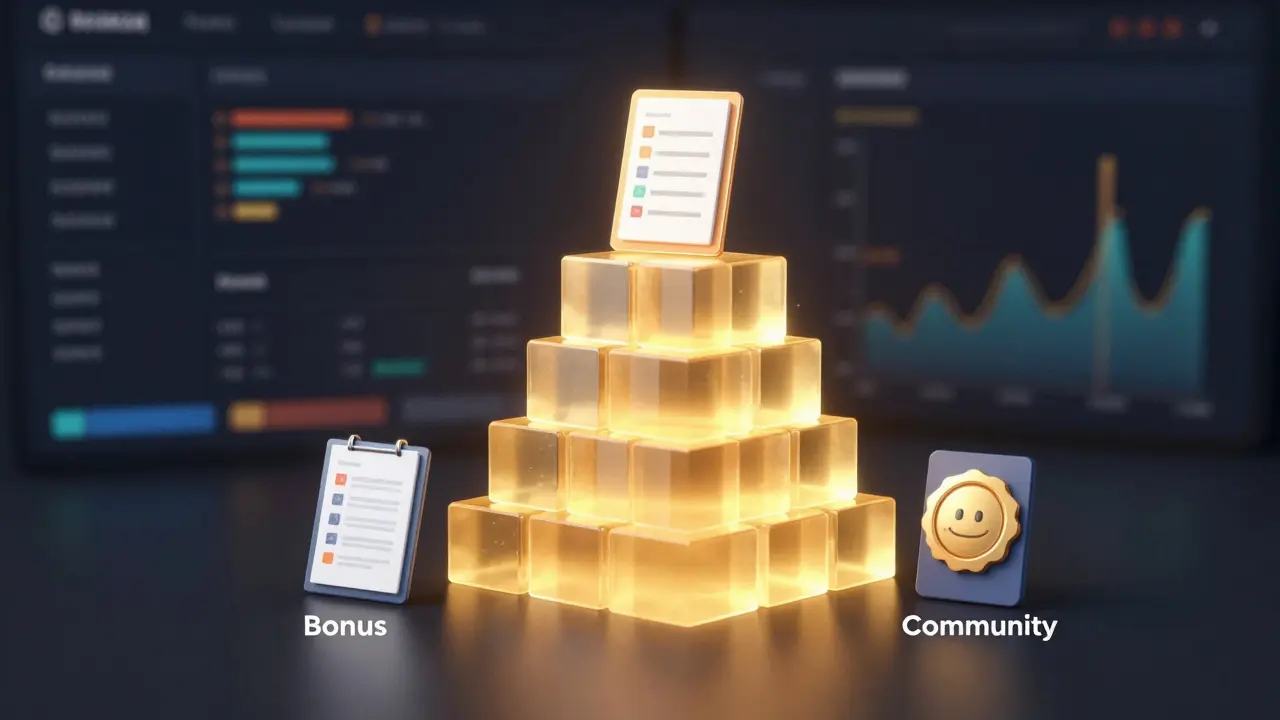
Structure your offer using the "Stack" method:
- The Core Product: Your main course modules.
- Bonus #1: A template or checklist that saves time.
- Bonus #2: A community access or Q&A session.
- Bonus #3: A bonus mini-course on a related topic.
Assign a monetary value to each item. Then, show the total value versus the actual price. This creates a perception of immense value. For instance: "Total value $2,000. Today, you can get it for $297."
Add scarcity and urgency, but only if it’s real. "This price is only available for the next 48 hours" or "Only 10 spots left for cohort-based feedback." Fake scarcity destroys trust long-term.
Technical Setup: Tools and Automation
You don’t need expensive software to start, but you do need reliability. Here is a recommended stack for 2026:
| Component | Tool Examples | Why It Works |
|---|---|---|
| Webinar Platform | Zoom Webinars, Demio, EverWebinar | Reliable streaming, auto-hosting capabilities, and engagement tools. |
| Email Marketing | ConvertKit, ActiveCampaign, MailerLite | Robust automation workflows for reminders and follow-ups. |
| Landing Pages | ClickFunnels, System.io, Leadpages | High-converting templates optimized for speed and mobile. |
| Payment Processor | Stripe, PayPal, ThriveCart | Secure checkout with one-click upsell options. |
Automation is key. Set up automated emails:
- Immediate: Confirmation with calendar invite.
- 24 Hours Before: Reminder with a teaser question.
- 1 Hour Before: "We’re starting soon" link.
- Post-Webinar: Replay link + offer extension for those who didn’t buy.
If you are running a live webinar, record it. Most attendees will watch the replay. In fact, replays often convert better than live sessions because viewers can pause and digest information without distraction.
Driving Traffic to Your Funnel
A perfect funnel means nothing if no one sees it. You need a consistent stream of visitors. Organic methods take time; paid methods take money. A mix of both is ideal.
Organic Strategies
Repurpose your webinar content. Turn key points into LinkedIn posts, Twitter threads, or Instagram reels. Direct followers to the registration page. Write blog posts that answer common questions in your niche, then embed a CTA for the webinar. SEO-driven content brings in high-intent users who are already searching for solutions.
Paid Advertising
Facebook and Instagram ads remain powerful for course launches. Target lookalike audiences based on your existing customer list. Use video ads that preview the pain point and promise the solution found in the webinar. Keep ad spend low initially. Test different hooks. Scale only what converts.
Retargeting is crucial. Install pixels on your landing page. Show ads to people who visited but didn’t register. Remind them of the value they missed. Often, a single retargeting ad can recover 20% of lost leads.
Analyzing and Optimizing Performance
Once your funnel is live, the work isn’t done. You must track metrics to identify leaks. Key performance indicators (KPIs) include:
- Registration Rate: Percentage of landing page visitors who sign up. Aim for 30-50%. If lower, improve your headline or offer.
- Show-Up Rate: Percentage of registrants who attend. Aim for 20-40%. Improve with better email reminders.
- Sale Conversion Rate: Percentage of attendees who buy. Aim for 5-10%. If lower, refine your offer or presentation.
- Cost Per Acquisition (CPA): How much you spend on ads to get one sale. Ensure this is less than your profit margin.
Run A/B tests. Change one element at a time. Test two different headlines. Test two different CTA button colors. Small tweaks can lead to significant revenue increases over time.
Common Pitfalls to Avoid
Even experienced marketers stumble here. Watch out for:
- Talking too much about yourself: Focus on the student’s journey, not your biography.
- Ignoring objections: Address price concerns, time constraints, and skepticism head-on in the FAQ section of your offer.
- Poor audio quality: Viewers forgive bad video, but they click off bad audio. Invest in a decent microphone.
- Weak follow-up: Don’t let non-buyers fade away. Nurture them with valuable content until they are ready.
Building a webinar funnel takes effort, but it pays dividends. It creates a predictable system for enrolling students. Instead of chasing sales, you attract them. Start small. Test. Learn. Optimize. Your future students are waiting.
How long should a webinar for course enrollment be?
Aim for 45 to 60 minutes. Spend 30-40 minutes teaching valuable content and 10-20 minutes presenting your offer. Longer webinars risk losing attention; shorter ones may not build enough trust.
Can I use an automated webinar instead of live?
Yes. Automated webinars (evergreen funnels) run 24/7. They are excellent for scaling. However, live webinars often build more personal connection and can yield higher conversion rates initially. Many creators start live, then automate once the script is perfected.
What is the best time to host a webinar?
Mid-week mornings (Tuesday-Thursday) typically perform well for B2B or professional courses. Evening slots work better for hobbyist or lifestyle topics. Always consider your audience's time zone. Survey past customers if possible.
How do I handle refunds for course enrollments?
Offer a clear refund policy, such as a 14-day money-back guarantee. This reduces purchase anxiety. Clearly state the terms on your checkout page. Be prepared to process refunds promptly to maintain trust and avoid chargebacks.
Do I need a large email list to run a webinar funnel?
No. You can drive traffic via social media, ads, or partnerships. While an email list helps, targeted ads can generate enough registrations for a successful launch. Focus on quality of leads, not just quantity.