

When you build an online course, WCAG, the Web Content Accessibility Guidelines, a set of international standards for making digital content usable by people with disabilities. Also known as Web Content Accessibility Guidelines, it isn’t just a checklist—it’s the foundation of fair access to learning. If your course doesn’t follow WCAG, you’re excluding people who rely on screen readers, keyboard navigation, captions, or high-contrast text. That’s not just unfair—it’s legally risky and morally unnecessary.
WCAG isn’t about adding fancy features. It’s about basics: alt text for images, clear headings, readable fonts, captions for videos, and forms that work without a mouse. These aren’t extras. They’re how people with vision loss, motor impairments, hearing loss, or cognitive differences actually use the web. And when you design for them, you design better for everyone. A video with captions helps not just the deaf student, but also the one studying in a noisy dorm. A keyboard-navigable menu helps the person with a broken arm—and the teacher grading on a tablet during lunch. Accessible learning, the practice of designing educational content that works for all learners regardless of ability. That’s what WCAG enables.
Look at the posts here. You’ll find guides on designing online courses for learners with disabilities, using feedback tools that support accessibility, and building discussion forums that don’t lock people out. You’ll see how syllabus design can reduce anxiety by being clear and predictable, how microlearning fits into mobile-friendly formats, and why SCORM standards matter when your content needs to work across platforms. These aren’t random topics. They’re all connected to WCAG. Every time someone asks how to make a course more engaging, the real answer often starts with: Is it accessible?
WCAG isn’t a burden. It’s a shortcut. Following it means fewer complaints, fewer lawsuits, and more students who actually finish your course. It means your course works on a phone, a tablet, a screen reader, or a voice assistant. It means your content lasts longer because it’s built to adapt, not just to look pretty. And it means you’re not guessing what your students need—you’re listening to how they actually use the web.
Below, you’ll find real, practical advice from people who’ve built courses that work for everyone—not just the ones who fit the mold. No theory. No fluff. Just what works.
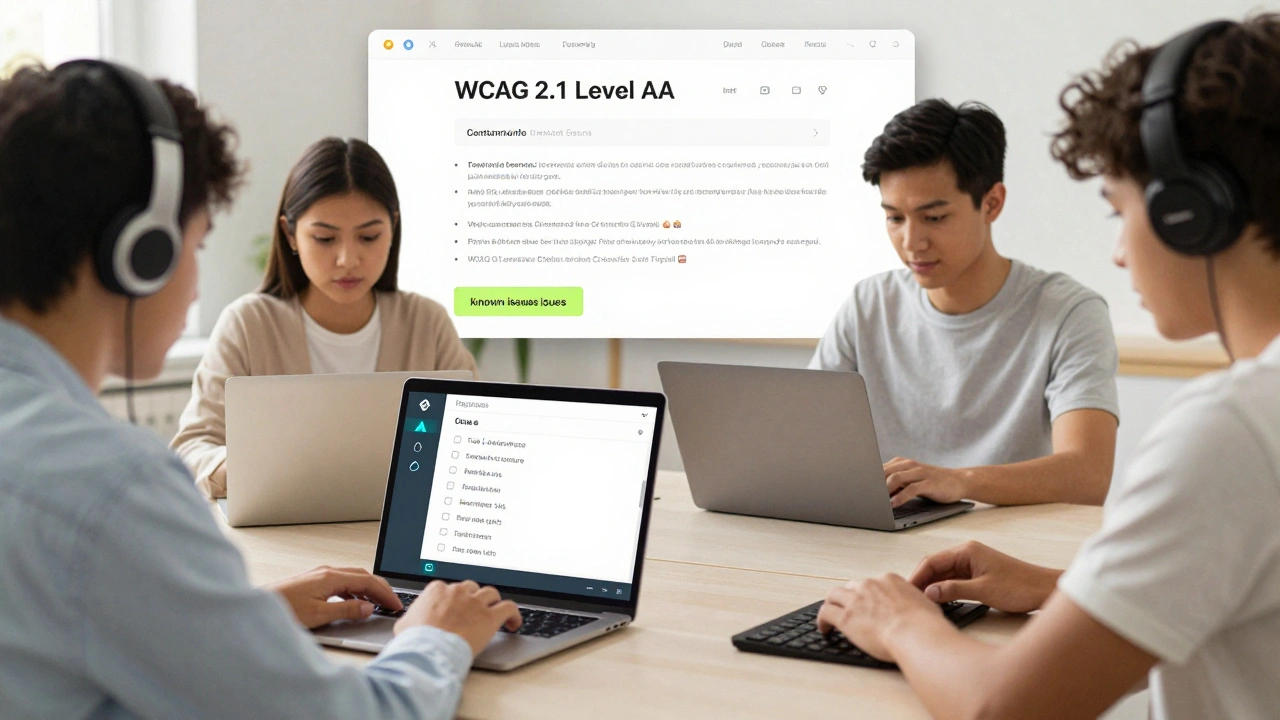
An accessibility statement for courses and LMS platforms isn't optional-it's a legal and ethical requirement. Learn what to include, how to audit your content, and why transparency matters more than perfection.