

When we talk about course accessibility, the practice of designing educational content so it can be used by people with a wide range of abilities and needs. Also known as inclusive design, it's not about adding special features for a few—it's about building learning experiences that work naturally for everyone, from the start. If a student can't hear a video, read a PDF, or navigate a menu, the course isn’t working—not because they’re struggling, but because the design failed them.
Learners with disabilities, including those with visual, auditory, motor, or cognitive differences aren’t an edge case—they’re part of every classroom, online or in person. A student with low vision shouldn’t need to beg for an alternate version of a lecture. A learner with dyslexia shouldn’t be stuck with dense text and no font options. And a person using a screen reader shouldn’t hit a dead end because a button has no label. These aren’t edge cases—they’re design flaws. The good news? Fixing them often makes things better for everyone. Captions help not just deaf students, but anyone in a noisy room. Clear headings help everyone find their way faster. Simple language helps non-native speakers and people under stress. That’s the power of accessibility: it’s not charity, it’s better design.
Accessible learning, a system where content, tools, and interactions are built to be usable by all doesn’t require a huge budget or a team of experts. It starts with small, smart choices: using proper heading structures, giving alt text to images, choosing color contrasts that actually work, letting learners control playback speed, and offering multiple ways to engage with material. You don’t need to be a tech wizard to do this—you just need to ask: "Would this work if I couldn’t see it, hear it, or use a mouse?"
The posts below show how real educators and course designers are putting these ideas into practice. You’ll find guides on building courses that work for learners with disabilities, creating discussion forums that welcome all voices, and using tools that actually support accessibility—not just check a box. These aren’t theoretical ideas. They’re proven, practical changes that make learning fairer, clearer, and more human.
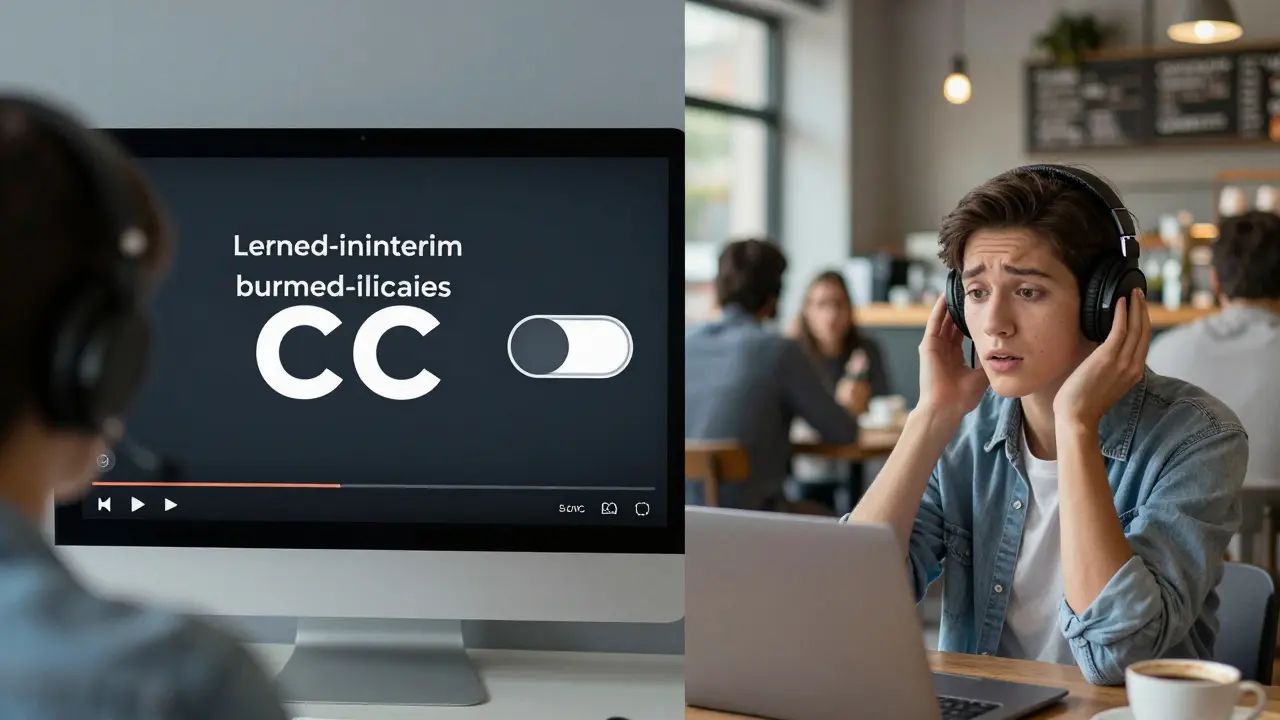
Learn the difference between closed and open captions for online courses and why closed captions are the better choice for accessibility, comprehension, and learner control in modern education.
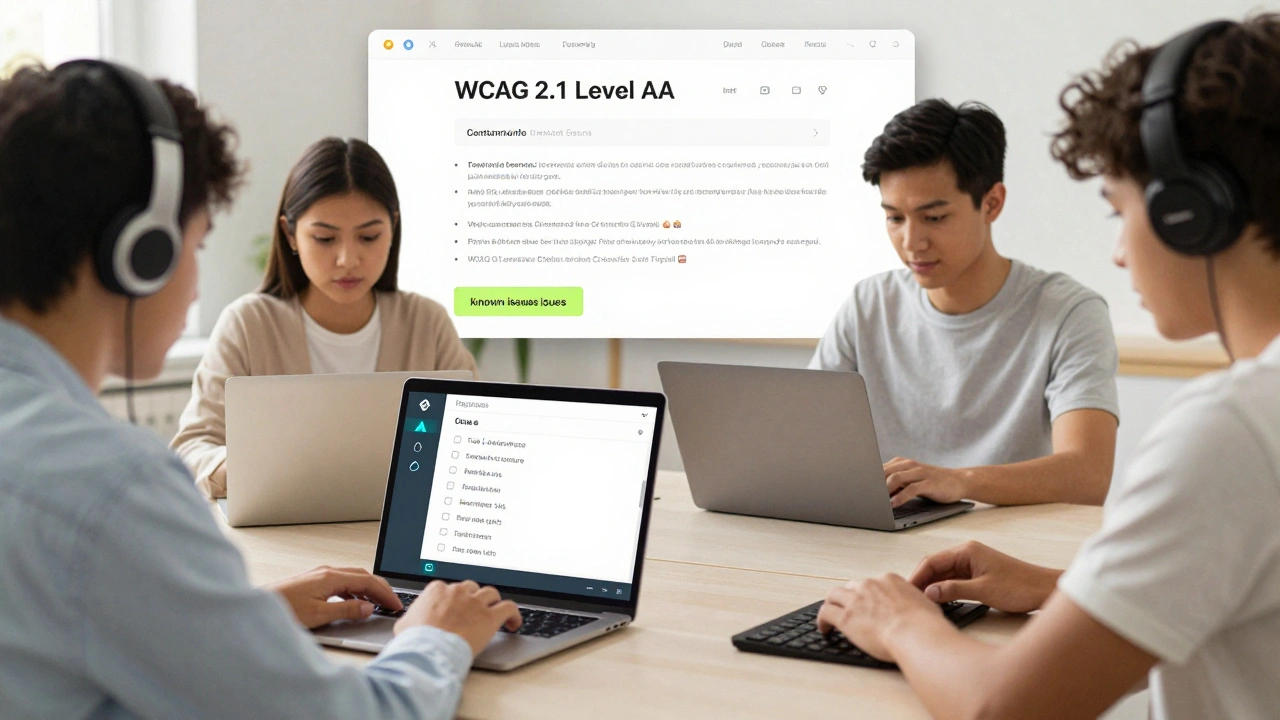
An accessibility statement for courses and LMS platforms isn't optional-it's a legal and ethical requirement. Learn what to include, how to audit your content, and why transparency matters more than perfection.